
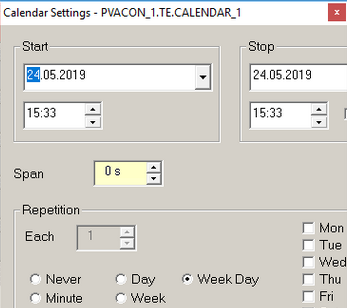
Sometimes it is possible to get a settings pane with the text out of the pane like shown below:
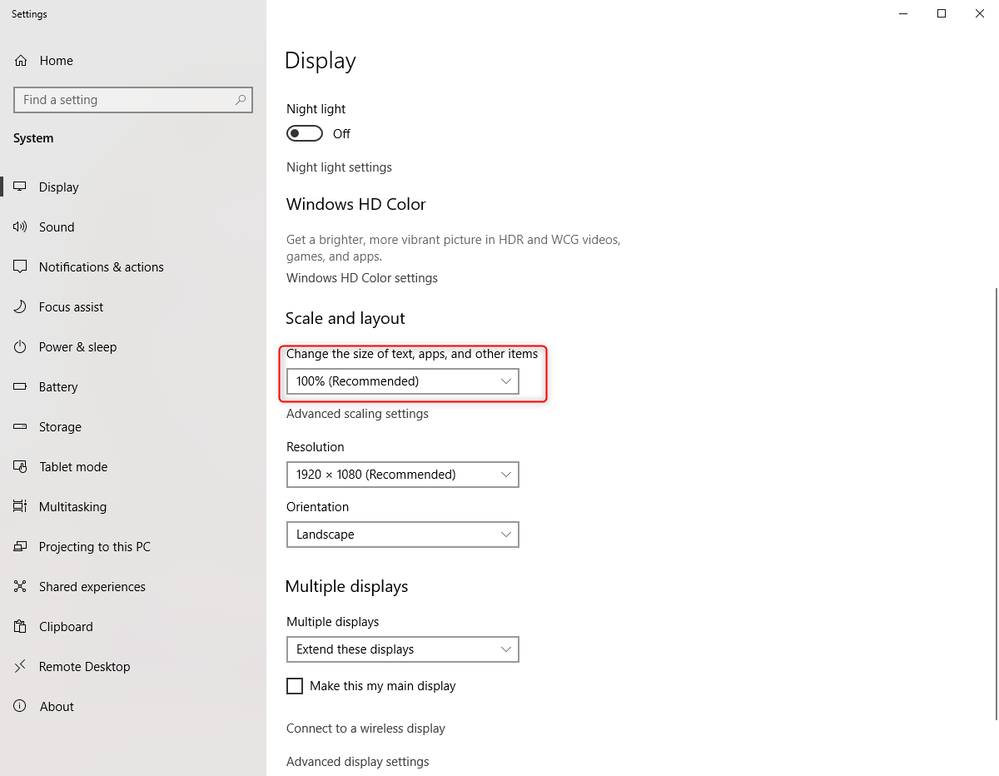
First check in your display settings if the scale is set to 100%, if not then change to 100%
If this will not solve the issue then do the following steps:
- Uninstall all versions of the software
- Download and reinstalled all the display drivers +
- restart PC
- Install IRIS-Net 4.0.0
- restart PC again