Possible causes and solution(s)
-
Issue
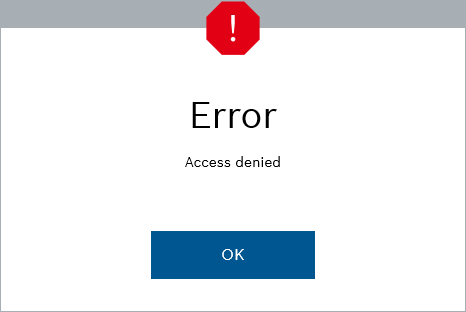
When logging to Access Management System (AMS), Visitor Management receive an error “Access Denied”.
-
Cause
One possible cause is the user missing a “User profile”, or the User Profile doesn’t have execute rights for Visitor Management.
-
Solution
One possible solution would be the following:
-
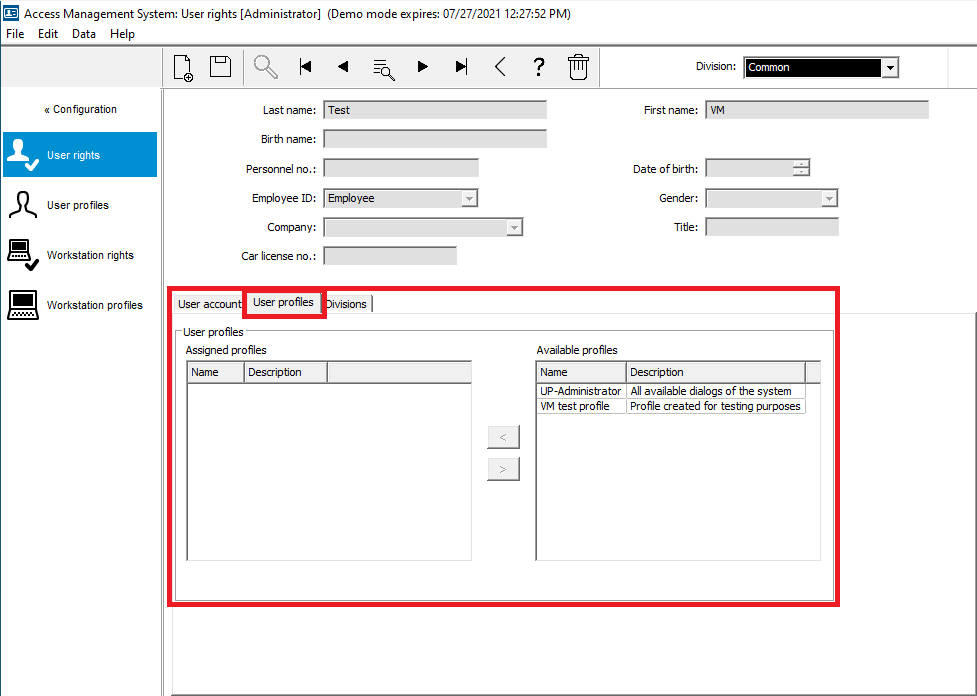
Verify the user has a User Profile assigned.
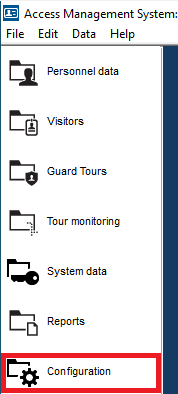
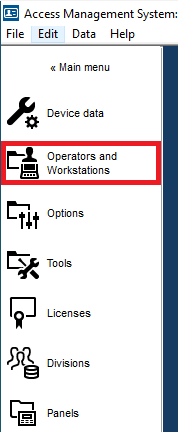
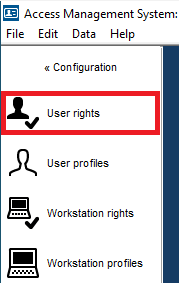
In AMS go to Configuration -> Operators and Workstations –> User rights
Go to User Profiles, make sure to assign a profile if there is none.
-
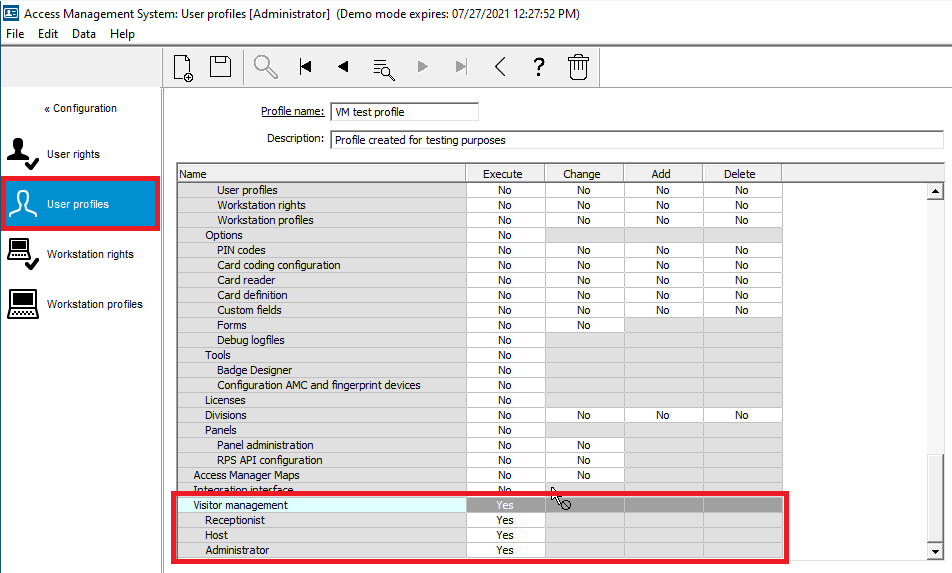
Verify the Profile has execute rights for Visitor Management.
Go to User Profiles, make sure the user profile assigned has provisioned the execution rights for Visitor Management. This rights may vary according to the user.
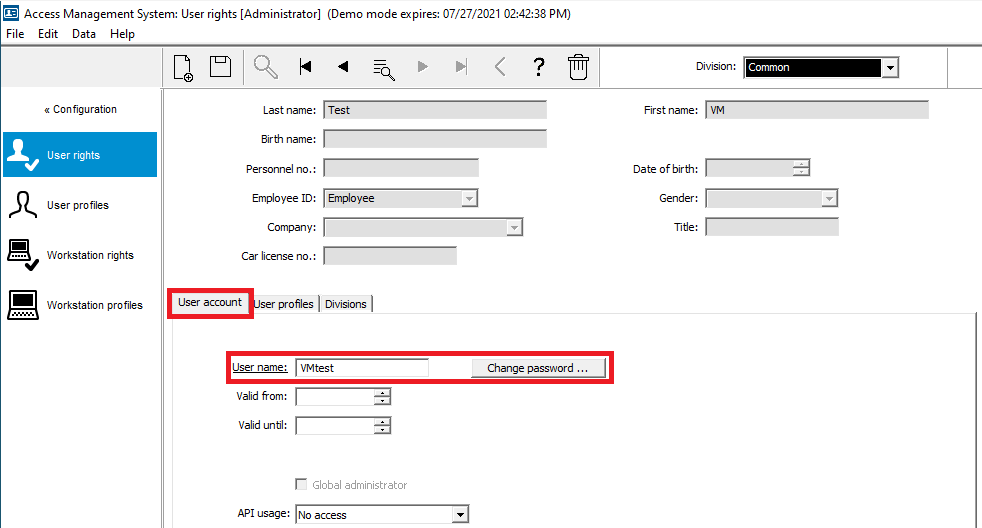
Note: The user and password to log in to Visitor Management are set under the “User account” tab.