
How to create a Man-trap in AMS 5.01 software (a walk-through of how to for this task).
Step-by-step guide
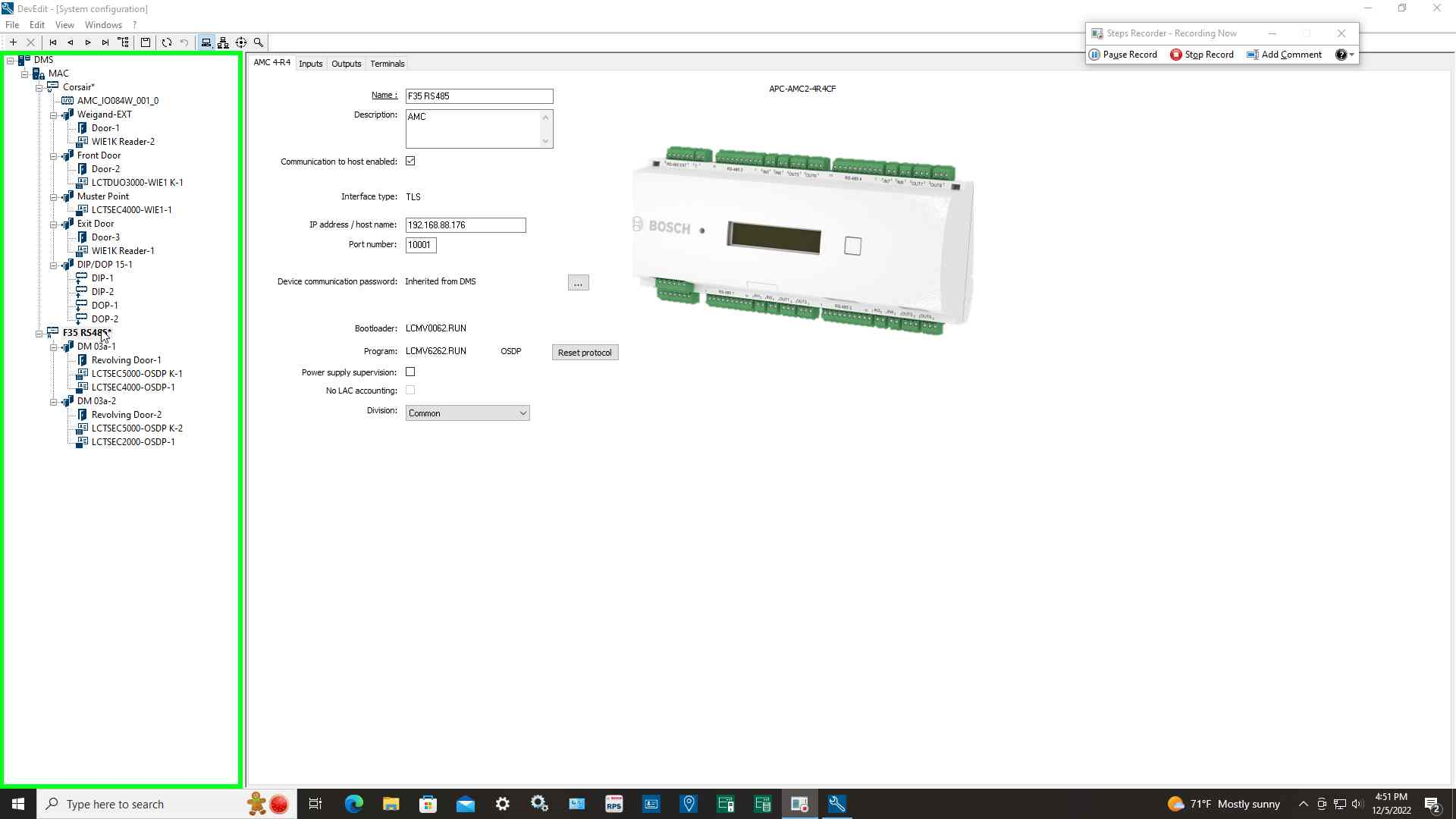
Step 1: Select Controller in "DevEdit- [System configuration]"
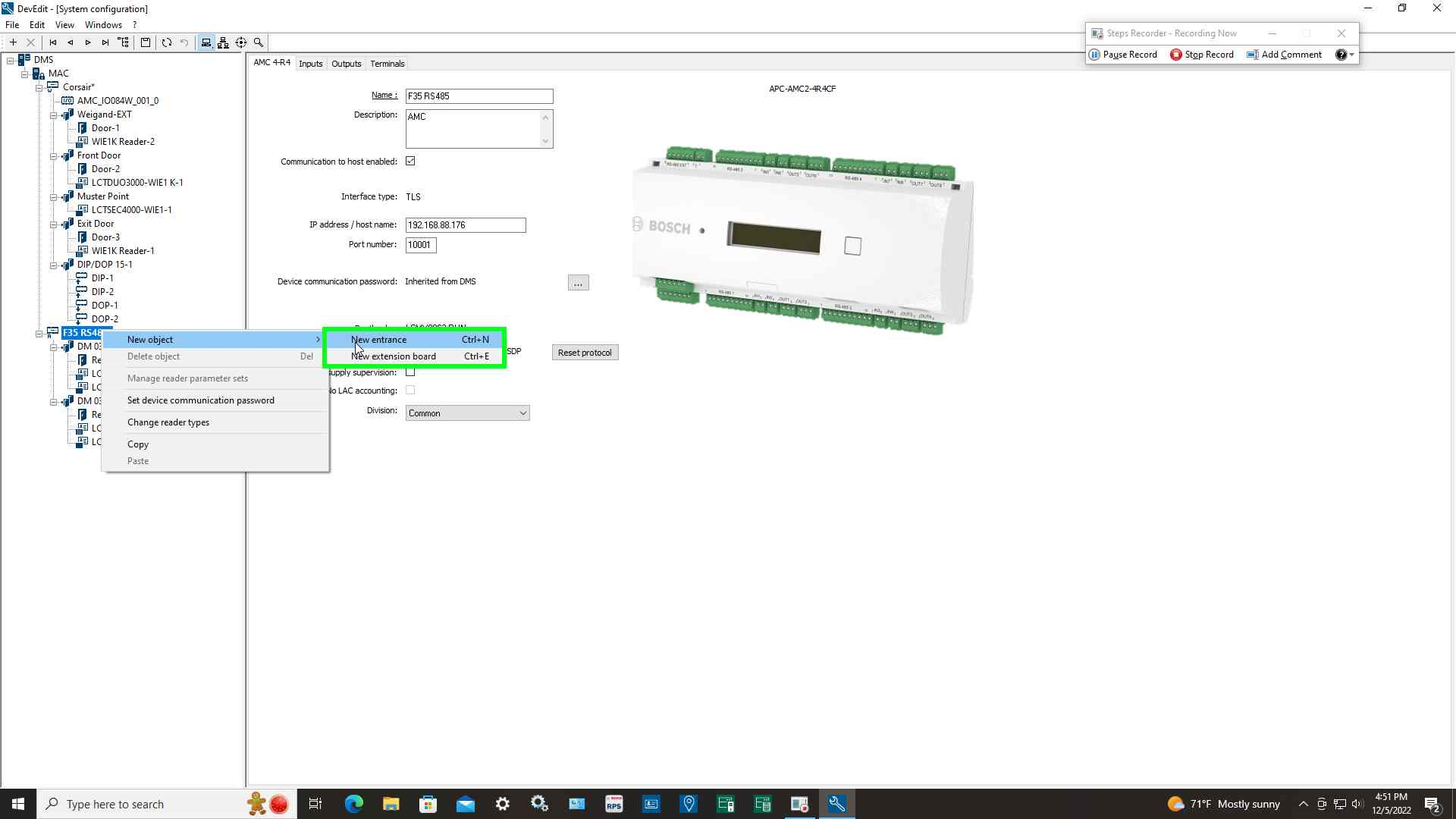
Step 2: Left-click on Controller and select "New entrance"
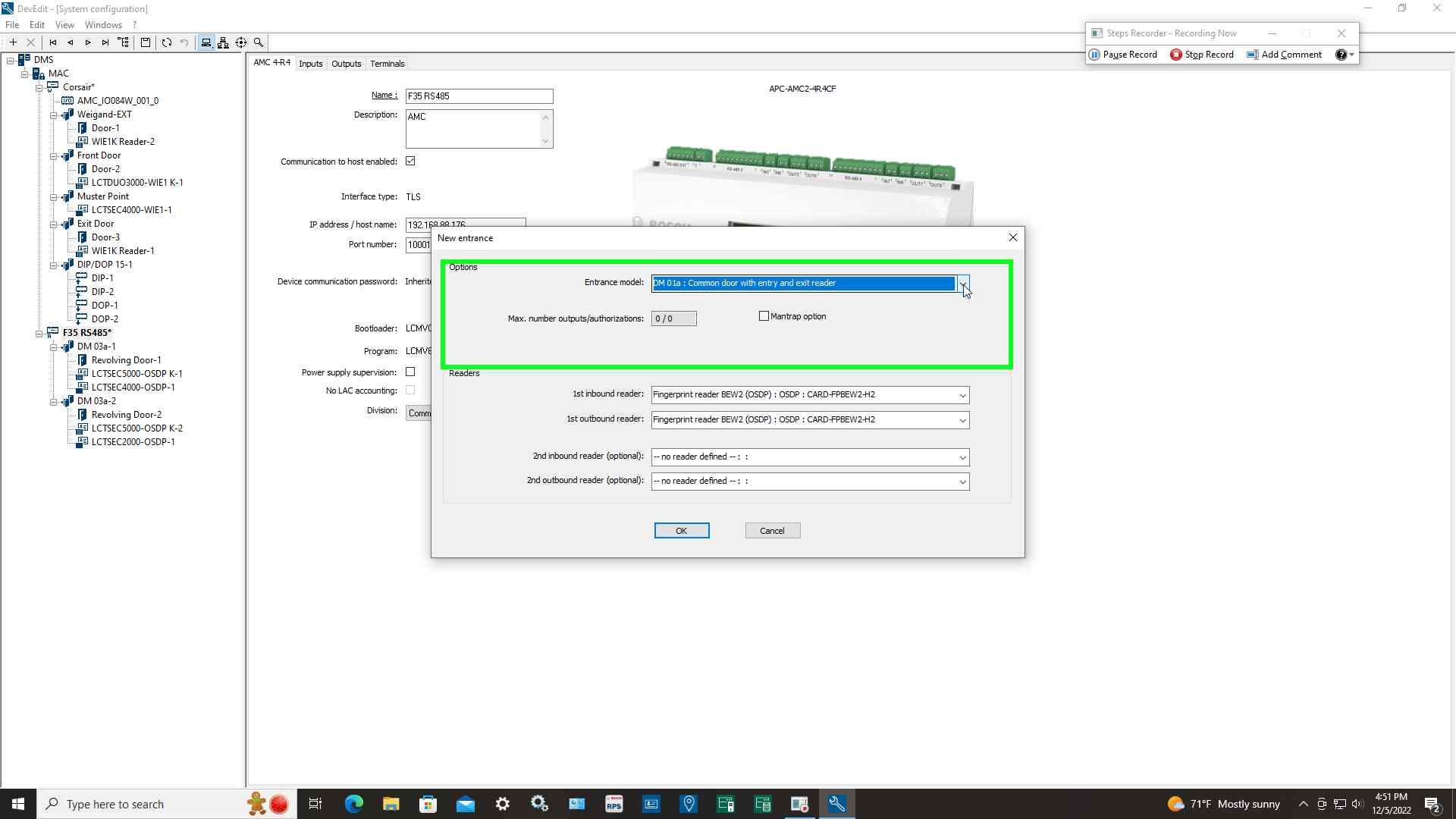
Step 3: Select drop-down in "New entrance"
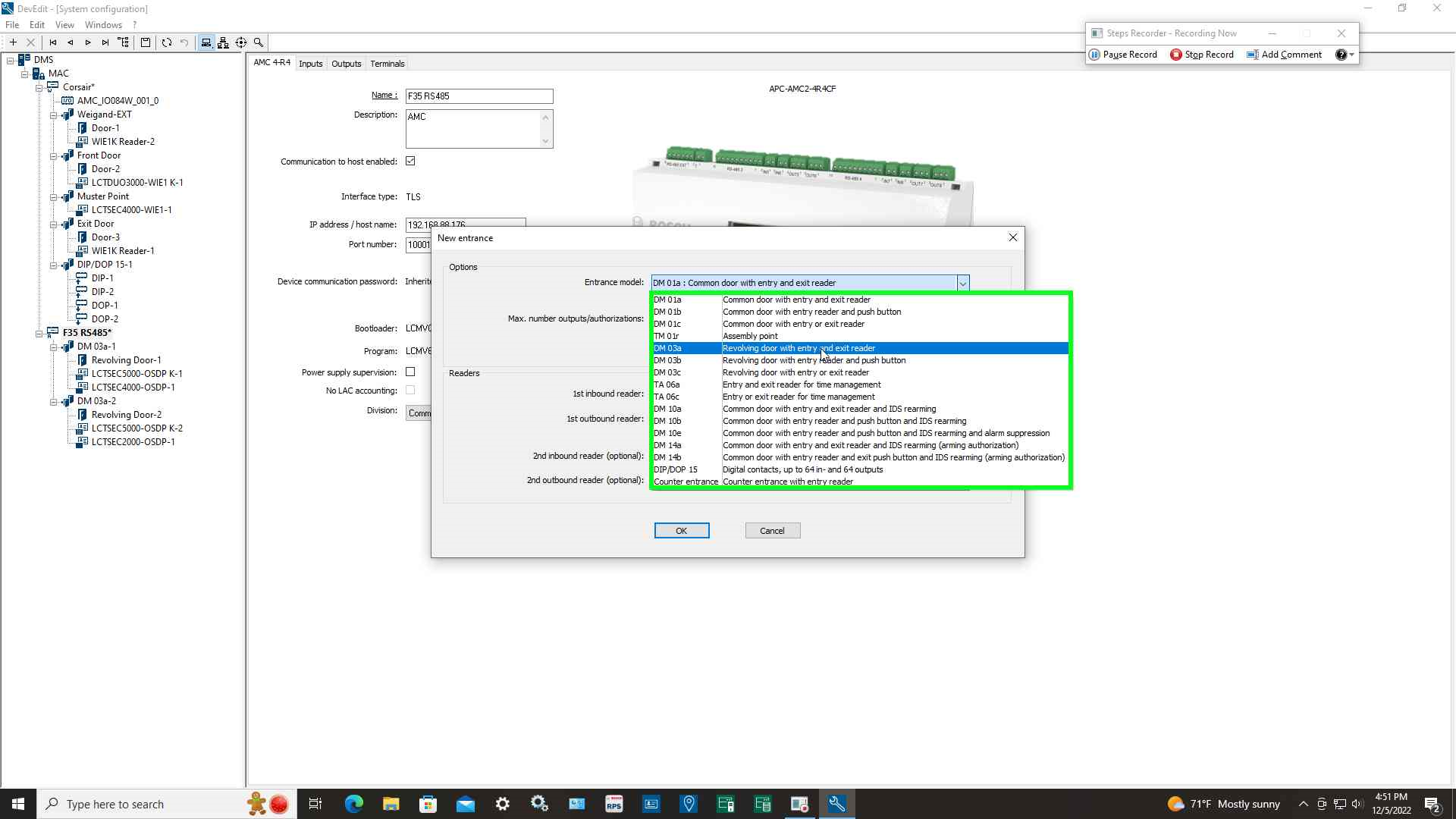
Step 4: Select entrance model "DM 03a Revolving door with entry and exit reader"
Step 5: Select the "Man-trap option (check box)"
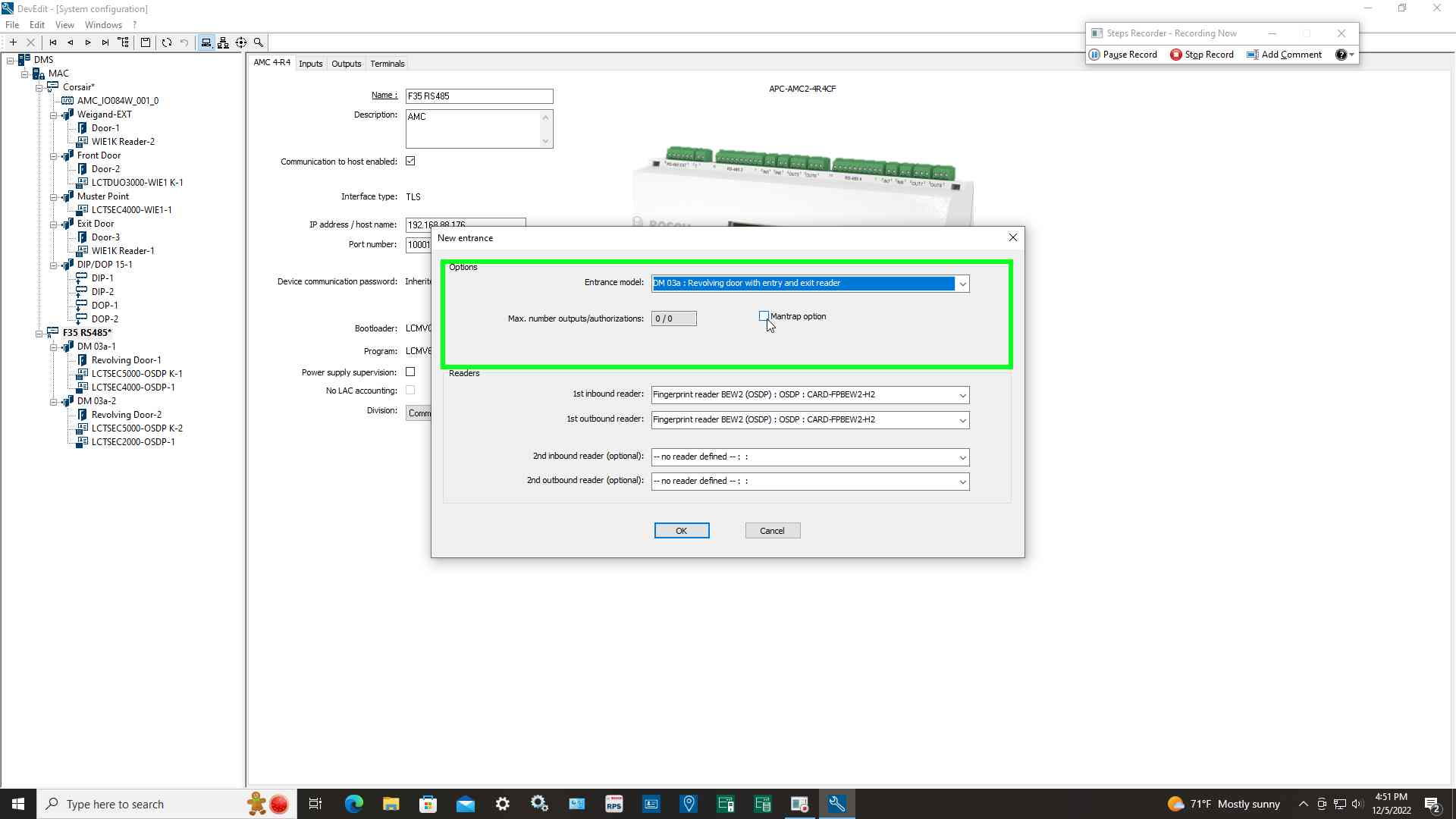
Step 6: Select reader types being used for inbound and outbound
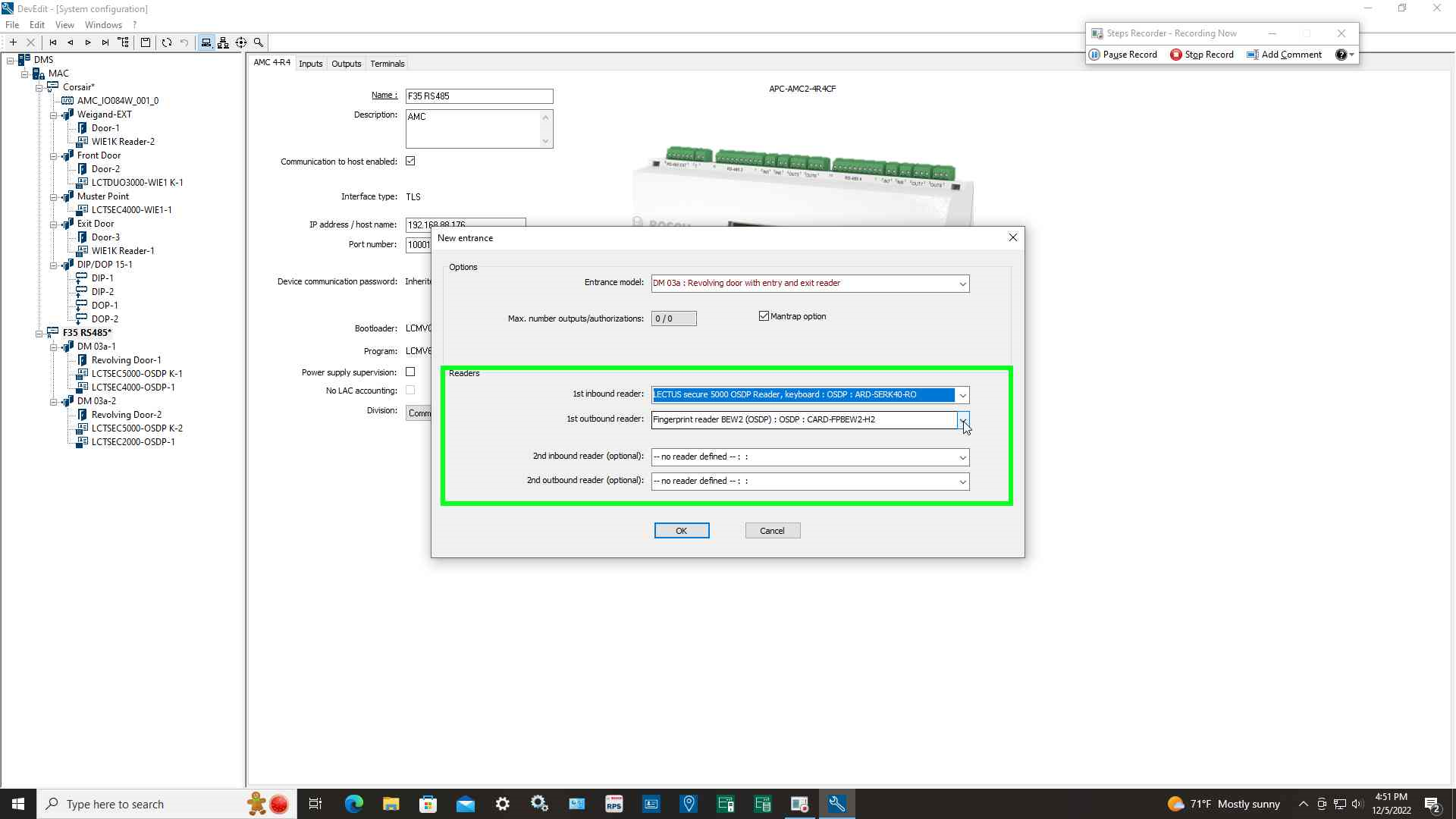
Step 7: Repeat steps 1-6 to create the second set of readers for the Man-trap
Step 8: Select the first entrance
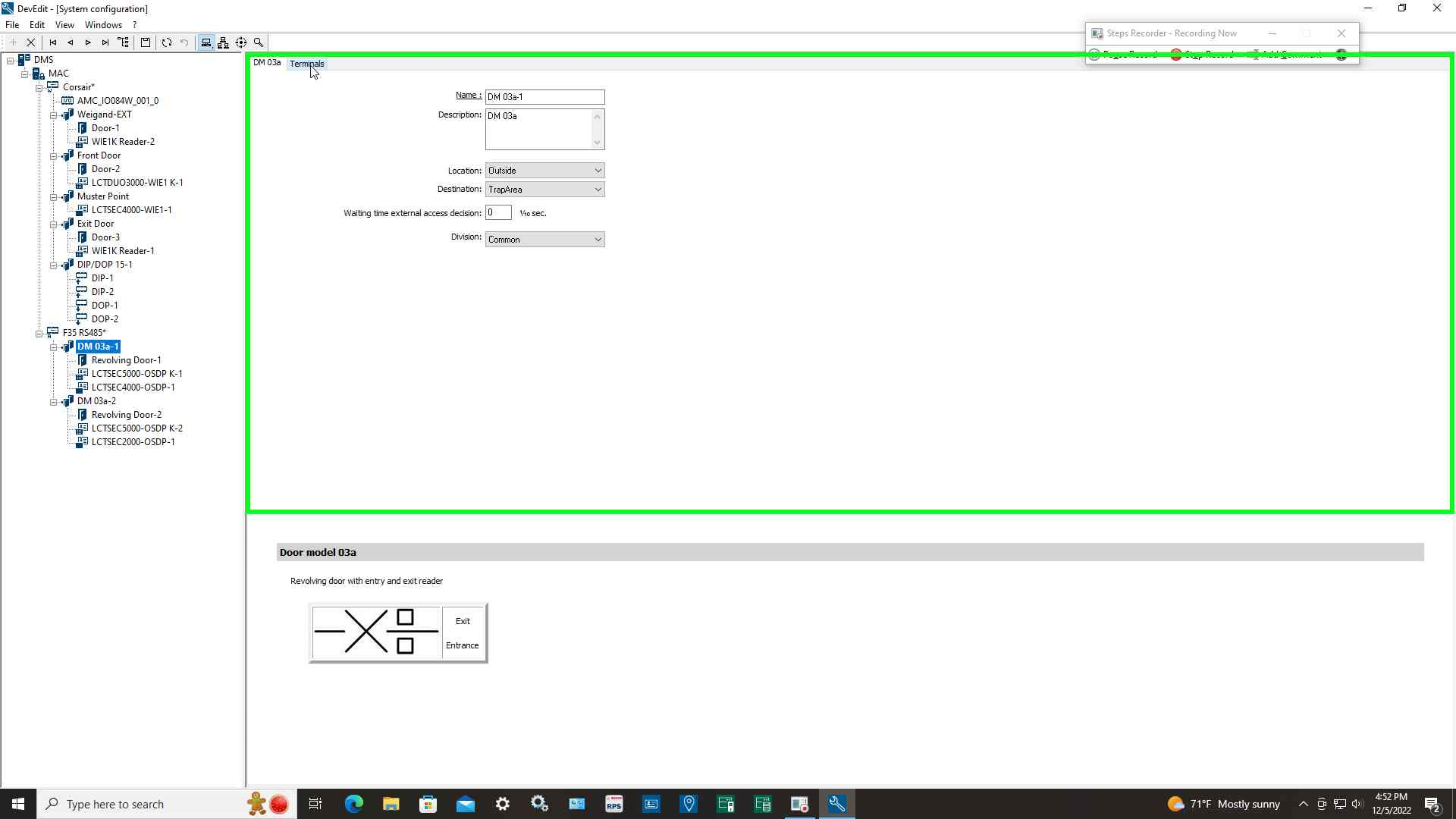
Step 9: Select Terminals tab item which will display the both entrances created for the man-trap
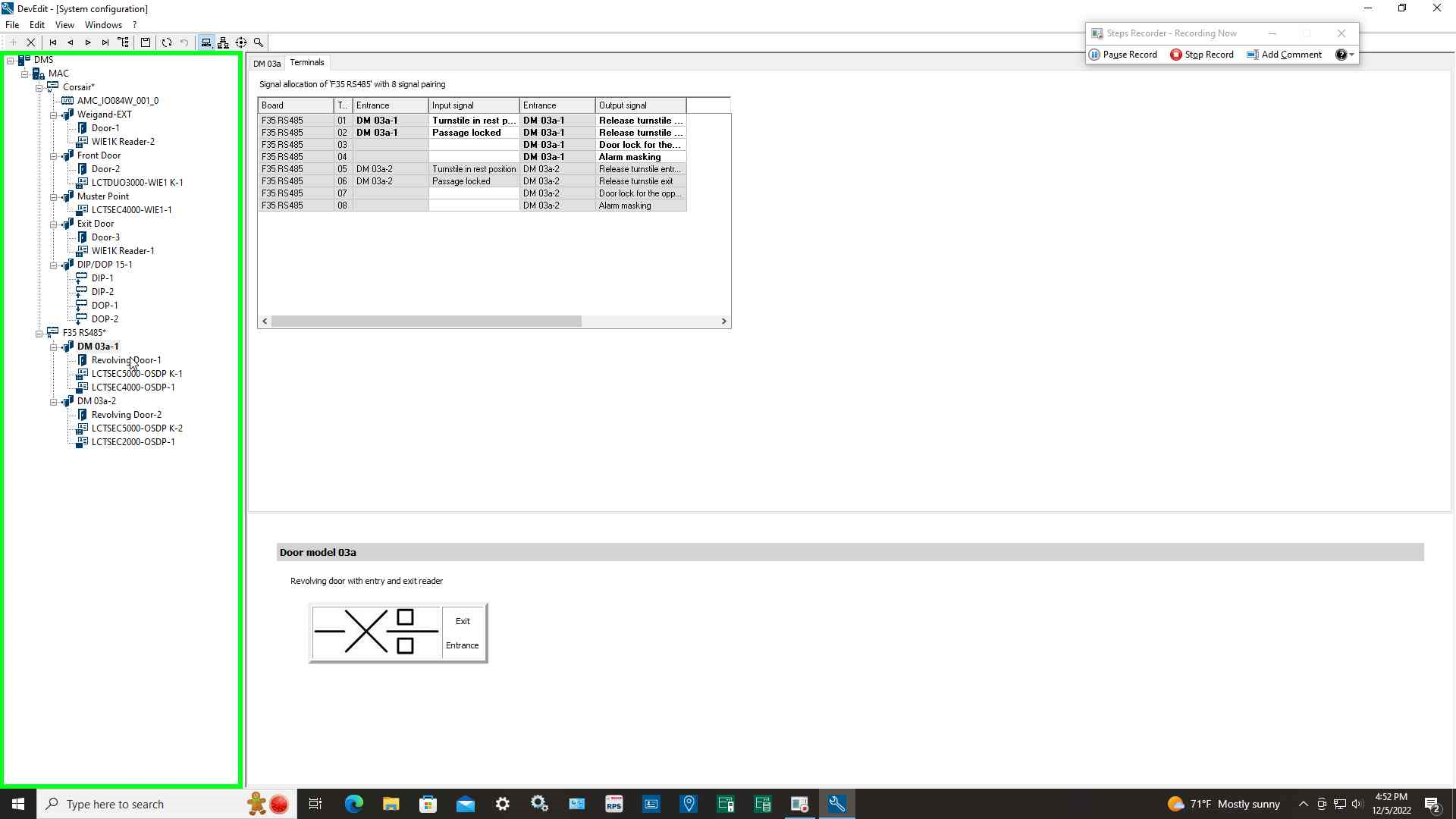
Step 10: Select a reader then select additional settings tab
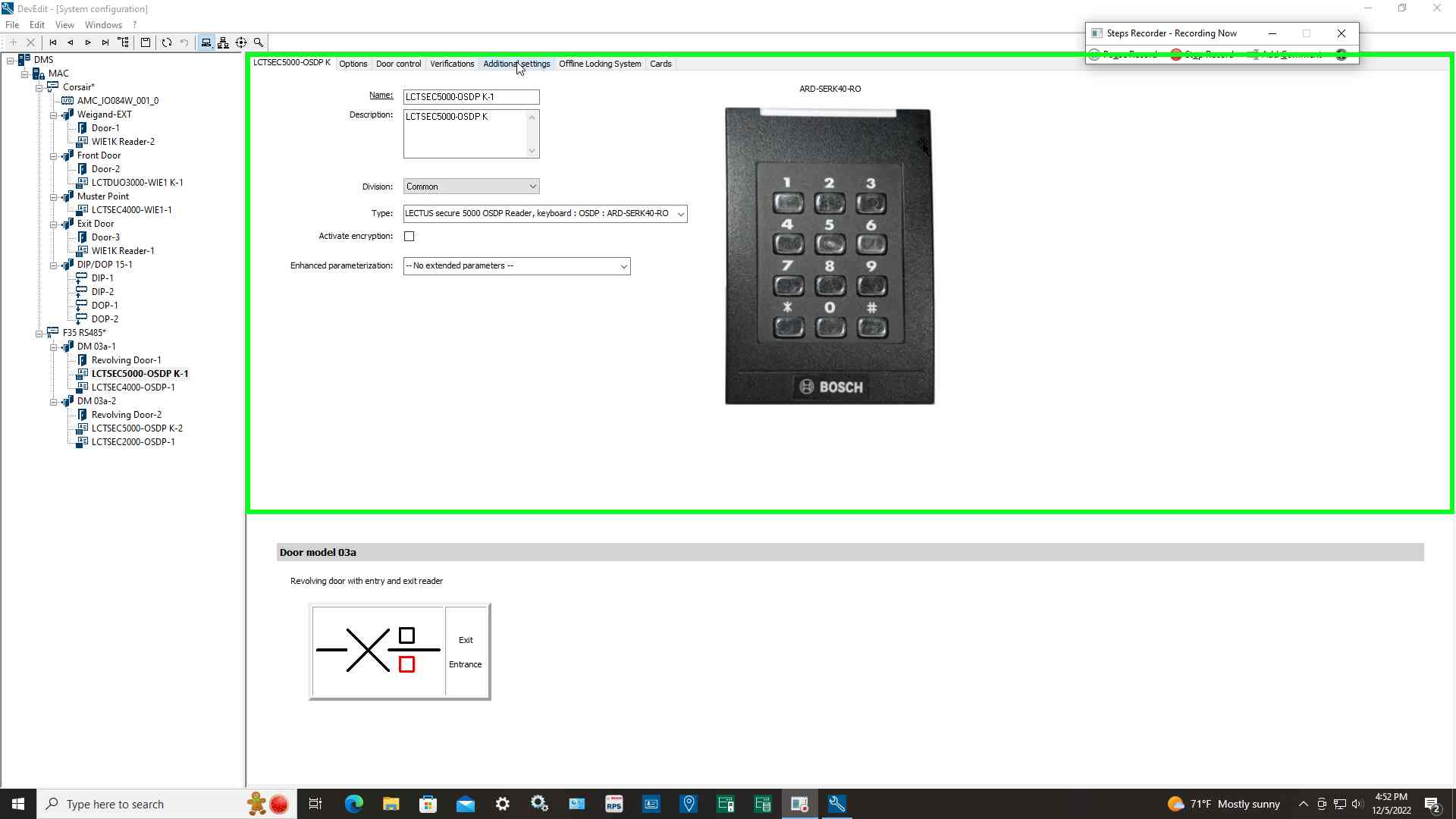
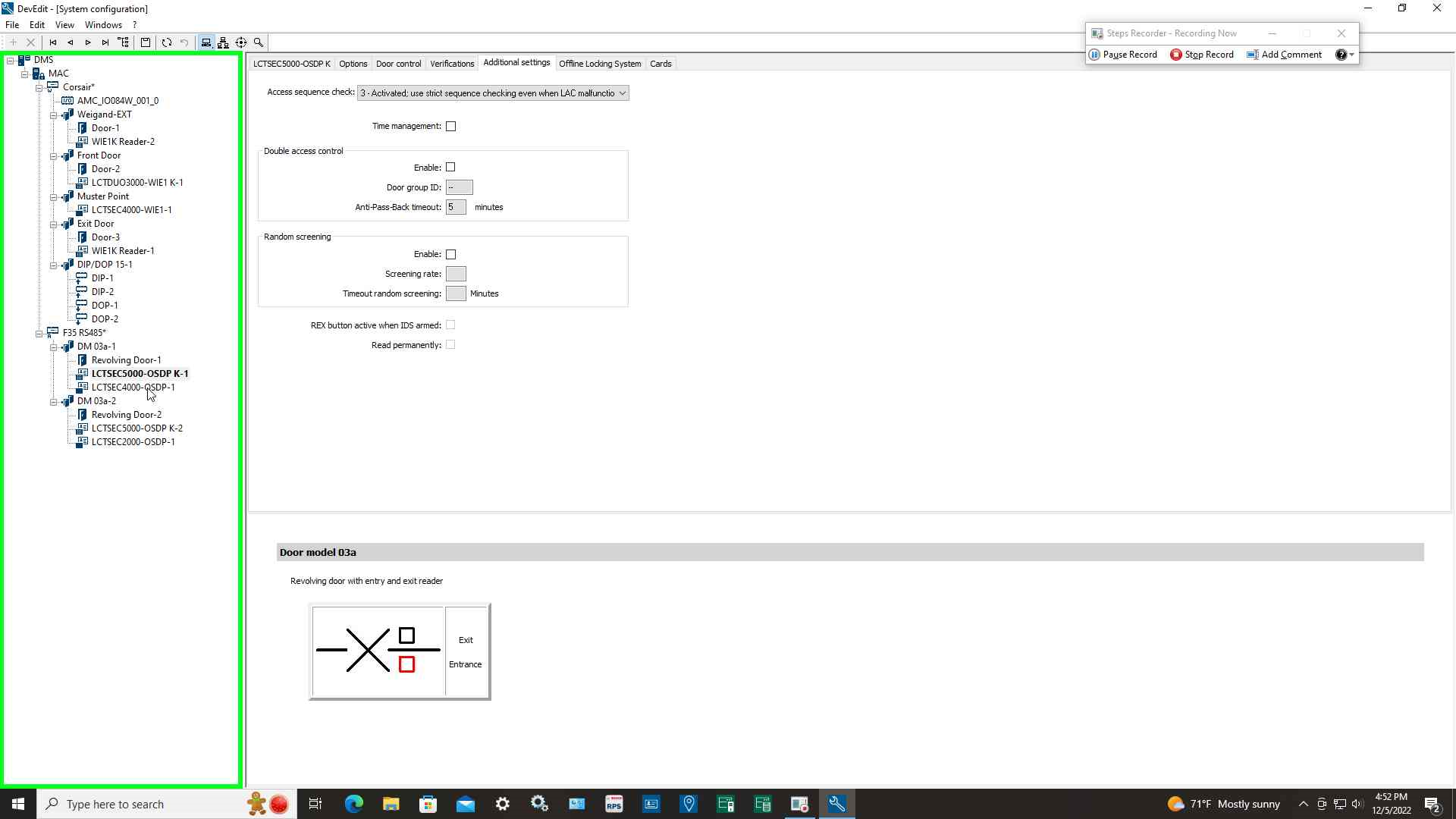
Step 11: Set Access sequence check to option: 3 and repeat for each reader in man-trap
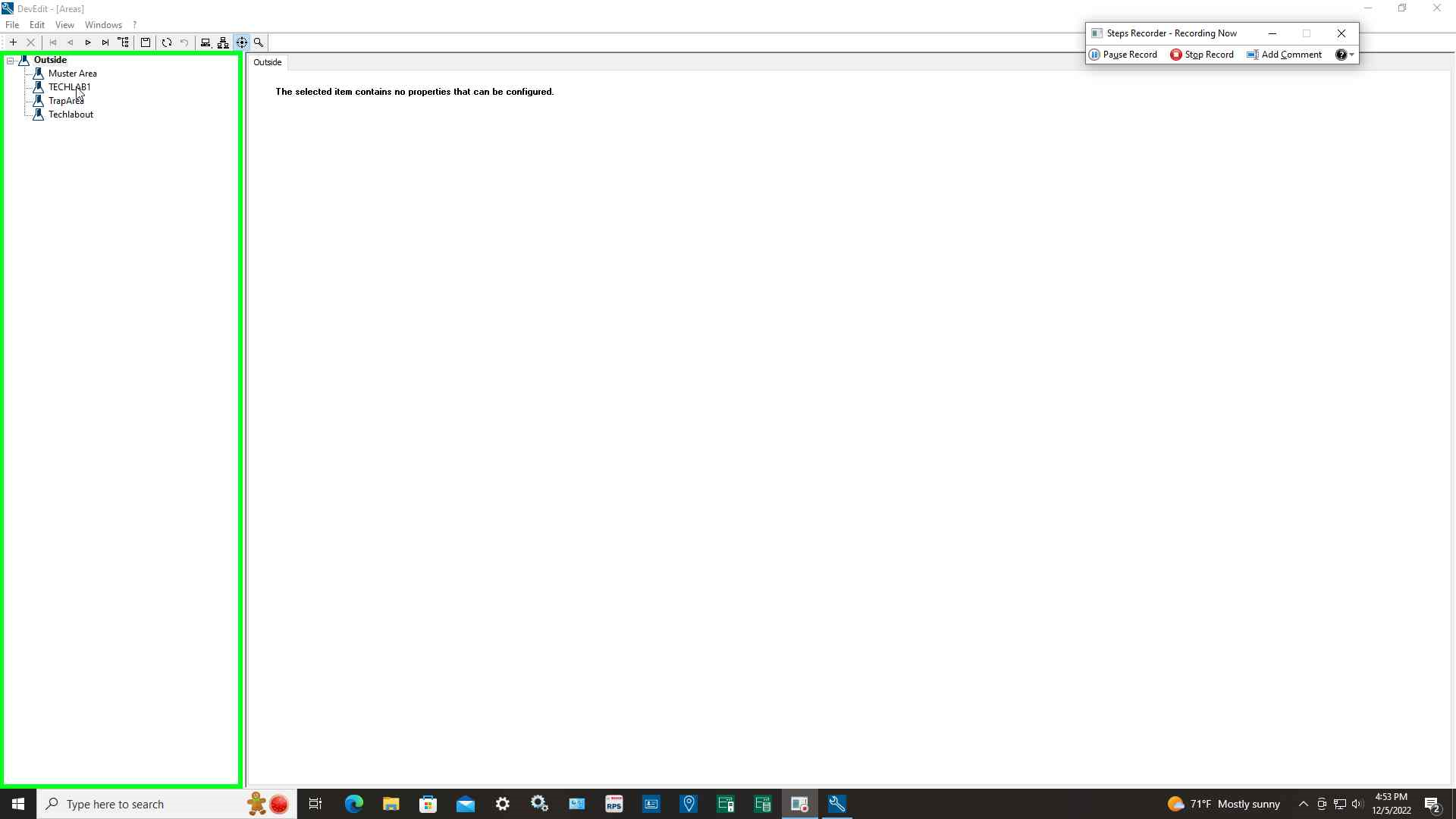
Step 12: Select the Areas icon and create 3 areas that lead into the next area
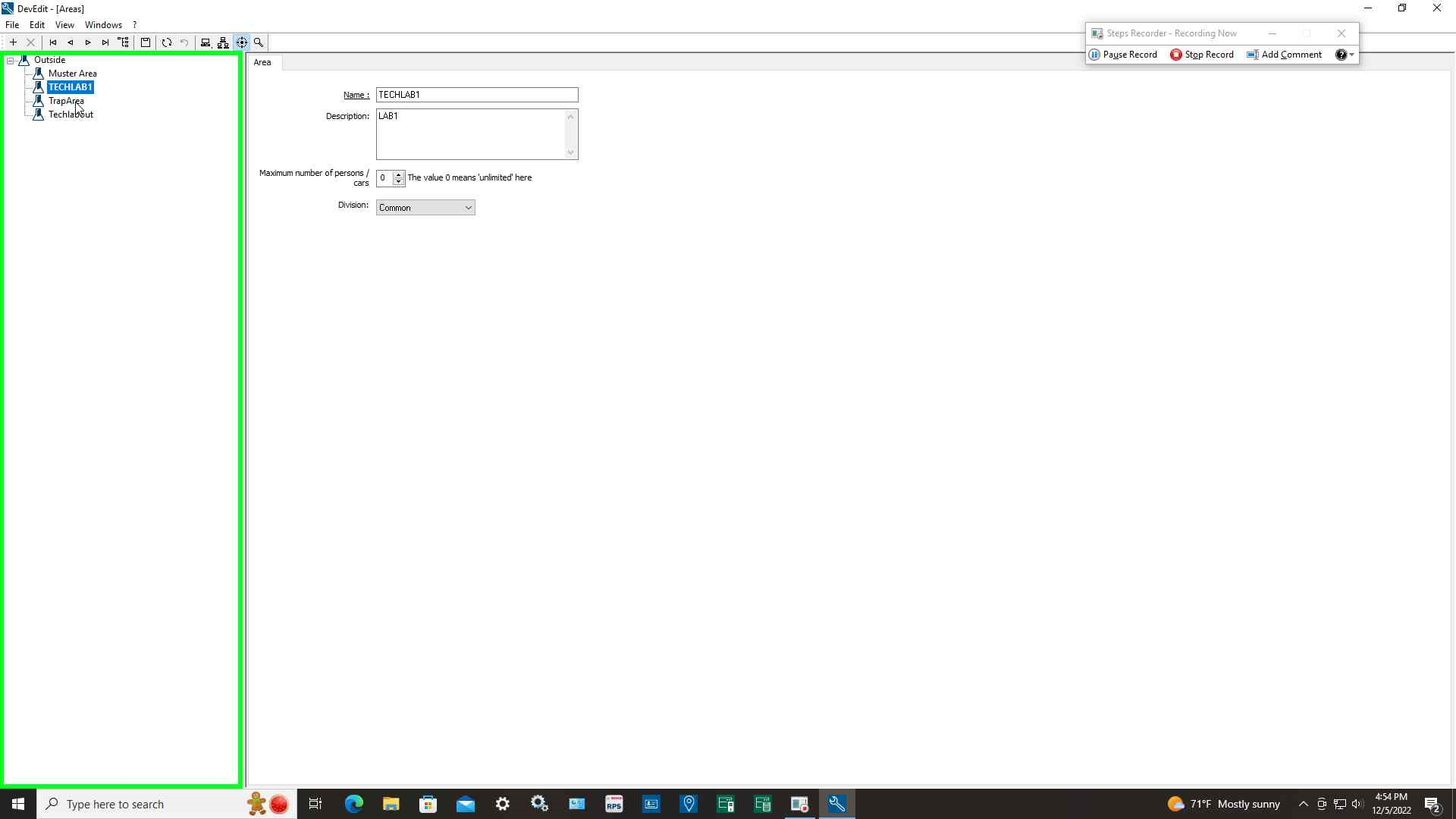
Step 13: User left click on "Man-trap-Area set number of persons to 1
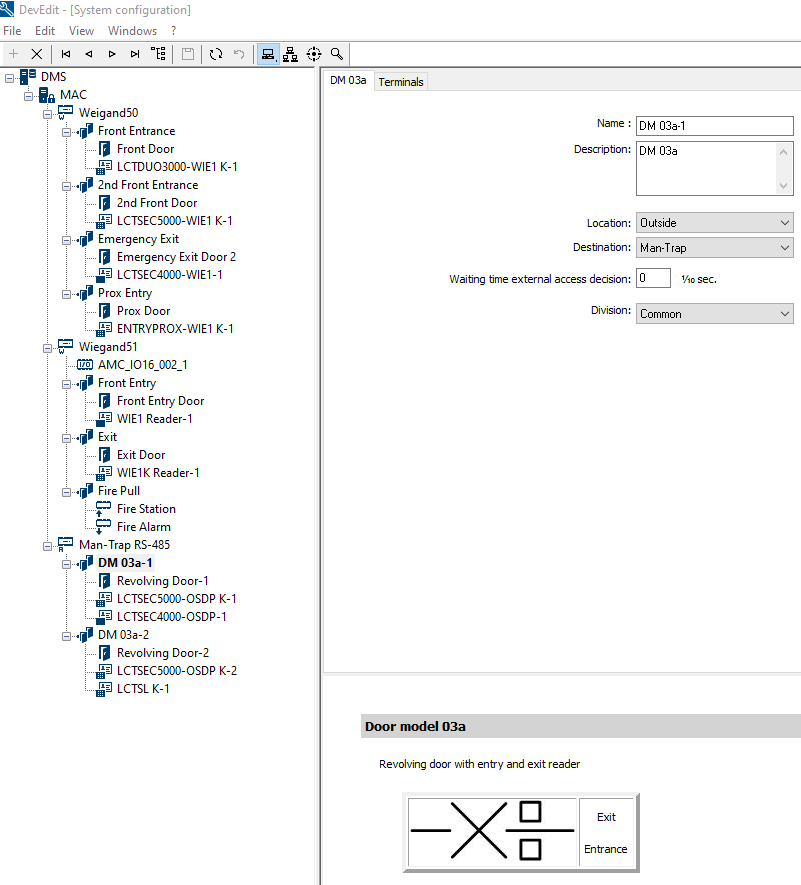
Step 14: Select first Entrance in the Man-trap and set location to Outside the default and Destination to the Man-Trap area
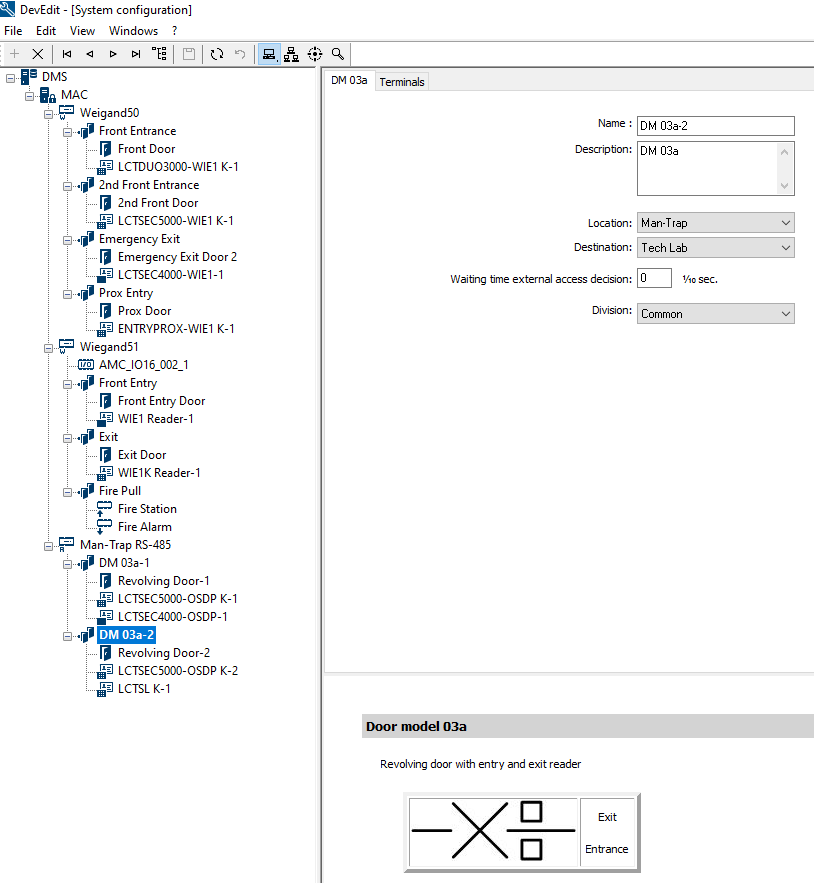
Step 15: Select second Entrance in the Man-trap and set location to the Man-trap area and the Destination to the Final destination for Man-trap
Link shown below is for the configuration manual showing how to physically wire a Man-Trap beginning on page 97: