
Step-by-step guide
1.Login to AMS software from the main menu and select options which takes you to the configuration menu.
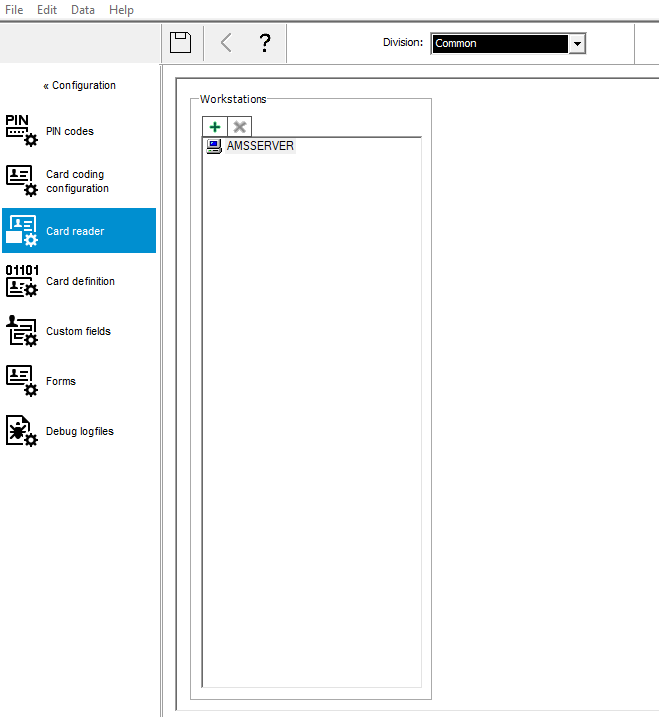
2. In the the configuration menu select card reader and select + to add Dialog from the list.
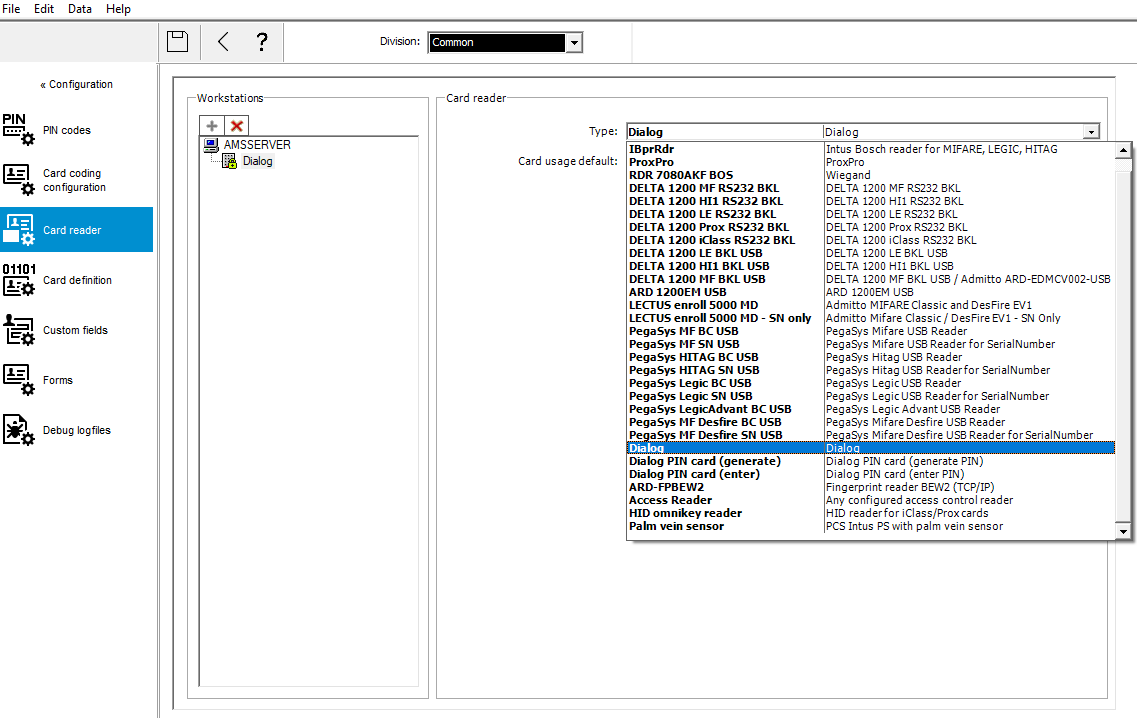
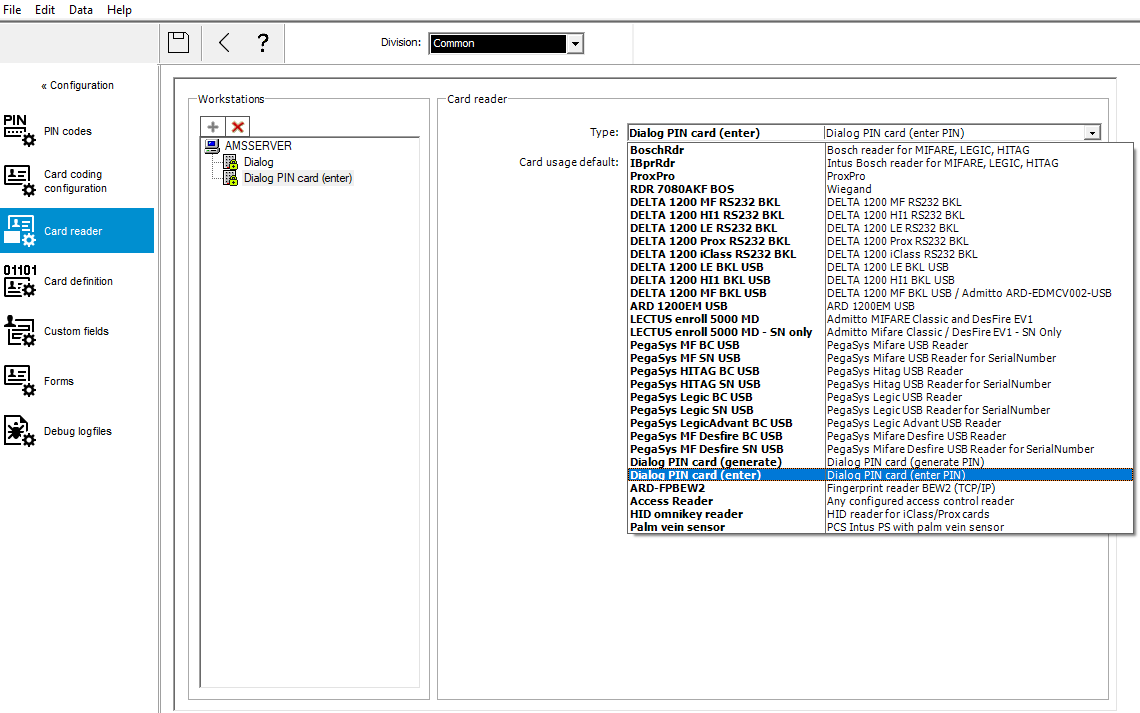
3.In the the configuration menu select card reader and select + to add Dialog(Pin card(enter) or Dialog(Pin card(generate) from the list.
4. Select configuration back to Main menu then select Device data then select a reader and enable Access with just a Pin code enabled.
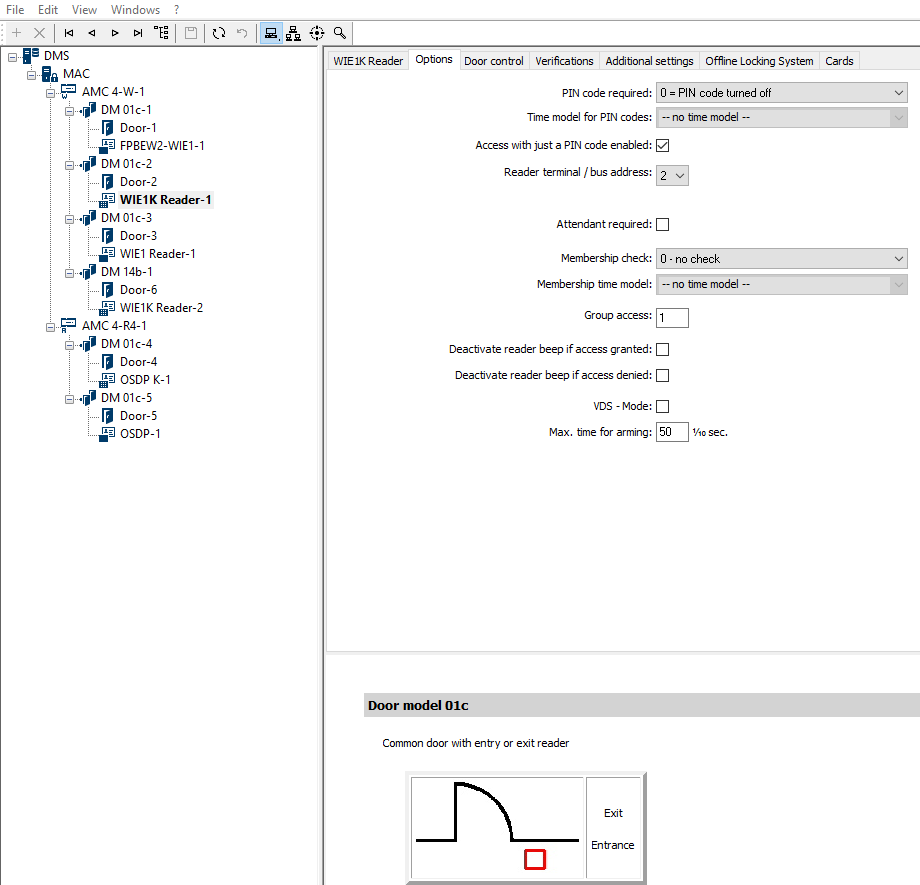
Important Note: "AMS 5.2 and above Pin-codes require 4# when using just the Pin-code the same functionality as with OSDP controllers."