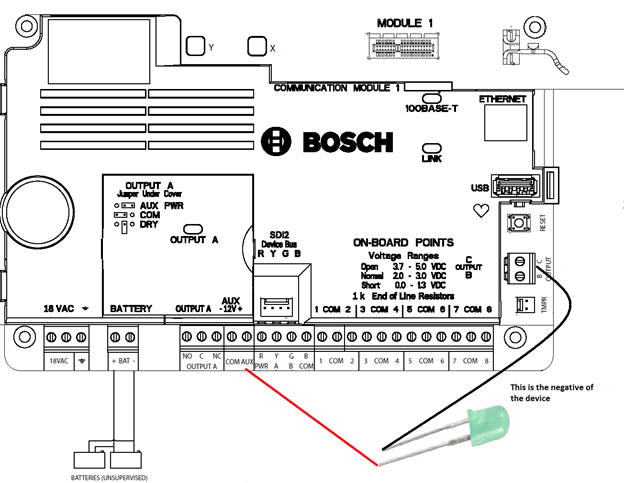
OUTPUT A:
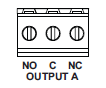
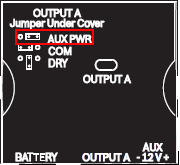
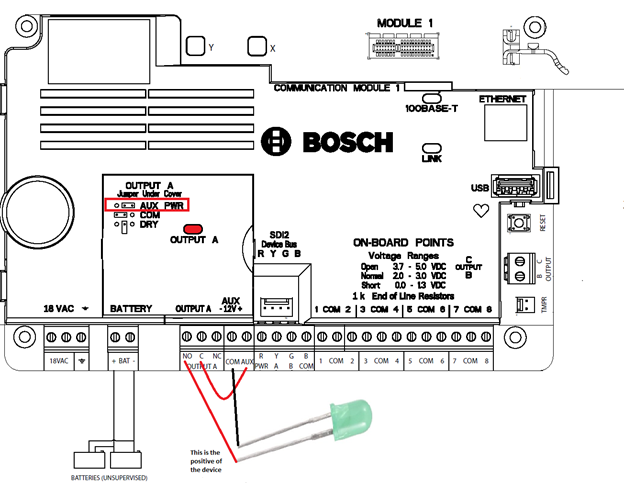
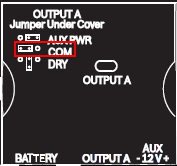
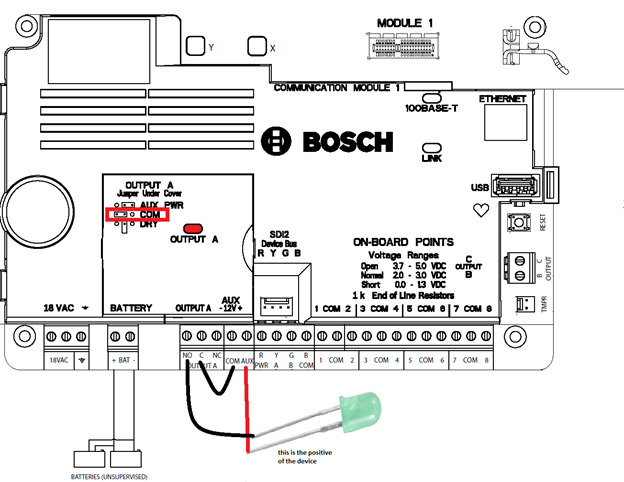
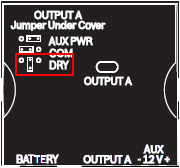
Output A can be configured as a Form C, Com reference or as a Dry contact depending on how you put the jumper under the panel cover.
Step-by-step guide
-
AUX Power or Form C
This way the output is going to behave like a Form C relay so it is necessary to power up the C terminal with AUX power, connect the device to the NO or NC and the second wire of the device to the COM terminal
-
COM reference
In this way you will have to wire the COM of the panel to the C terminal, the negative of the device to the NC or NO and the second wire of the device to the AUX of the panel
-
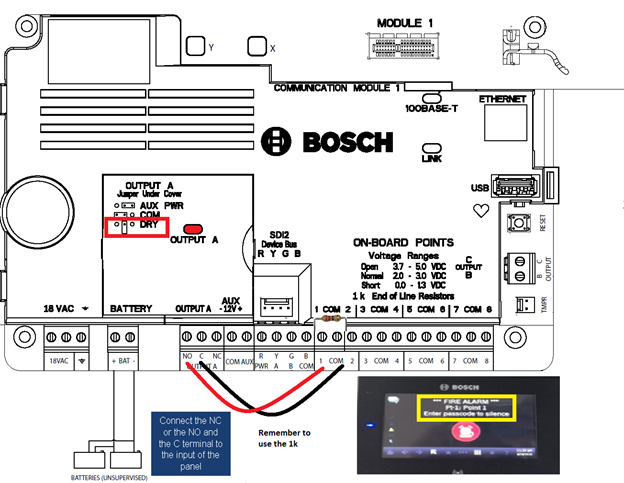
Dry contact
This way the relay is going to work like a button, similar to an input, when it is triggered it is going to send a signal of change. In this example we are using it to trigger point number 1
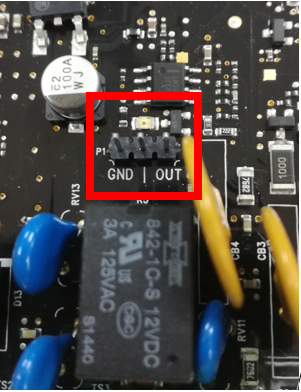
OUTPUTS B AND C:
These outputs are going to behave like open collectors solid relays. That means that when activated they are going to give a common power and you have to supply it with AUX power.