
Possible causes and solution(s)
-
Causes
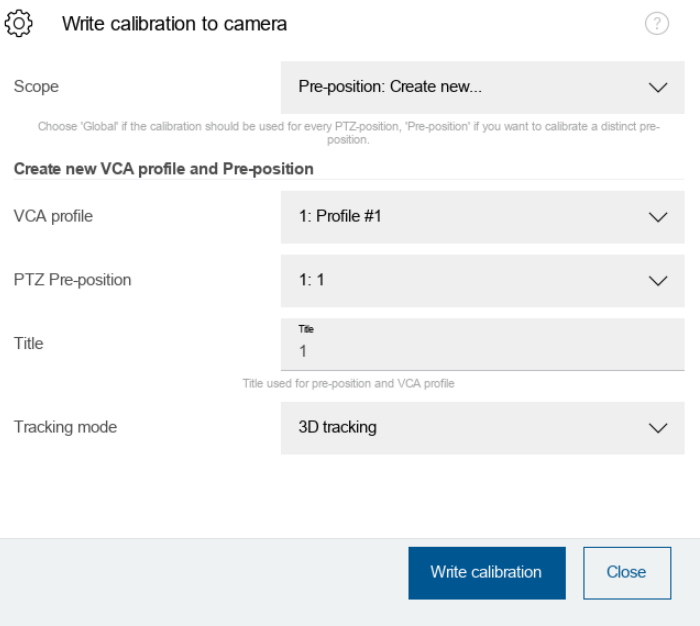
There might be situations where MIC IP fusion 9000i or Bosch INTEOX cameras cannot write calibration to camera in Configuration Manager (VCA profile and Pre-position).
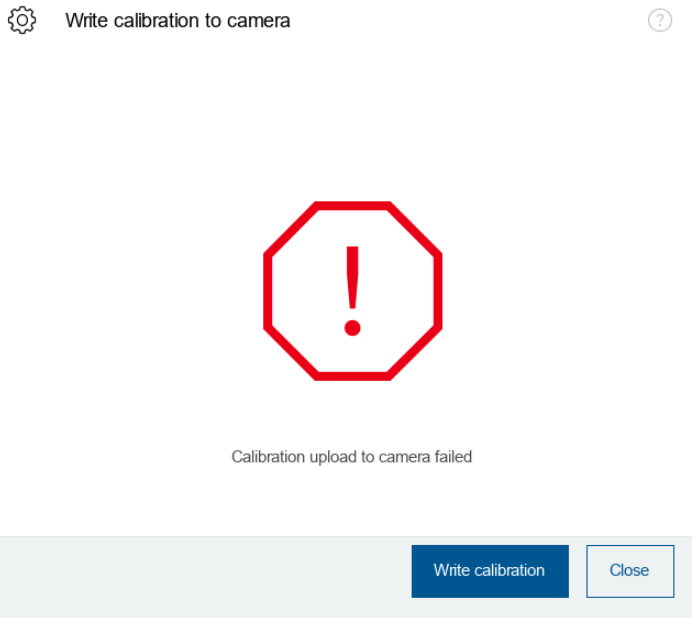
When trying to write the new calibration to the camera, it fails, and the following message occurs:
-
"Calibration upload has failed."
This behavior was encountered in:
-
Configuration Manager v7.50/ v7.51/ v7.41 with CPP13 Firmware 8.41.0029 INTEOX cameras
-
Configuration Manager v7.40.0069.0 with CPP7.3 Firmware 7.80.0128 MIC IP fusion 9000i cameras
-
Solution
Upgrade Configuration Manager to version 7.61.
(tick) Configuration Manager 7.61 is released and available online in Download Store.
-
Download Configuration Manager v7.61 from here
-
Configuration Manager v7.61.0143 Release Letter
This must be used in combination with CPP13 Firmware 8.45 or later