
Question
How can I find the Intelligent Insights version installed on my unit?
Answer
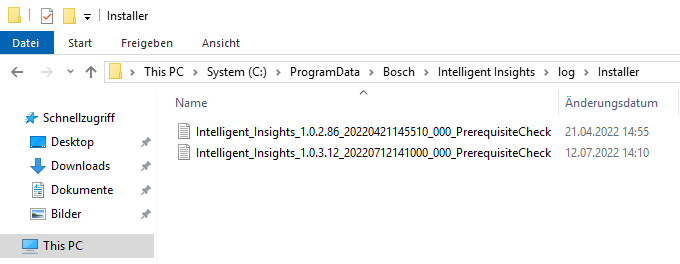
The last version of Intelligent Insights installed on your unit could be found by accessing:
-
C:\ProgramData\Bosch\Intelligent Insights\log\Installer
(information) If folders/ files are not visible, please unhide them by using Show Hidden Files and Folders option
