
Possible causes and solution(s)
-
Causes
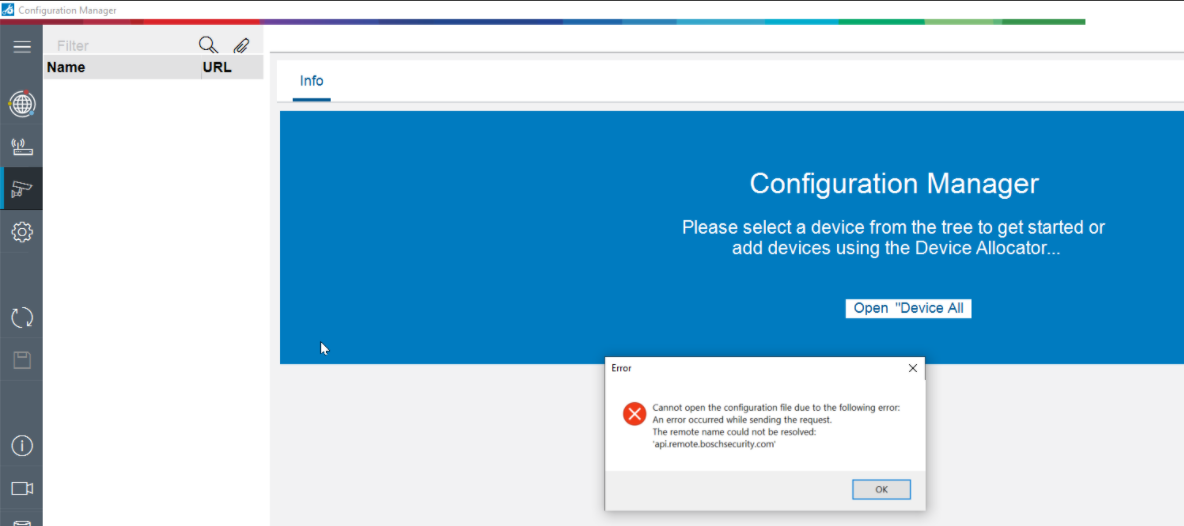
When login Remote Portal in Configuration Manager v7.20.0067, the following error message is displayed "The remote name could not be resolved: api.remote.boschsecurity.com"
-
Solution
Configuration Manager v7.20.0067 supports network proxies, which for example allows you to connect to Remote Portal within the Bosch Network.
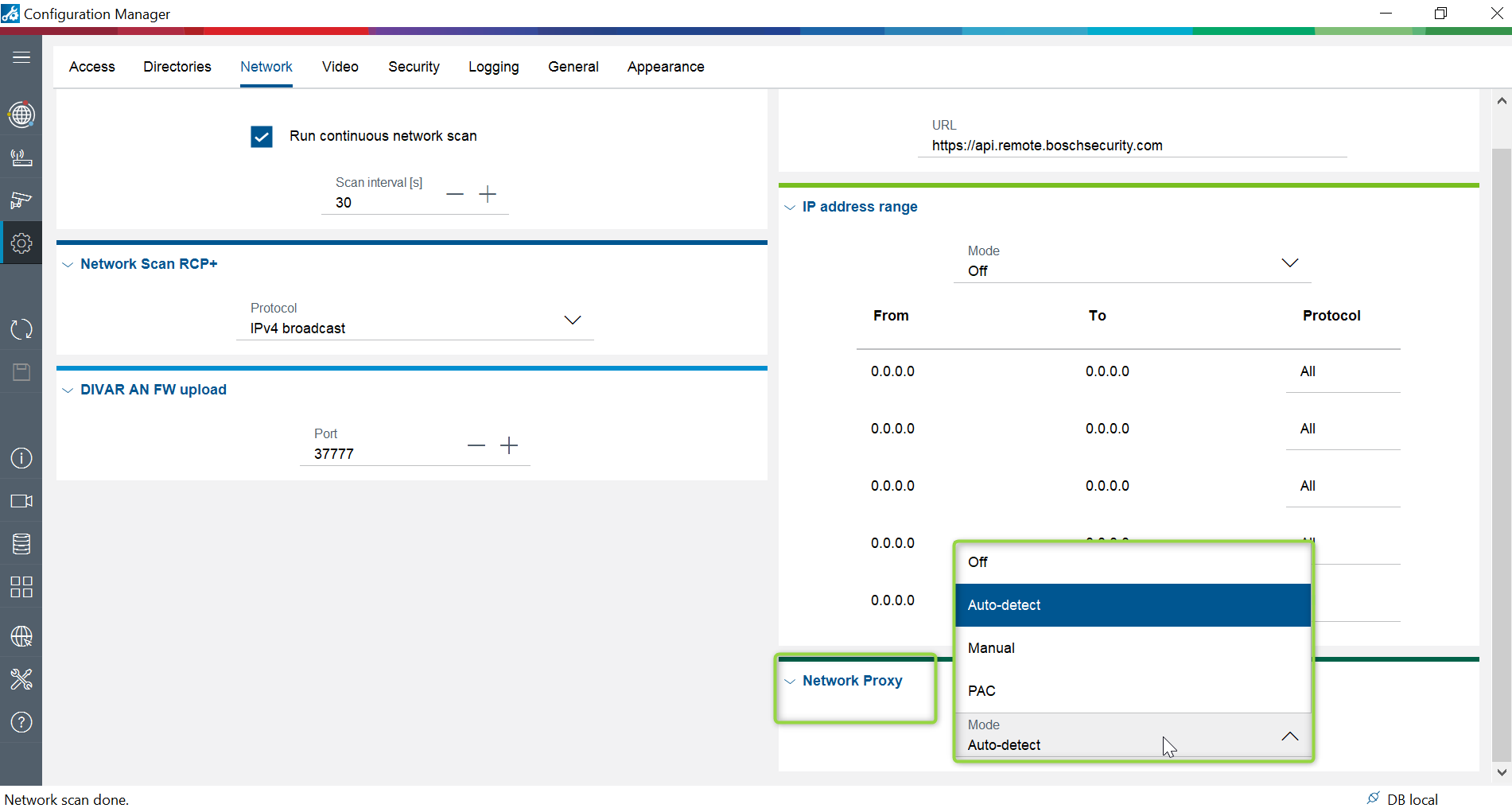
Therefore, please change the Network Proxy to Auto-detect.
-
Open Configuration Manager
-
Go to Settings > Network > Under Network Proxy select Auto-detect option
This option will eliminate this error message.
Note: Make sure to always use the latest released version of Configuration Manager by downloading it from Download Store > Software > select Configuration Manager.