🕒This procedure takes in average ~ 5 min to complete
Step-by-step guide
Open BVMS Configuration Client
-
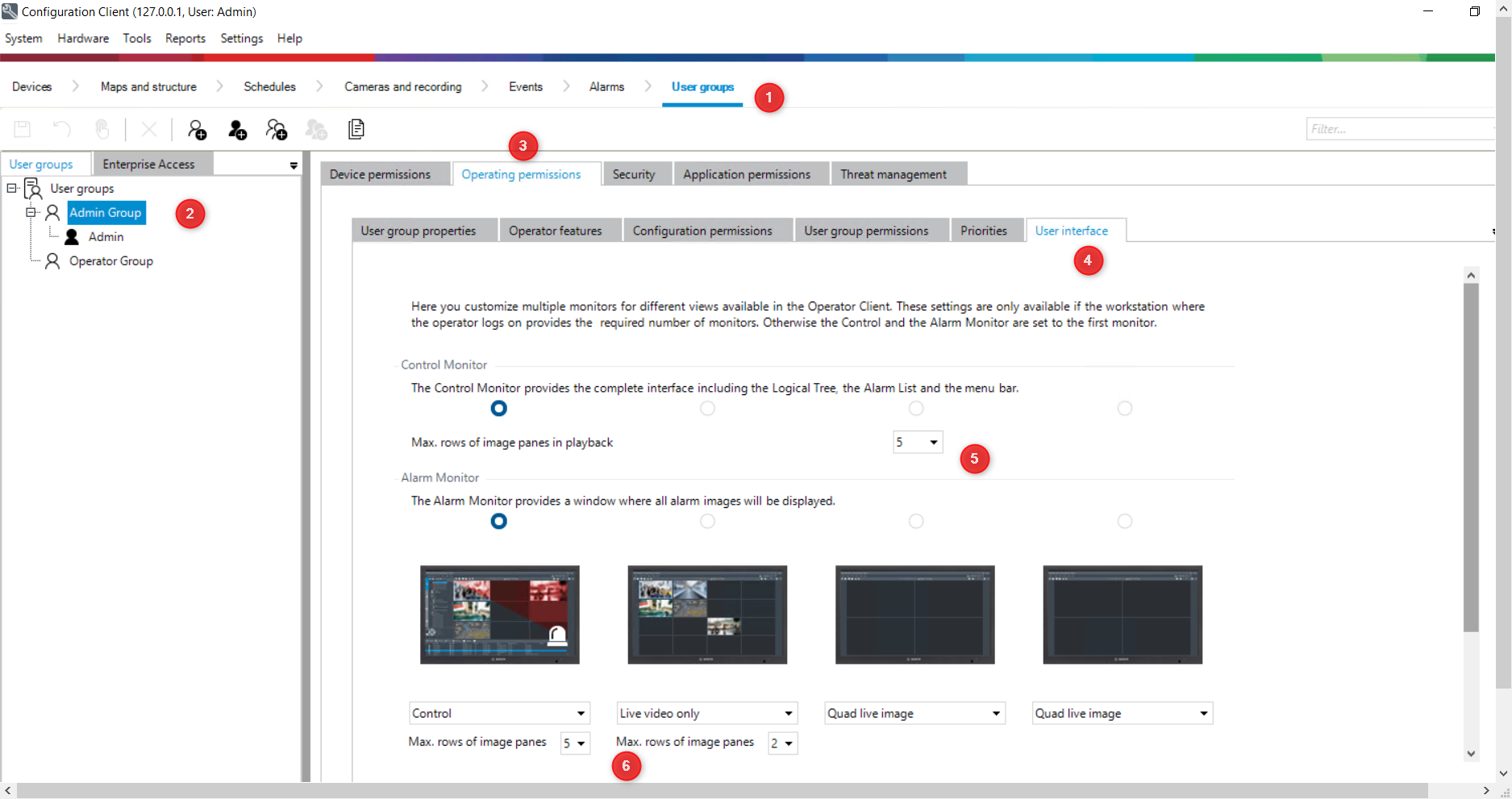
Go to User Groups
-
Select the User Group that you wish to add more cameos on display
-
Go to Operating Permissions
-
Go to User Interface
-
Change as you like the “Max rows of image panes in playback” and “Max row of image panes”
-
Save and Activate
-
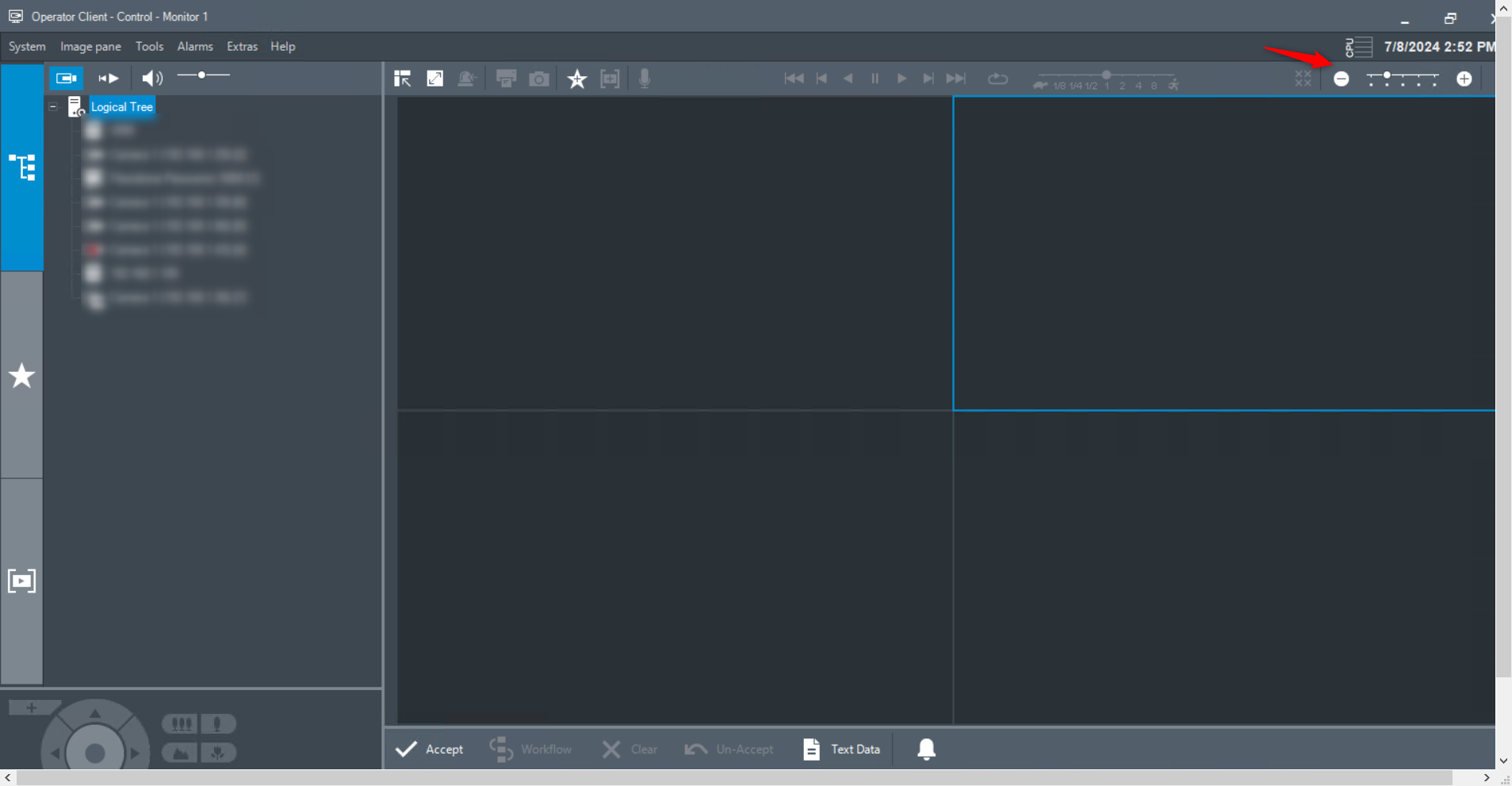
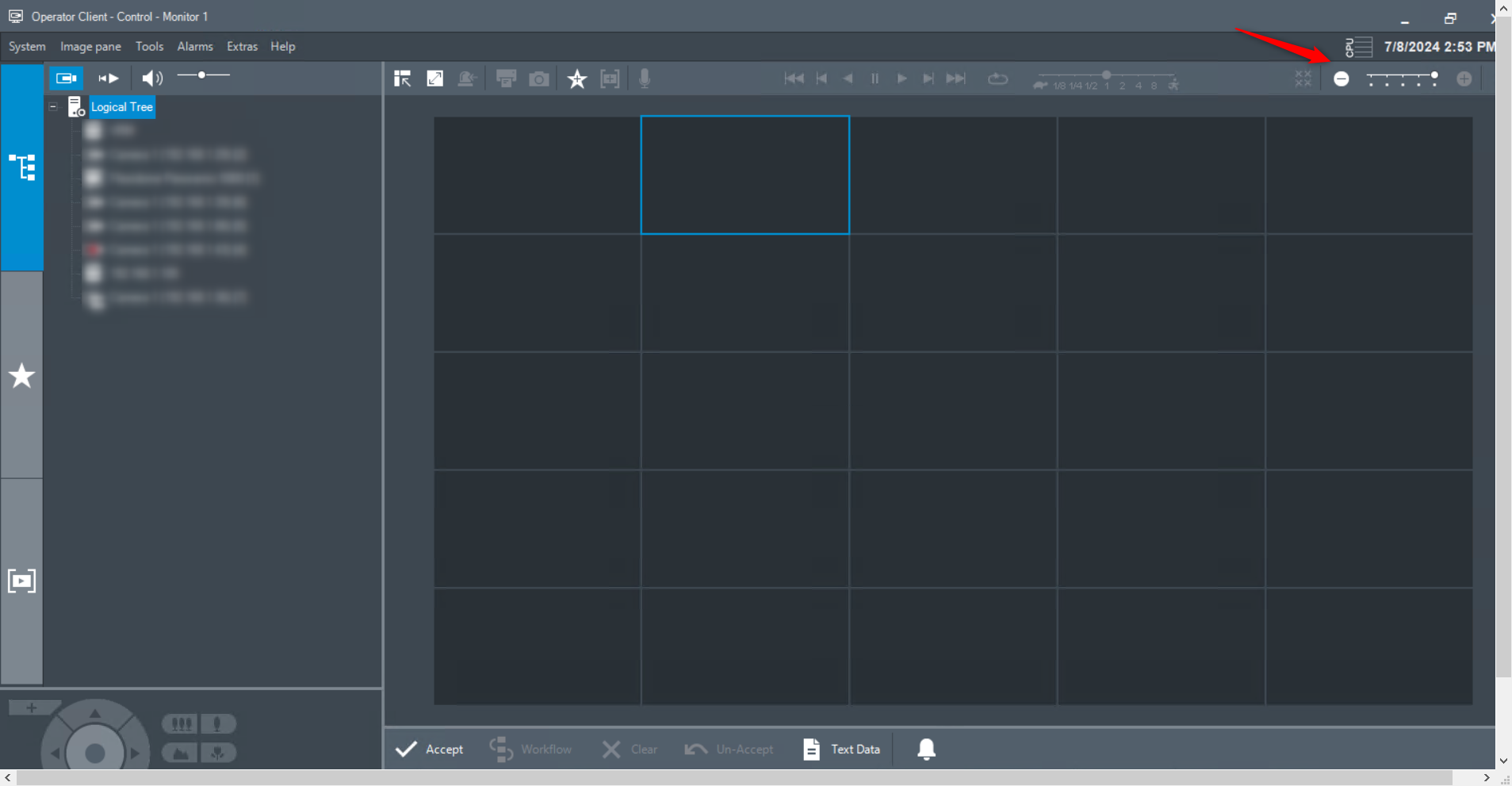
Change the aspect in Operator Client by using the slide