
🕒This procedure takes in average ~ 10 min to complete
Possible causes and solution(s)
-
Causes
After configuring the Virtual mask in the web browser of Bosch CPP7.3 camera and afterwards going back to the Live view, the Virtual mask appears as Privacy mask and is not transparent
Other inappropriate behaviors have been noticed, such as:
-
privacy mask is not set to correct location
-
privacy mask does not always acknowledge enable/ disable
-
Virtual mask on wrong spot, MIC camera moves to upright position
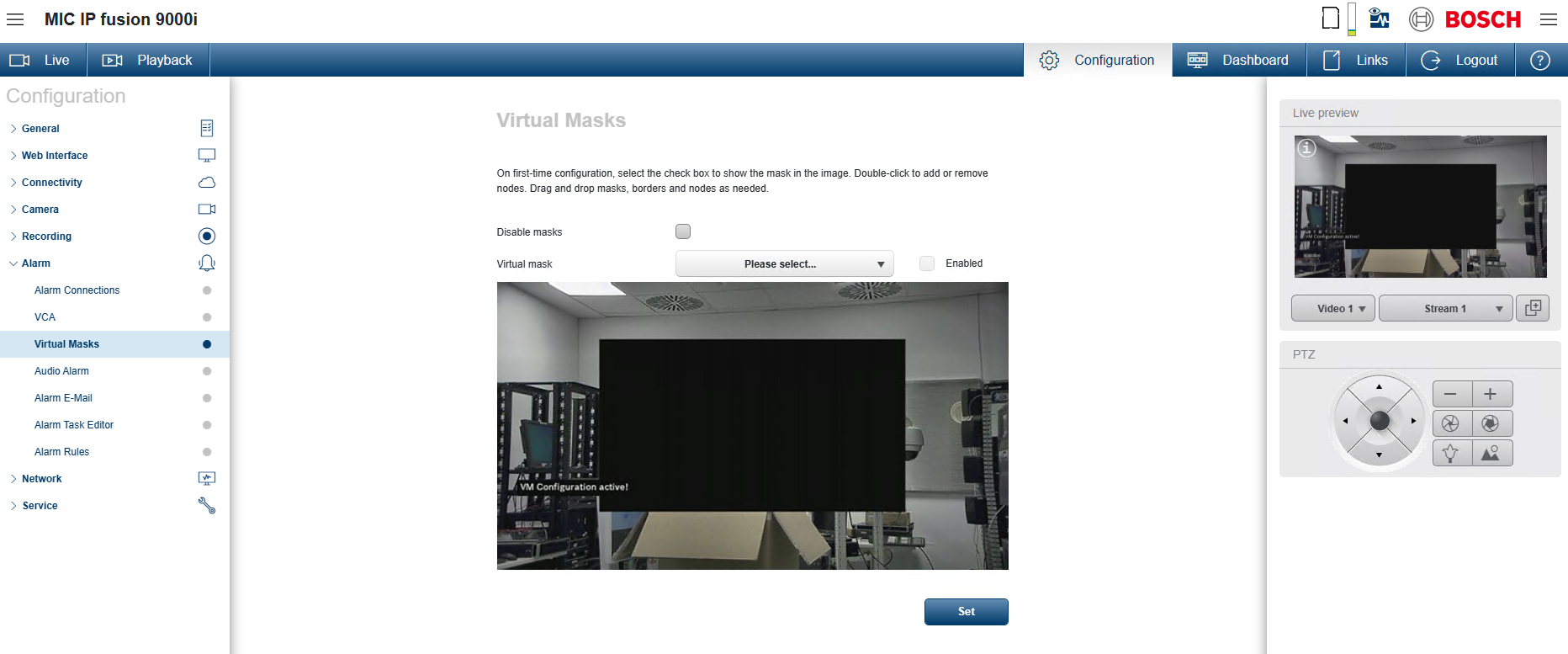
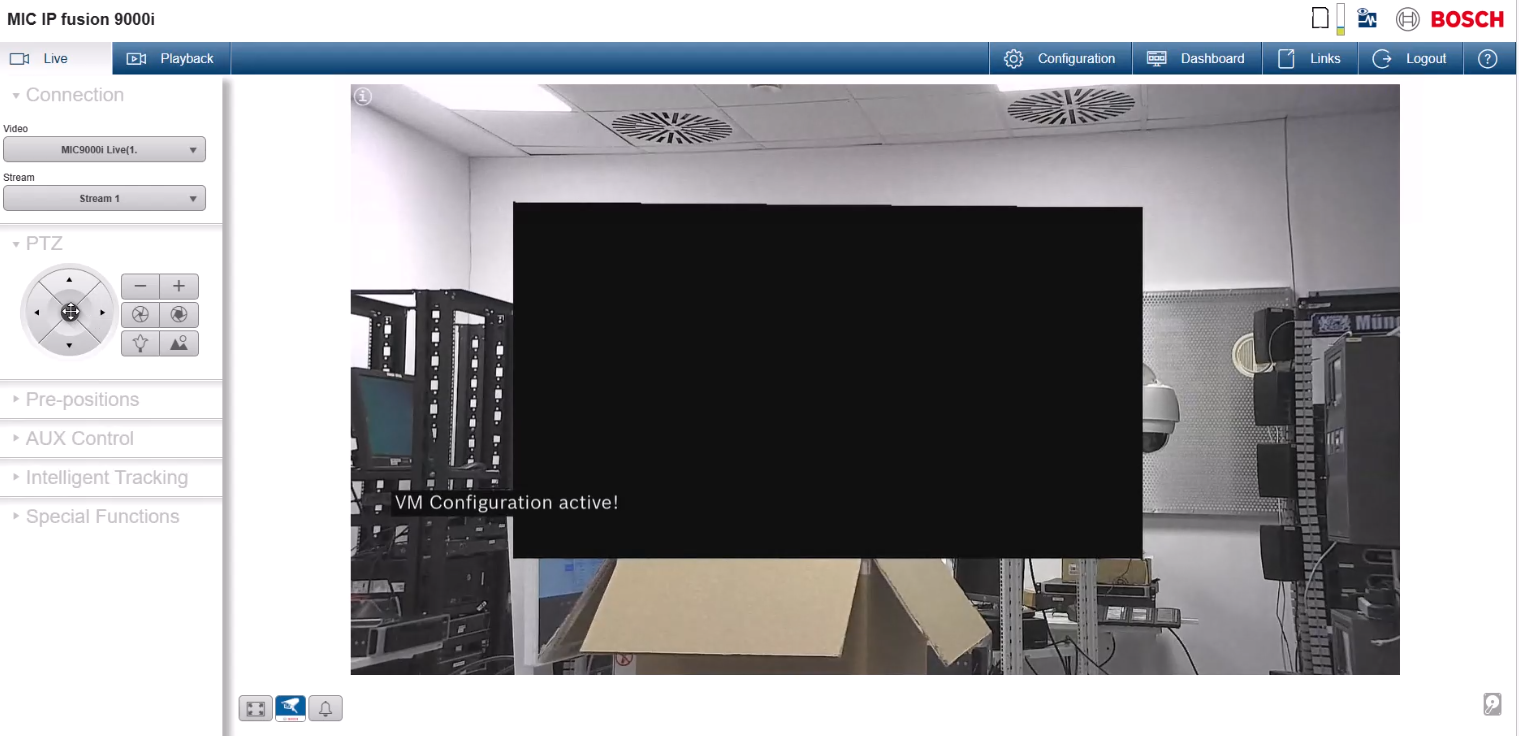
This happens on the Bosch CPP7.3 cameras that have FW version older than v.7.86.0019
-
Solution
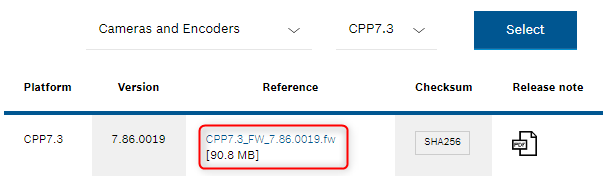
Upgrade your camera to Firmware version 7.86.
It has been released and it is available on the Download Store.
-
The Release Letter states:An issue is fixed where the virtual mask configuration on moving cameras was not closed when switching from configuration to live, rendering the virtual masks solid.Release Letter: https://downloadstore.keenfinity-group.com/FILES/Bosch_Releaseletter_CPP7.3_FW_7.86.0019.pdf