
TDR (Time-out Detection Recovery) activated on Z4G4 workstations with T1000, RTX A2000 or RTX A3000 graphical cards
Possible causes and solution
Cause
-
Use workstation MHW-WZ4G4-HEN4 with RTX A2000 or MHW-WZ4G4-HEN2 with T1000 GPU to run BVMS on it.
-
TDR (Time-out Detection Recovery) feature is activated in case that opening many cameos would overload the system.
-
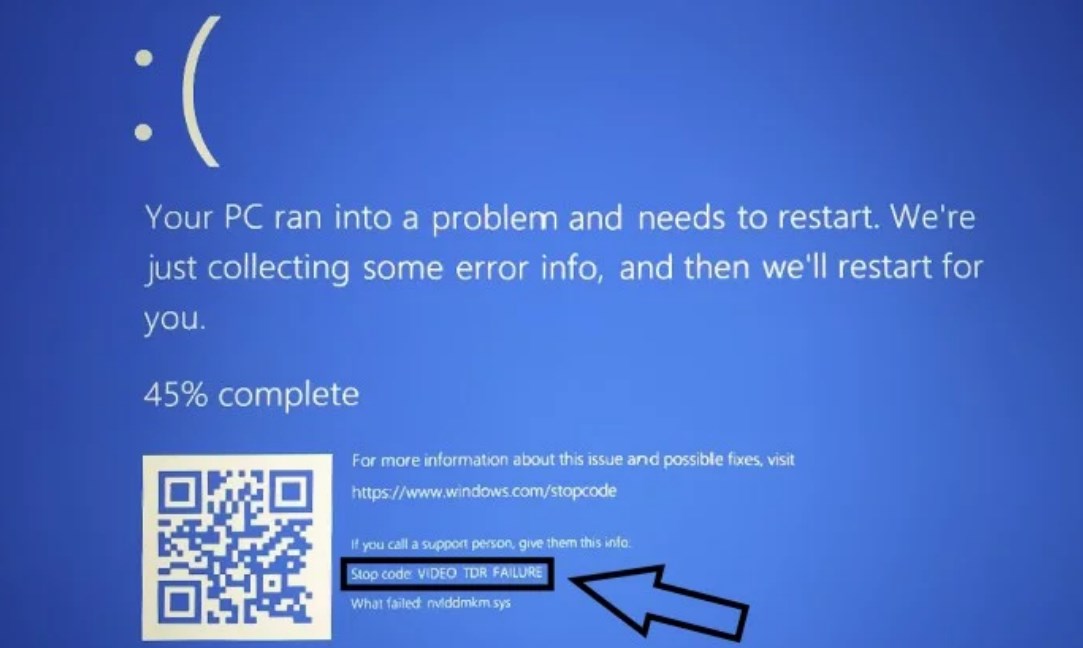
Below blue screen is showing with Stop code VIDEO TDR FAILURE. Restart PC.
Solution
-
Enable the hardware-accelerated GPU scheduling feature in Windows 10. This will enable the system to avoid the time-out detection recovery feature which can be activated when opening higher numbers of cameo.
-
To turn on the hardware-accelerated GPU scheduling:On the Windows Start menu, select Settings, and then select System > Display. Under Multiple Displays, click Graphics settings. Set the Hardware-accelerated GPU scheduling to On. Restart your computer.