
The Windows Storage Server operating system of DIVAR IP all-in-one 7000 is installed on a two SSD drives in redundant (mirrored) configuration.
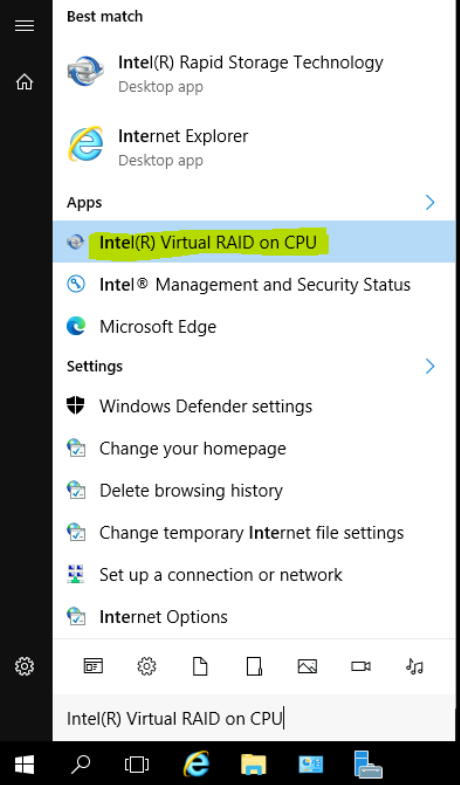
Health status of the mirrored OS drives can be monitored using a tool called Virtual RAID on CPU (formerly known as Rapid Storage Technology).
Installation and configuration steps are described below.
Step-by-step guide
1. Installation:
-
Download the setup from
here
-
Copy the content to a USB drive
-
When the BVMS default screen is shown, press CTRL + ALT + DEL
-
Hold down the SHIFT key while clicking Log off
-
Log in as BVRAdmin
-
Transfer the IATA_CD.exe from the USB drive to the BVRAdmin desktop
-
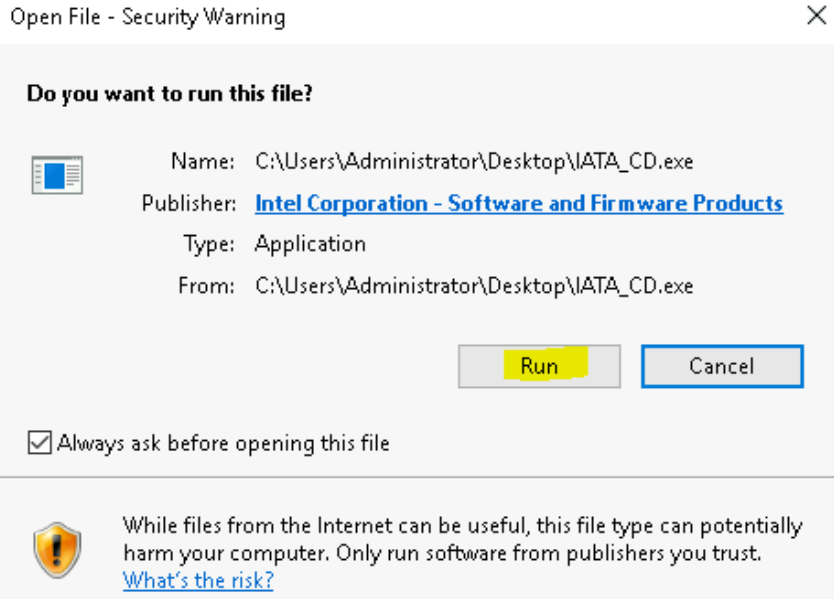
Double click the IATA_CD.exe executable
-
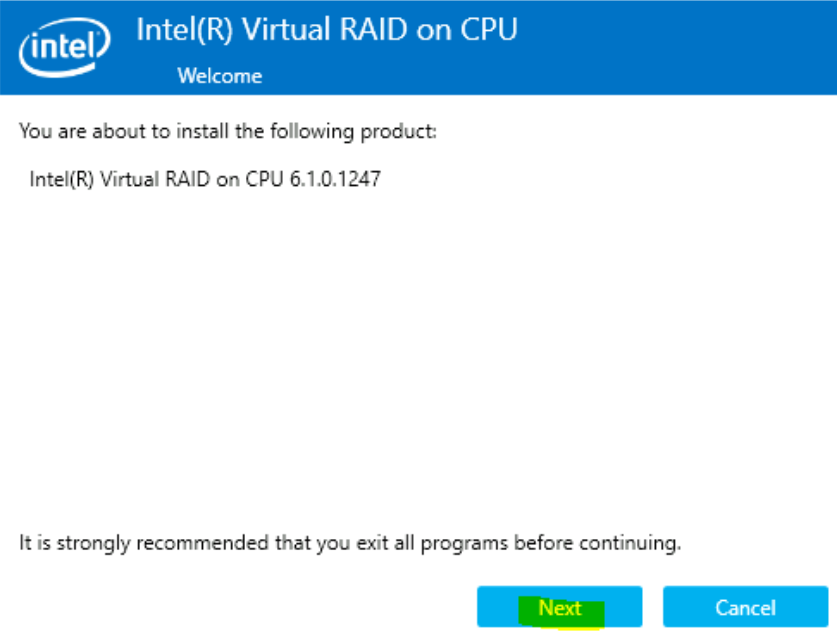
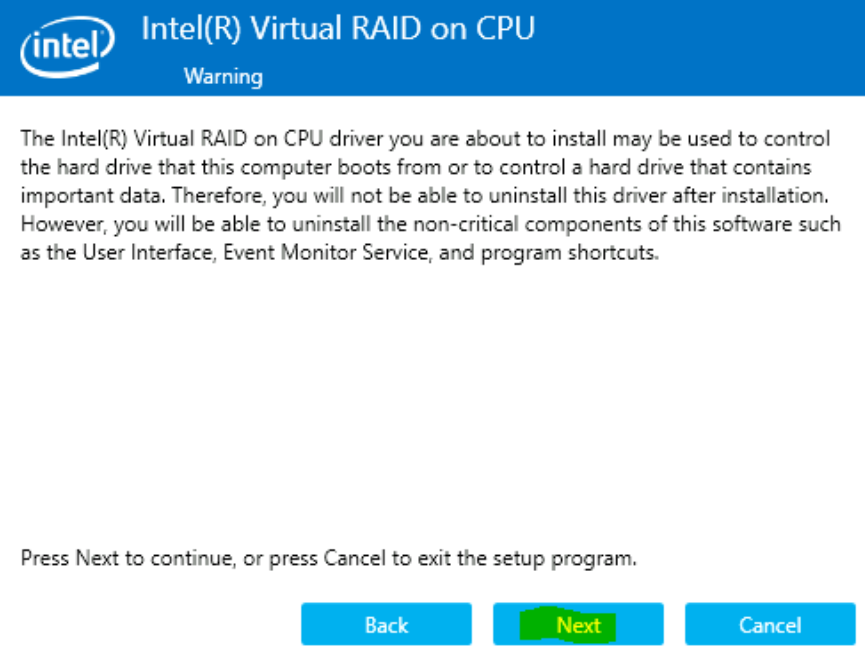
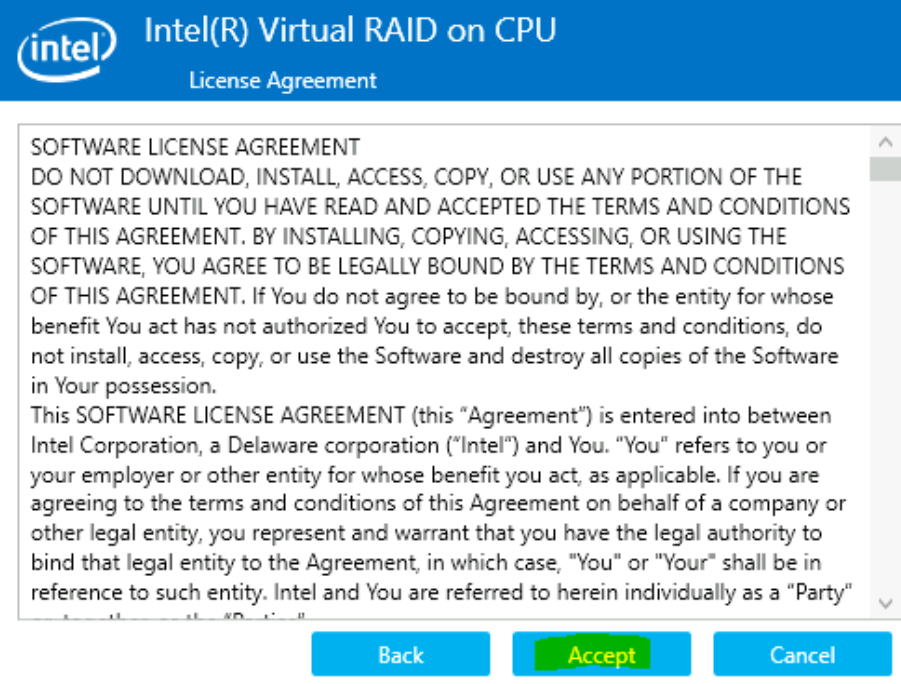
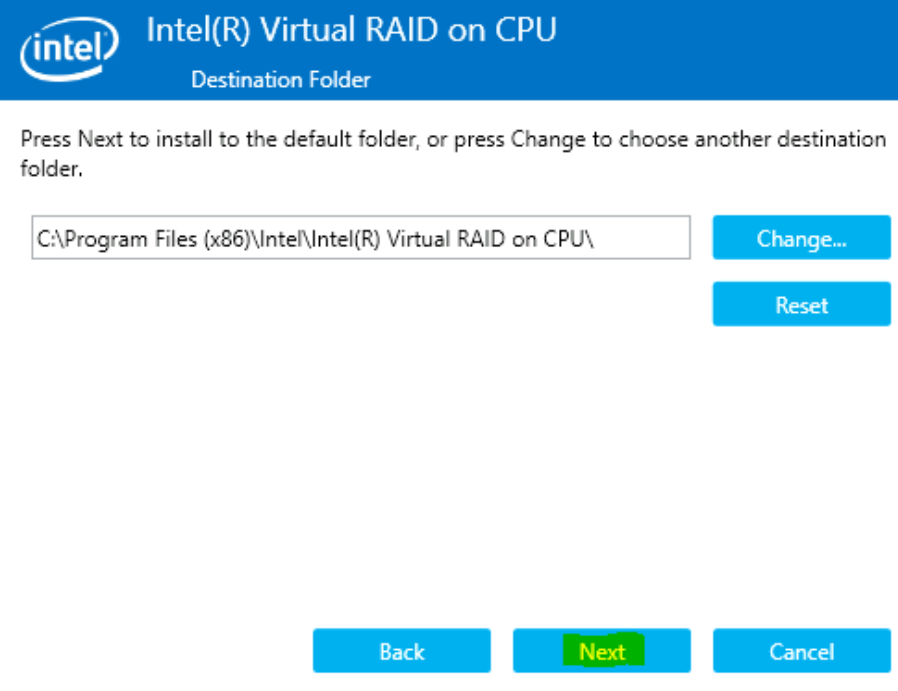
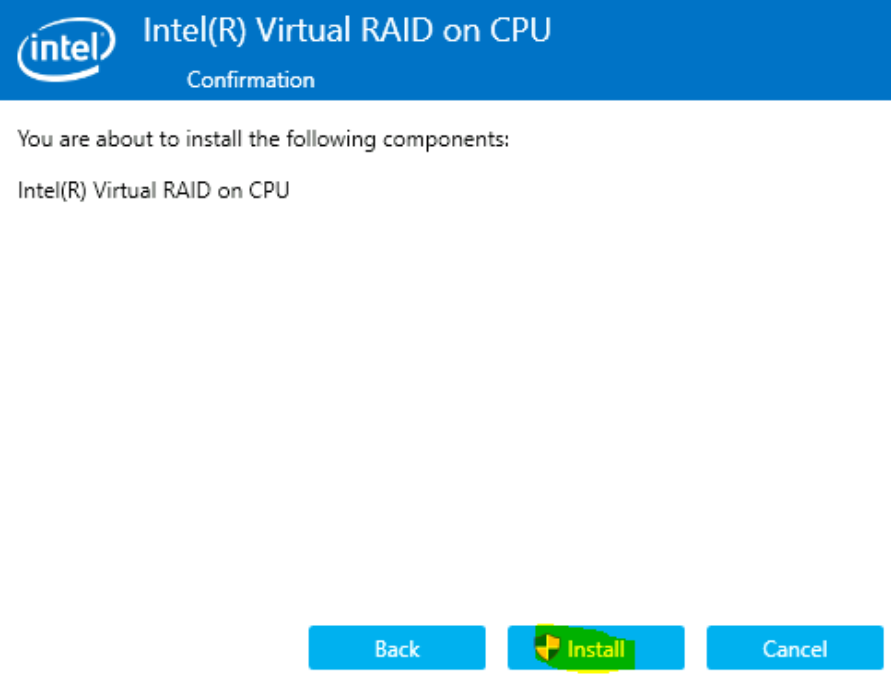
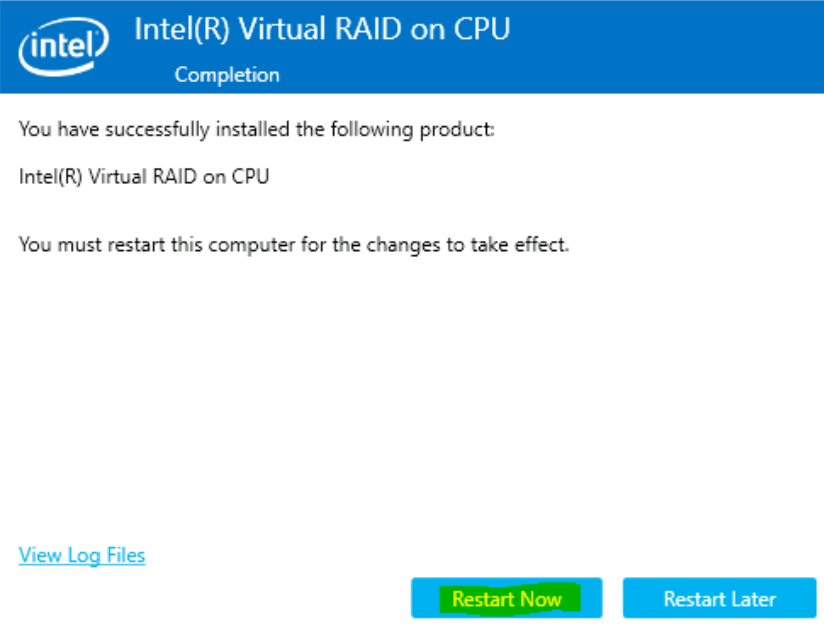
Follow the installation procedure as shown in the screen shots
2. Email notification:
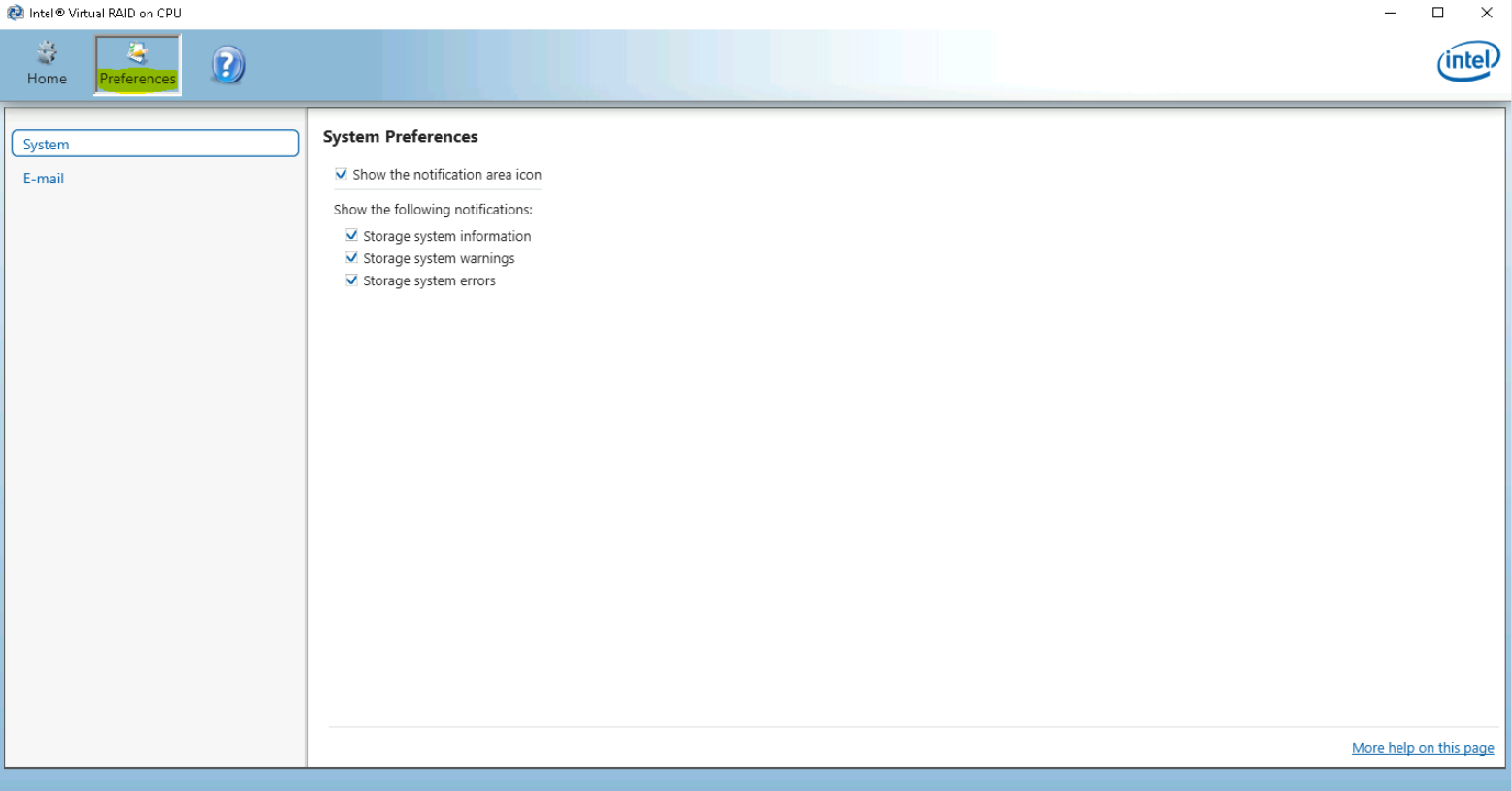
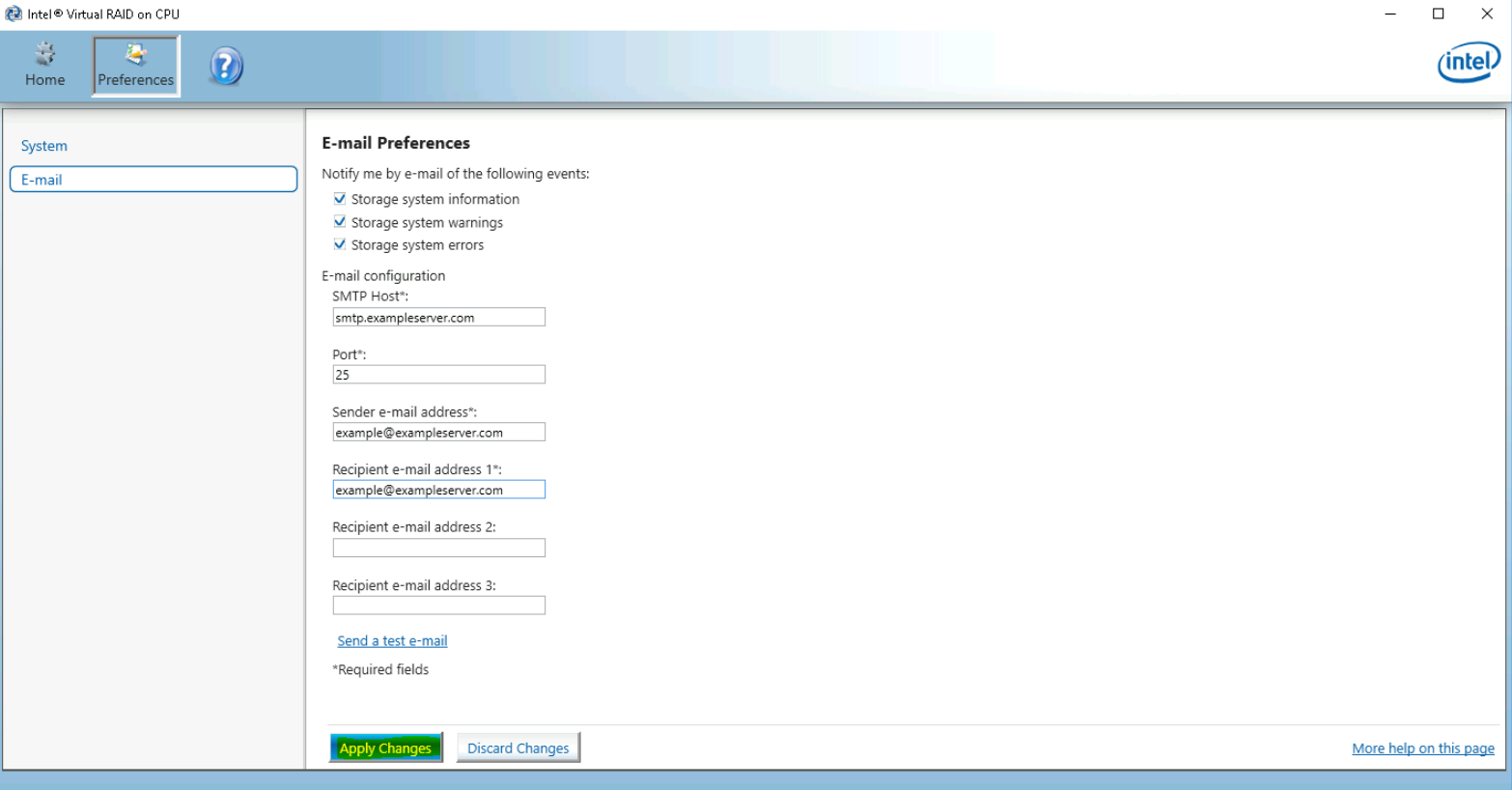
Note: The E-mail notification feature is based on SMTP access without authentication.
It is strongly suggested to use this functionality only with a dedicated server in the local network, which is specifically configured for this purpose and doesn’t handle any critical data.
Additional information: