Possible causes and solution(s)
Symptoms
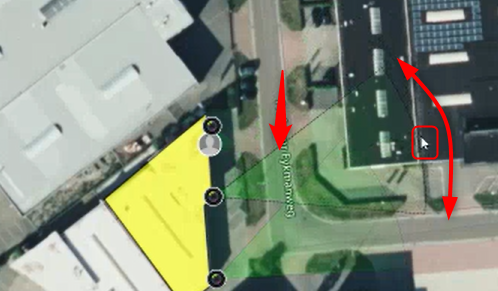
When the field of view (FoV) shown on the map is moved with the mouse, normally the camera must follow it.
In some cases, the field of view of the Bosch PTZ cameras might go straight up (for MIC models) or as far up as possible (for Autodome models) - the camera image is directed towards the ceiling, sky or other high points, instead of keeping its FoV.
Solution
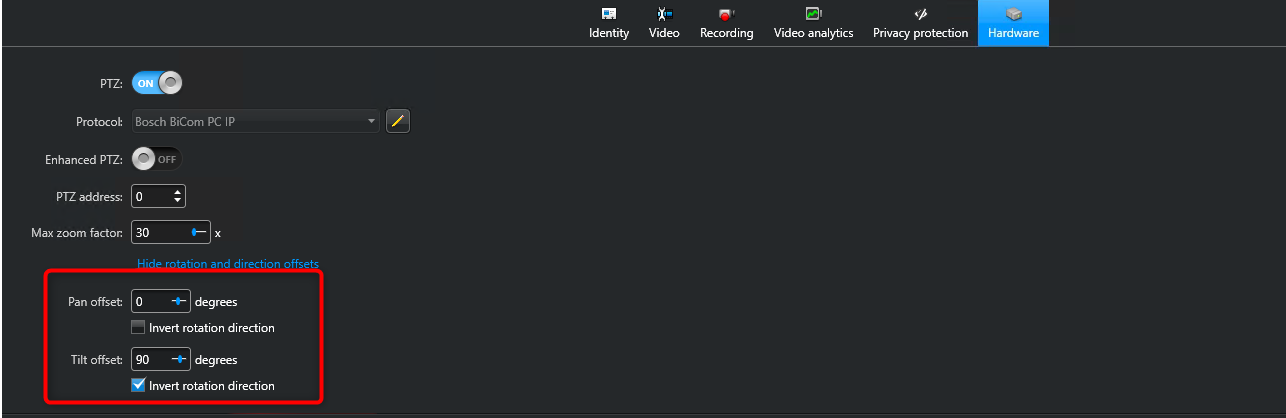
With Genetec Device Pack 11.3 and above, the following setting should help out as a solution. Adjust the Tilt offset to 90 degrees: