
Question
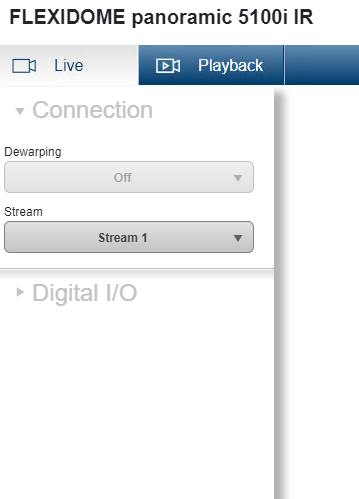
Why am I unable to see the Quad view option in the Live web GUI of FLEXIDOME panoramic 5100i IR camera?
Answer
1. First, you have to make sure that the FLEXIDOME panoramic 5100i IR - DEWARP Application variant is active according to this article.
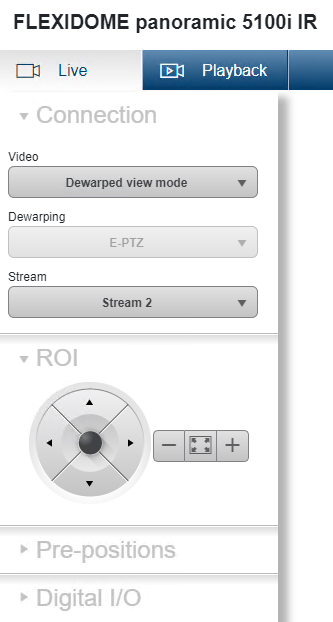
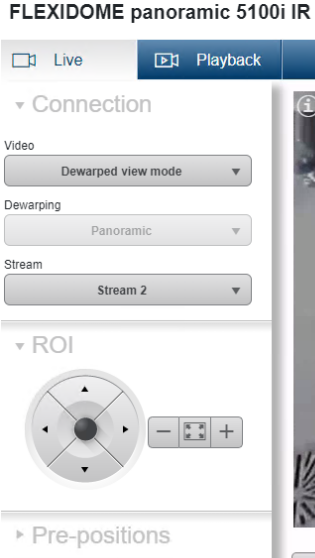
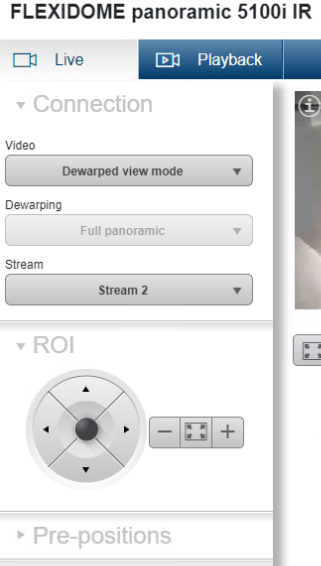
2. Next step is to set the Dewarping mode to Quad
-
Go to Configuration > Camera > Encoder Streams > Dewarped view mode > select Quad from the drop-down menu, next to the Dewarping mode section > click SET
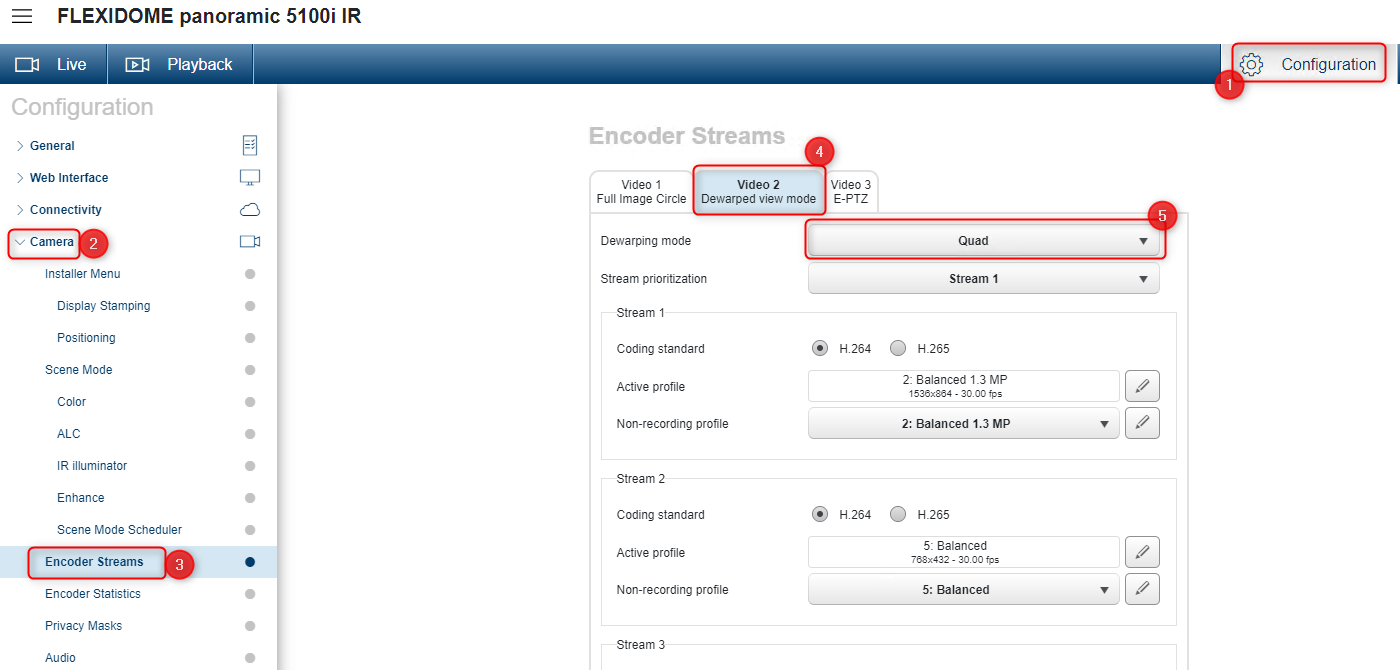
3. Go back to the Live view mode
-
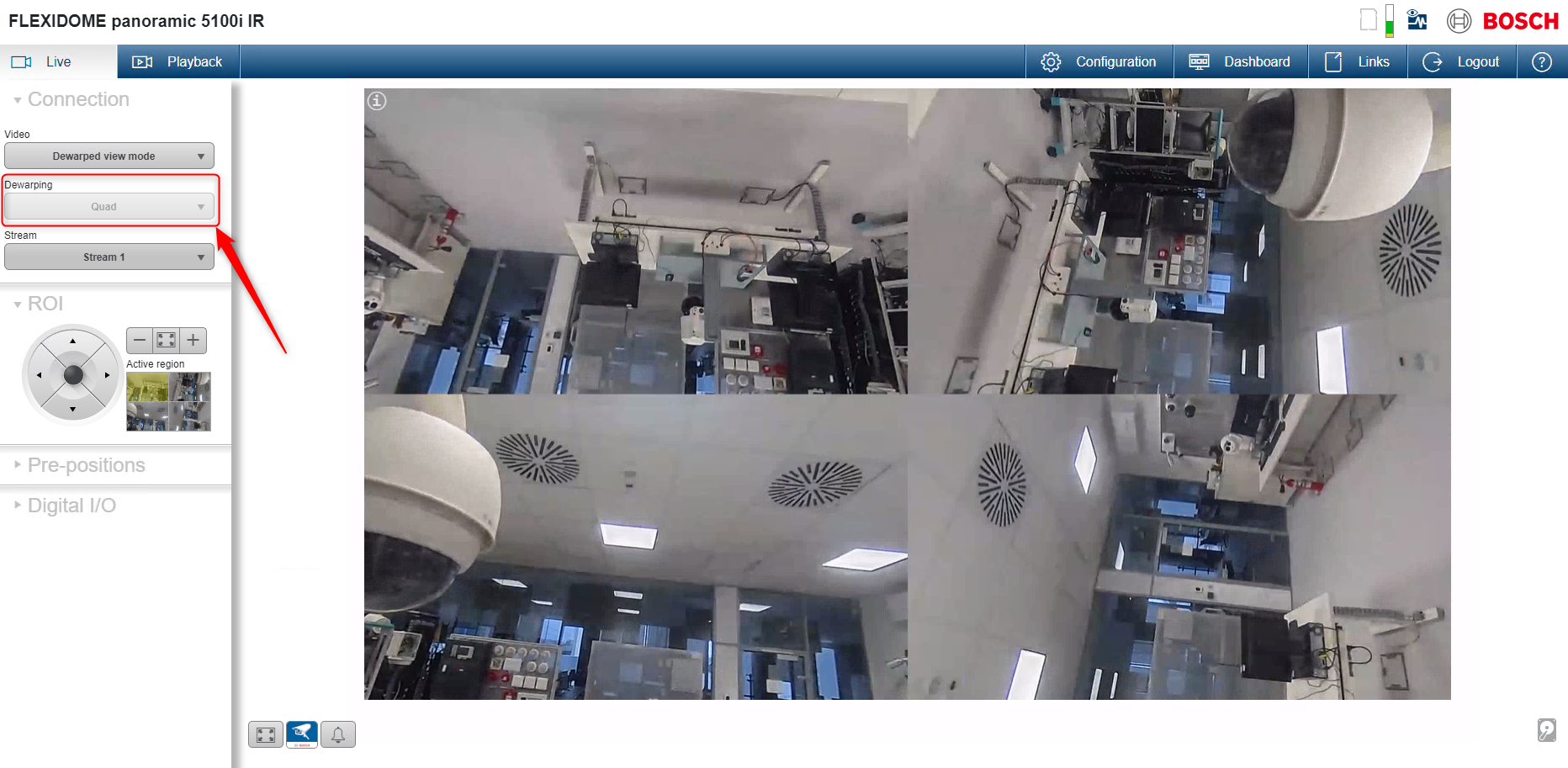
The Quad Dewarping view is now active:

New features depending on the Firmware version:
Starting with FW 8.20.0143:
-
Cameras provide an image circle together with an appropriate lens curve to allow dewarping at client side.
Starting with FW 8.50.0138:
-
Onboard dewarping for FLEXIDOME panoramic 5100i family, providing the possibility to switch the operational mode of the camera to provide three virtual cameras:
Starting with FW 8.51.0009:
-
HDMI output is now supporting dewarped views when the camera is running in onboard dewarping mode. View on HDMI output can be selected from one of the virtual lines.
Starting with FW 8.70.0067:
-
On FLEXIDOME panoramic 5100i, in onboard dewarping mode, the supported resolutions for line 2 and line 3 have been increased
-
On FLEXIDOME panoramic 5100i, up to 6 pre-positions can be set and saved for the dewarped view modes.
✅ See more details in Bosch Release Letter CPP14.2 FW_8.70.0067