
NOTE: This is only experimental, not an Official feature!
You need to first create an audio file in a compatible format (PCM, Mono, 8kHz, 16Bit).
-
You can do this by using the free tool like Audacity:
https://www.fosshub.com/Audacity.html/audacity-win-2.2.2.exe
Step-by-step guide
-
Open an existing audio file (wav, mp3, etc)
-
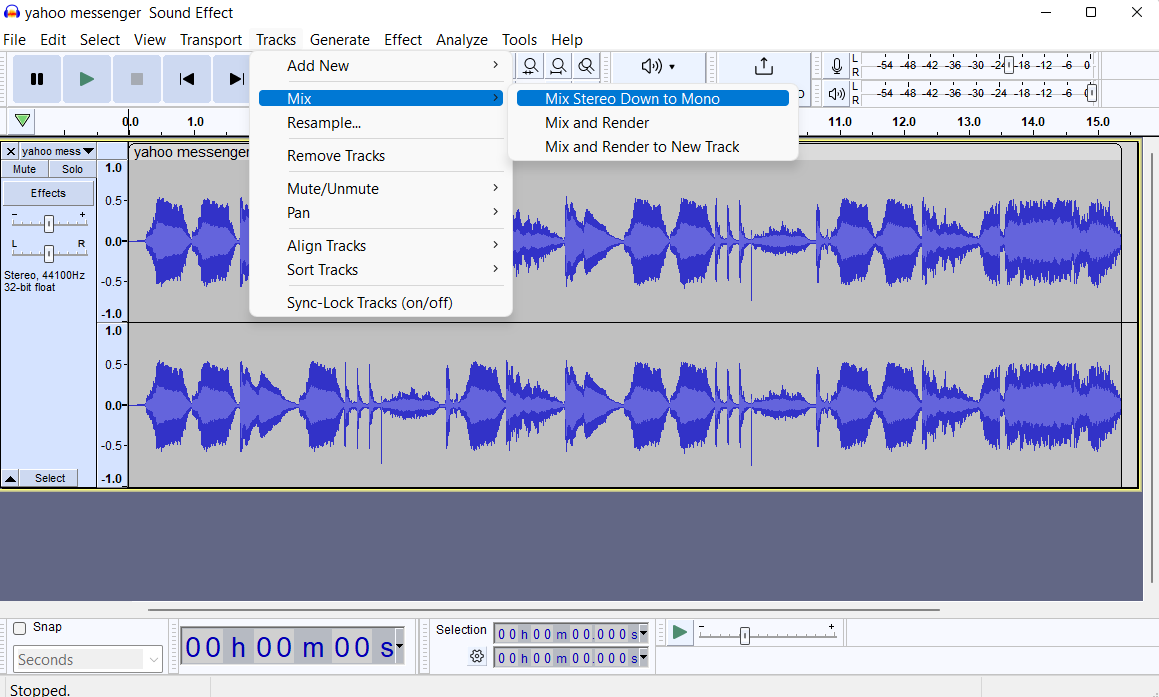
Convert Stereo to Mono (if applicable): Tracks →Mix → Mix Stereo Track to Mono
-
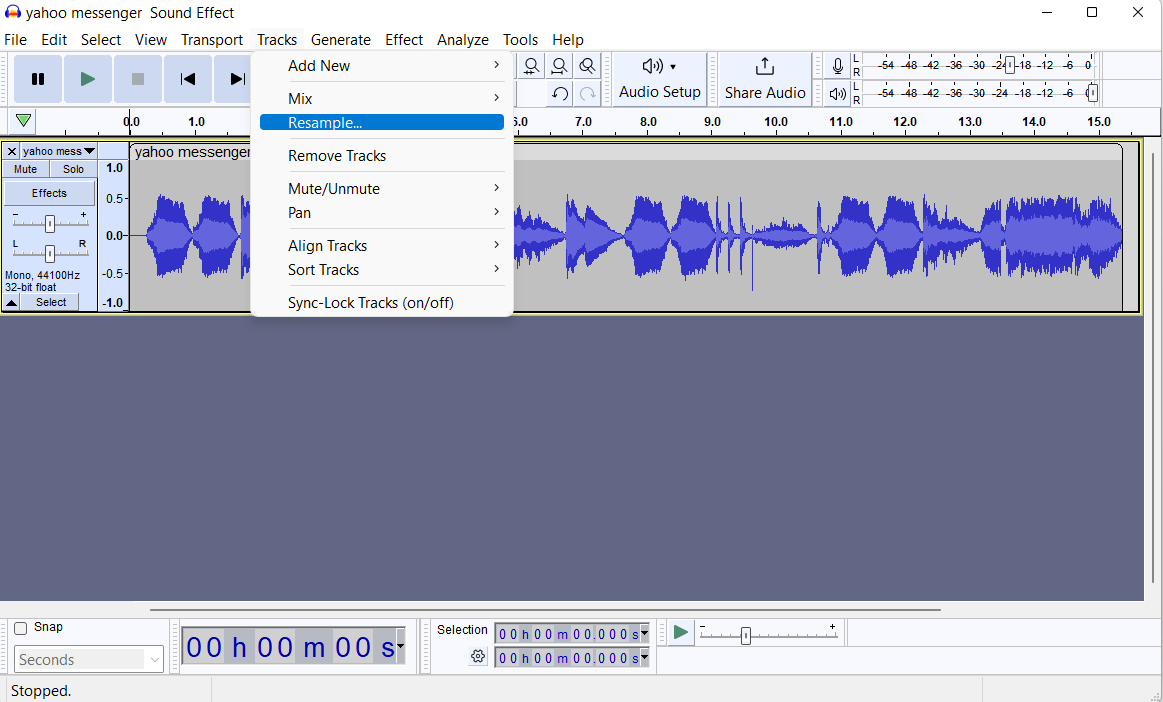
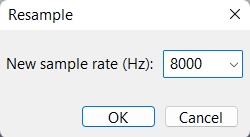
Tracks -> Resample -> 8000 Hz
-
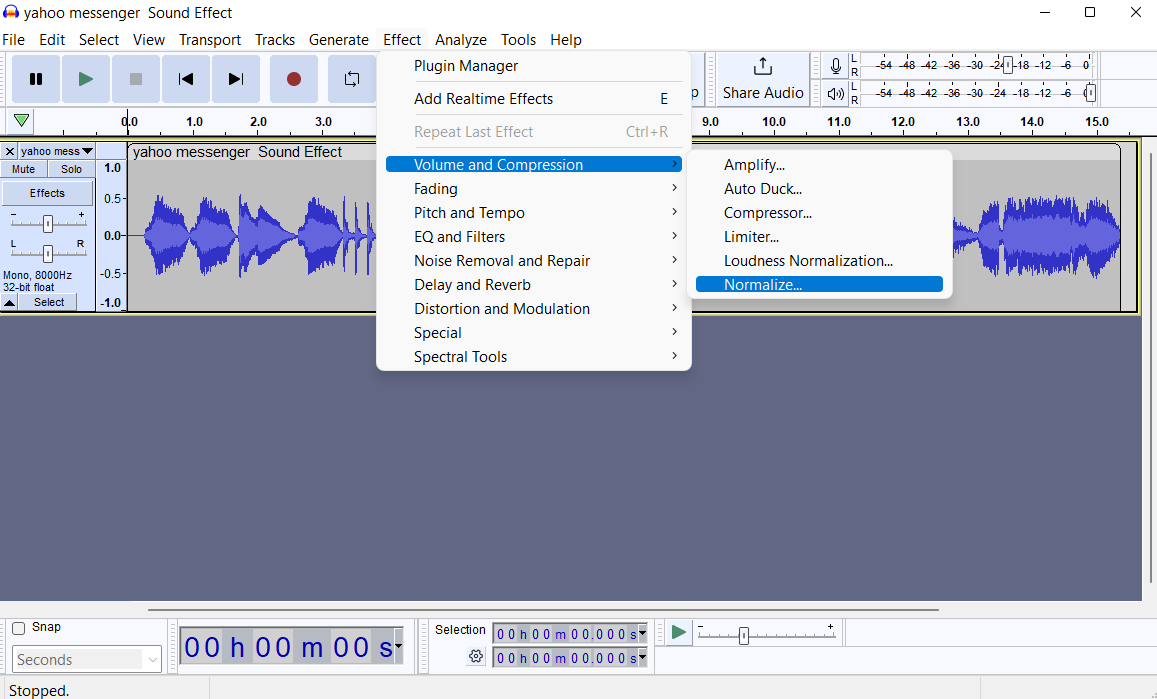
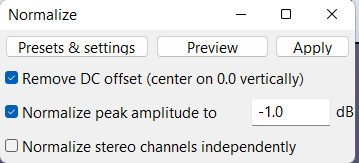
Effect -> Volume and Compression → Normalize -> Remove DC offset -> Apply
-
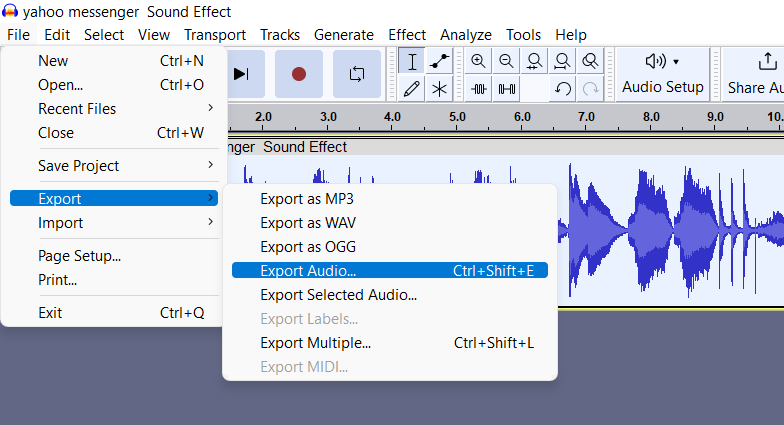
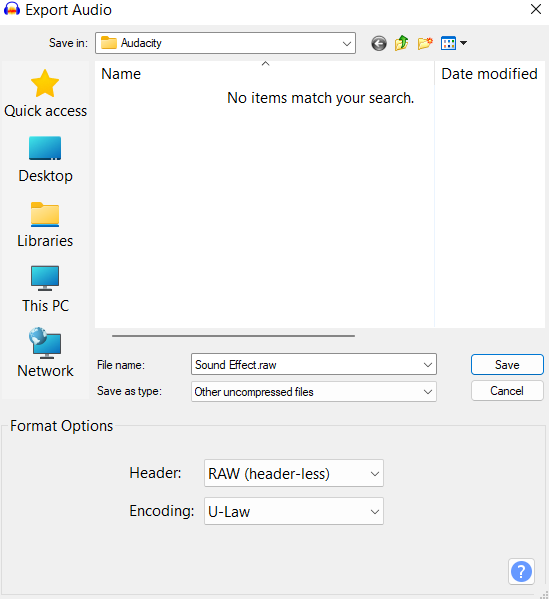
File -> Export -> Export Audio -> Save as type: 'Other uncompressed files', Then click on ‘options’ Header: Raw (header-less), Encoding U-Law -> Save
-
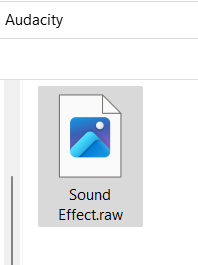
Rename output file from [xyz].raw to [xyz].g711
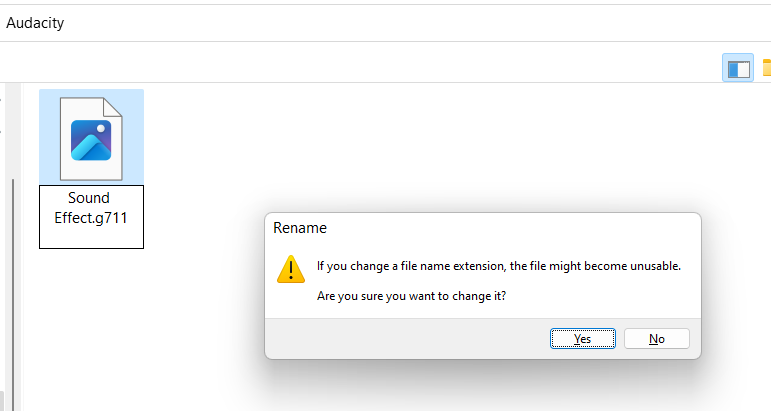
-
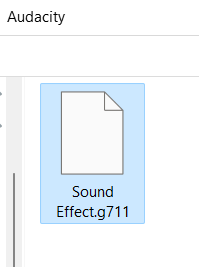
_____________
Now we need to load the audio file into the camera
-
Using the WEB GUI->Configuration->Service->Maintenance-> Configuration upload.
Note that not always the progress will be shown but upload will happen.
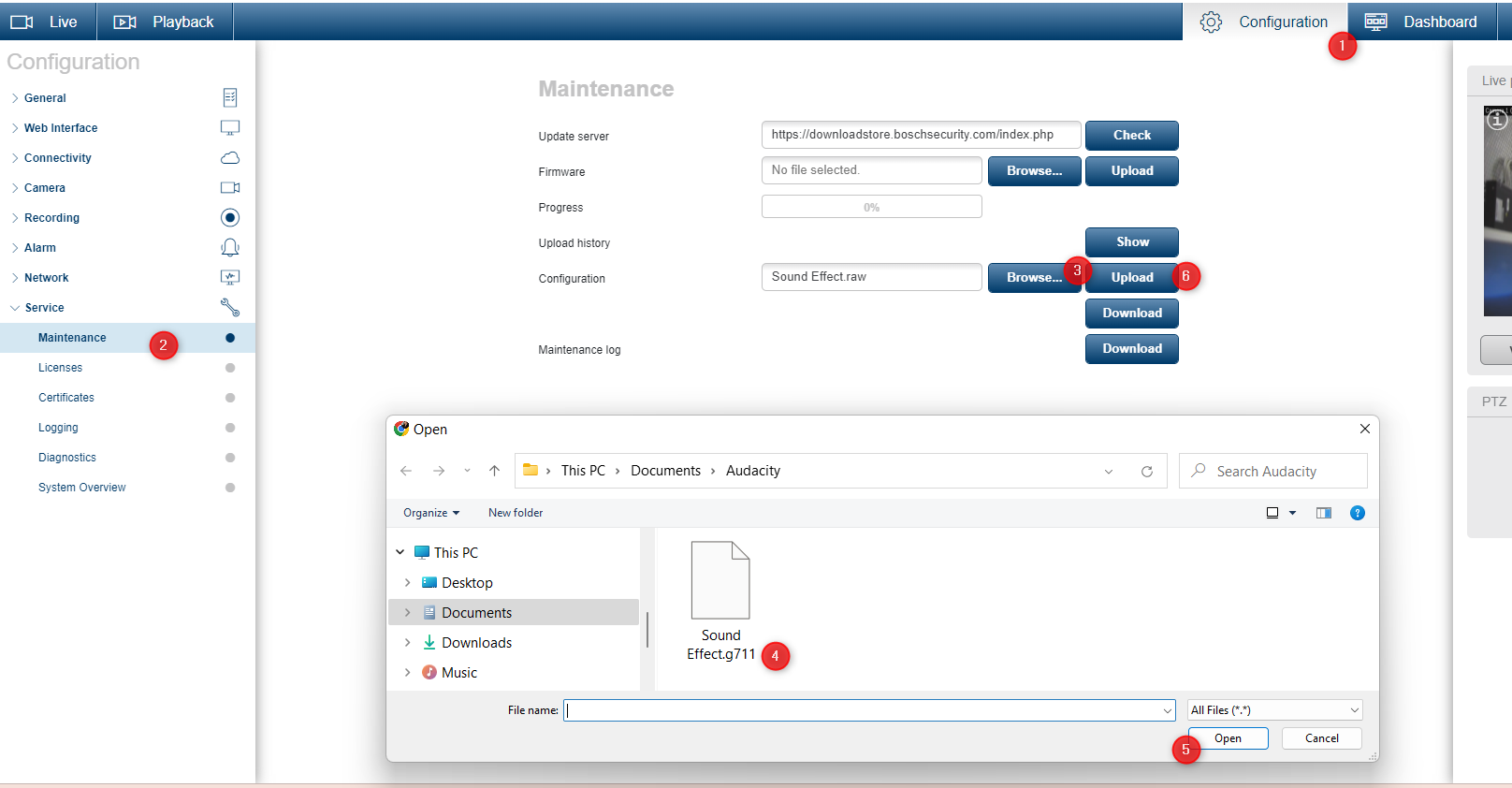
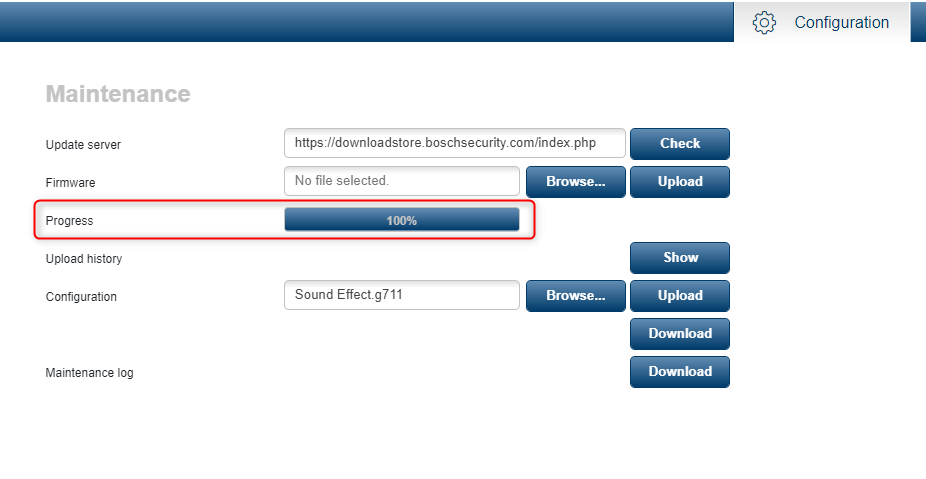
-
The audio file can be played using the RCP+ command CONF_AUDIO_OUTPUT (0x09b9), payload=4 (Sample), which can of course also be sent to the device itself using ATSL scripting.
-
A trigger can be any alarm or event:
In web browser:
Play the Audio file:https://<IPaddress>/rcp.xml?command=0x09b9&type=T_DWORD&protocol=TCP&direction=WRITE&num=1&payload=4
Stop the Audio playback:
https://<IPaddress>/rcp.xml?command=0x09b9&type=T_DWORD&protocol=TCP&direction=WRITE&num=1&payload=0
-
In the Alarm task Editor of the IP Camera Copy the below ATSL script:
//{{audio_begin // Create 2 RCP commands, one to Play the file and one to stop playing the Audio RcpCommand playAudio := { Command("rcp.xml?command=0x09b9&type=T_DWORD&protocol=TCP&direction=WRITE&num=1&payload=4") }; RcpCommand stopAudio := { Command("rcp.xml?command=0x09b9&type=T_DWORD&protocol=TCP&direction=WRITE&num=1&payload=0") }; // E.g. For easy testing simply use the relay to trigger, but can just as easily be connected to IVA, Alarm Input etc. if(Relay(1)) then playAudio else stopAudio; //}}audio_end
If there is no sound coming out of the camera then check in the audio settings for the output volume and always press ‘set’
-
there is no direct way to check it the audio file was loaded or not
-
if the file was not successfully loaded, the previously loaded audio file is not available too
-
the only way to check if the audio file was loaded is to send the rcpp command to play it, if it returns error then the file is not loaded
-
there is no official known audio file limit, only the testing for the article maintenance discovered: 250KB
-
this function is not available in CPP 13 and CPP 14 devices