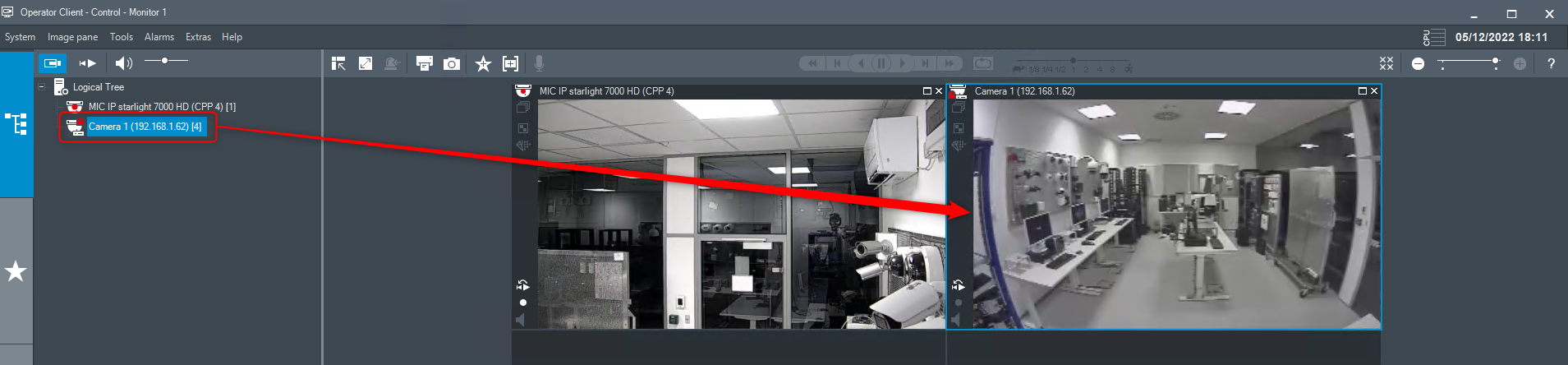
-
Cause
Camera is added as ONVIF Encoder in VSG, but it is not visible in the Device Tree either in Devices menu or in Maps and Structure menu from BVMS Configuration Client.
Therefore, the camera cannot be added in the Logical Tree and display its image in the Operator Client.
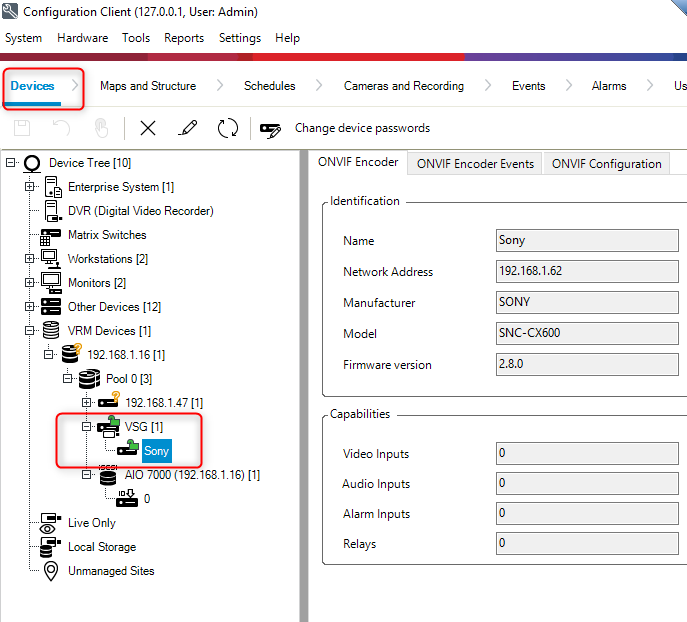
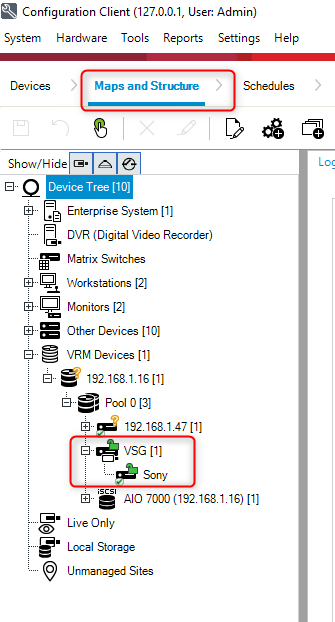
-
Solution
1. Go to the Devices menu and right click on the camera icon displayed under the VSG
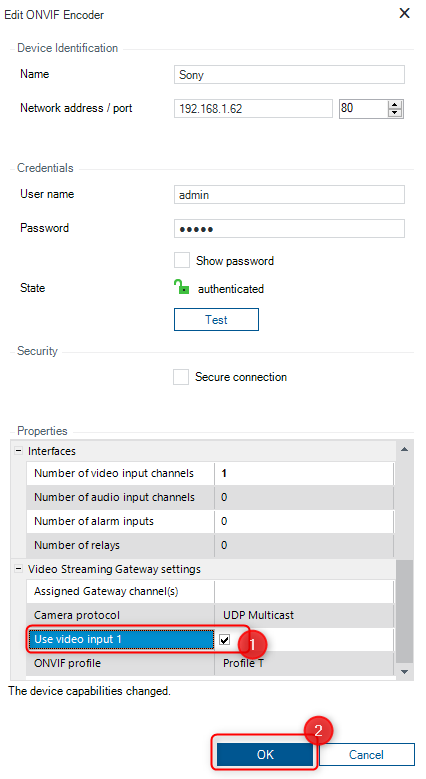
2. Select "Edit ONVIF Encoder"
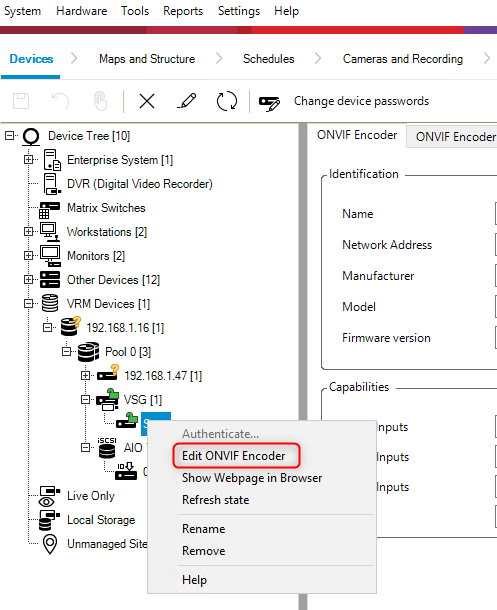
3. Check the box next to the "Use video input 1" option and click OK
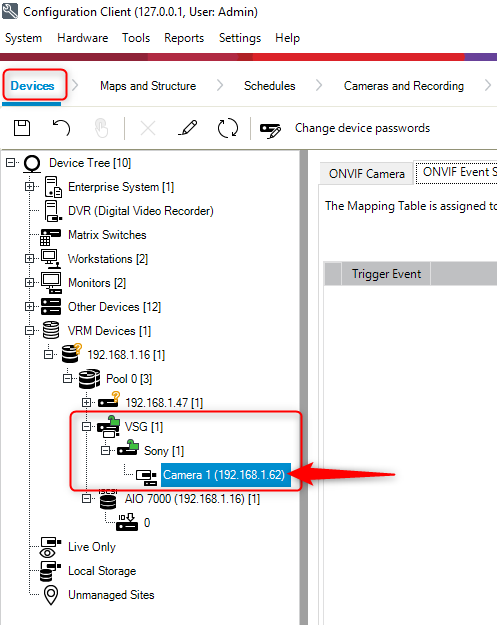
The camera will be now visible in the Device Tree:
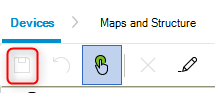
4. Do not forget to save your changes
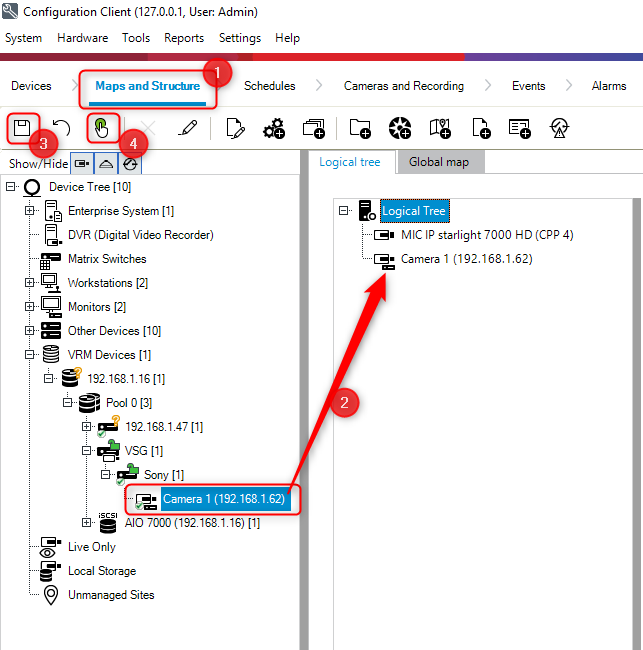
5. Next, go to the Maps and Structure menu. You will notice now that the camera is also visible in the Device Tree from this menu.
Drag & drop the camera in the Logical Tree > click Save & Activate
6. Open Operator Client
The camera is now visible in the Logical Tree and you can drag & drop the camera into the Image pane to see its image.