🕒 This procedure takes ~ 5 min to be complete
In order to load BIOS Optimized defaults on your DIVAR IP 5000 AIO unit, please follow the steps below:
Step-by-step guide
-
Press DEL to boot into BIOS
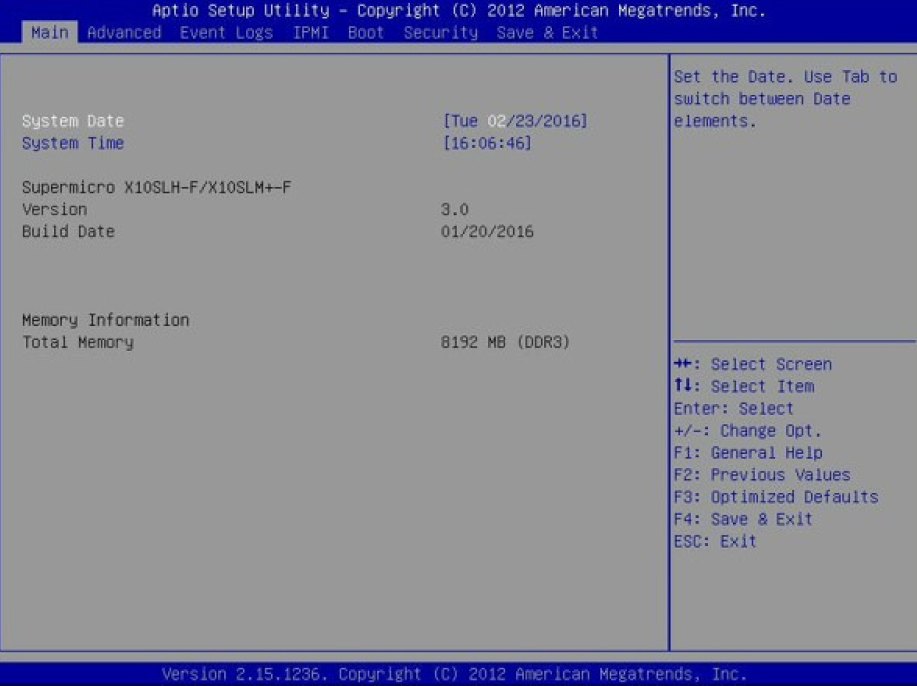
-
In BIOS, press F3 on keyboard.
-
When the Load Optimized Defaults window appears, select Yes and press Enter on keyboard
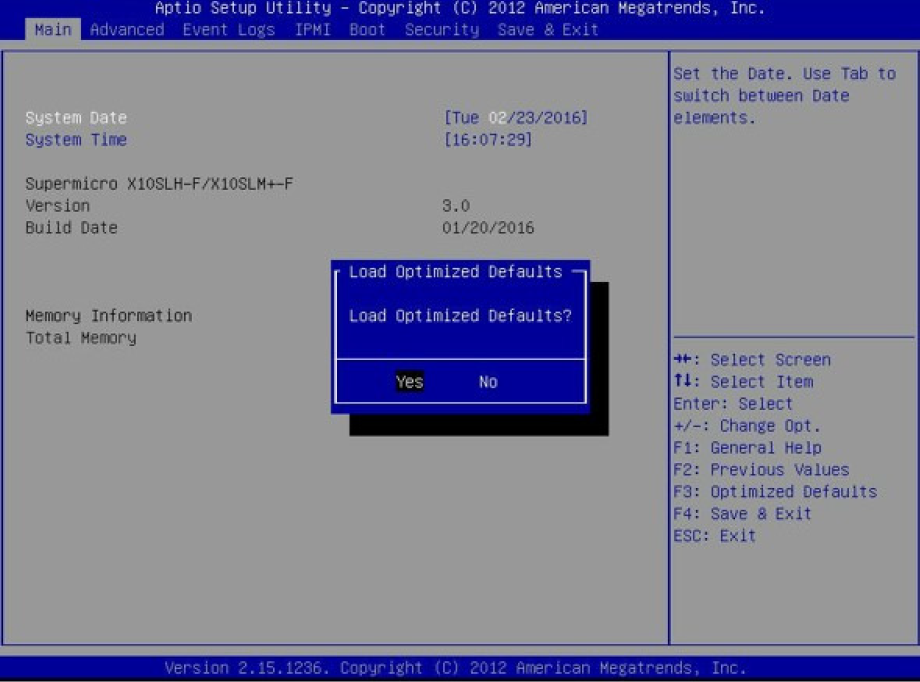
-
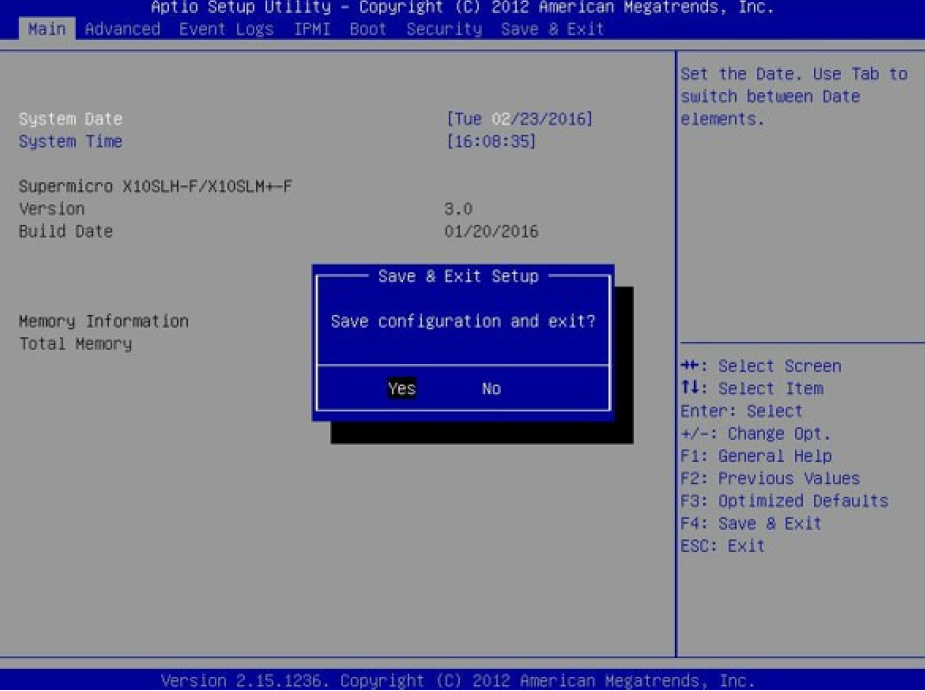
Press F4, select Yes, and then press Enter