
Question
How can I remotely configure VCA in Alarm Management?
Answer
Remote VCA configuration through the camera's device page (website) now can be performed with Configuration Manager version 7.60 and later.
Please perform the following steps:
-
Download Configuration Manager v 7.60 or later from Download Store and install on your computer.
-
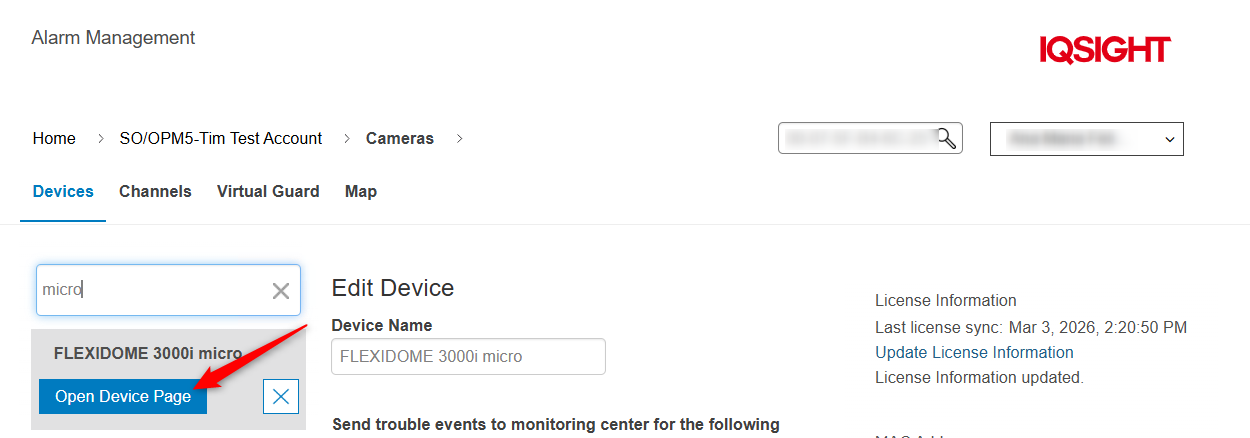
Open Device Page in Alarm Management Configuration
-
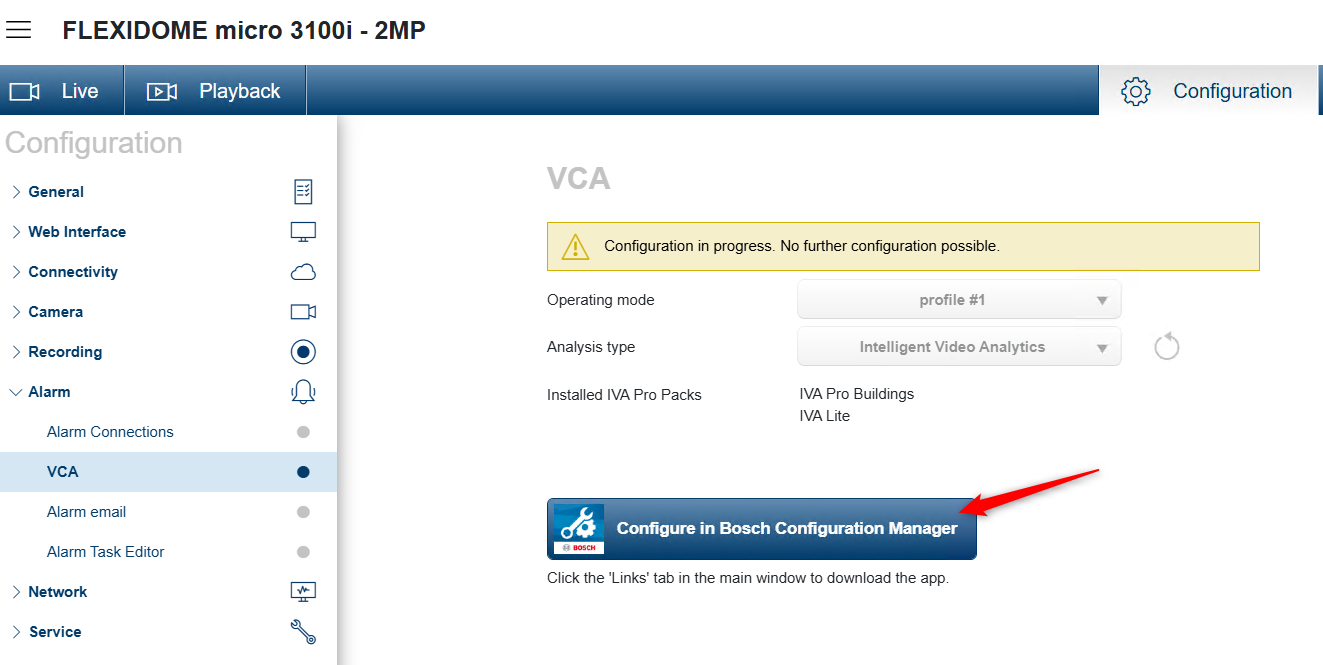
Select Alarm > VCA > click button "Configure in Bosch Configuration Manager"
-
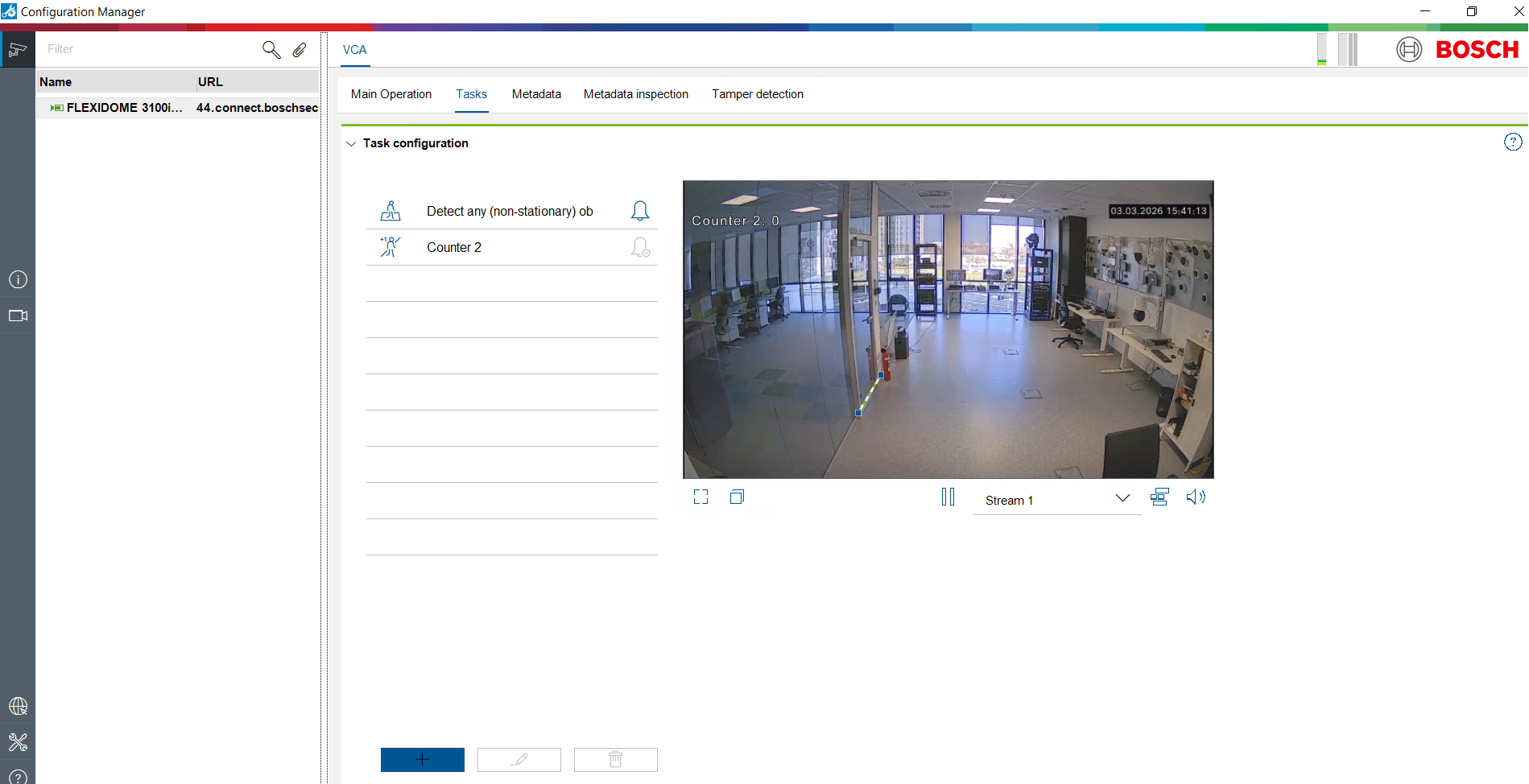
Configuration Manager opens displaying the VCA Configuration
-
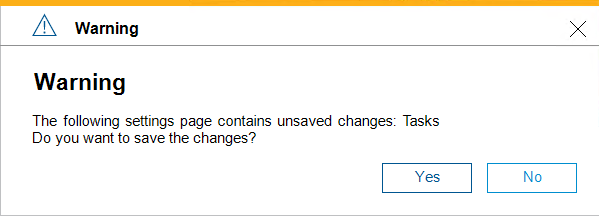
After Configuration has been completed, close the Configuration Manager and click Yes.
Known Limitations:
-
Remote VCA configuration is supported for all Bosch IP cameras with firmware version 7.80 and later.
-
For remote VCA configuration of Remote Portal cameras, please start the Configuration Manager on your computer and connect to your Remote Portal account to configure your cameras.
-
For cameras with firmware versions earlier than 7.80,
-
for remote VCA configuration please continue using the Internet Explorer 11 with Video SDK or MPEG ActiveX v6.36.0233 installed, and Active X components being allowed in the browser (or Internet Explorer (IE) mode in Microsoft Edge),
-
or use the Configuration Manager in the local camera network (= local VCA configuration).
-