
Question
Are there different ways to remotely connect to cameras (Live or Playback) using the Video Security Client or App?
Answer
Yes! Below are the connection scenarios to remotely connect to cameras (Live or Playback) using the Video Security Client or App
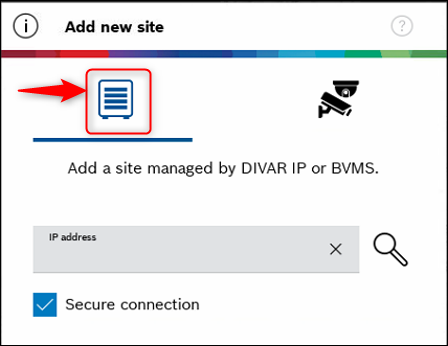
1. To DIVAR IP AIO/ BVMS system:
a) DIVAR IP AIO: Connect to VRM using the BVMS user and password.
-
Port forwarding of Public IP to DIVAR IP AIO local IP-Address and port 443 is required on Internet Gateway.
-
Dynamic Transcoder on DIVAR IP can be utilized.
-
All cameras attached to VRM (up to 256) are accessible.
b) DIVAR IP AIO: Connect through VPN to VRM using the BVMS user and password.
-
No need for port forwarding.
-
Dynamic Transcoder on DIVAR IP can be utilized.
-
All cameras attached to VRM (up to 256) are accessible.
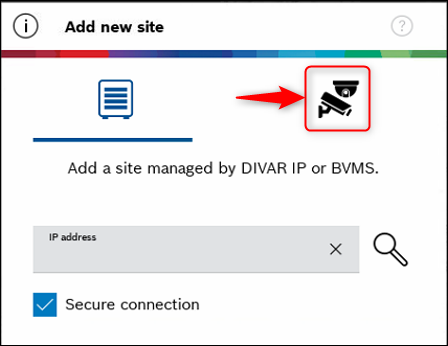
2. To Camera directly, bypassing DIVAR IP AIO/ BVMS system:
a) Get camera connection directly to Camera IP-Address (no transcoding possible):
-
Within the site, add all camera IP-Addresses and credentials to VSC
-
From remote through internet: Each camera needs a port forwarded on the Internet Gateway → possible but not recommended. Rather use 2b), save configuration effort and it reduces complexity.
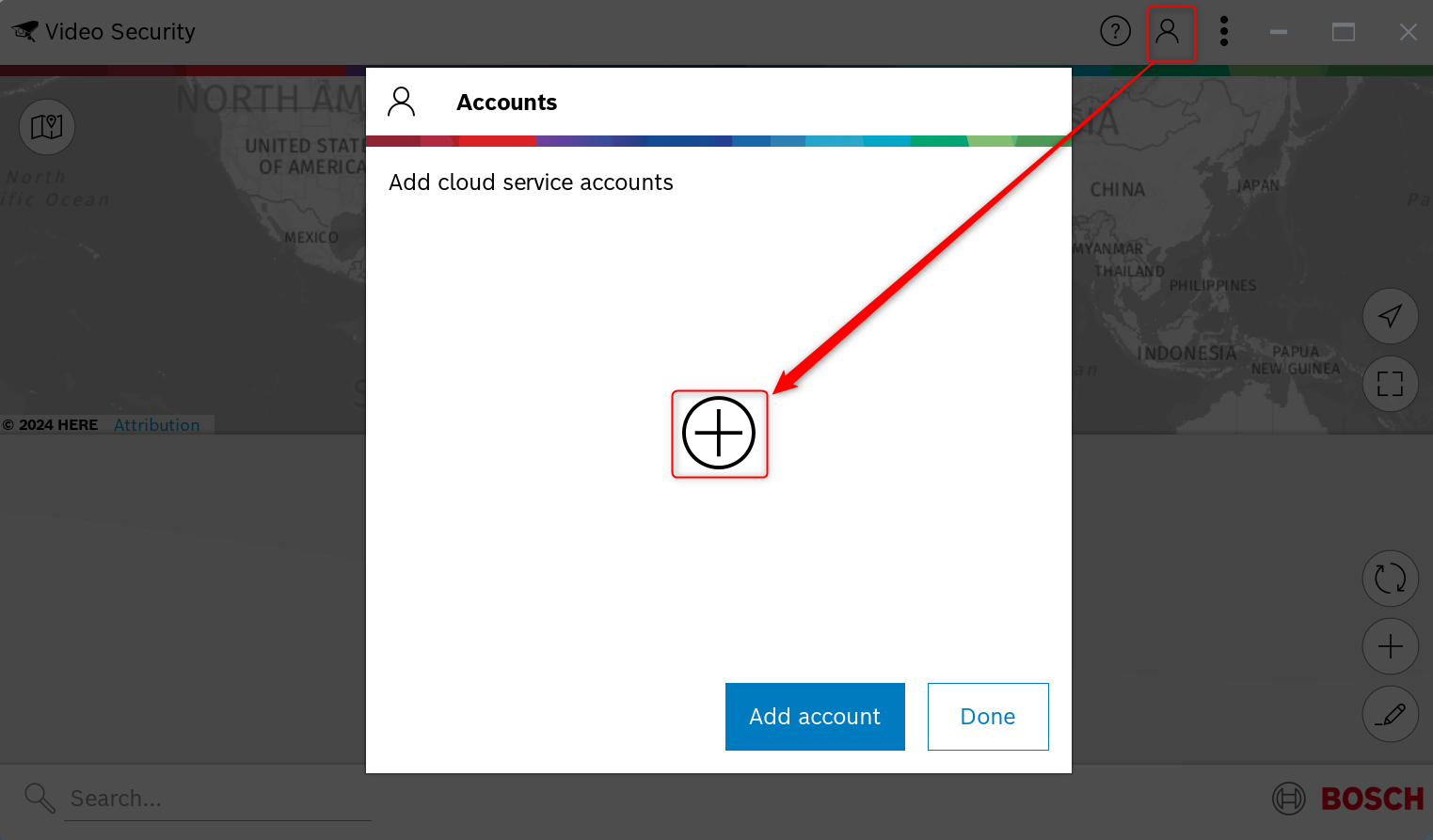
b) Get camera connection through Remote Portal (RP): Add cameras to Remote Portal (add RP credentials in each camera).
Add Remote Portal account/ Log in using Single Sign-On to VSC.

-
How to connect my Remote Portal account to Video Security Client?
-
Do I need a license for the remote live stream of my camera in Remote Portal (Remote Connect)?
-
How to configure Remote Portal to access your Bosch camera through Video Security App?
-
How to connect to your cameras with Video Security Client through Remote Portal?