
Possible causes and solution(s)
Solution
Note: This experienced behavior is not caused by a wrong usage or defect, but result of a not optimal factory calibration.
Note: Before start, it might be handy to activate "crosshairs", not all camera models have this. For example you can activate this on a MIC9000i (see below), but not on a AUTODOME IP starlight 5000i IR
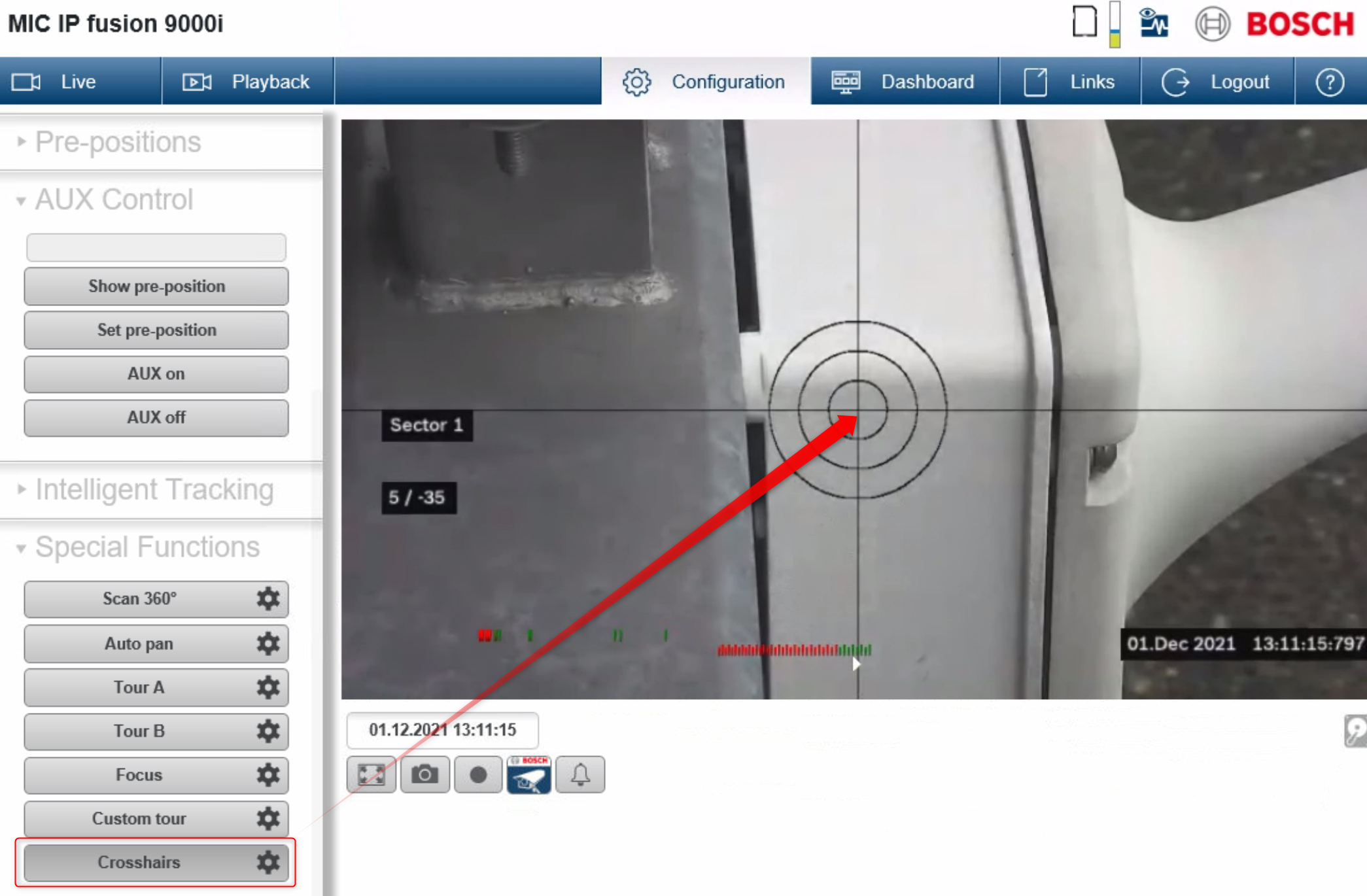
In the attached example video we used:
-
AUTODOME IP starlight 5000i IR
-
FW 7.81.0060
First step is to calibrate the camera:
-
Reboot the camera first
-
Zoom in to a good recognizable place
-
Issue AUX ON 804 > move gray dot to a calibration target (at least 3m from cam)
-
Issue AUX ON 804 again > cam zooms out to 1x, if dot has moved use PTZ to move it back to the calibration target (you may want to use full and big screen)
-
Issue AUX OFF 804 > calibration finished
In the following video you can see an example of camera’s calibration:
Next step is to properly draw the mask(s):
-
First zoom in as close as possible on the target that you intend to cover
-
Now enable the mask of choose, a rectangle box appears, shape this according the target
-
Always draw the mask bit larger than the object you like to mask
-
Choose 1 larger mask, above multiple tiny ones, in case this is possible
-
Enable "mask enlargement"
In the following video you can see how to draw the mask: