
Question
Is it possible for VJD-7533 to be used in older versions of BVMS <12.3?
Answer
BVMS 12.3 Officially supports decoder FW 11.00/10.61/10.06 = VJD-7533/7523/7513/8000
BVMS 11.1.1 Officially supports decoder FW 10.23/10.05 = VJD-7513/8000
With FW 11.x used for the new Decoder 7533 we have increased the security requirements:
-
after adding decoder to Monitor Group in Configuration Client, the Configuration Client could not read out possible layouts (1x1 , 2x2 , etc.)
-
BVMS cannot read display name via network scan - error0xa0
-
The query for display names & decoder layouts now requires user credentials (security improvement, no unauthenticated access).
-
This influences older BVMS version <12.3.
-
The workaround was tested with BVMS 12.0.1 and newer.
-
Please take into consideration that
-
BVMS 11.x and older, are in Limited Support since 2024-06-03
-
No official testing will be done for older versions! Not planned to be officially support any older version than 12.0.1
-
⚠️ Decoders cannot be downgraded below their initial FW (factory default)!
-
Option 1:
Scan method:
-
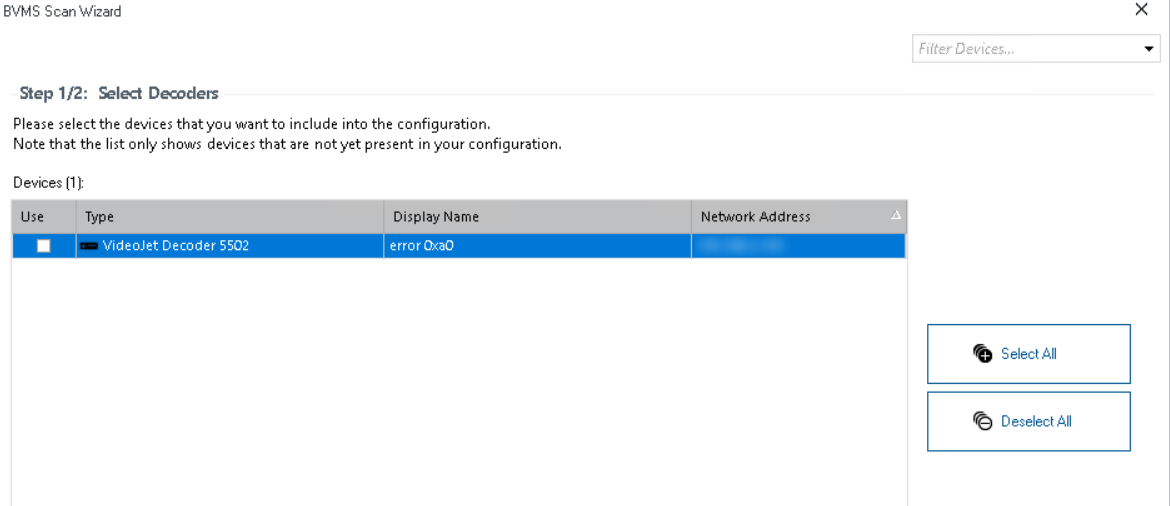
Scan for decoders - ignore the "error0xa0" in the "display name" and the eventual incorrect "type".
-
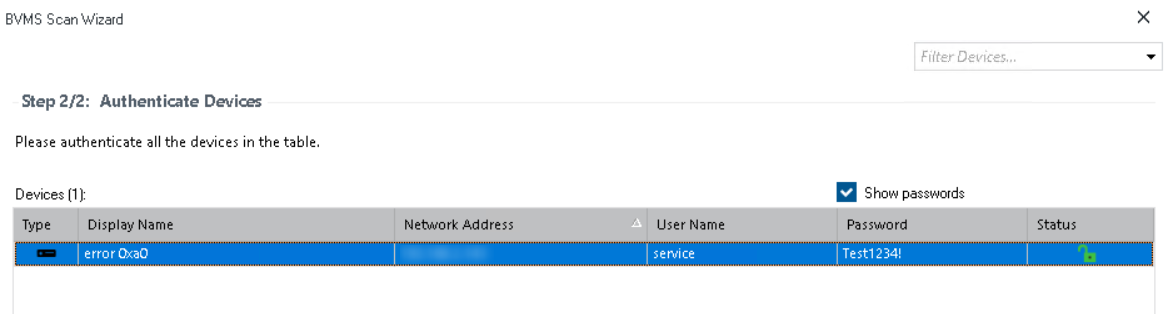
Select the decoders and authenticate the device.
-
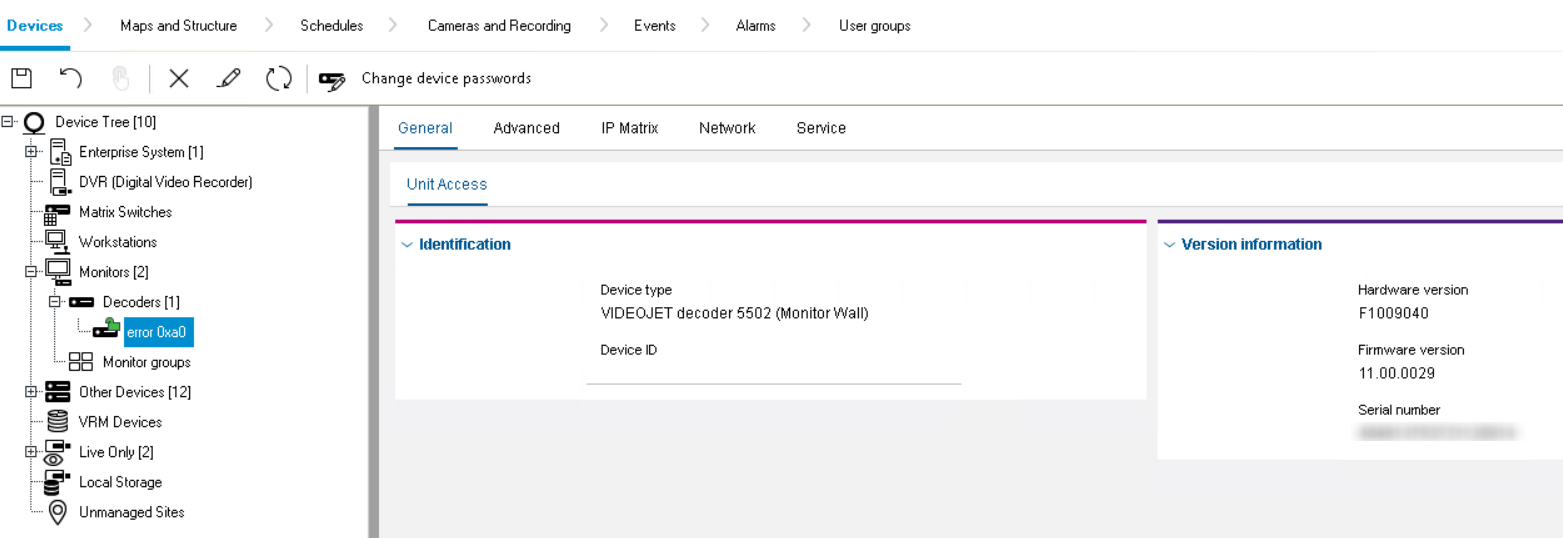
In the Device Tree correct the incorrect names.
-
For each decoder open the "Edit Decoder" dialog to get correct capabilities (e.g. layouts) and confirm changes with "OK"
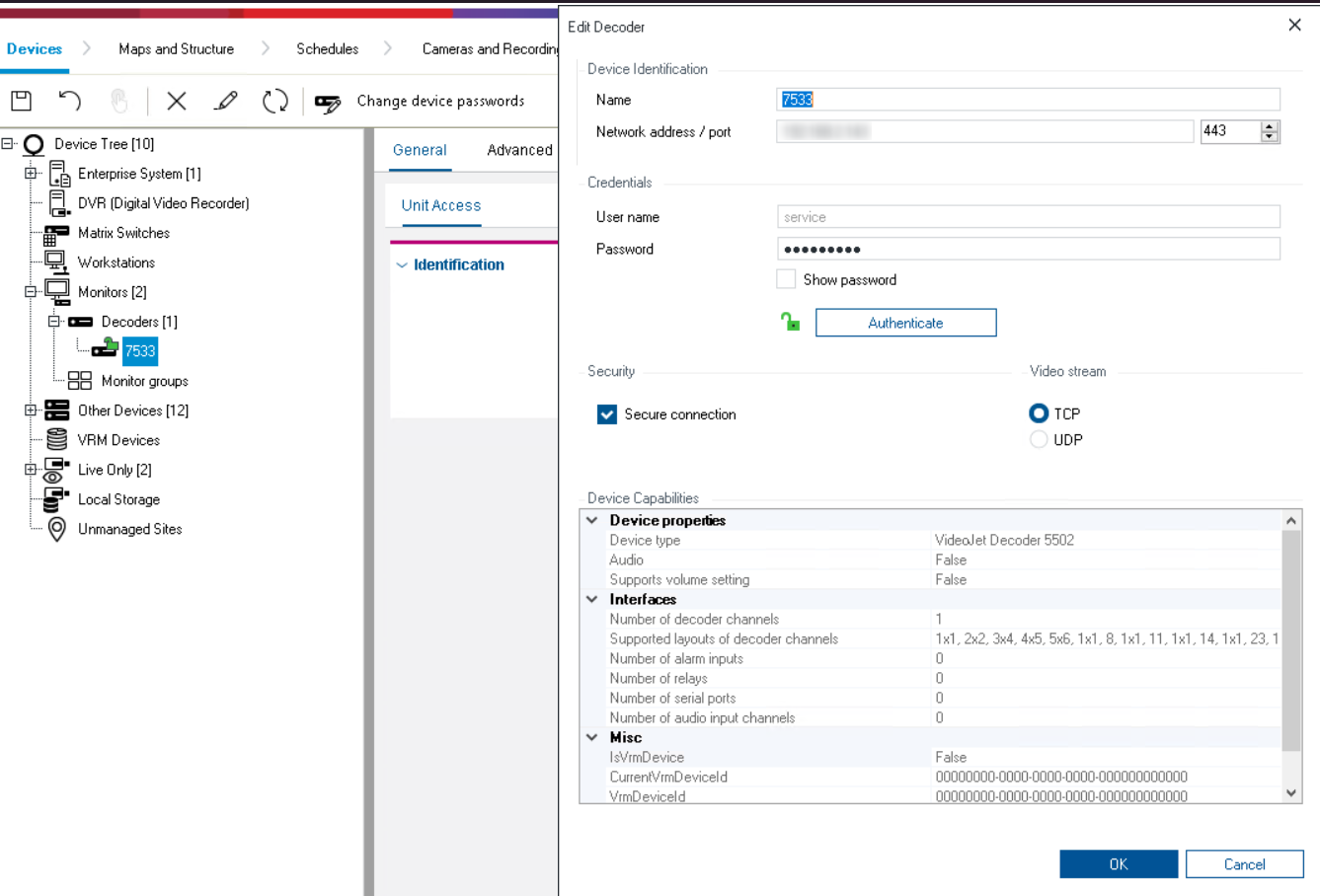
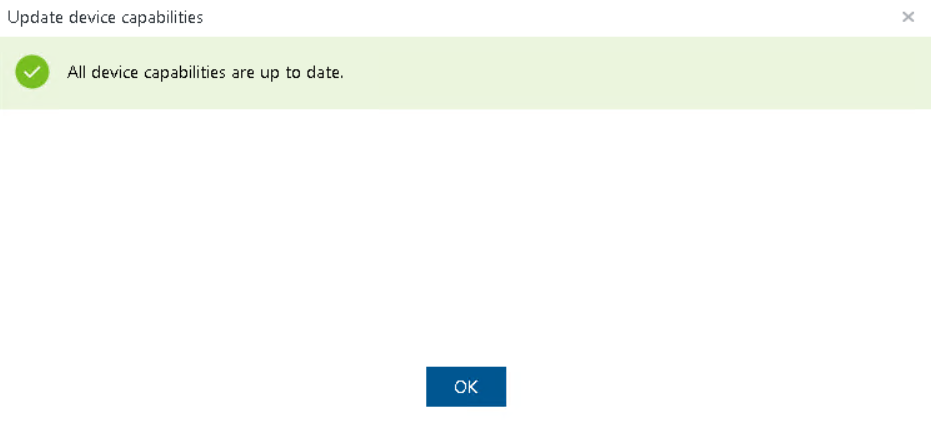
Now you can operate the device as before.
Option 2
Manual add:
-
Manual add the decoder "auto detect" - device will be added "locked" to the device tree.
-
For each decoder open the "Edit Decoder" dialog to authenticate and get correct capabilities (e.g. layouts) and confirm changes with "OK"
Now you can operate the device as before.