Question
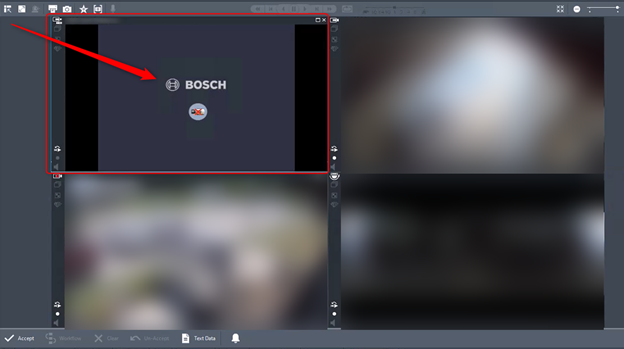
What can be done when 3rd party camera is flashing between image and Bosch logo in Operator Client?
Answer
-
Please make sure that:
-
Reboot the camera
-
Restart the VSG service
-
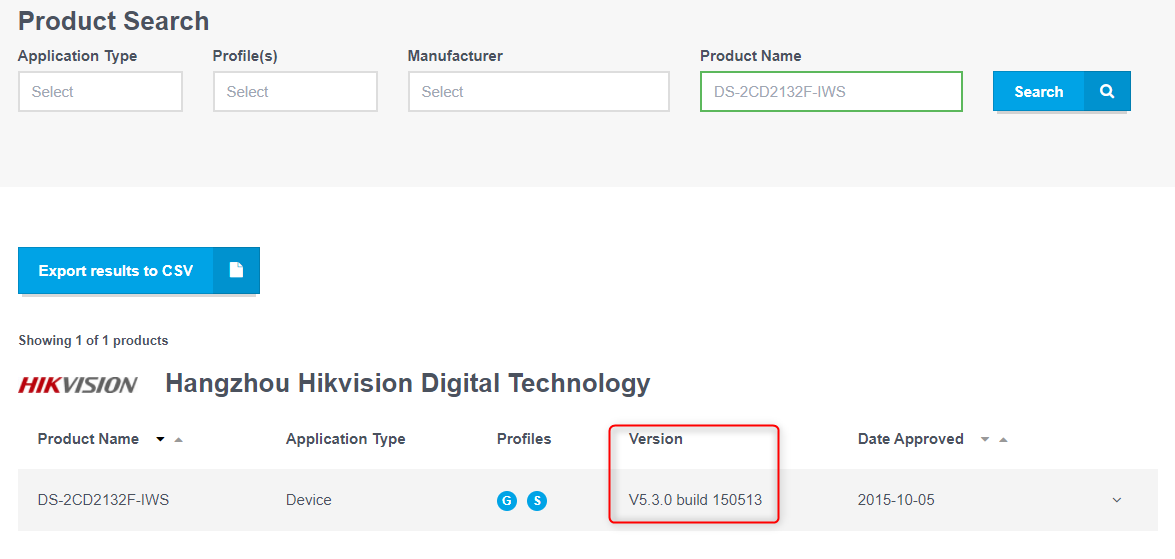
Please check if the firmware of the Camera is conformant on the ONVIF page
If it is not conformant, please get it on the proper version.
After getting the correct firmware on the camera, if the image on live and playback is still switching between the Bosch logo and the camera image, please remove the camera from configuration > save & activate the change and re-add the camera to the VSG service to re-establish communication with the VSG.
For example, below you will find the ONVIF interface guide for the Hikvision DS-2CD2132F-IWS: -
https://www.onvif.org/member-portal/wp-content/uploads/sites/2/2017/01/6357964716506851383XMLDoc.xml