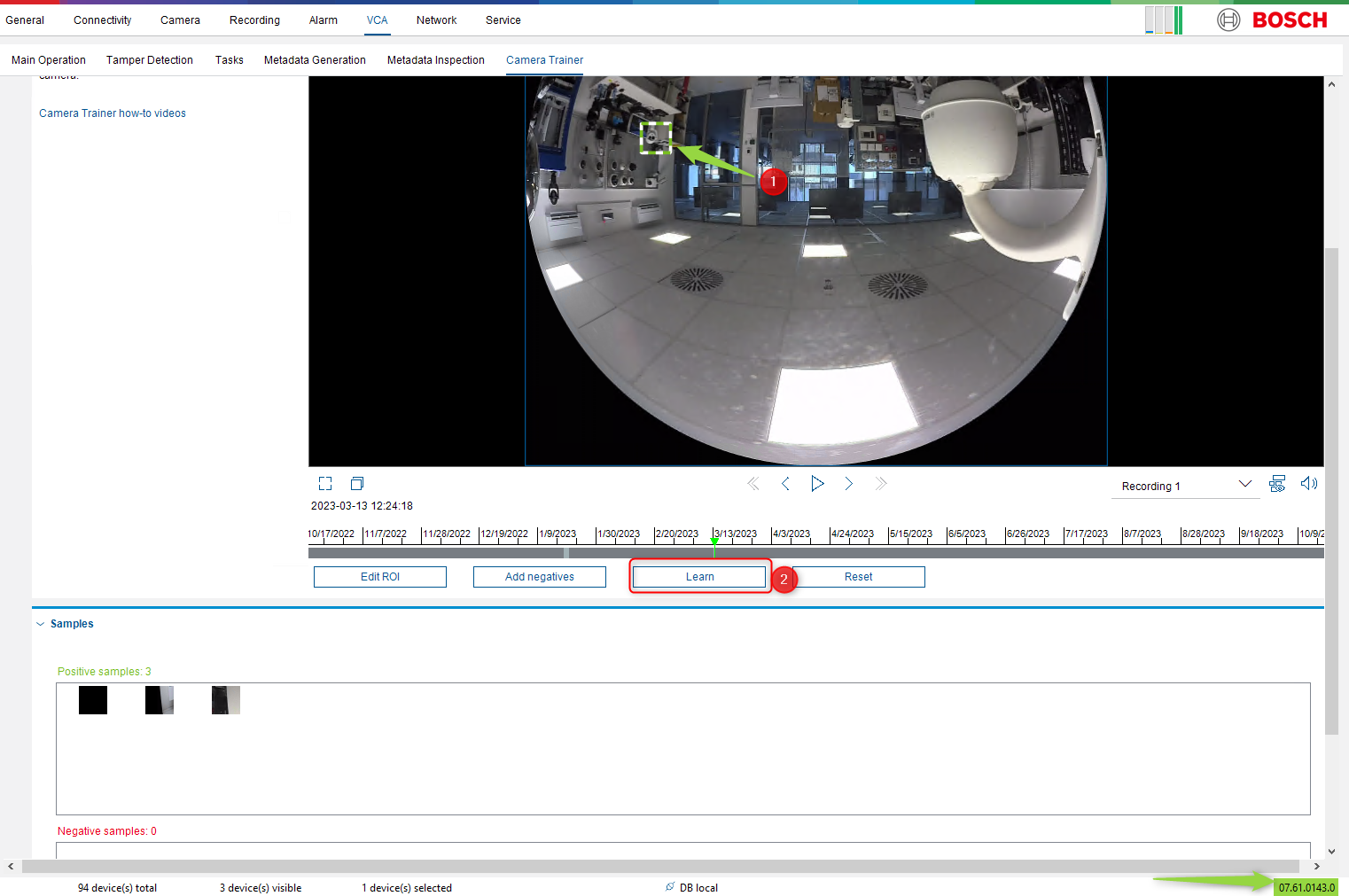
Possible causes and solution(s)
-
Causes
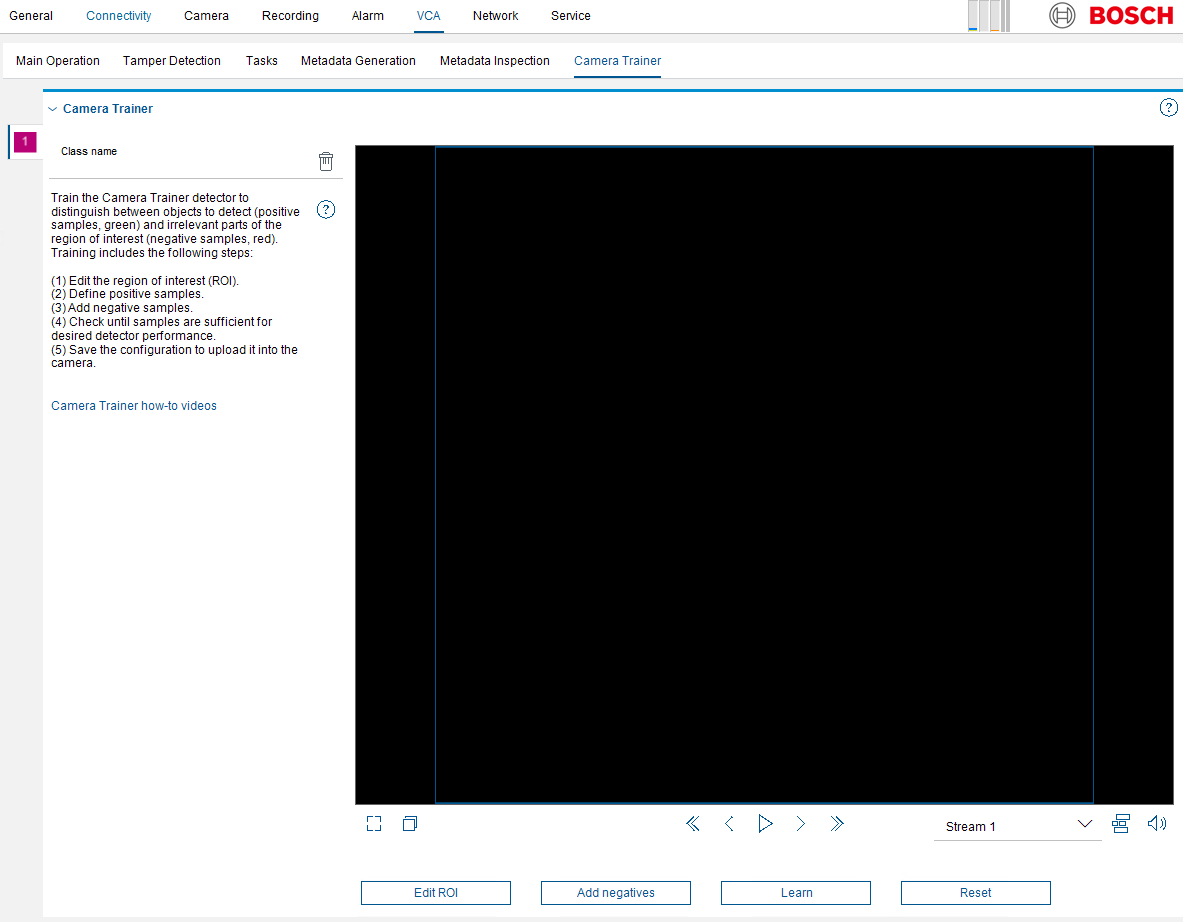
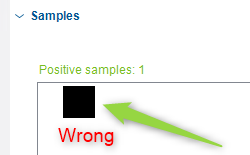
Black image occurs during the selection/ switching between Streams or by selecting the recorded videos (locally) when accessing Camera Trainer in Configuration Manager.
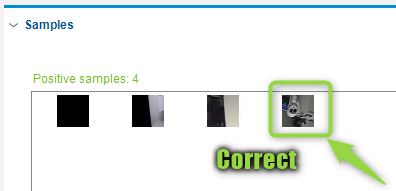
Also, while creating samples and clicking the Learn button, the "learned" images are incorrect and don't match.
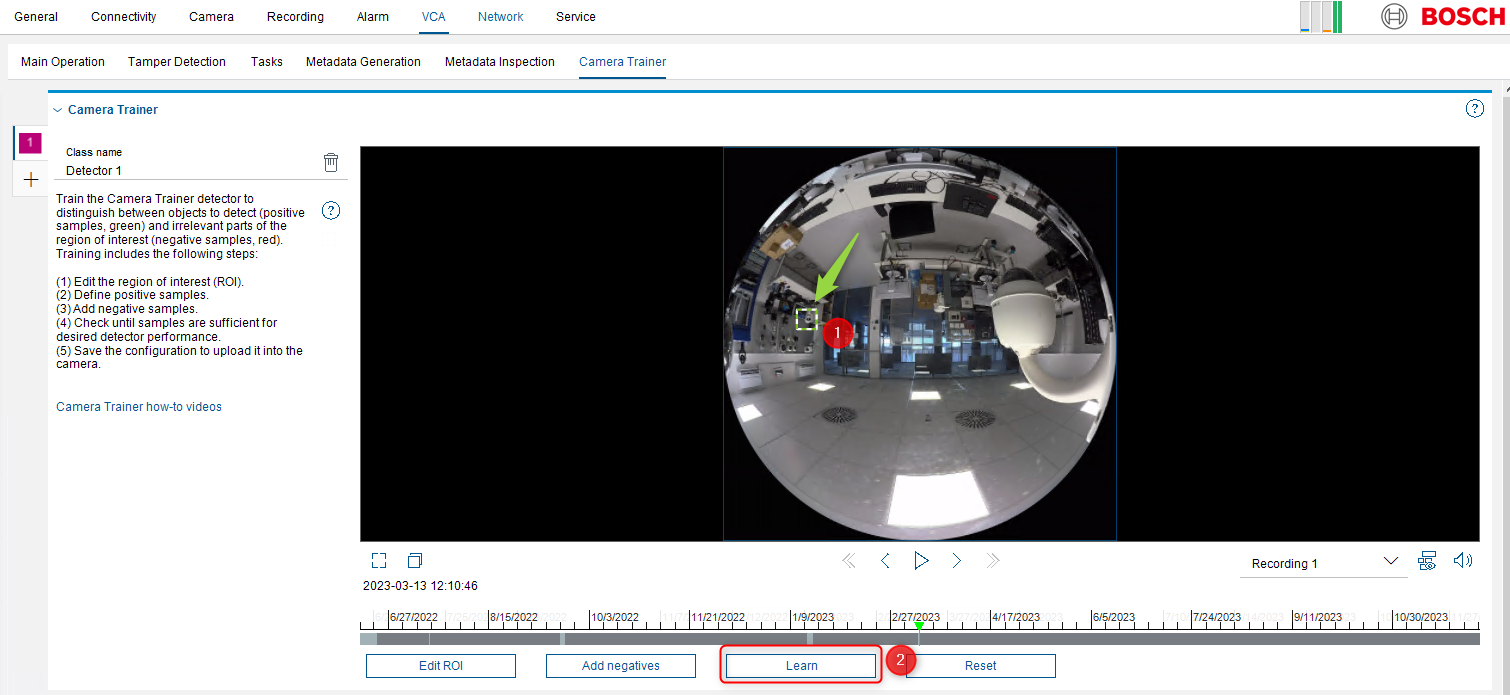
(information) This behavior was noticed in Configuration Manager version 7.60.0082
-
Solution
Upgrade Configuration Manager to the version 7.61 or above.
You can download the latest version of Configuration Manager by accessing the Download Store web page.
This behavior was fixed in Configuration Manager (version 7.61). After upgrading Configuration Manager to the version 7.61 or above, the black image will no longer be displayed and the samples selection will work properly.