LSI Storage Authority, LSA for short, can be found on the DIP64xx’s Windows desktop.
.png?cb=5df061119ebeff0fbfb726e5ba83ccb7)
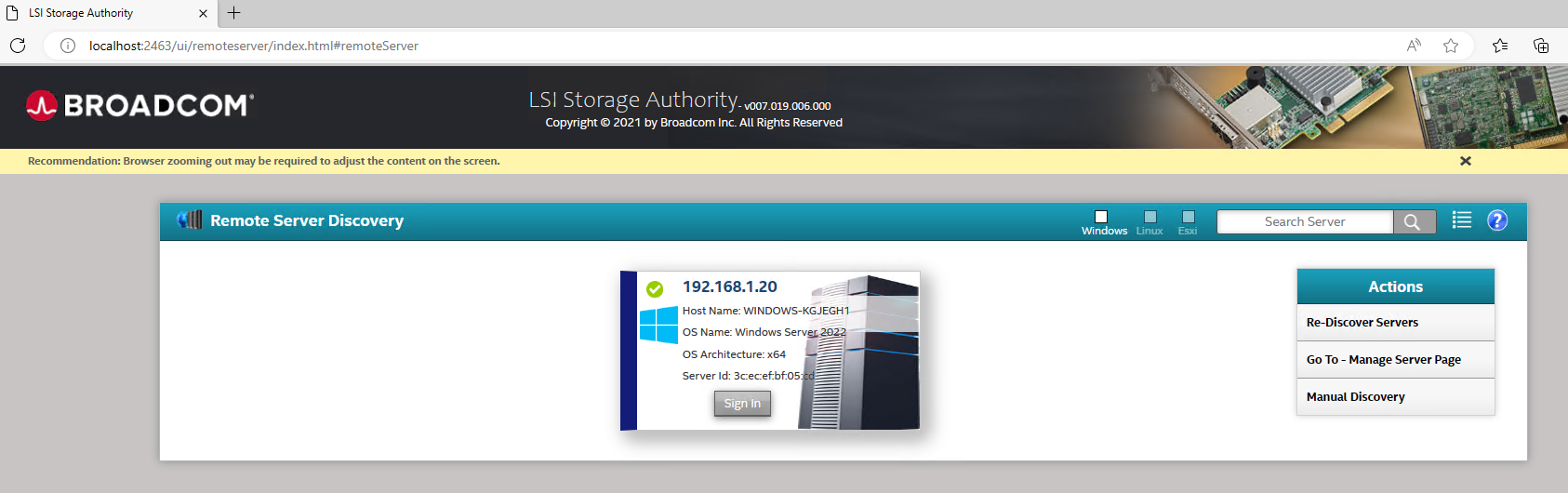
Step-by-step guide
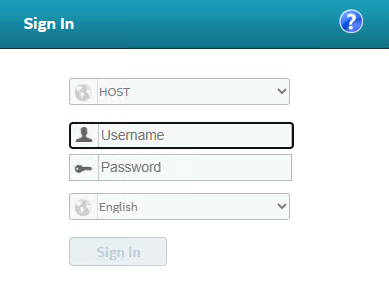
Log in with the BVRAdmin account credentials by clicking the server’s tab (more than one could show, depending on how many are running in the system):
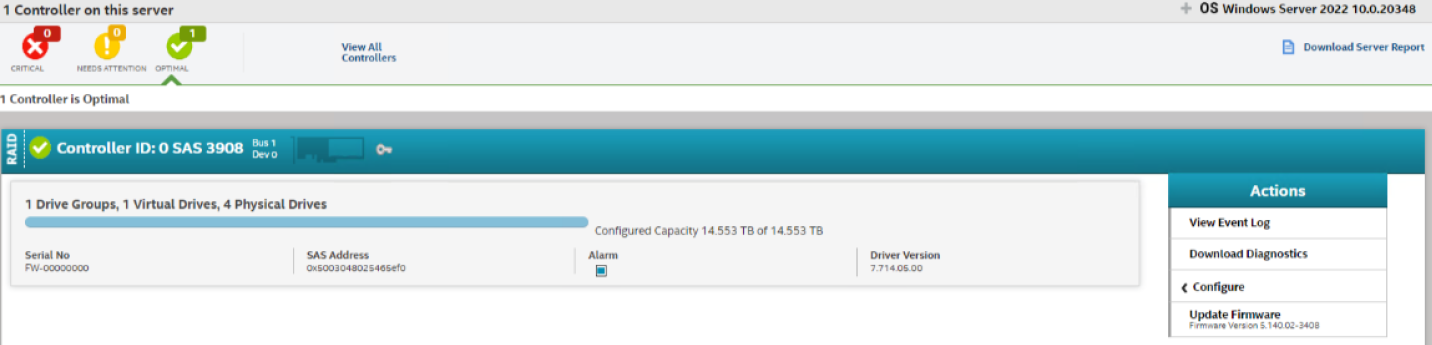
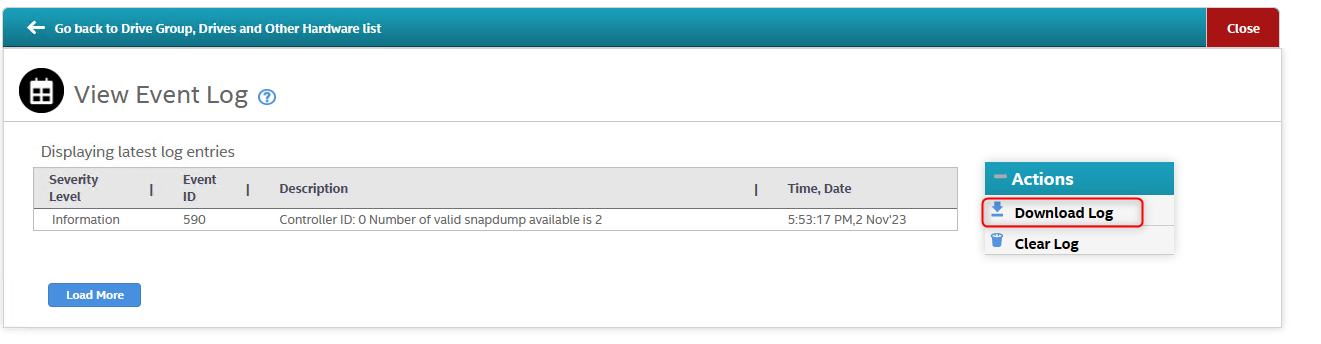
The Controller Event log can be viewed under the Actions section (on the right side of the page) > select View Event Log:
You can download the Controller Event Log by clicking "Download Log":
Other options for more in-depth troubleshooting, which might be required in some cases, are to download a Server Report or download all Diagnostics:
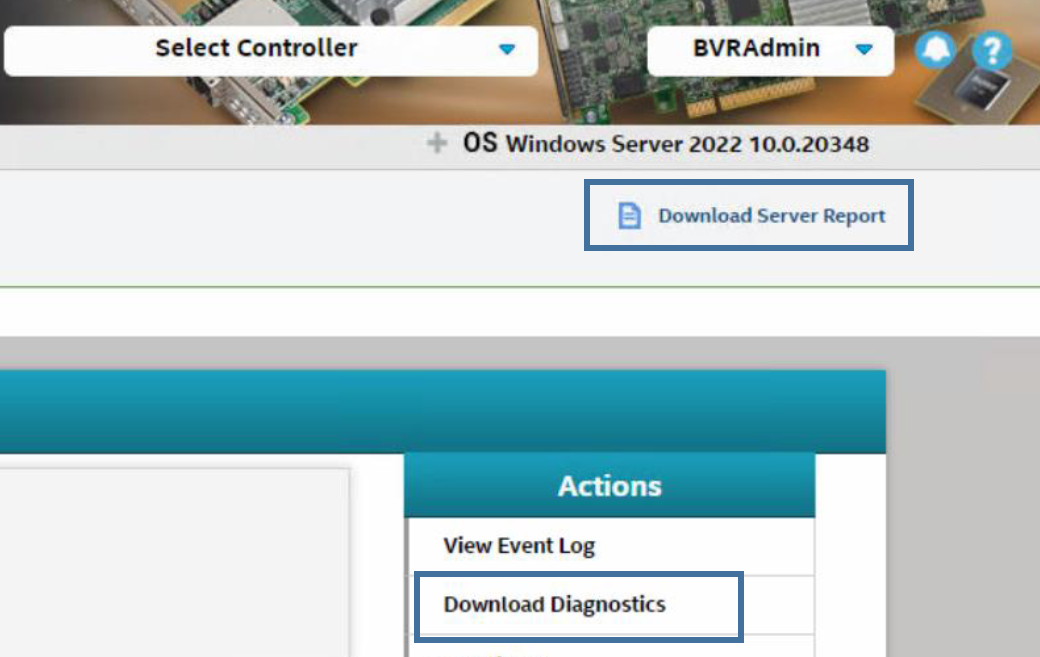
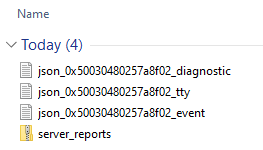
Server Report and Diagnostics Logs: