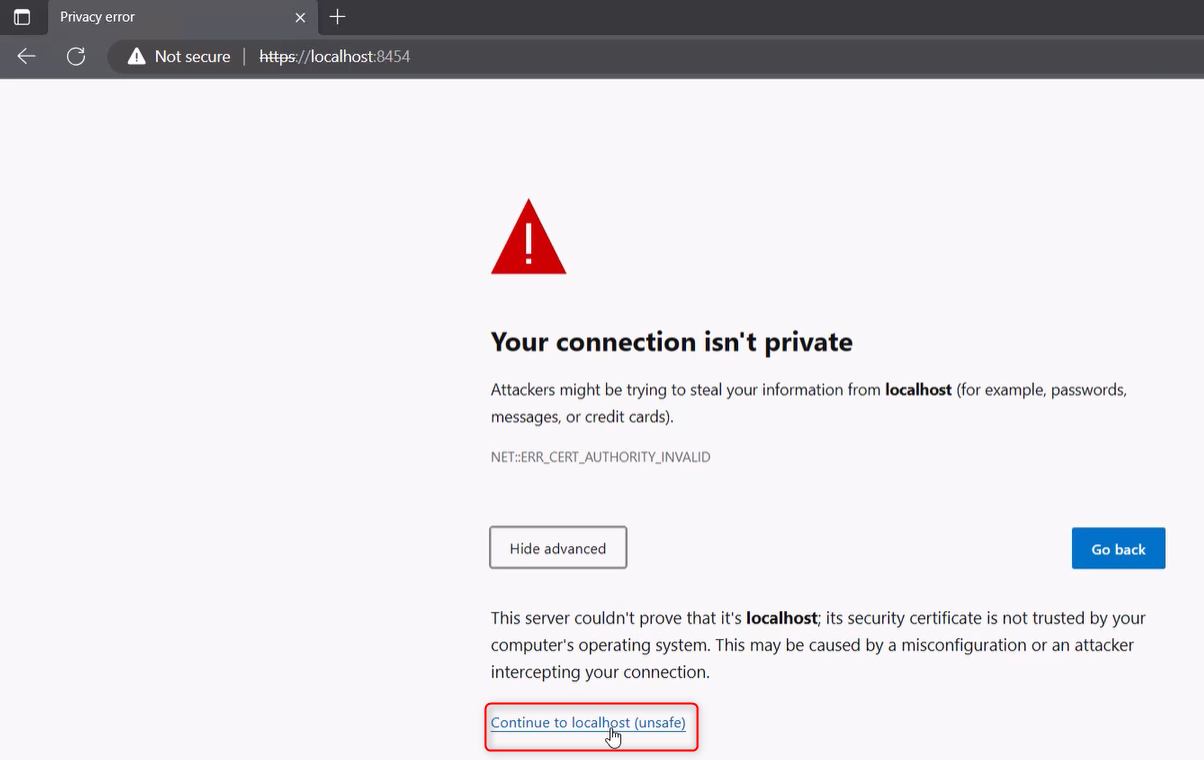
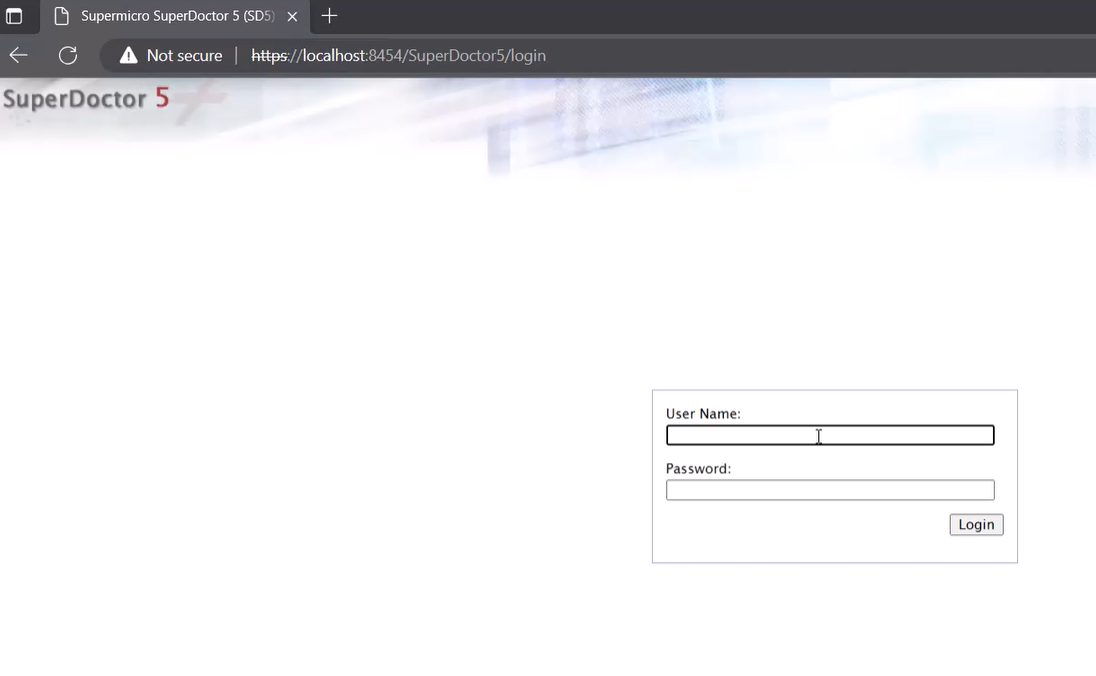
Possible causes and solution(s)
Symptoms
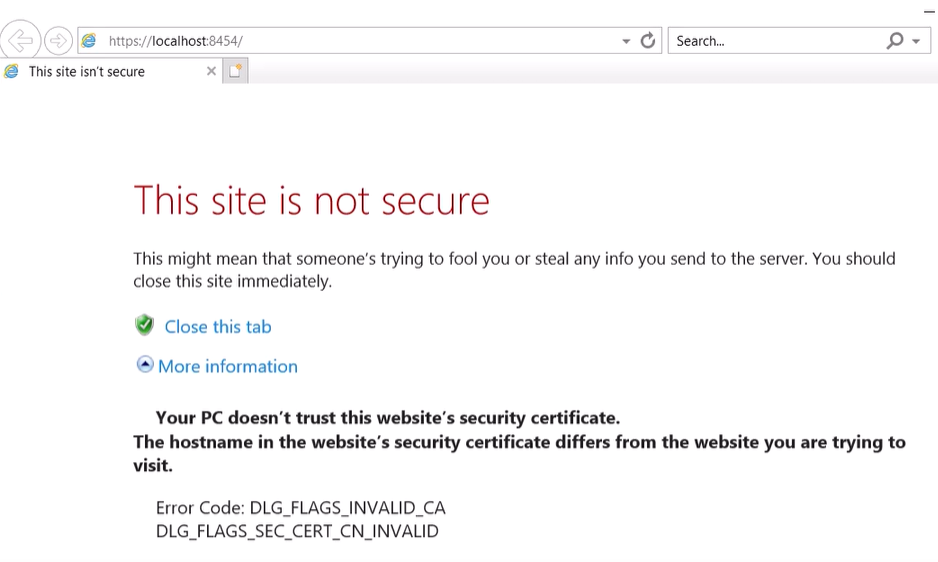
When trying to open the SuperDoctor app, the default browser opening is Internet Explorer and the login page is not showing up.
"This site is not secure" message occurs and there is no possibility to continue to the localhost.
Solution
Change the default Browser
1. Click the Start button
2. Type Default apps
3. Click on Default apps
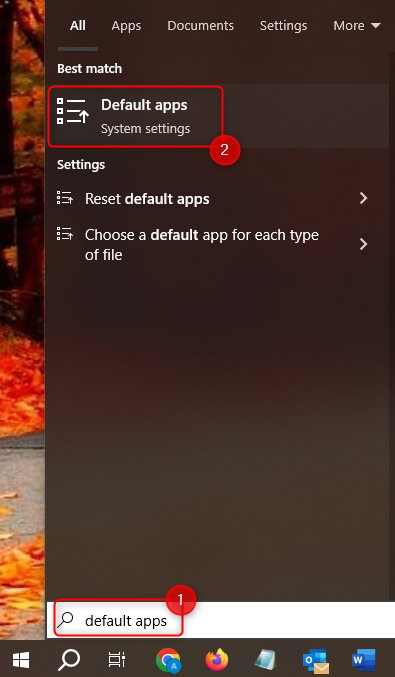
4. Click on Internet Explorer under the Web browser section
5. Select Microsoft Edge from the options
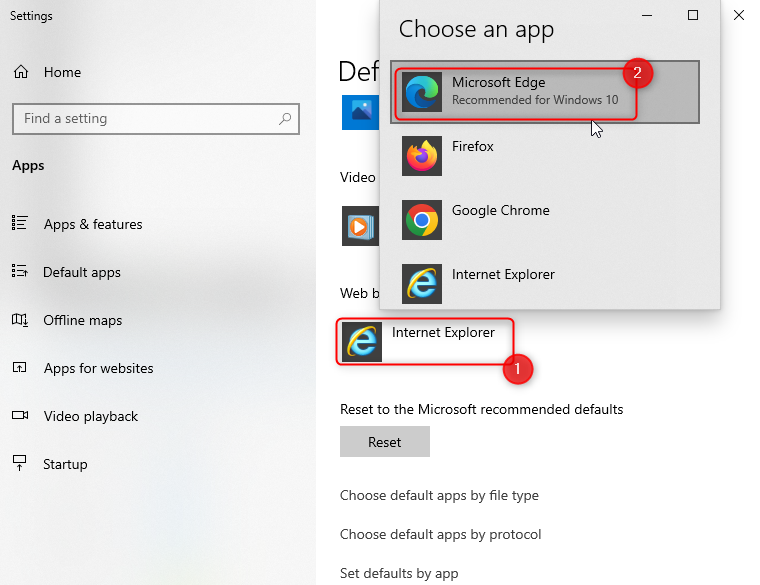
Now, you will be able to open SuperDoctor in Microsoft Edge and access the login page: