
Question
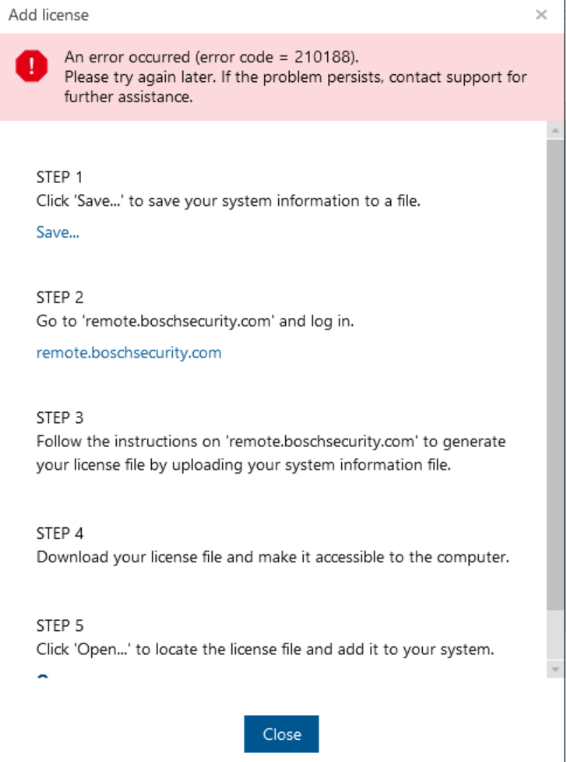
Why is the error code 210188 showing up during the BVMS license activation process?
Answer
This issue can occur if the PC used to download the Remote Portal activation file (https://remote.boschsecurity.com/ ) is set to a different time zone than the BVMS server. This may happen if a different PC was used to download the activation file.
Please configure the same time zone on the PC, download the Remote Portal activation file again, and then load it into the Config Client to license the system.
⚠️ After downloading the new activation file from the Remote Portal, restart the device on which you want to activate the license before attempting the licensing process again.
Ensure that the correct system time is configured. Once the license start time has been reached, you can also alternatively restart the BVMS Central Server and the Sentinel RMS License Manager service.