
Question
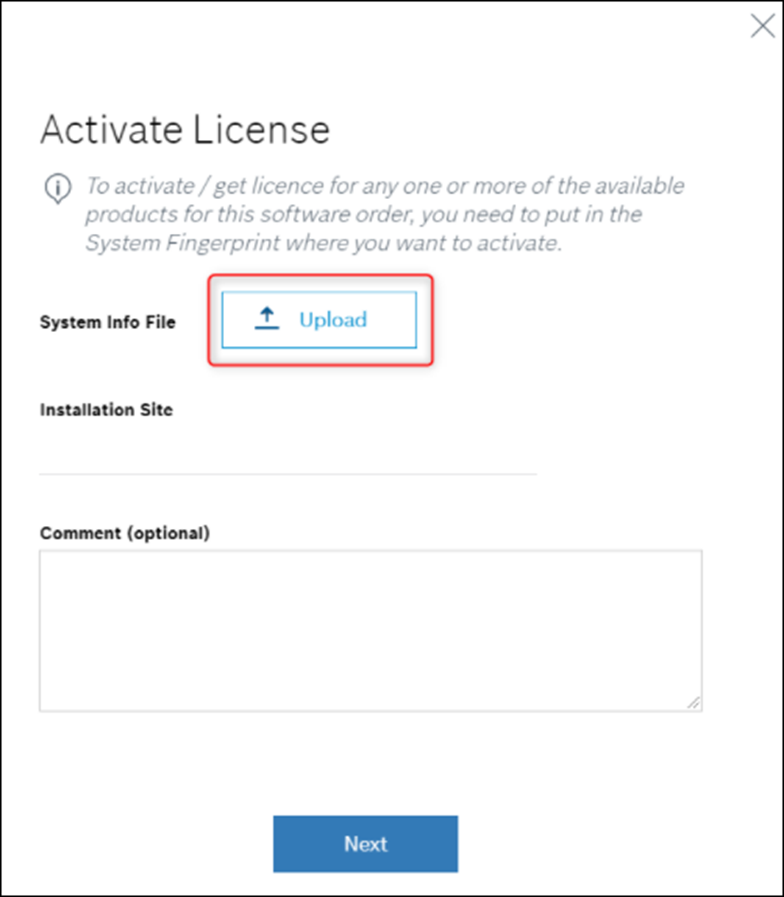
Where can I find the required System Info File while activating the BVMS license via Remote Portal?
Answer
Starting with BVMS 11.0 → Bosch Remote Portal replaced Bosch Software License Manager System (SLMS).
The System Info File is requested during the BVMS license activation via Remote Portal and can be downloaded by following the steps below:
-
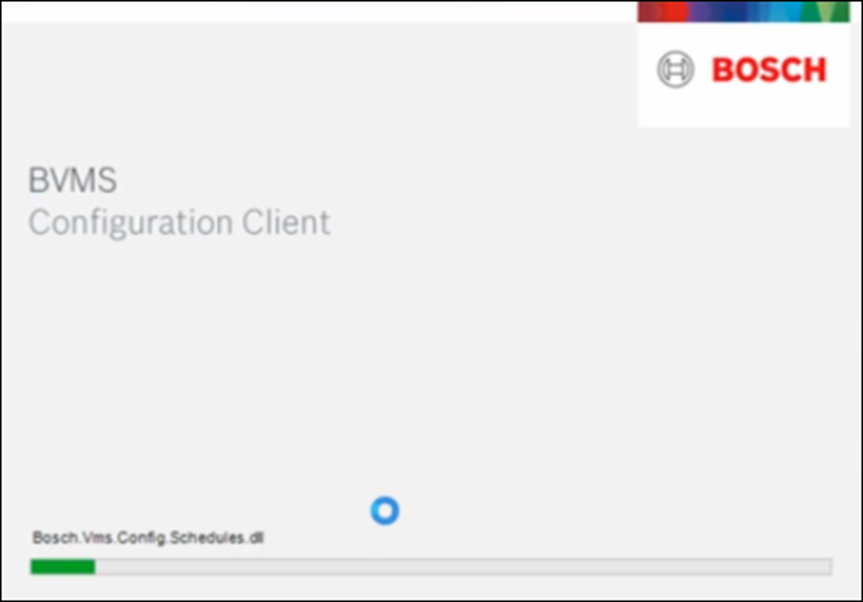
Once a BVMS version higher than 11 is installed, access BVMS Configuration Client
-
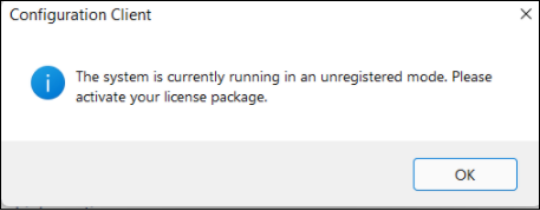
After you successfully logged in, the system will display the message that it is currently running in an unregistered mode > Click OK
-
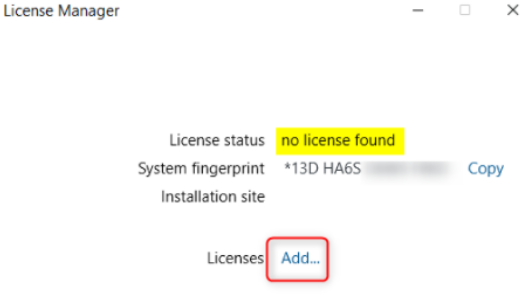
The License Manager dialog window will appear > Click Add near the Licenses option
-
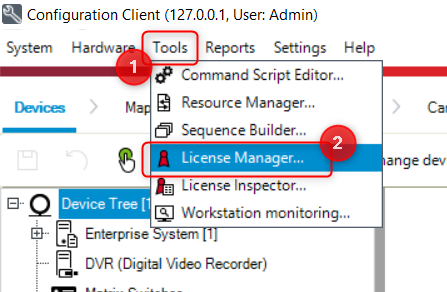
If License Manager doesn't appear, open it from Tools:
-
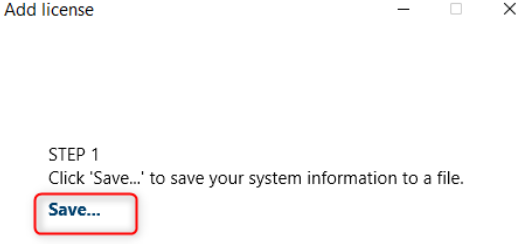
In the next window, under the STEP 1 click Save in order to save the system information file and select the location where the file should be saved
-
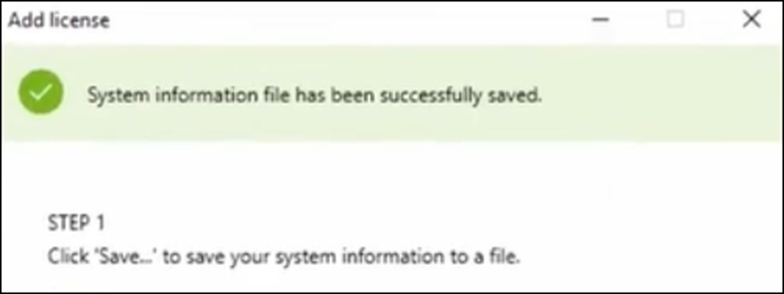
The status of the saving process will be displayed > click Close

-
See the complete BVMS 11 license activation procedure here: How to activate a new license for BVMS v11.0 or above?
-
You can also watch the YouTube video (min 03:40) where it is explained how to save the System Information file: https://www.youtube.com/watch?v=mmjiYhu59fs