
Question
What is the difference when importing .csv files from tools menu or table view from Configuration Manager?
Answer
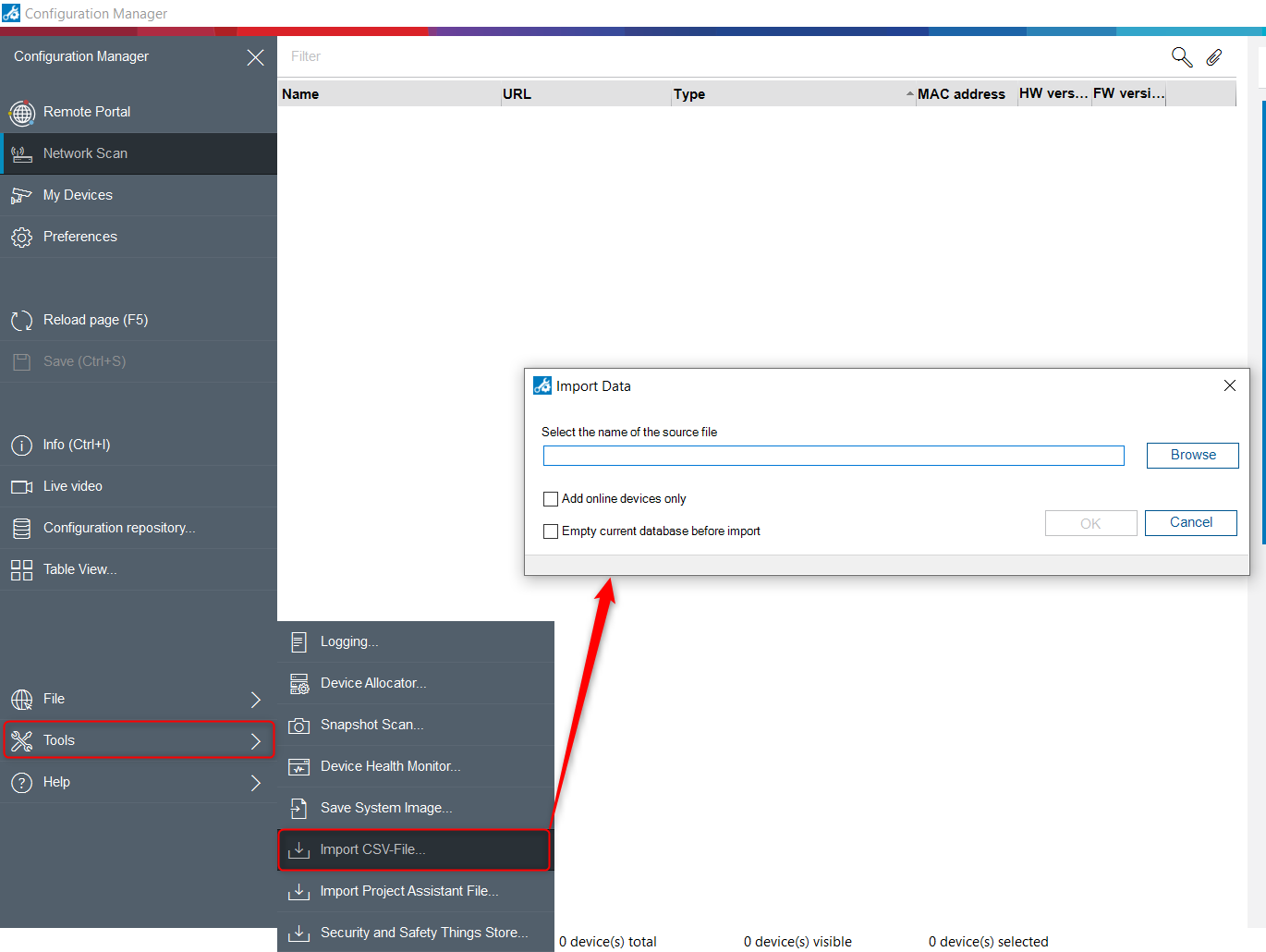
The one accessed through the tools menu is used to import devices into my Devices list, and populate the local database with devices without the need to do a network scan or to import devices located on a different VLAN/ Subnet, that normally are hard to reach.
It will also work to import a great number of devices in one step, and organize them in folders/ sites for easier management.
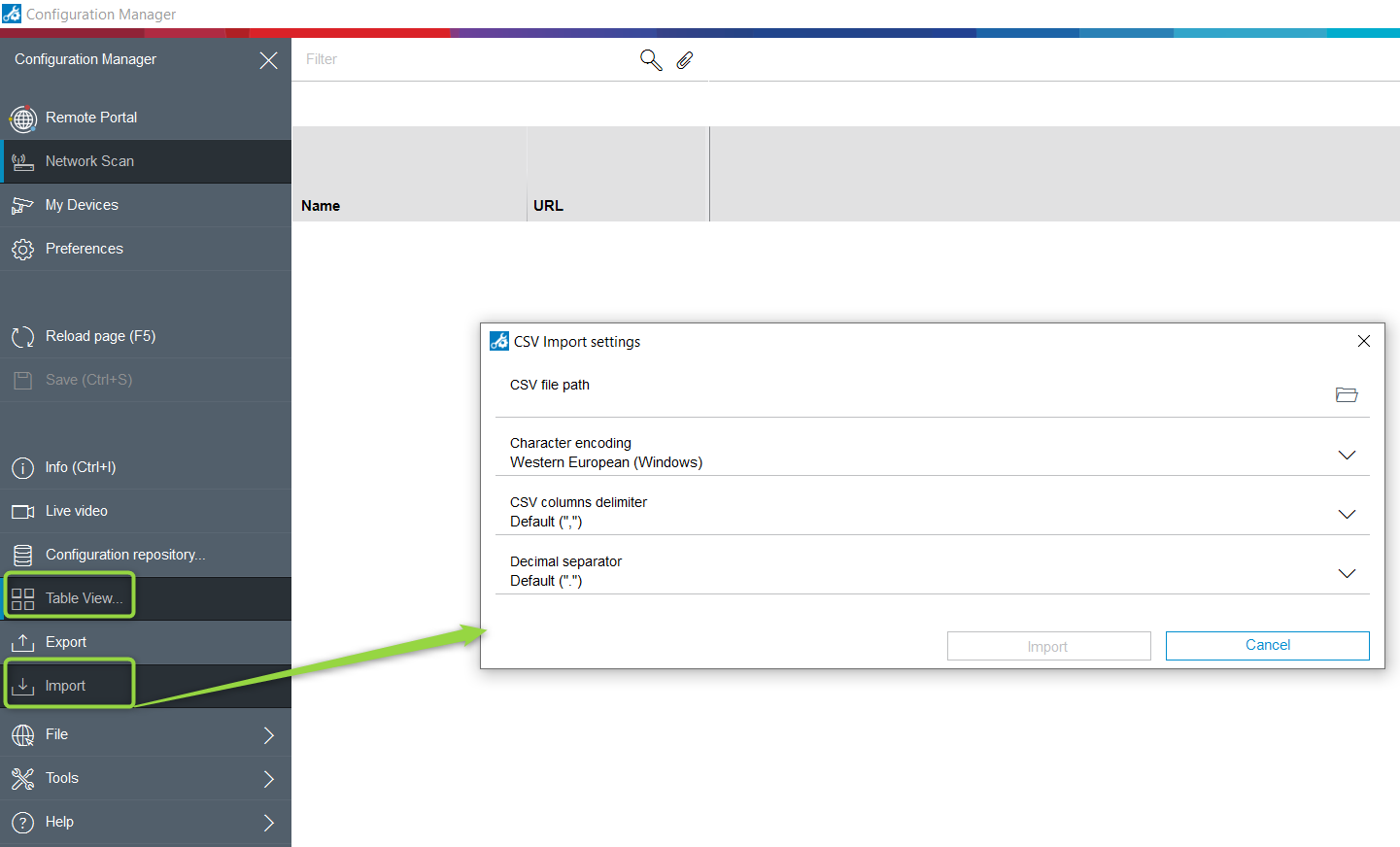
The one accessed thru the table view, is to import customized views of previously exported customized views. It does not import devices into the local database.
Link to: How-to-Import-CSV-device-list-into-Config-Manager
The 
Therefore, we recommend to update the Configuration Manager to v7.50 or above
You can download the latest version of Configuration Manager from Download Store