This article describes how to secure the data connection between Bosch cameras and Milestone's XProtect by the use of 'Authority-signed Certificates' when setting up a secure connection between Bosch cameras and XProtect.
Step-by-step guide
For maximum security XProtect supports certificate checking and hostname validation for Bosch devices. To use the feature users will have to create a valid certificate chain by:
-
Creating or using already created root certificate and installing it in the Windows certificate store.
-
Signing a CSR from the device using the root certificate (having the CN be the hostname/IP of the device).
-
Installing this certificate on the device.
-
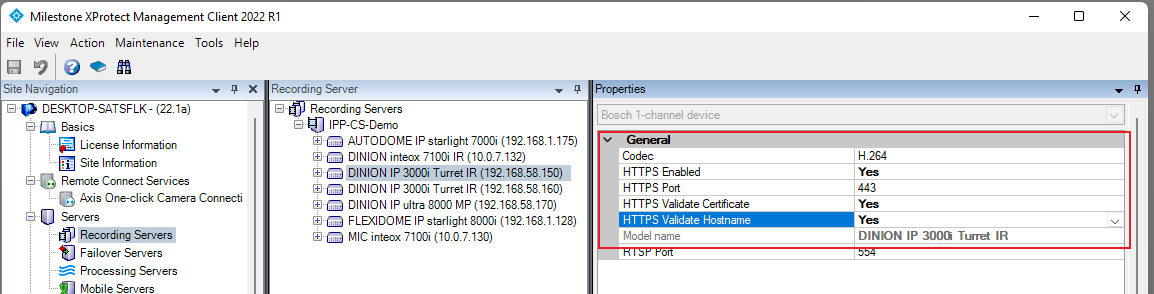
Enabling Certificate validation and Hostname validation settings for HTTPS connections.