Possible causes and solution(s)
-
Causes
When turning on the system, the display output suddenly shows “System Initializing 91” message on screen.
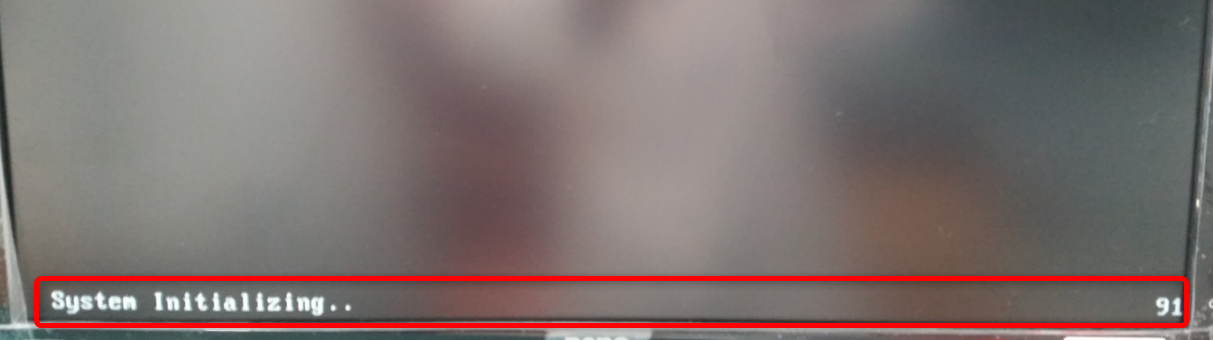
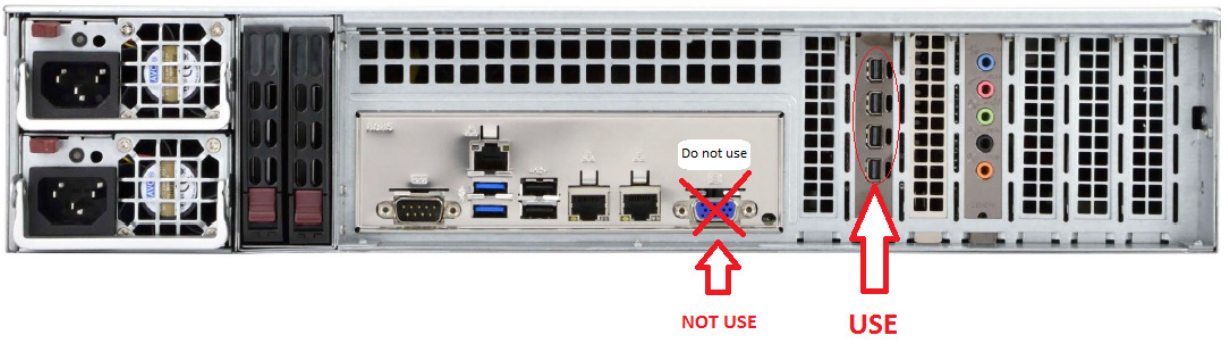
The Bosch DIVAR IP 7000 is equipped with an add-on video card. At some point at startup the Bios will switch the video output to the add-on video card. The onboard video will always show the System Initializing 91 when the server is booted up. There is also a sticker saying “ DO NOT USE” on the VGAOutput.
-
Solution
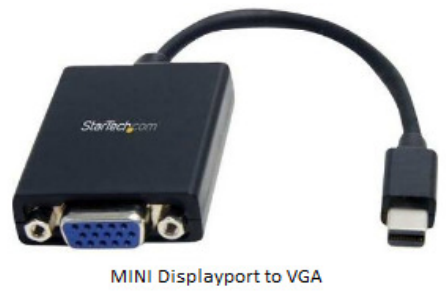
The system will output the system graphics through the add-on Graphics card. The system comes with 2 connectors to attach a screen to the system. Connect the adapter to the add-on card before turning on the system. Use the MINI DisplayPort to VGA cable to connect the screen to the add-on graphics card.
Note:
You might encounter another inappropriate behavior where there is a black screen with mouse pointer after startup.
-
Symptom: Server boots up and windows starts. When the windows environment should show the login screen or desktop, only a black screen with mouse cursor appears.
-
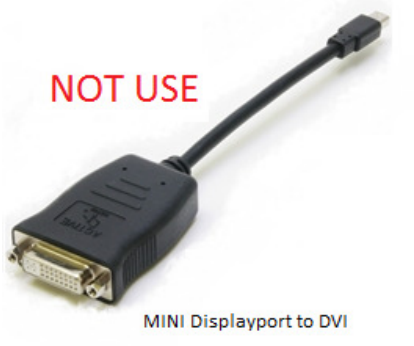
Root Cause: The add-on graphics card needs the MINI DisplayPort to VGA adapter as primary output. When you use a different one Windows uses this as a secondary output.
-
Solution: Use the MINI Display port to VGA adapter when connecting a screen to the add-on graphics card. This will output the primary screen of the system.