
Question
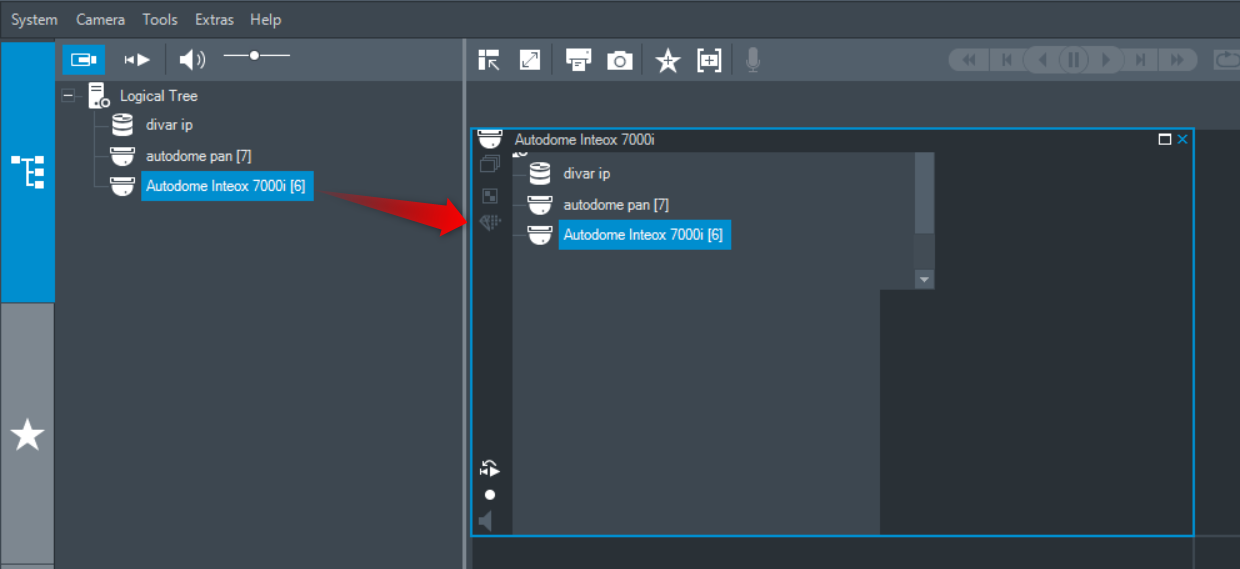
What should you do if you tried to drag an drop the device to the cameo window and instead having the video, it displays the logical tree, as in the following image:
Answer
If Display Scaling is changed to anything other than 100%, BVMS 10.1 Operator Client will not allow the camera image to be displayed in its cameo.
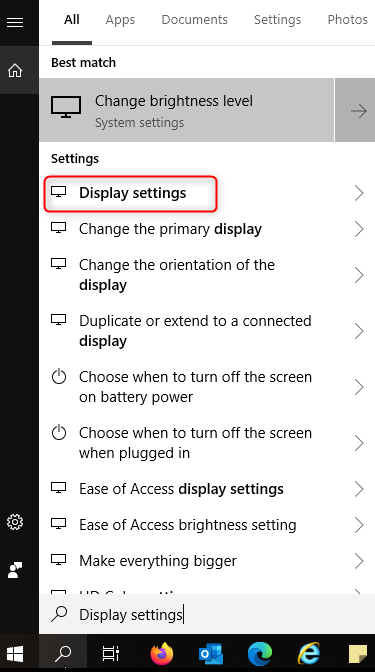
Here is the setting that seems to affect this in 'Display':

Search for "Display settings" and change the scale to 100%. This inappropriate behavior of Operator Client will be fixed.
Do not increase over 100% because this will happen again.
⚠️ IMPORTANT:
Please note that this behavior has been fixed in BVMS 11.0