Follow the step-by-step guide below from which you can learn how to change the video stream of a camera in Bosch Video Security Client.

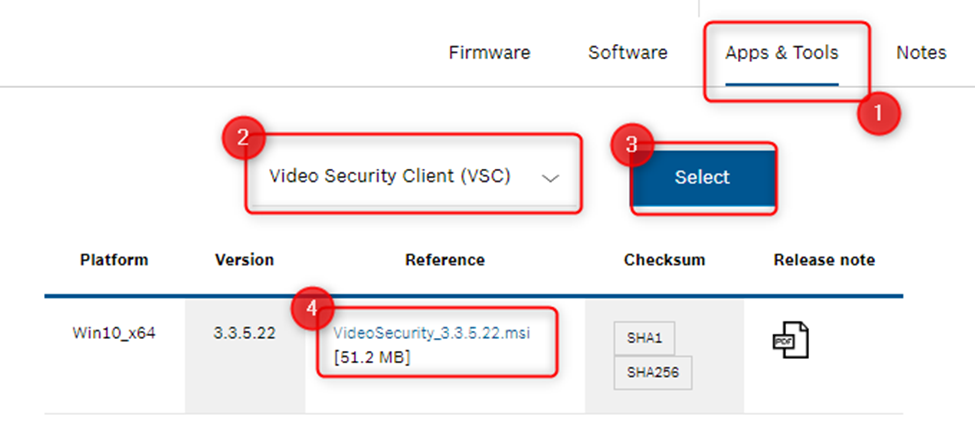
Video Security Client is available in Bosch Download Area. Can be downloaded using the steps below:
Step-by-step guide
-
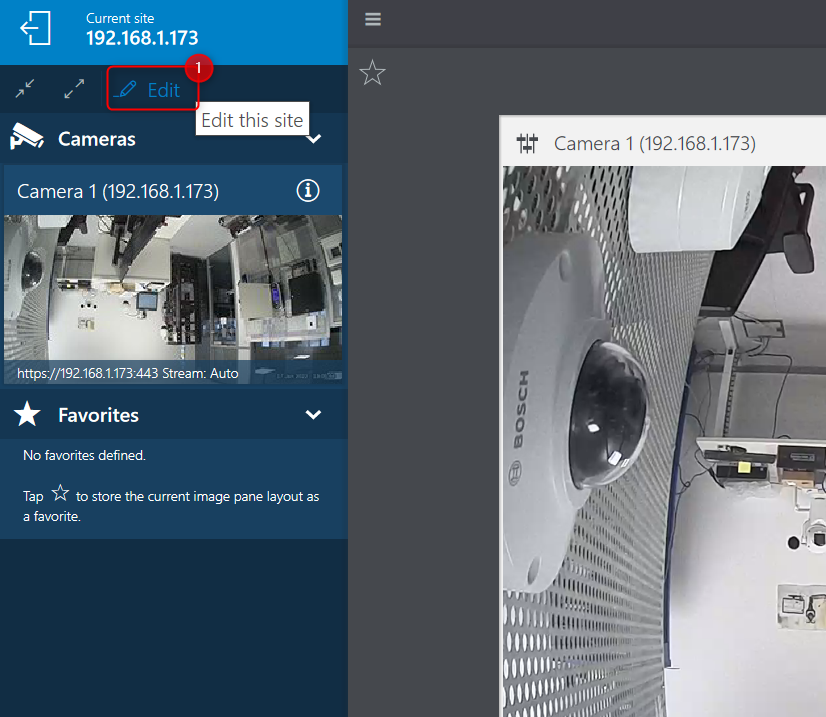
After accessing the camera using its credentials via Bosch Video Security Client, click on the "Edit" button (1)
-
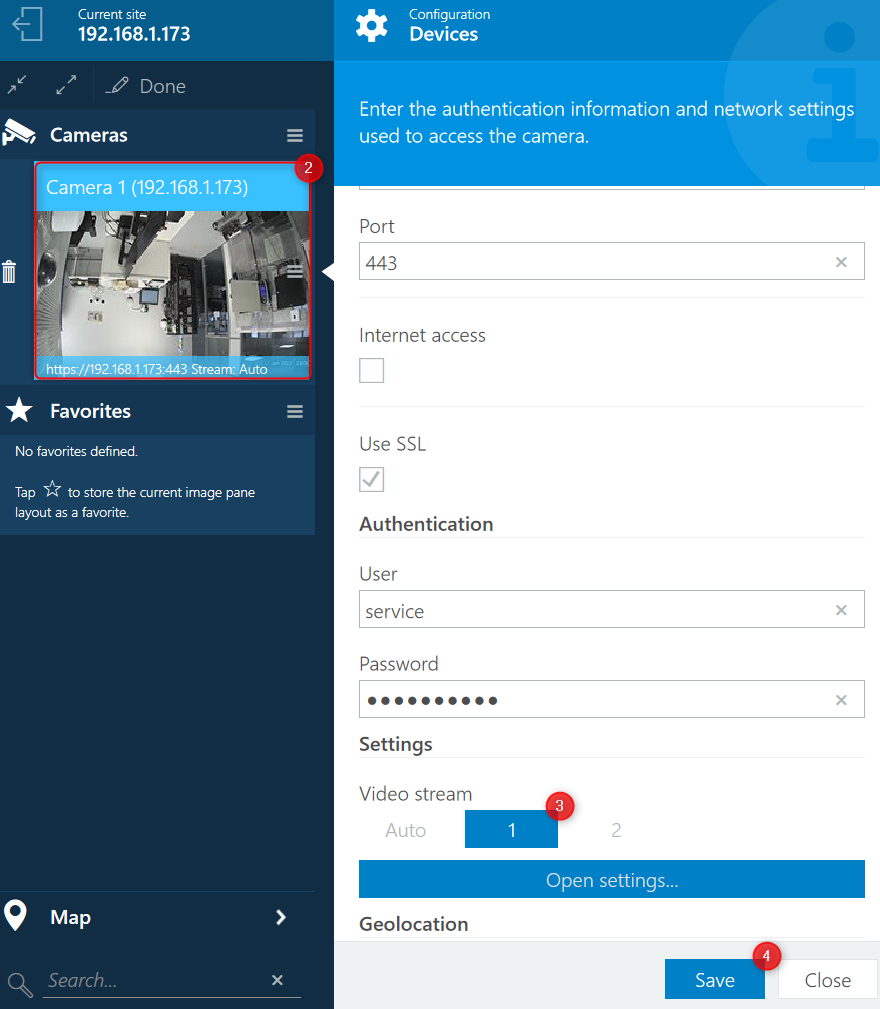
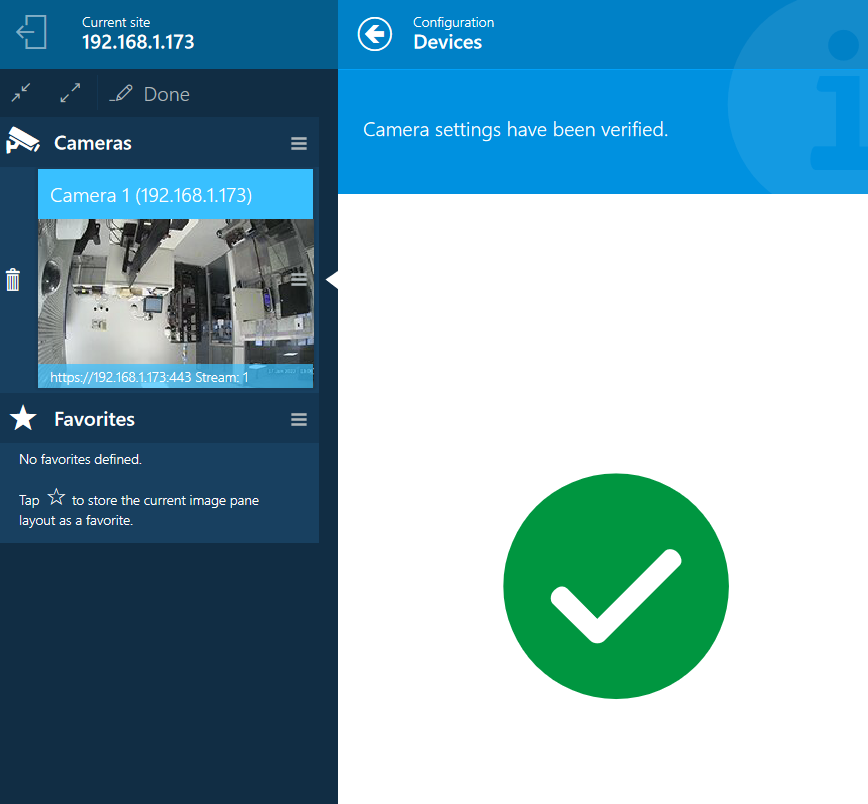
Select the camera for which you want to change the stream (2) > select the Video stream you prefer (Auto, 1 or 2) (3) and hit the "Save" button (4)
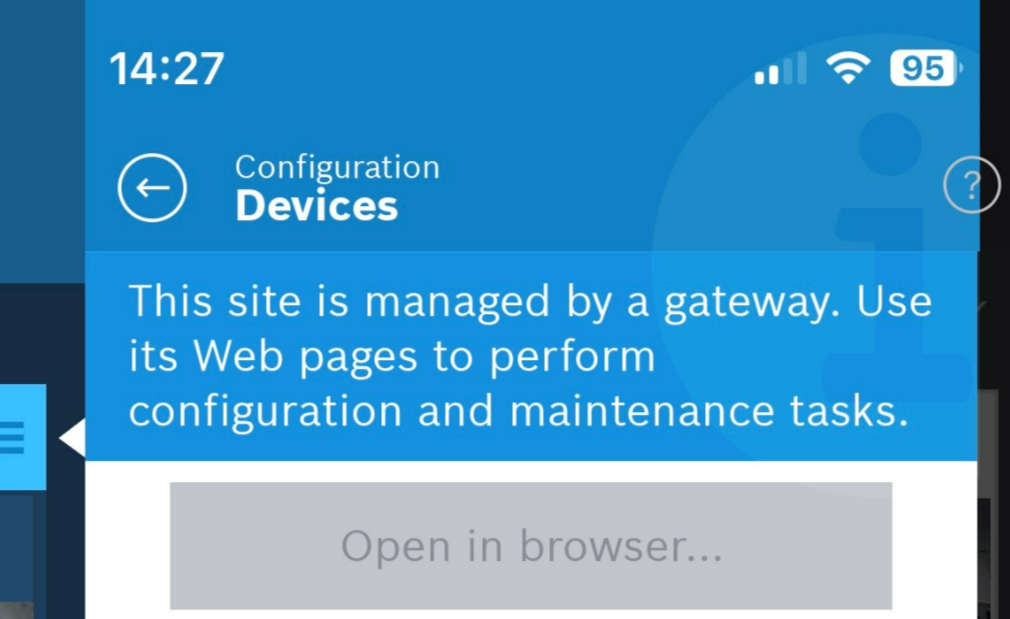
This option is not available for cameras added to Remote Portal account connected to the VSC App: