
This article describes how you can remove the existing BVMS or BVMS viewer configuration and generate a fresh configuration again in a situation the customer/installer is unable to remember the Admin login credential to the BVMS/ BVMS viewer.
Please follow the steps below.
Step-by-step guide
-
Stop the BVMS/ BVMS Viewer service (from services.msc)
-
Then (view hidden files on C drive) > go to C:\ProgramData\Bosch\VMS and move it to another location
-
Or delete the Elements.bvms file (this will all remove also the configuration stored, but not the license),
-
Restart the BVMS/ BVMS Viewer service
-
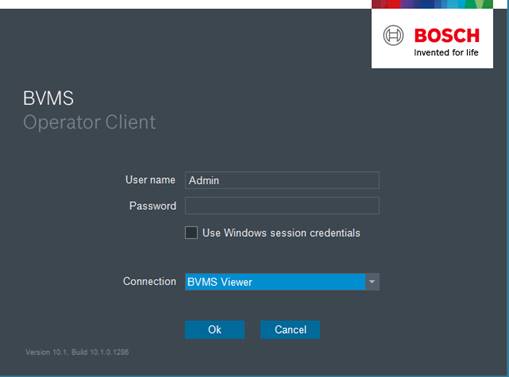
Login using Admin and no password.