Do not remove power to the unit during a factory default. Wait at least two minutes for the default process to complete.
If the unit appears to be "frozen" after two minutes, then reboot the unit.
Step-by-step guide
-
Type in the camera IP address in a web browser
-
Authenticate on the camera with its credentials
-
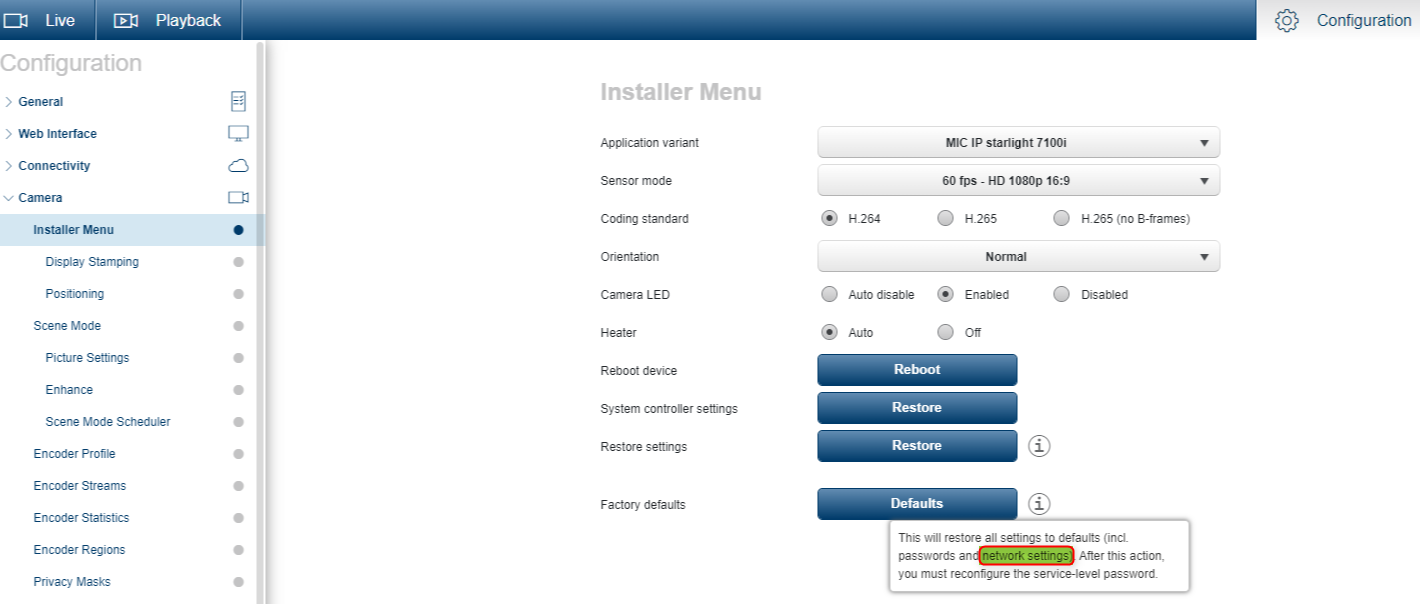
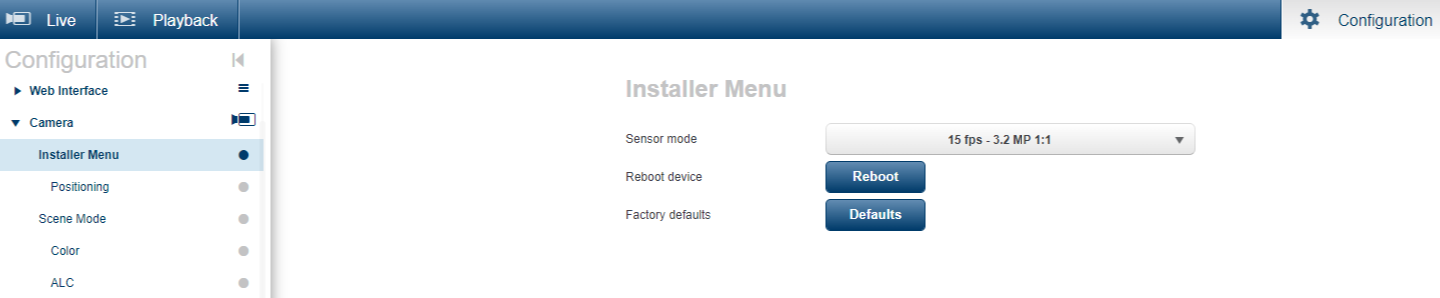
Go to CONFIGURATION > CAMERA > INSTALLER MENU, then select Factory Defaults.
A confirmation screen appears. Allow several seconds for the camera to optimize the picture after a reset.
Note: Clicking this button also clears the service-level password.
Important:
-
"Factory Default" in FW 7.72 → This FW does not change any network settings. In this FW version, it only defaults the camera settings, encoder settings, etc. Everything except the Network Settings.
-
Starting with FW 7.80 → there are many more choices for Defaults and one of those would be to Default everything, including the network settings.