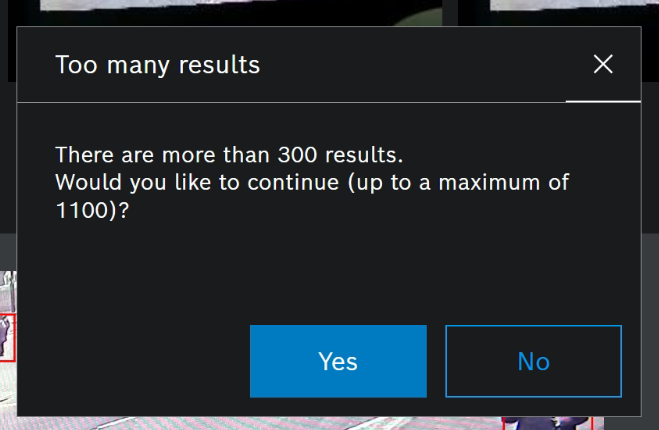
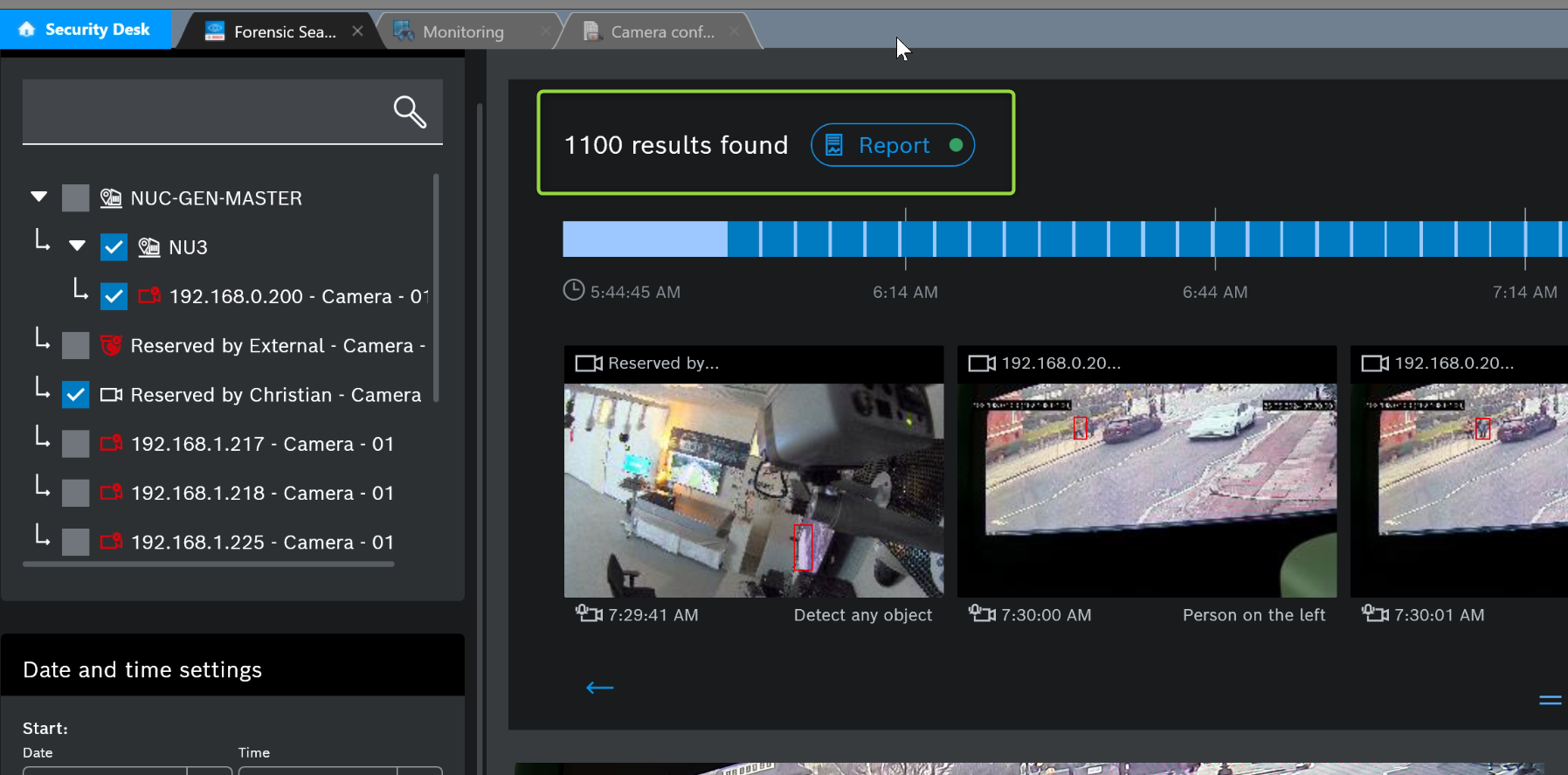
By default the maximum number of shown results in the forensic search execution is 1000 and after 200 found results a warning message is shown.
This article describes how to change those values.
Step-by-step guide
Changing the maximum number of shown results
-
Make sure that you change the settings on the server and on the client side in the same manner.
-
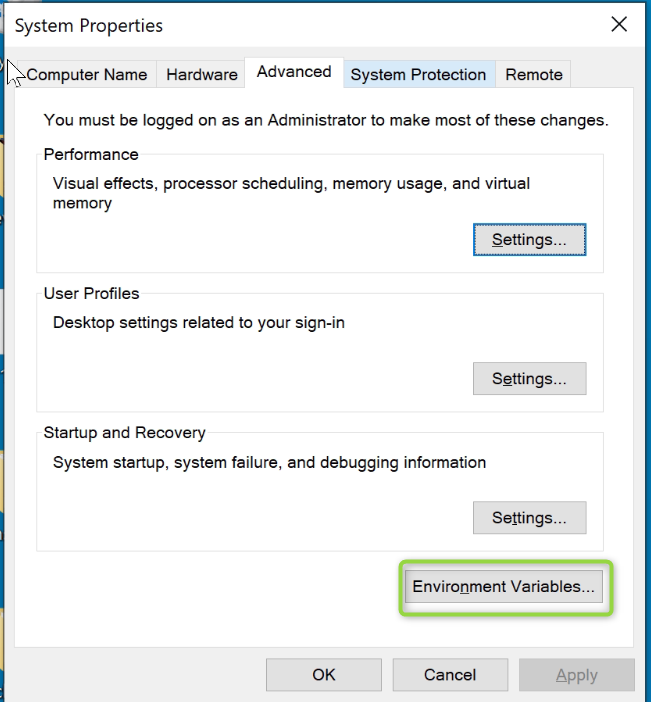
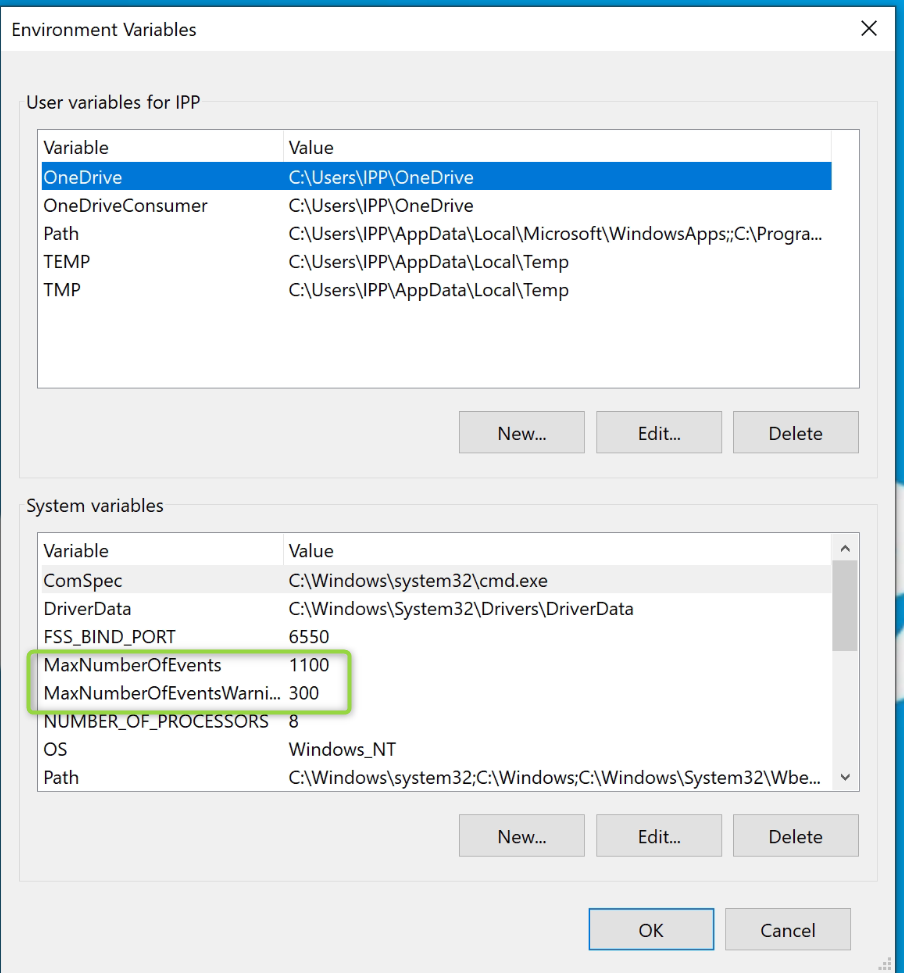
Create a Windows environment variable 'MaxNumberOfEvents' with the newly chosen value.
-
Make sure to restart the 'Genetec Server' to populate the respective changes.
Changing the value when the warning message is shown
-
Make sure that you change the settings on the client side.
-
Create a Windows environment variable 'MaxNumberOfEventsWarningThreshold' with the newly chosen value.
-
Make sure to restart 'Security Desk' to make use of the new values.