Possible causes and solution(s)
-
Symptoms
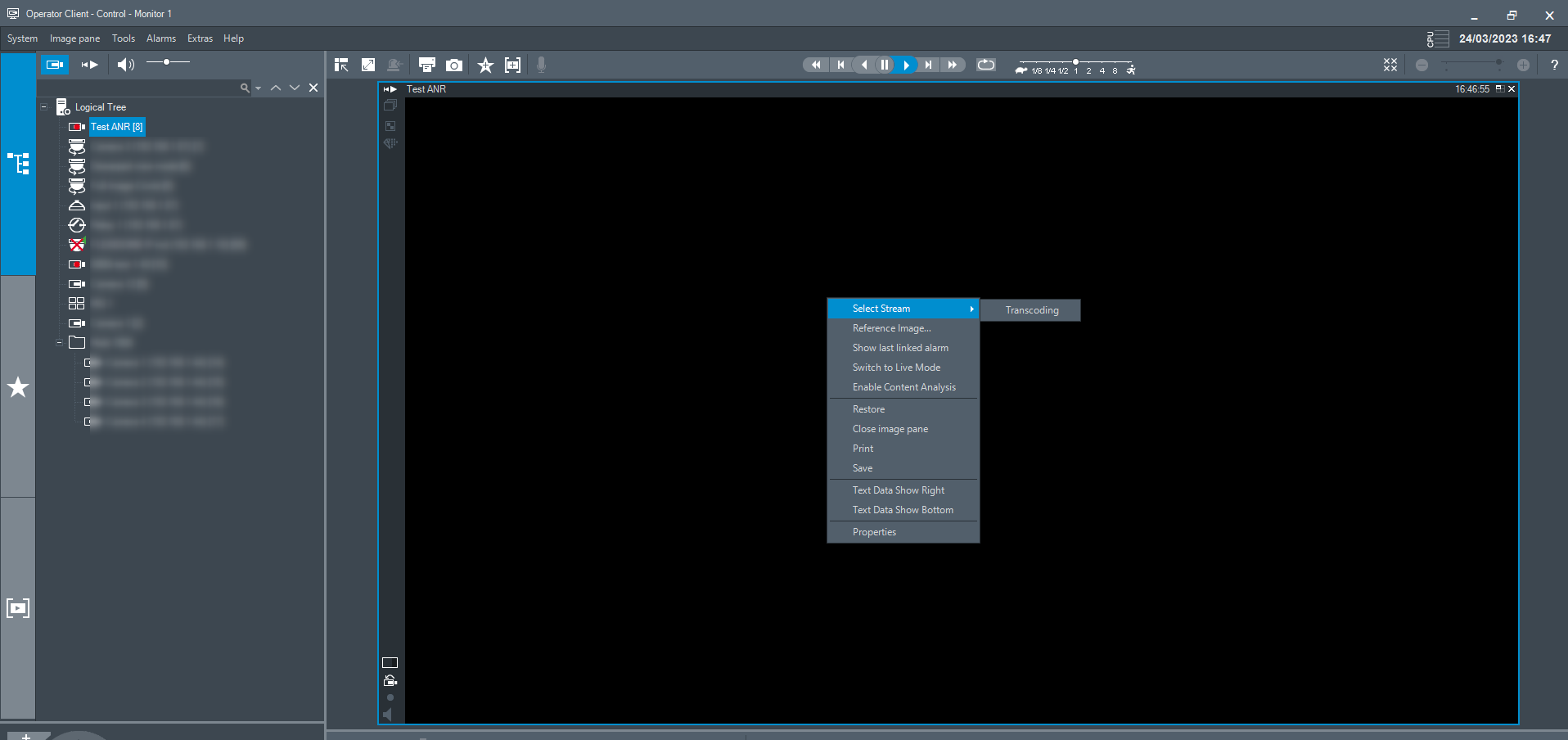
When entering in BVMS Operator Client, the camera's image is black and only Transcoding option is available for streams (no stream 1 or 2 , or image pane optimized)
Desired result: See the camera's live image
-
Solution
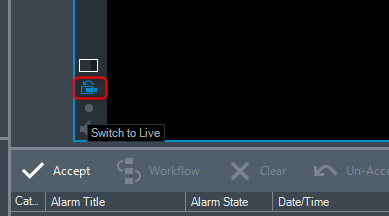
Please make sure that you don't have the cameo in instant playback/ Playback mode instead of the Live view.
If this is the case, click on the "Switch to Live" button from cameo:
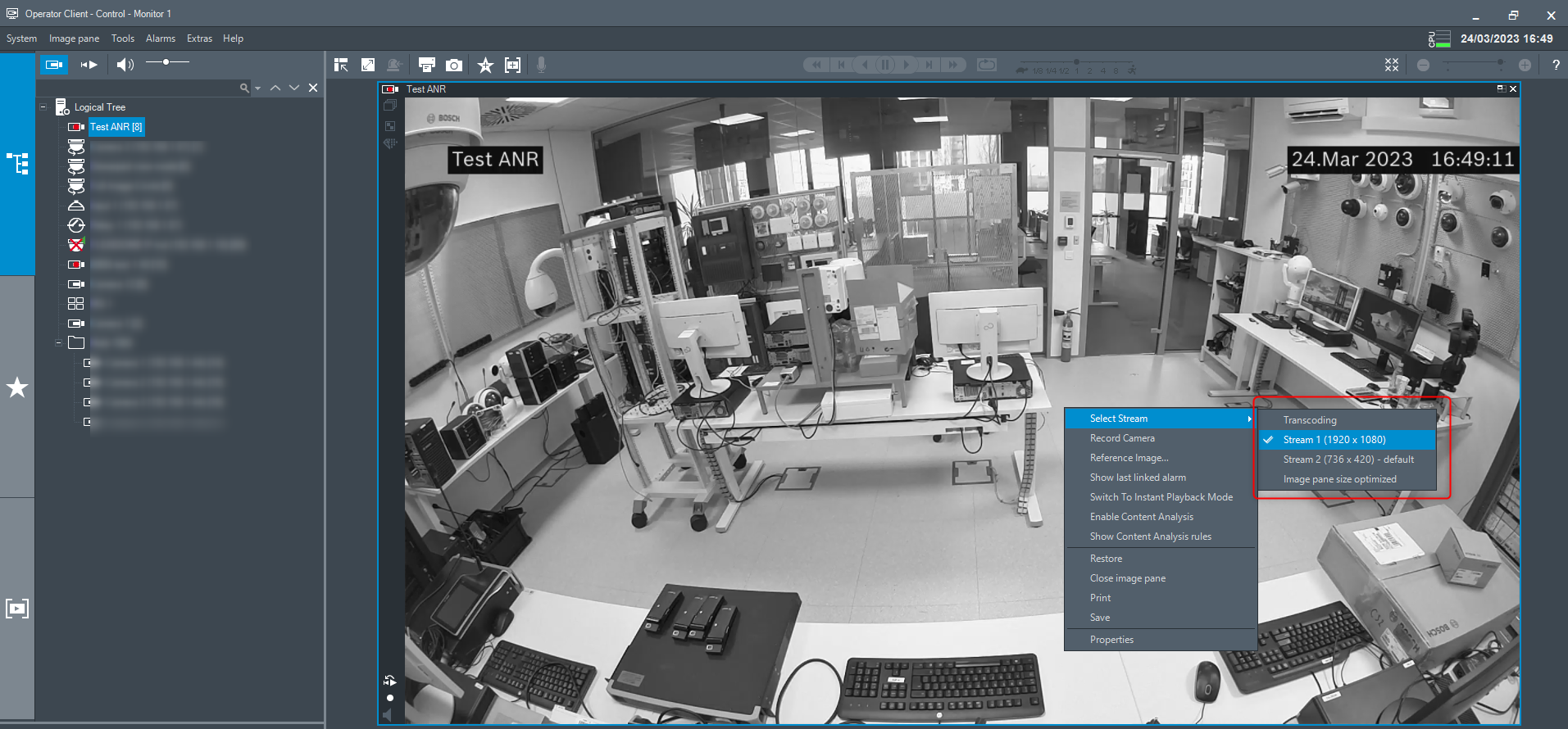
The camera's Live image will be displayed and the stream 1 or 2 , or image pane optimized will be available: