Question
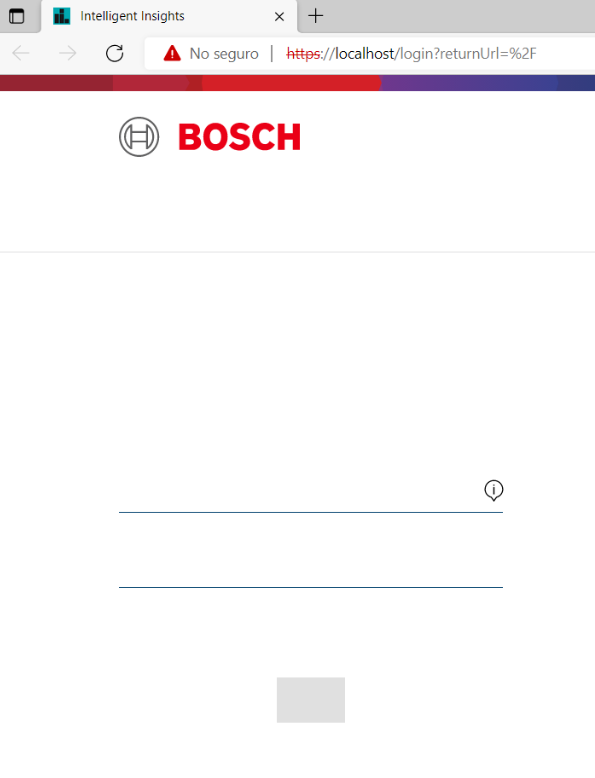
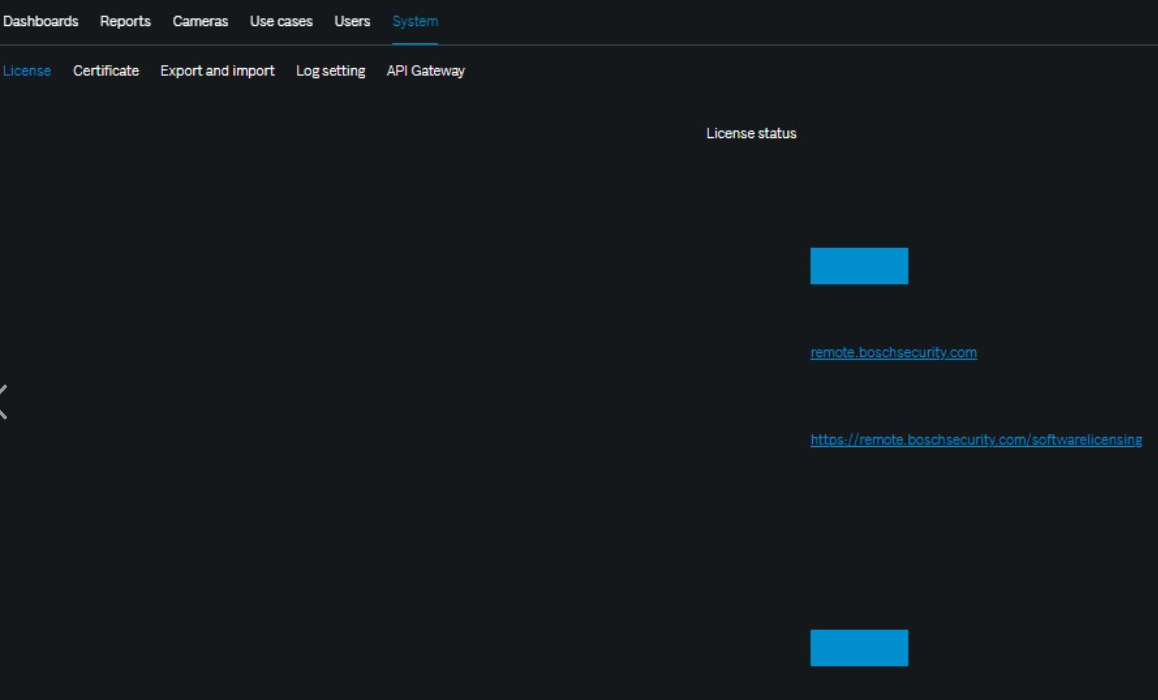
What to do if buttons are not visible in Bosch Intelligent Insights 1.3.0.12?
Answer
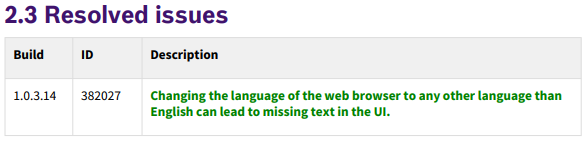
Most likely this happens in this version due to the web browser which is not set to the English language.
Please check for a newer released version of Bosch Intelligent Insights 1.0.3.x available on Download Store, which resolved this behavior.
This can also have other couple of reasons:
-
Check multiple browser (Edge, Firefox, Chrome)
-
Try to use a 'clean' cache or try in 'incognito' mode
-
Check the minimum PC requirements for the server VM.
-
Try a different remote PC client connected to the network/ IGI server
(tick) Intelligent Insights 1.0.3.22 is available for download. See Release Notes https://downloadstore.keenfinity-group.com/FILES/Intelligent_Insights_1.0.3.22_Release_Notes_V2.pdf