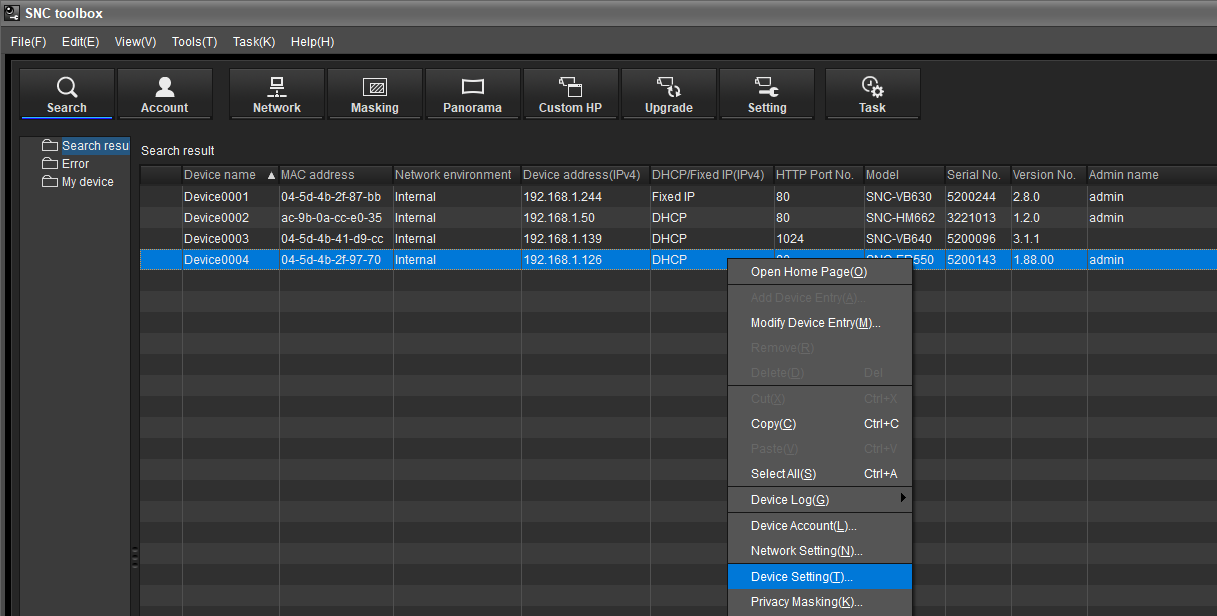
When you contact Central Technical Support team and request assistance for your SONY camera, they might ask you for system logs from the devices you’re having. Follow these instructions to collect and send logs to support.
This article explains the most common way of gathering logs from a SONY camera.
Step-by-step guide
1. Open the SNC toolbox
2. Authenticate on the camera: make sure that the correct user name and password are set.
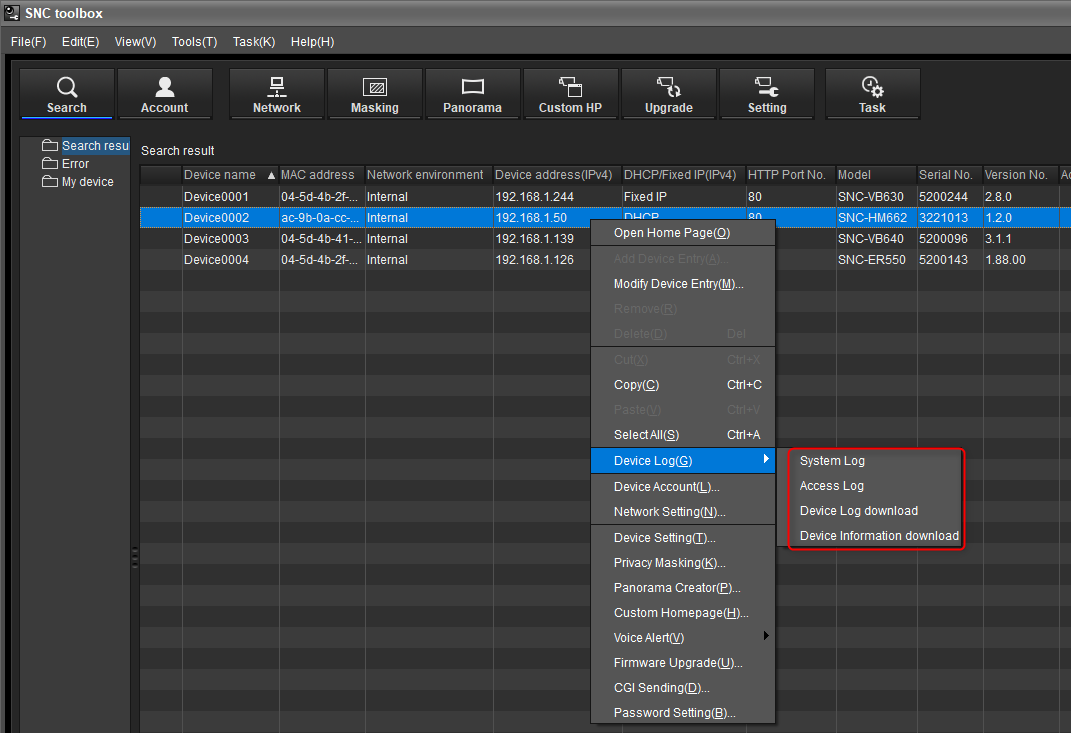
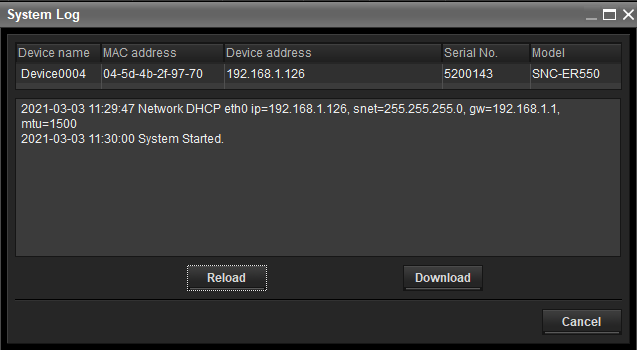
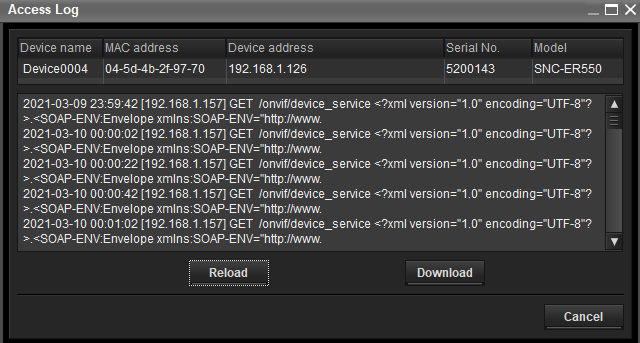
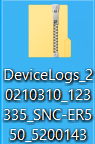
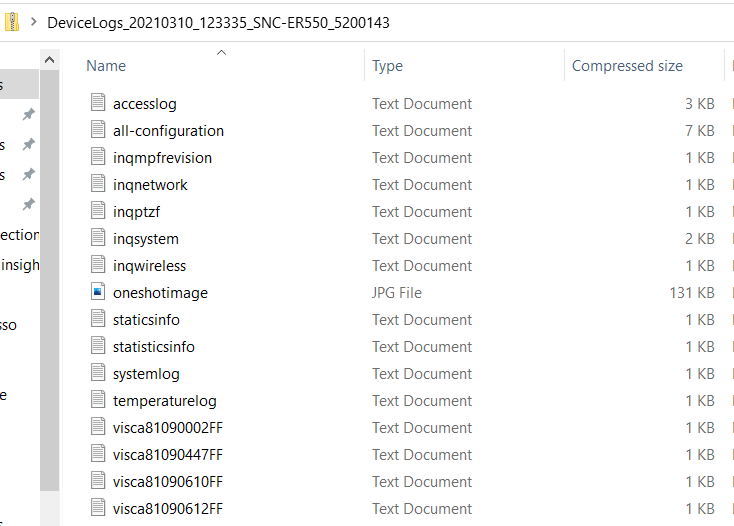
After the authentication, right click on the camera for which you need the Logs > select "Device Log(G) option > Download all the logs that are there
Good to know:
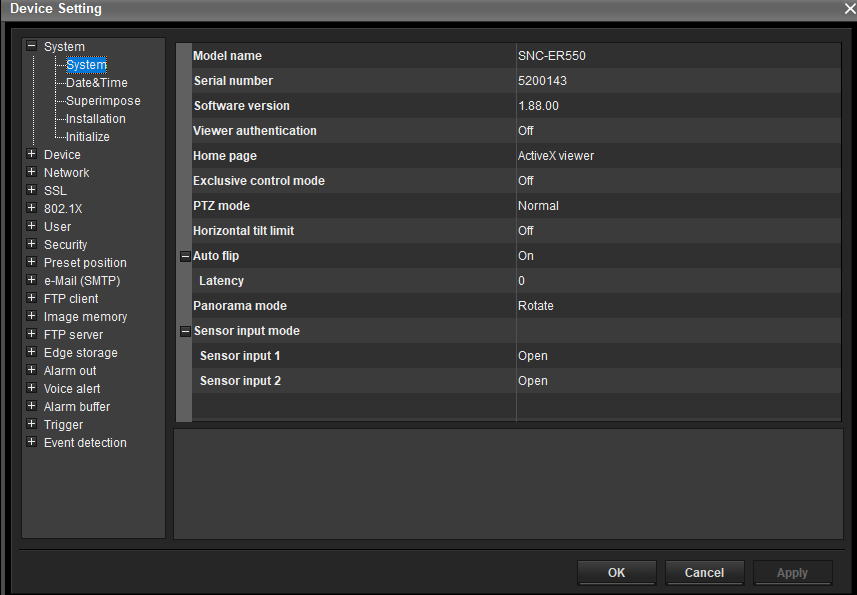
The System overview of the SONY camera can be found in "Device Setting(T)" menu. Right click on the camera > select Device Setting(T) > The System overview will be displayed.
Here you can find the details of the SONY camera, such as:
-
Model name
-
Serial number
-
Software version