
Note: To upgrade the BVMS from v.10.1 to v.11.0 on a DIVAR IP 7000 AIO GEN 3 (DIP-7380-00N) you must run the upgrade from the Software Center App, not directly from the Desktop.
The following step-by-step guide will help you to perform the upgrade:
Step-by-step guide
-
Download and unzip the software installation package (for example, DIP-73_Installer_for_BVMS11.0_MR2.zip archive from https://downloadstore.keenfinity-group.com/)
-
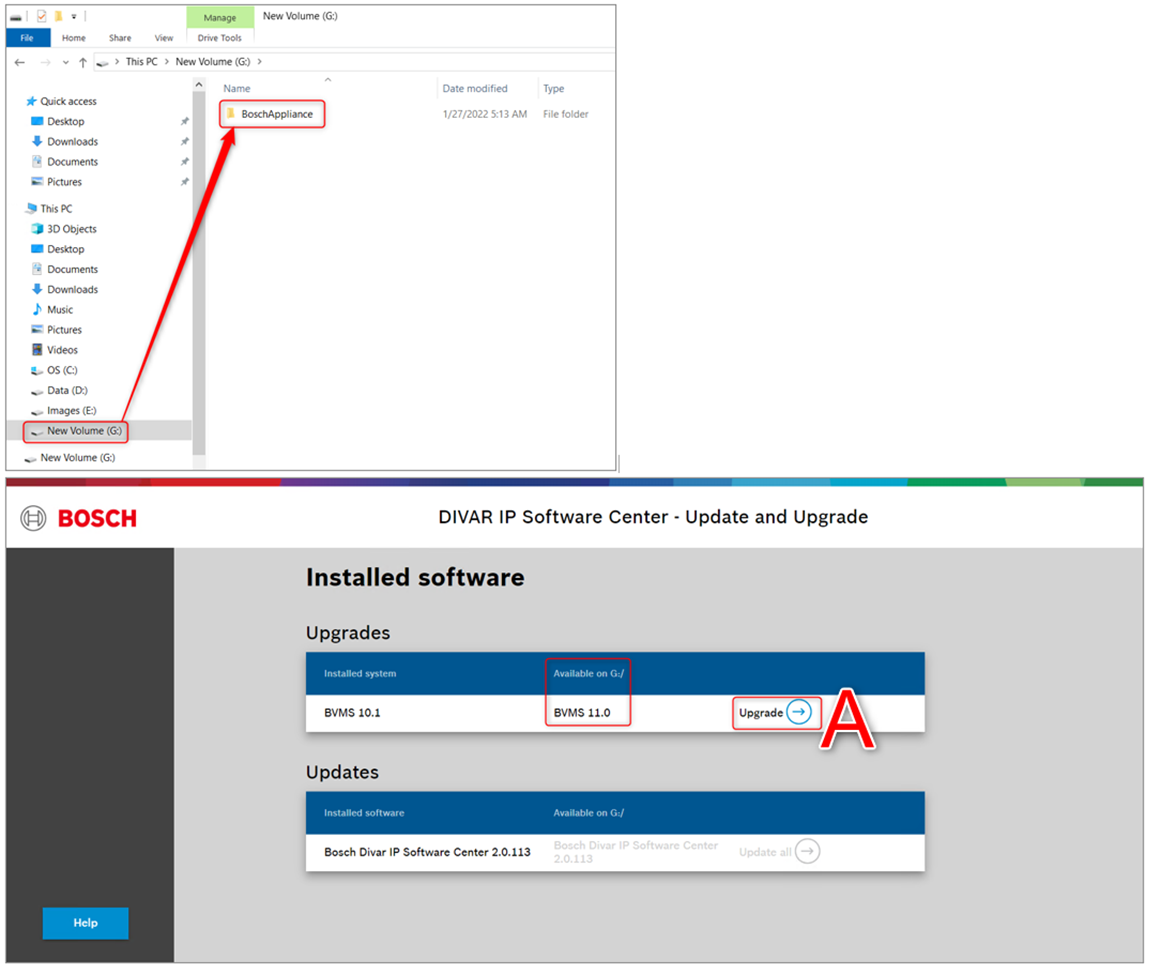
Copy the folder structure onto a USB drive, so that BoschAppliance folder is at the root level
Note: make sure that complete folder structure is copied.
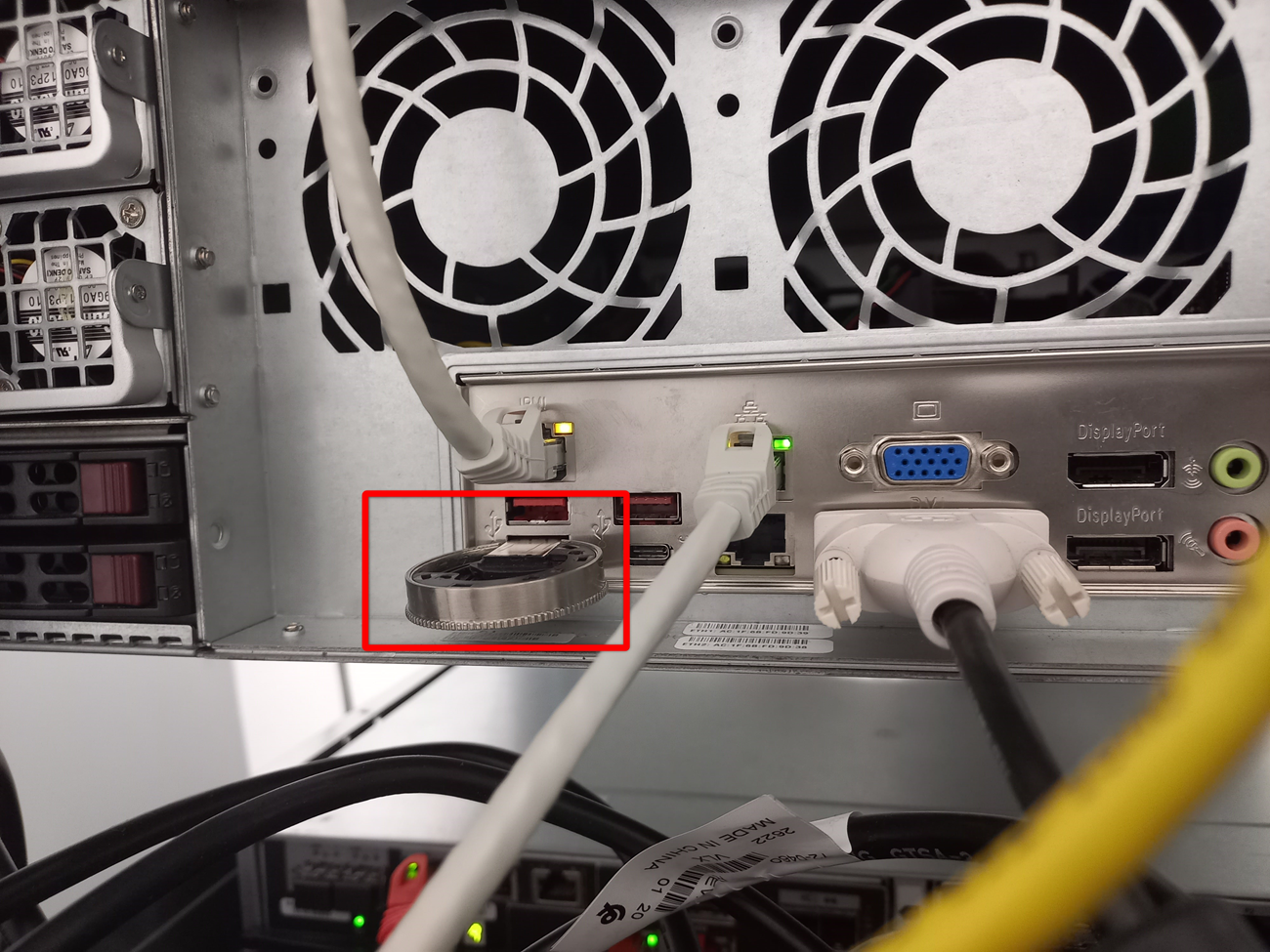
1. Connect the USB drive to the DIVAR IP all-in-one 7000 system
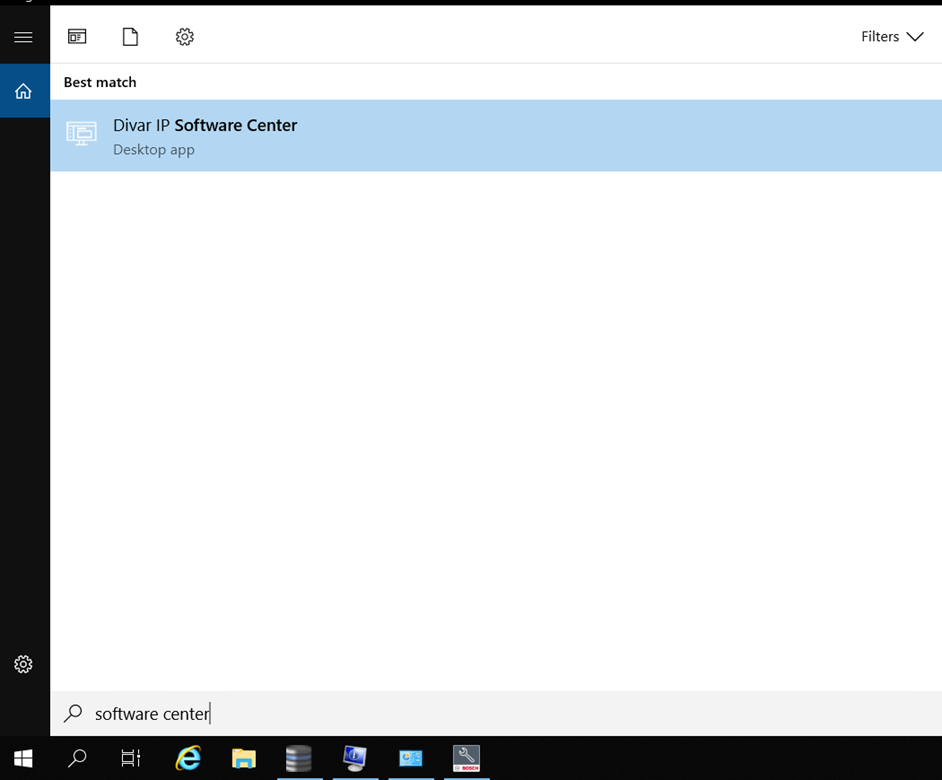
2. Run DIVAR IP Software Center application from the BVMS kiosk mode or from the BVRAdmin user desktop.
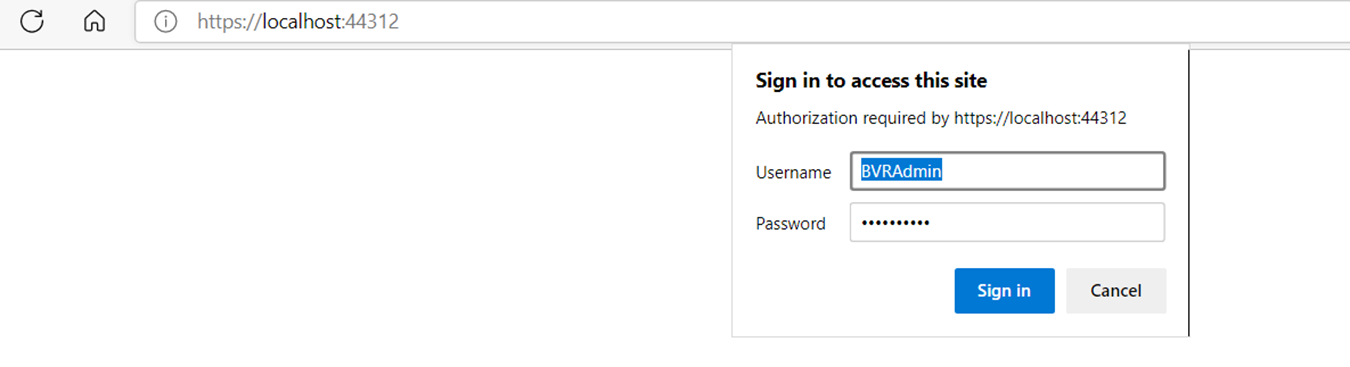
3. Provide BVRAdmin user credentials and Sign in.
-
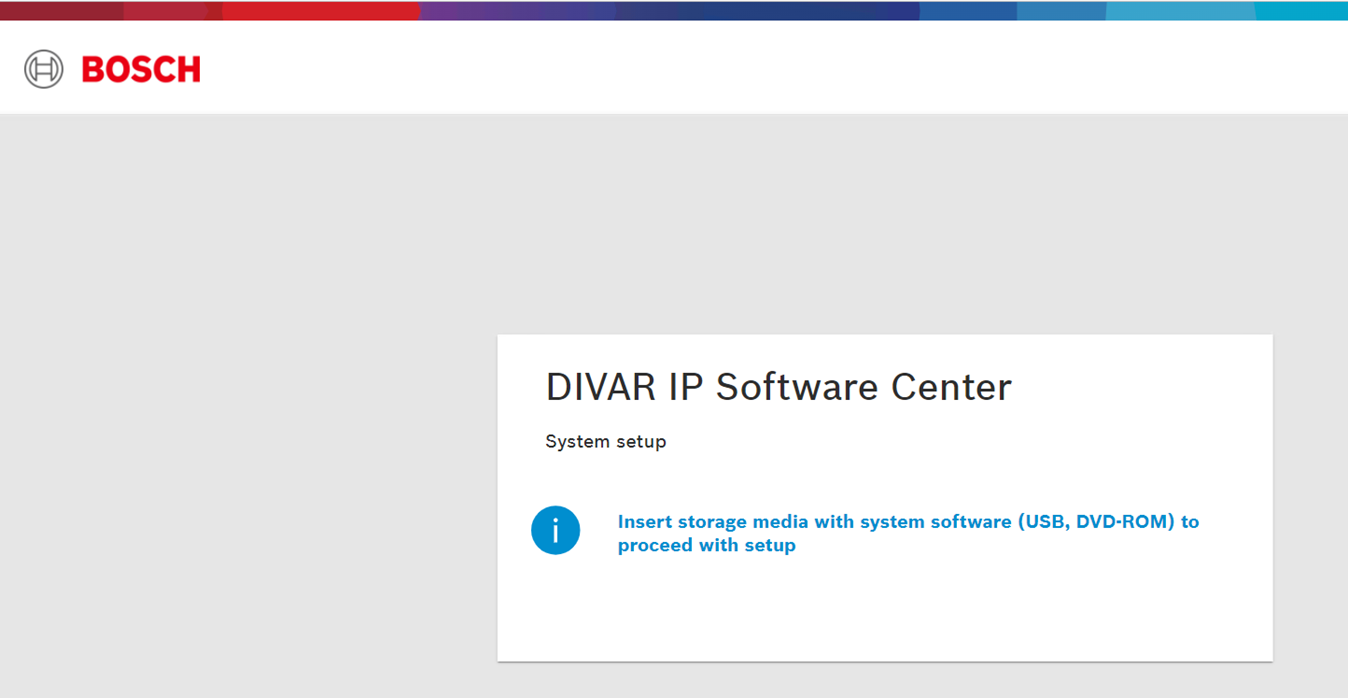
If the message below is displayed in Software Center, please recheck if the USB is connected correctly.
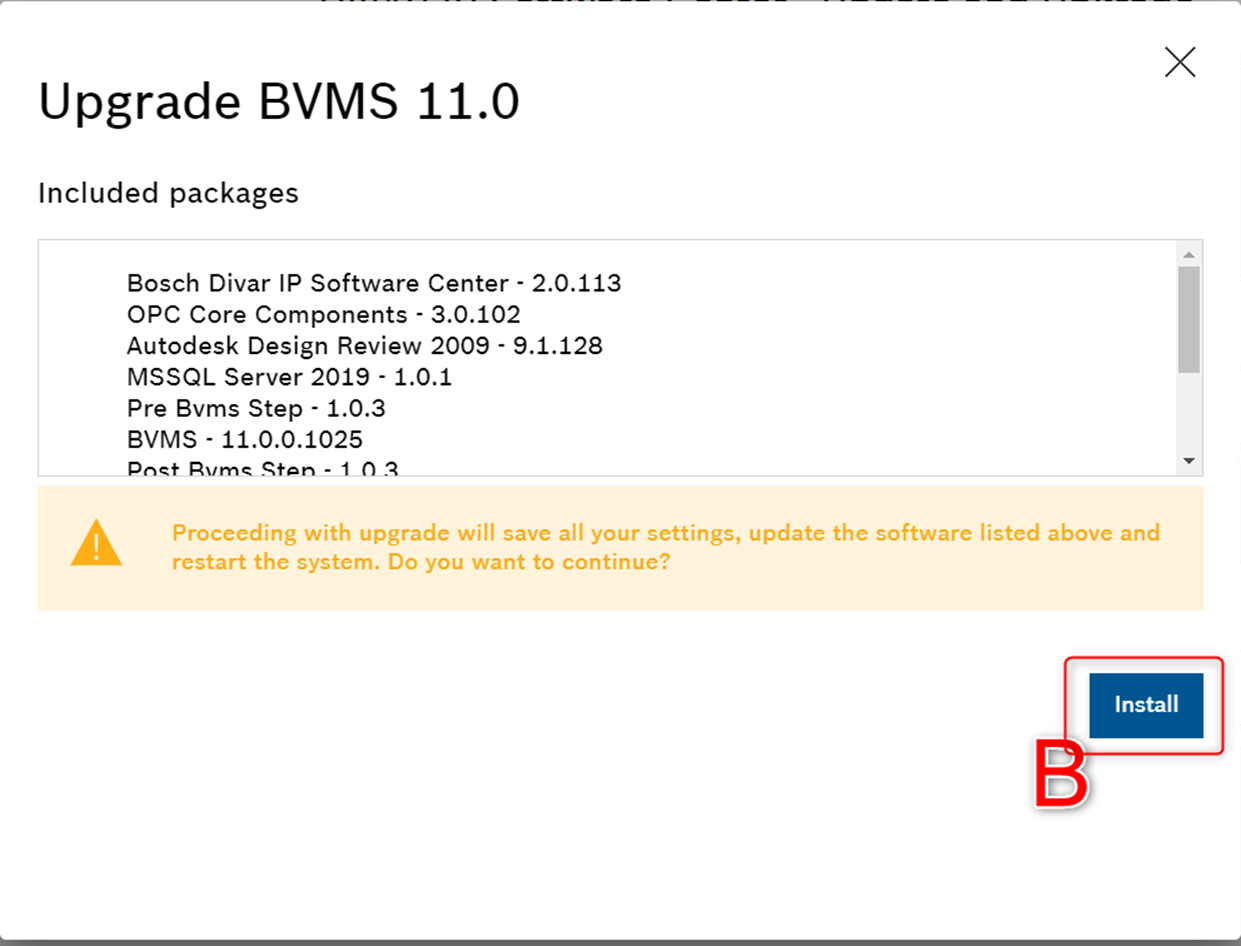
4. In the Update and Upgrade screen, inspect currently installed and available for upgrade version numbers, press Upgrade button (A) and Install (B).
-
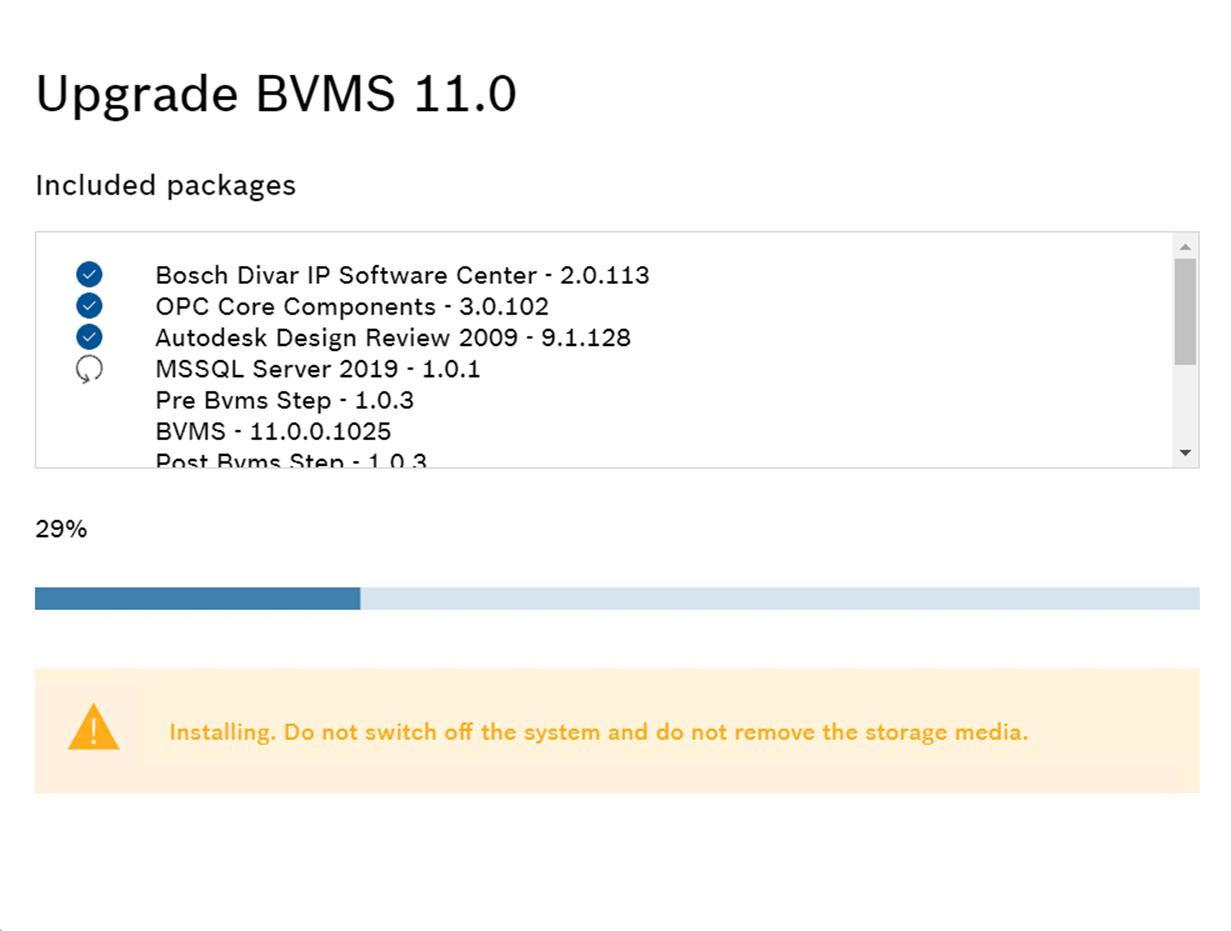
Wait until the installing is complete. Please note that the upgrading process might take a while and the unit will restart several times.
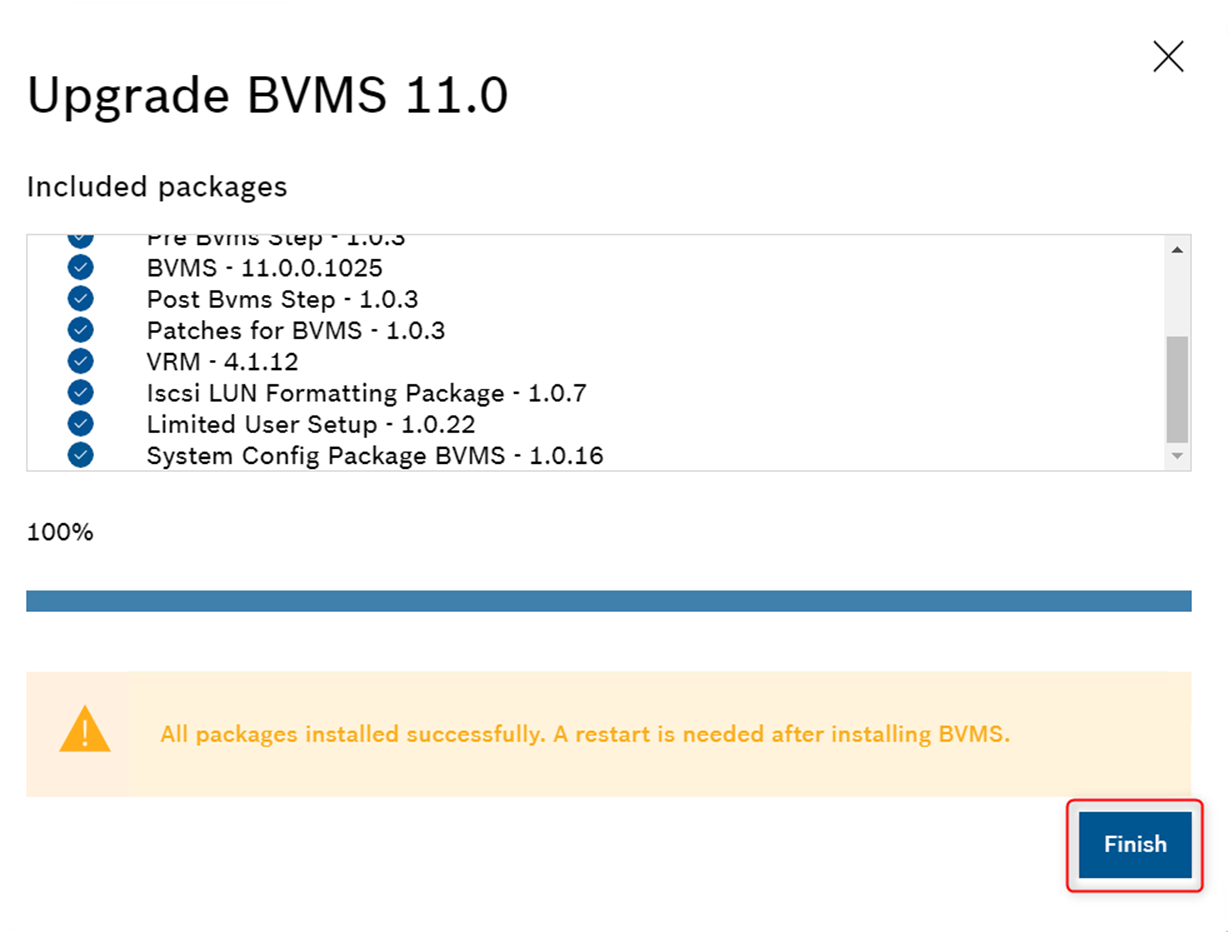
5. When all packages are installed successfully, click “Finish” button and perform a restart of the unit if this is not automatically done.
-
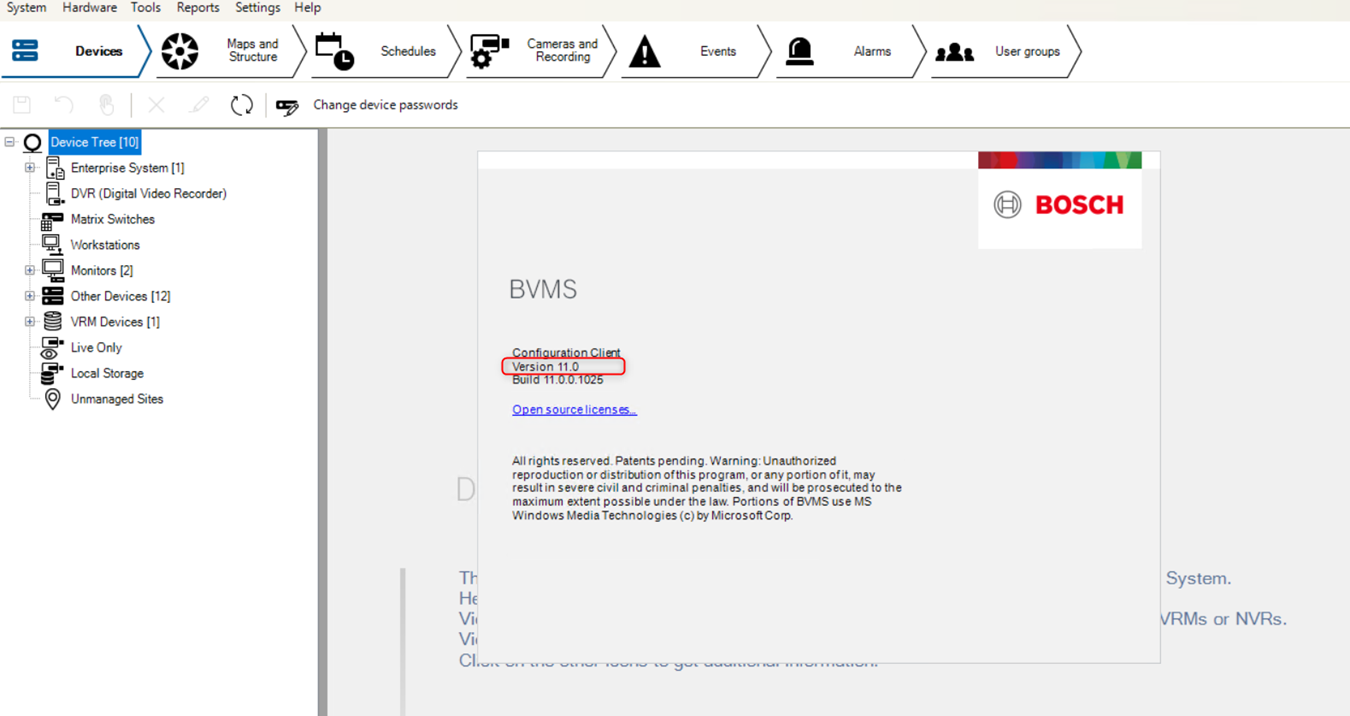
BVMS is now successfully upgraded to version 11.0
Note: This procedure is also explained in Operation Manual → chapter 5. Upgrading and updating software (page 11)

Troubleshooting: DIVAR IP 7000 AIO: Software Center cannot upgrade BVMS 10.1 to 11 (wrong path letter)