
Question
What can I do in case there are Bosch cameras missing in the Forensic Search Configuration dialog?
Answer
The available cameras in the configuration dialog
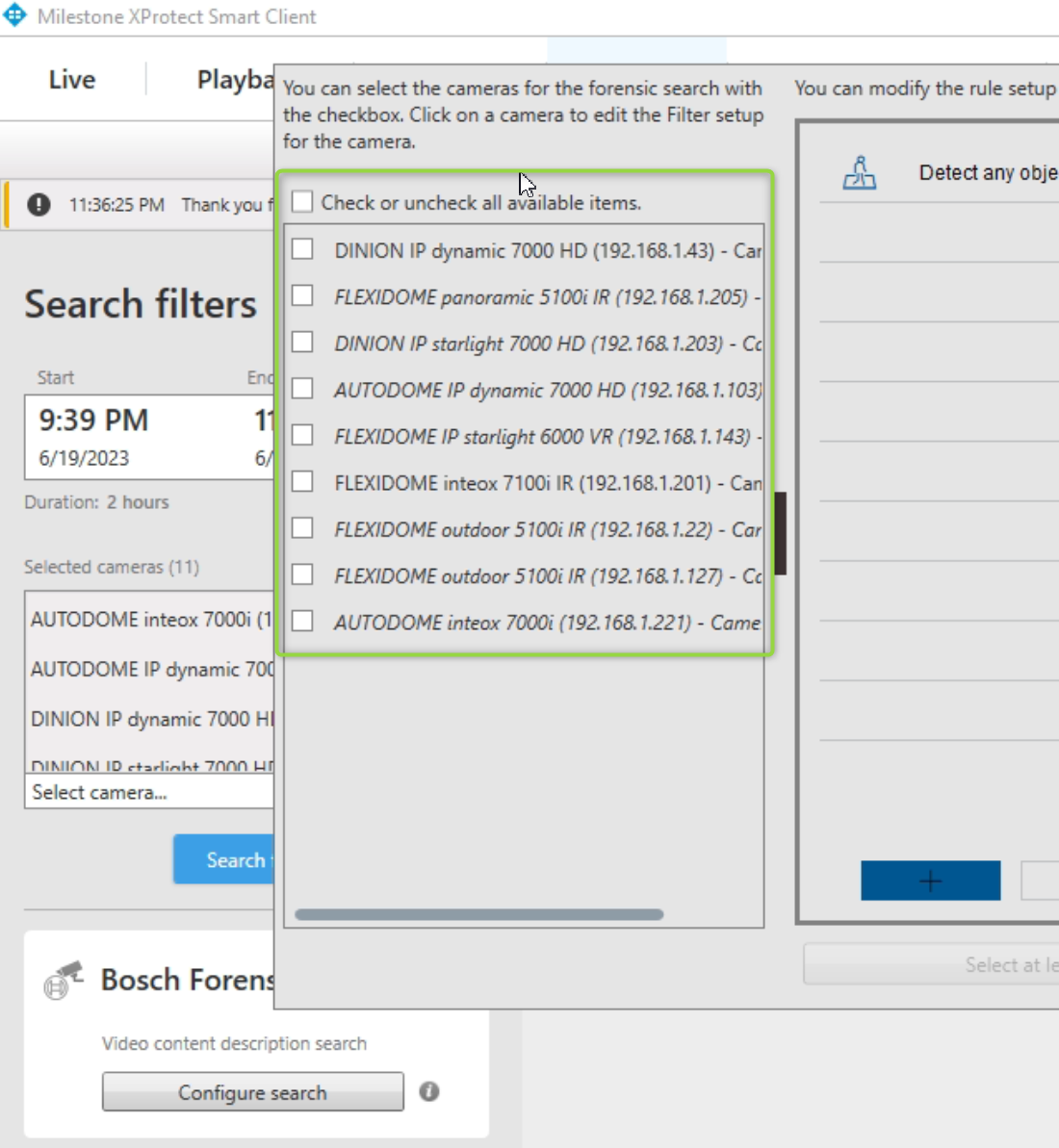
is controlled by 2 criteria.
-
The camera needs to be a Bosch camera AND
-
the camera needs to have some metadata recording available in XProtect
If any of the 2 criteria above is not met, the camera is not available for the Bosch Forensic Search.
Bosch Camera check:
-
Prior to version 1.3.58 of the plugin, we had issues with the detection of Bosch cameras inside newer Milestone versions > 2022R1 and thus no camera was available for the search.
In case of such a behavior, make sure to use the latest plugin.
Metadata availability:
-
A simple way to check, if a specific camera has metadata recordings attached is a replay session of this camera in the Smart Client's replay tab.
-
In case the yellow bounding boxes are rendered, the metadata should be available.
-
The metadata format needs to be set to Bosch binary or Bosch binary & Onvif