Possible causes and solution(s)
-
Symptoms
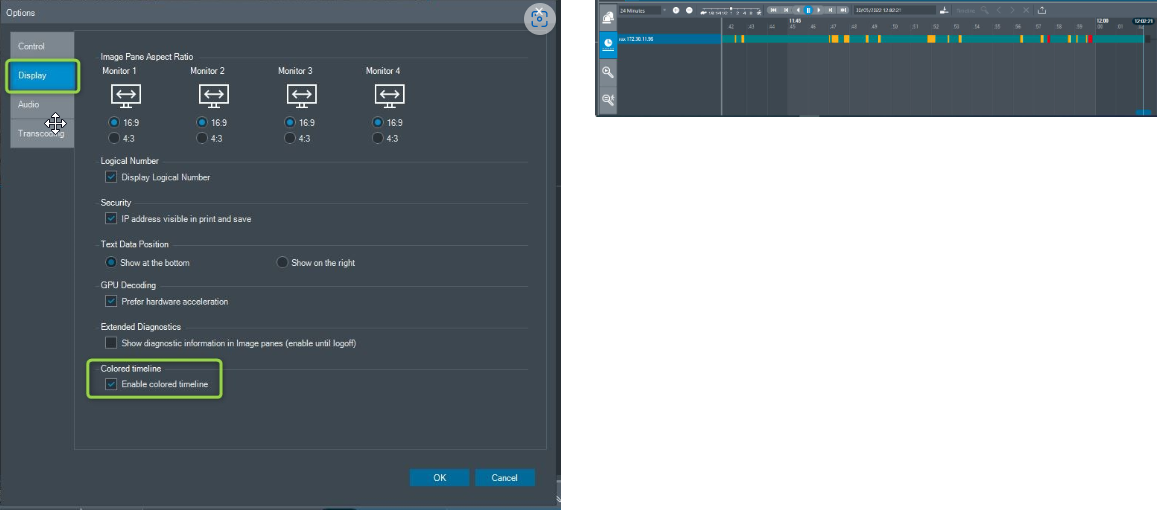
The alarms appear, the forensic search is working fine, but the yellow lines don’t appear on the recording line/ timeline.
-
Solution
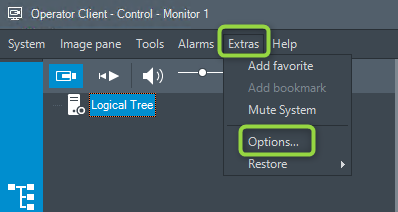
Activate the Colored timeline from Operator Client.
Please check in Operator Client in Extras > Options > Display and see if the checkbox from Colored timeline is enabled