Question
Can I add & sync my Dropbox account and share projects from it through Project Assistant app?
Answer
Yes! Follow the steps below to manage adding & syncing your Dropbox account and share your projects from Project Assistant with your associates:
-
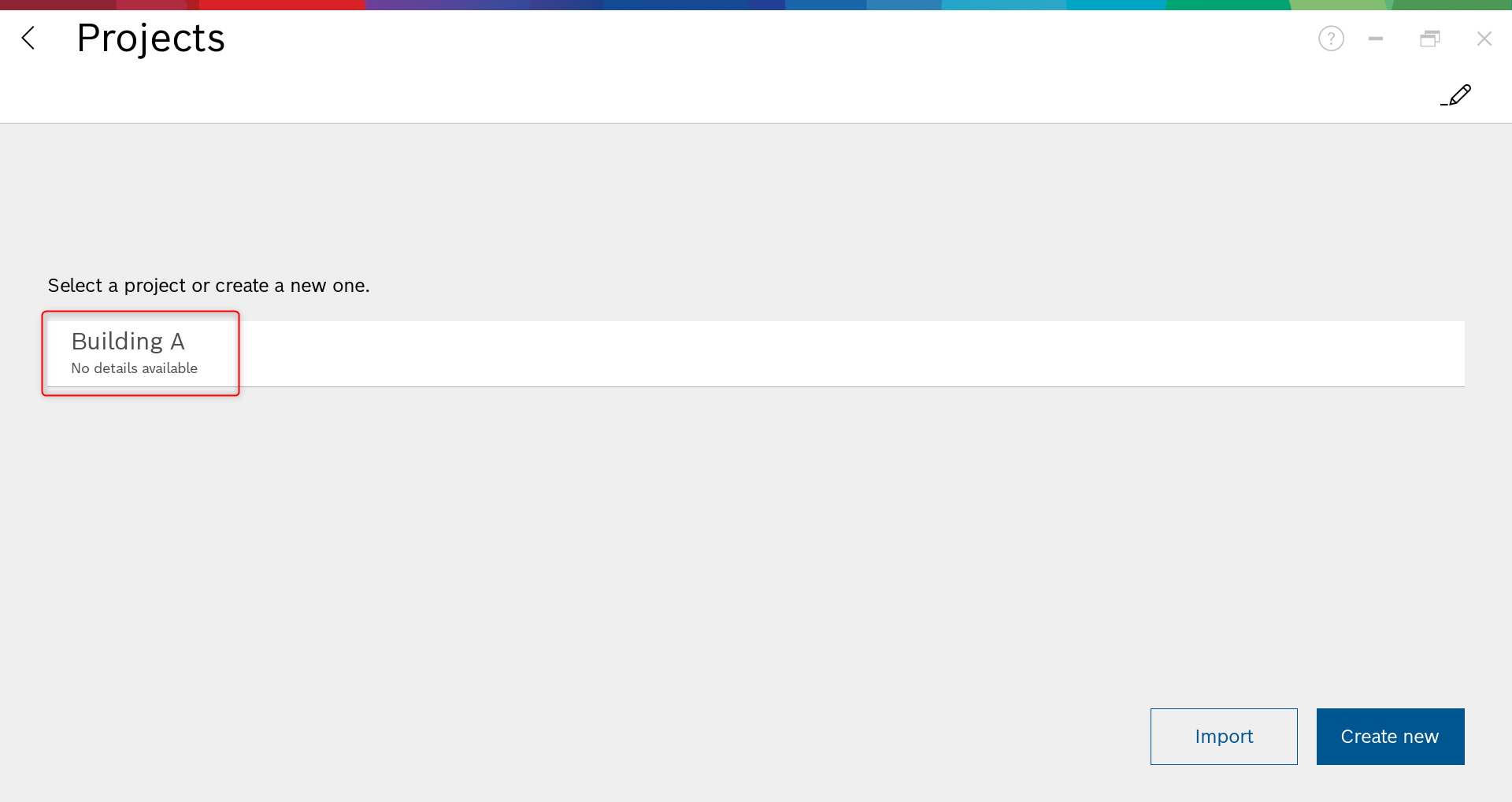
Open Project Assistant App and choose the project you want:
-
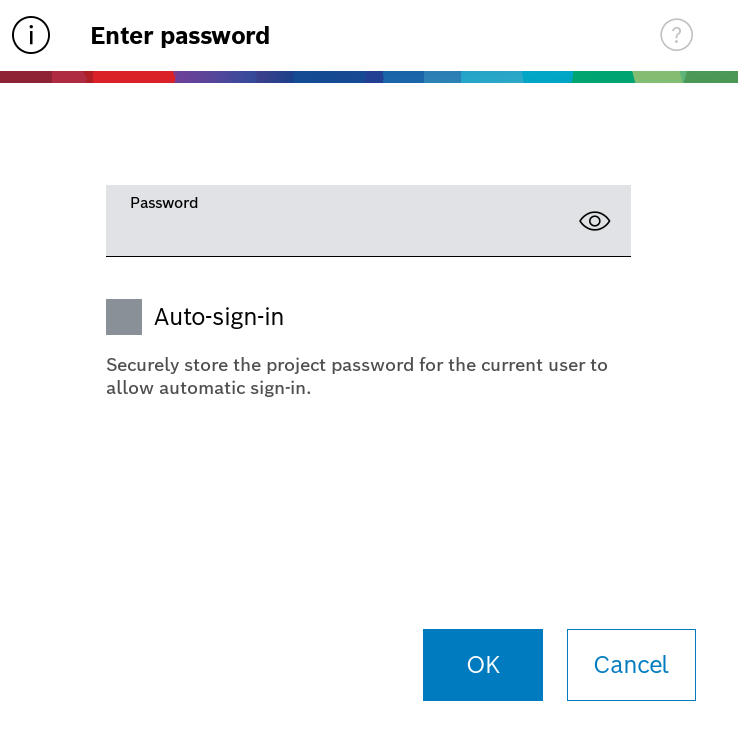
Login with the password set on your project:
-
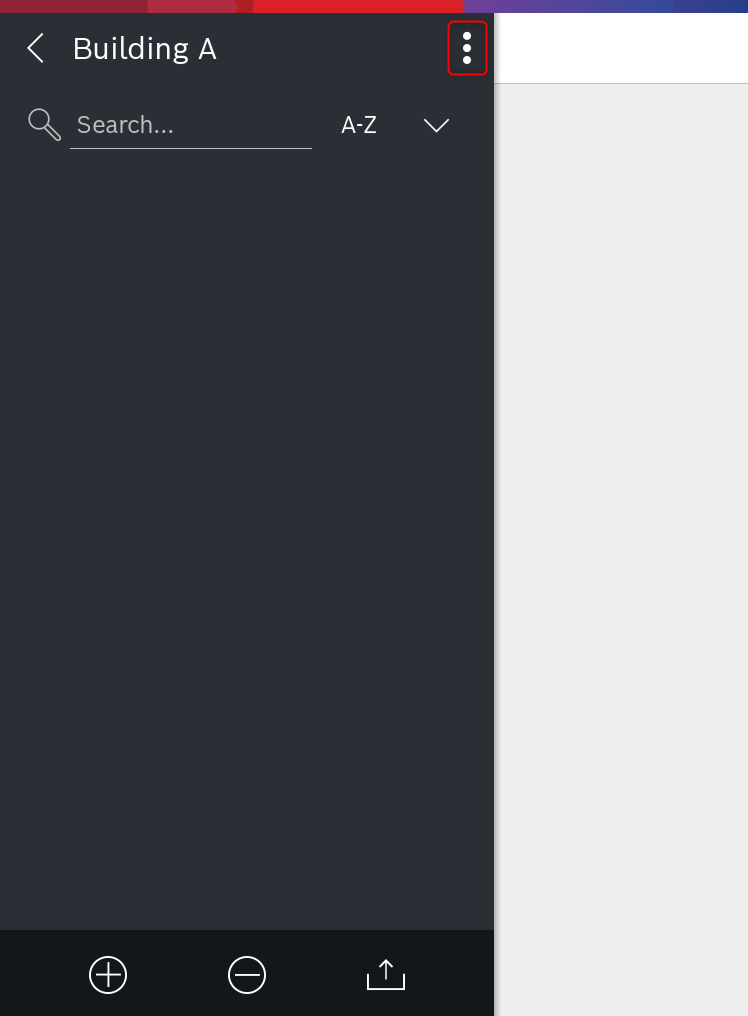
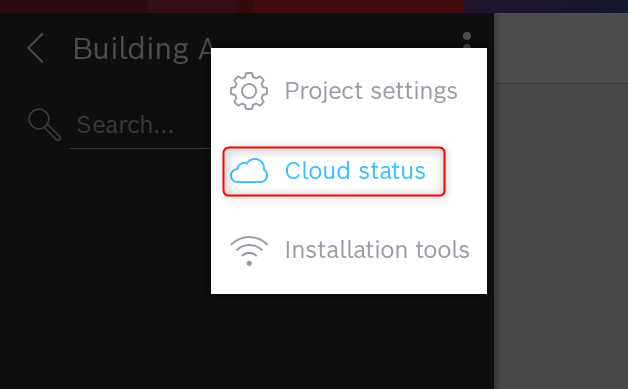
Click on the three dots button and select Cloud status:
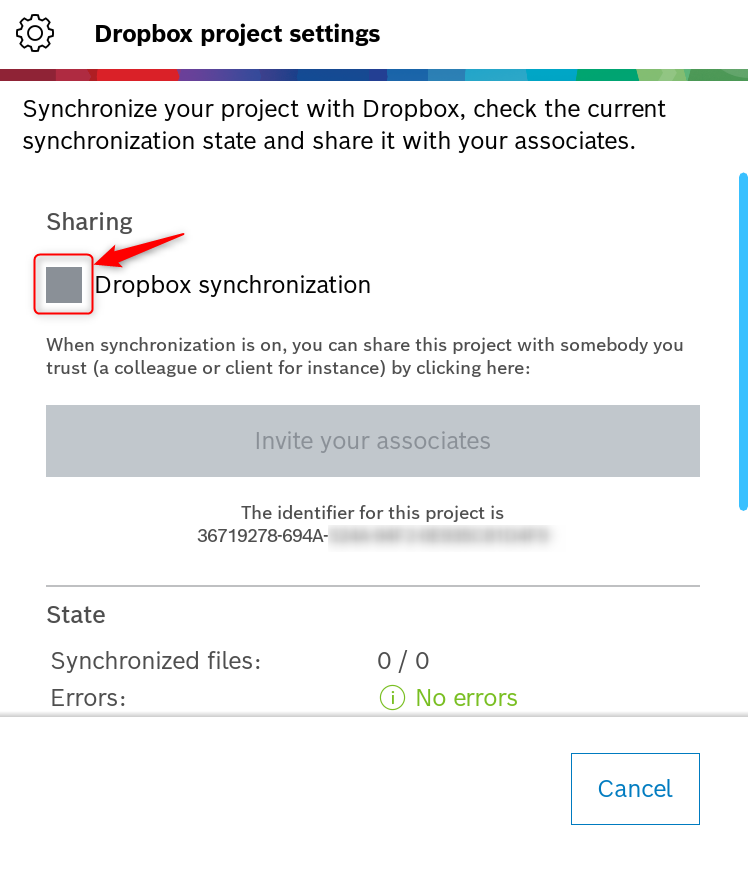
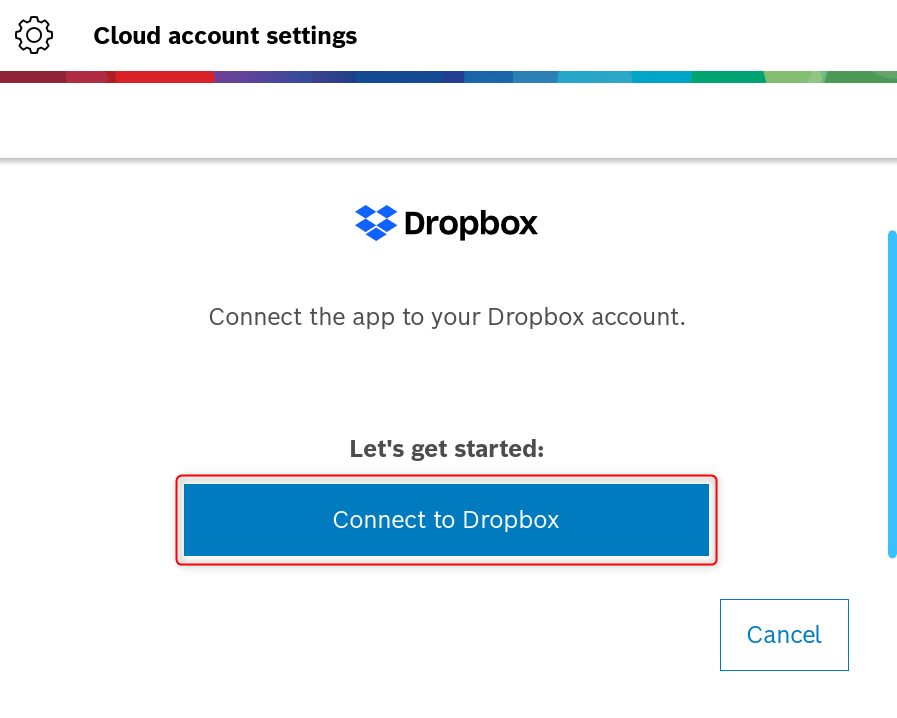
4.Tick the box next to "Dropbox synchronization" and click on the "Connect to Dropbox" button:
-
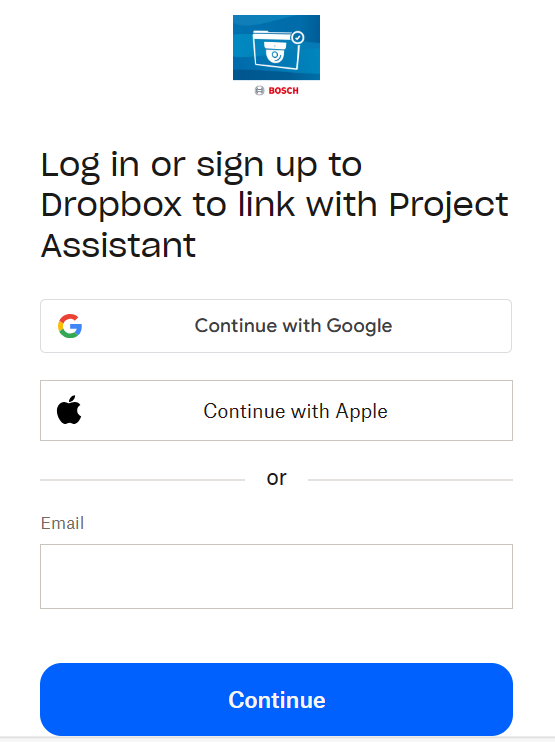
Login or sign up to Dropbox to link with Project Assistant App
-
Once you are logged in, a pop-up will show up asking you to allow Project Assistant app to access the files and folders from your Dropbox account. Click Allow and Open in the next pop-up displayed:
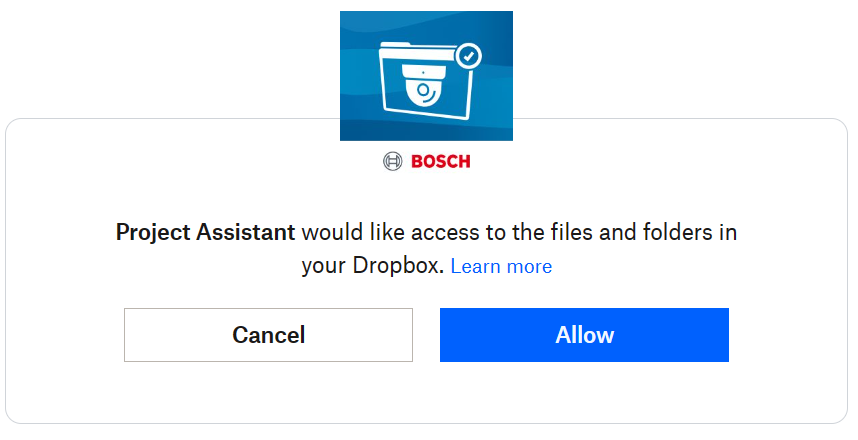
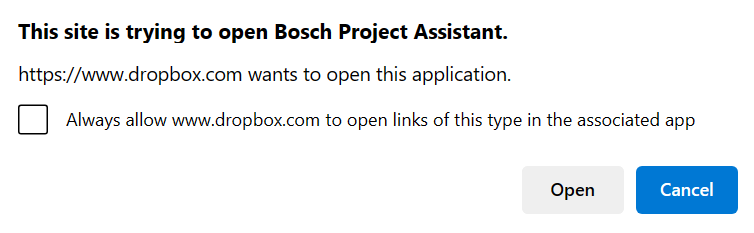
-
Now you are connected into your Dropbox account through Project Assistant App:
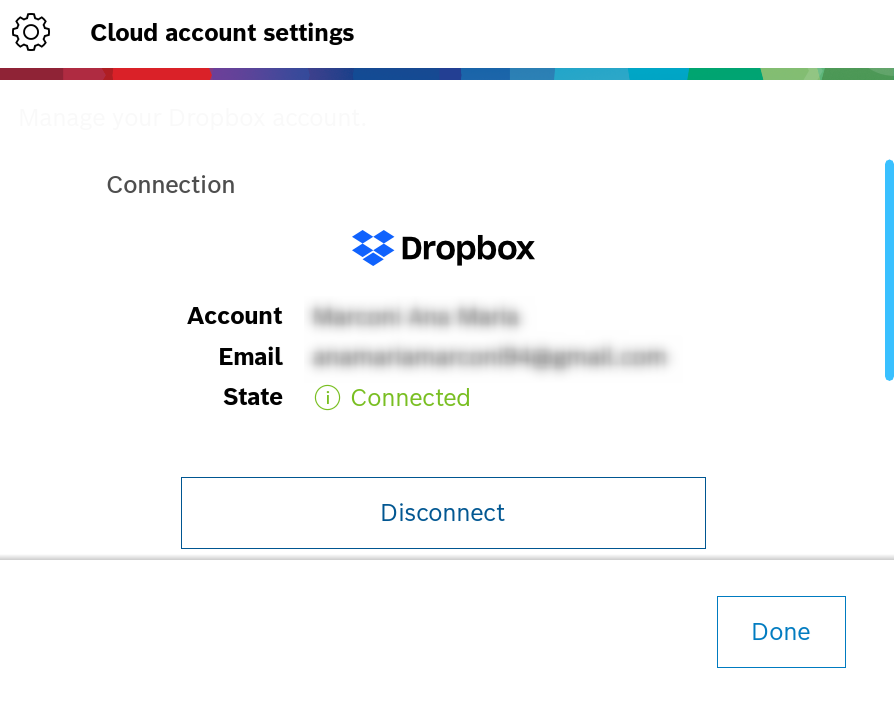
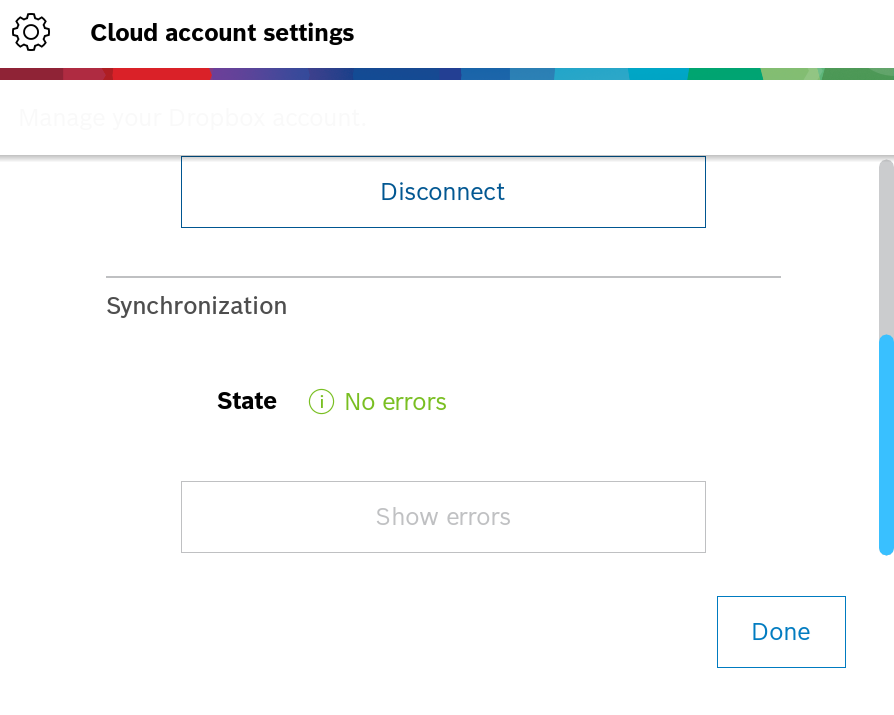
-
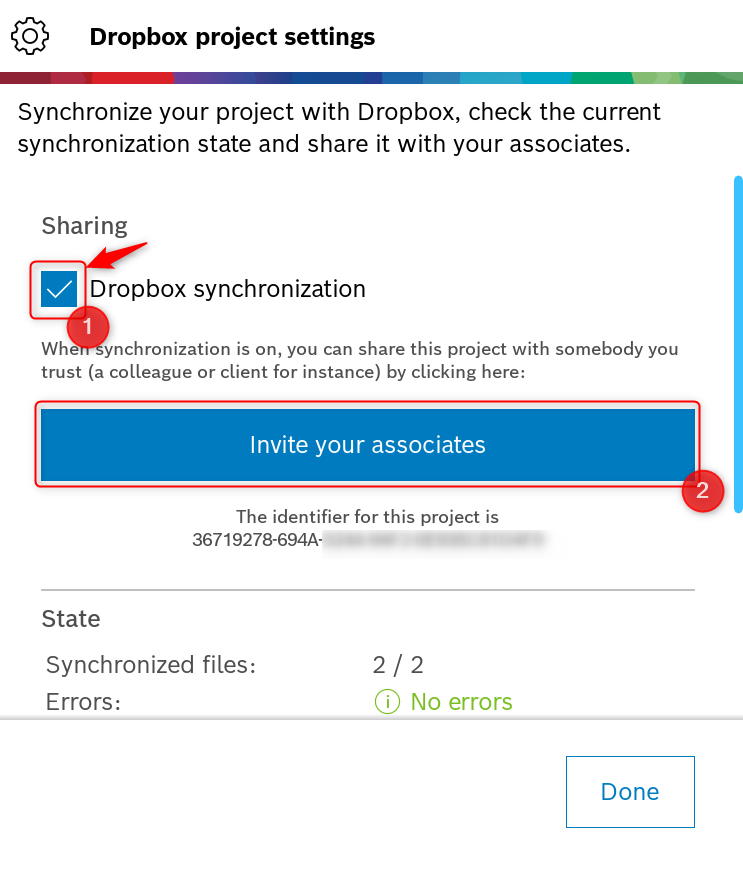
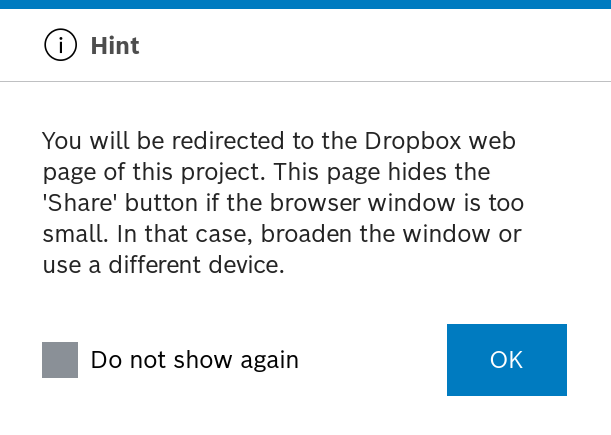
In order to share the projects with you associates, tick the box next to "Dropbox synchronization" > select Invite your associates > click OK
-
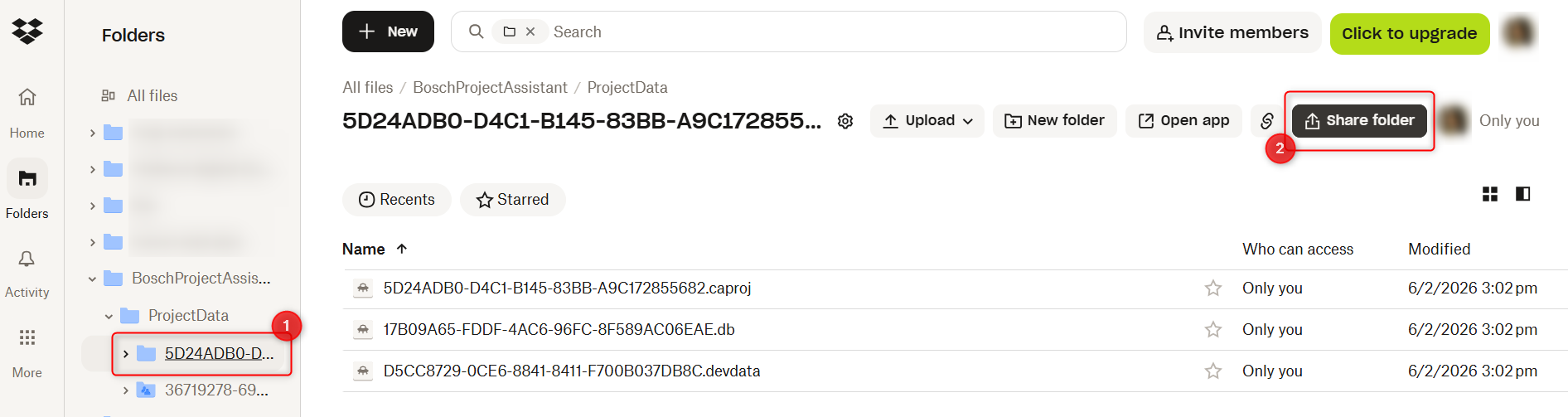
Select the project folder you would like to share and click Share folder:
10. Share it as you wish by choosing the desired option:
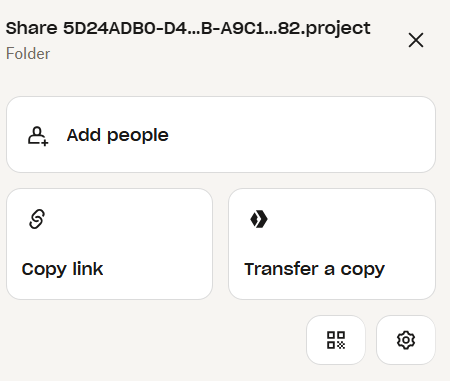
11. Set the access for the associate as editor or viewer only > add the e-mail address of the person you will share the project > click Share folder
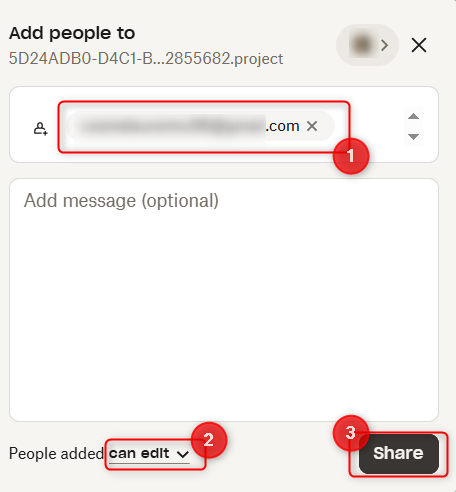

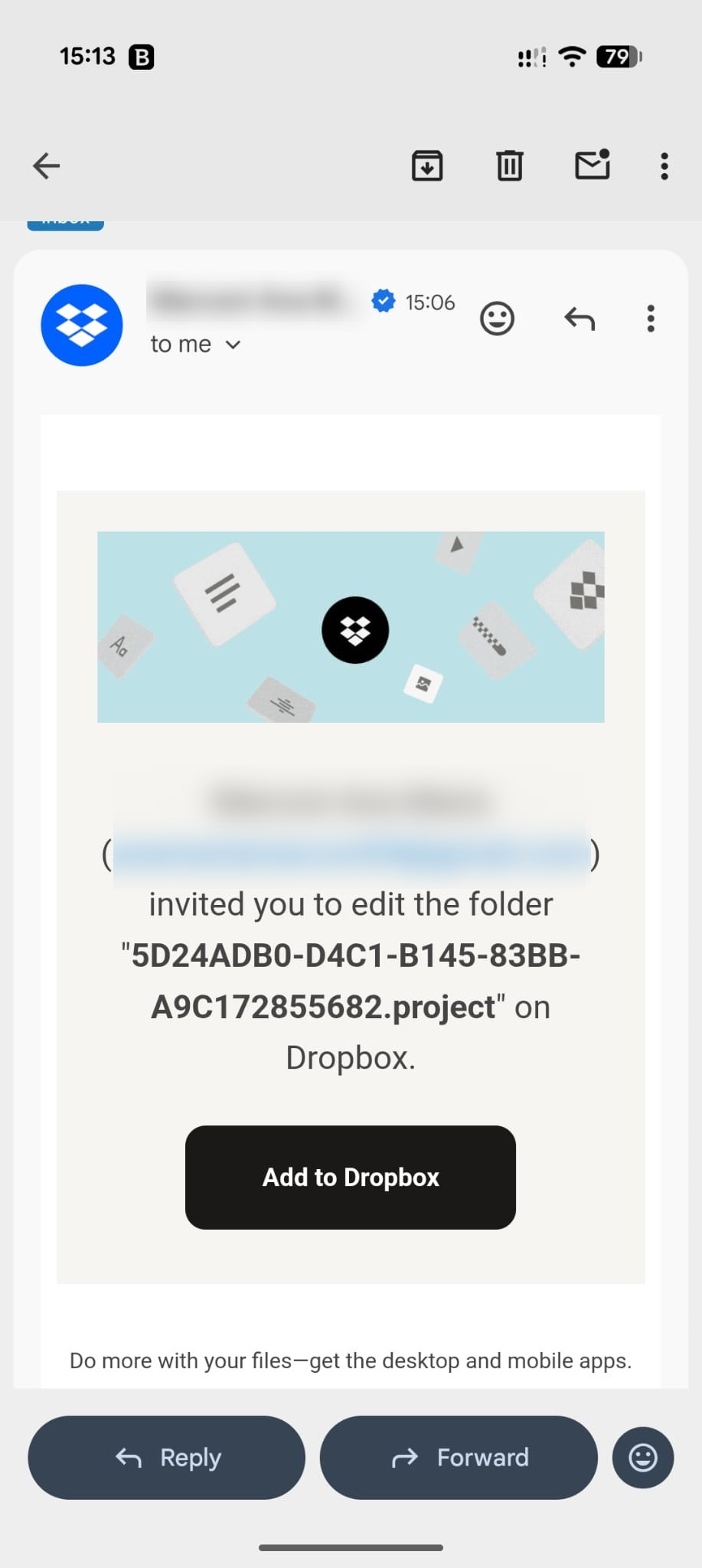
12. The associate you are sharing the project with will receive the notification via e-mail:
And will see the project in Dropbox:
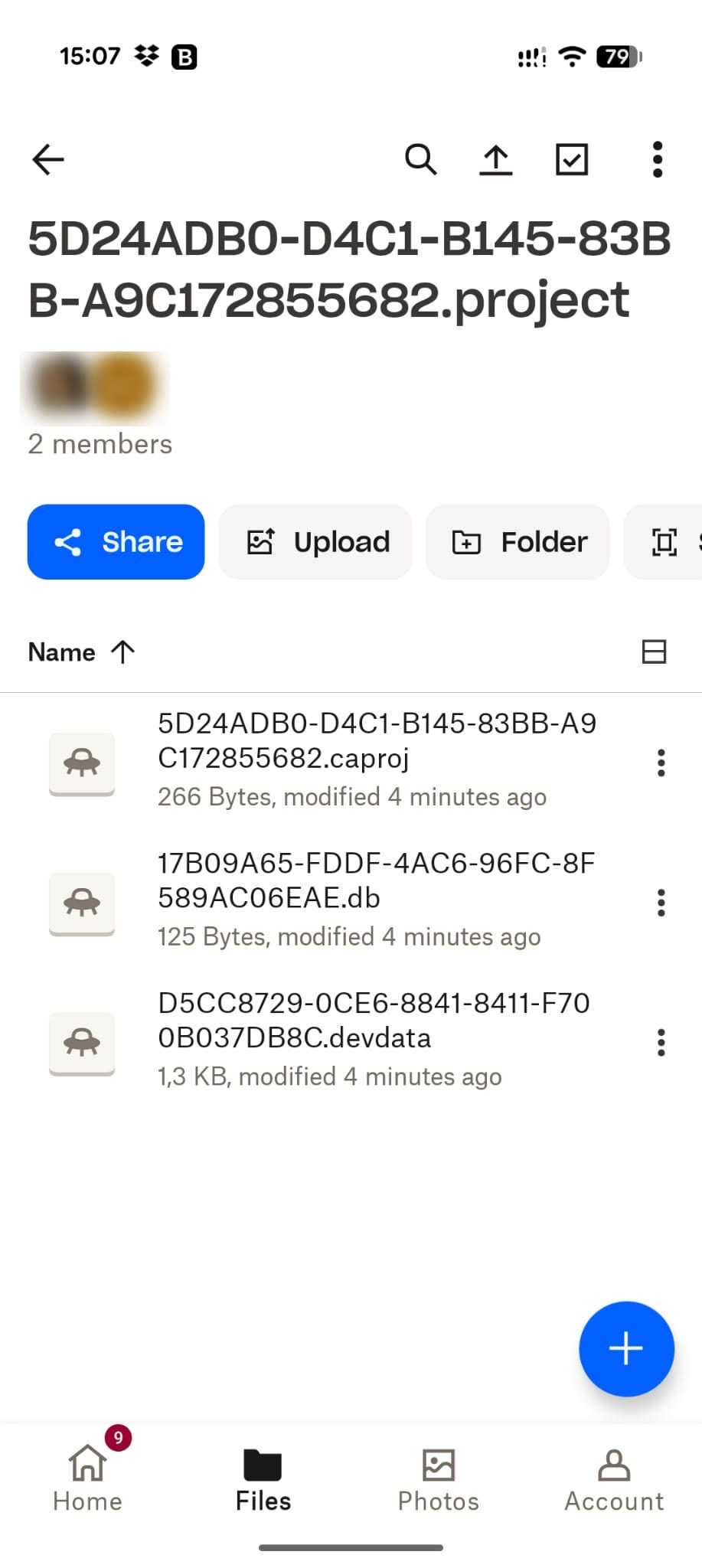
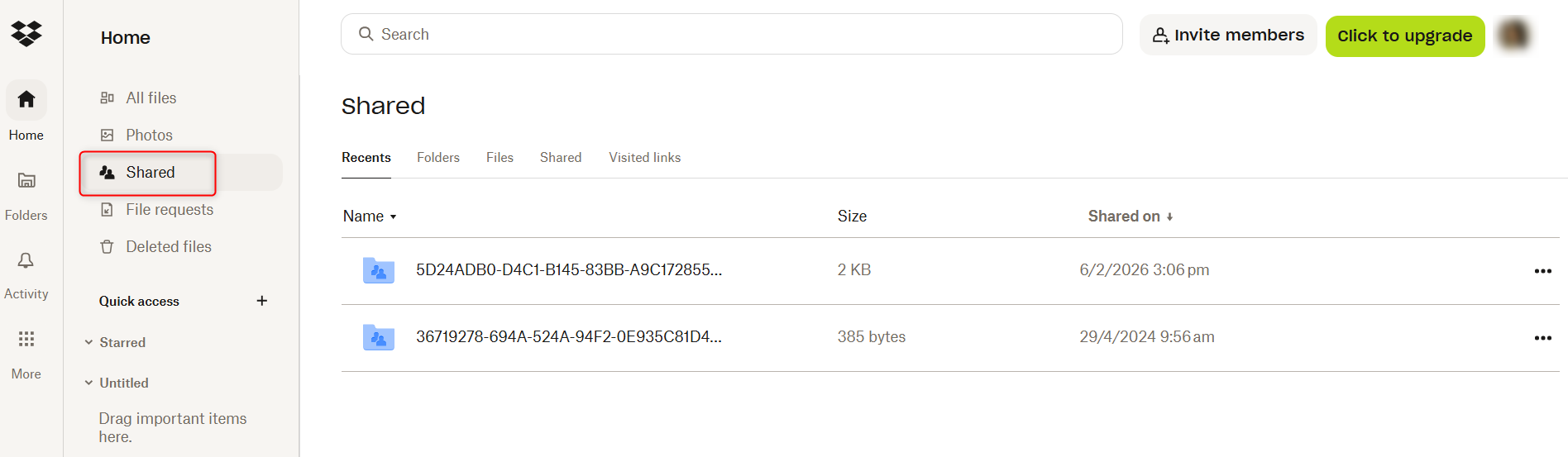
Tip: See all the projects shared with other associates by checking the Shared menu in Dropbox: