
Possible causes and solution(s)
A normal connection to RP using CM required user/email and password of your RP account.
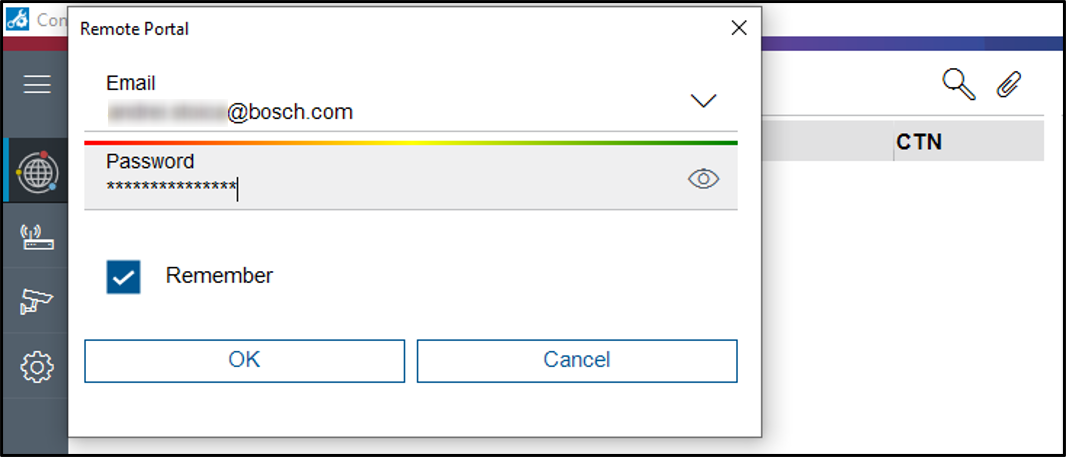
Symptoms
Once you enable SingleKey ID you will no longer be able to connect to Remote portal using the password. You will get this error:
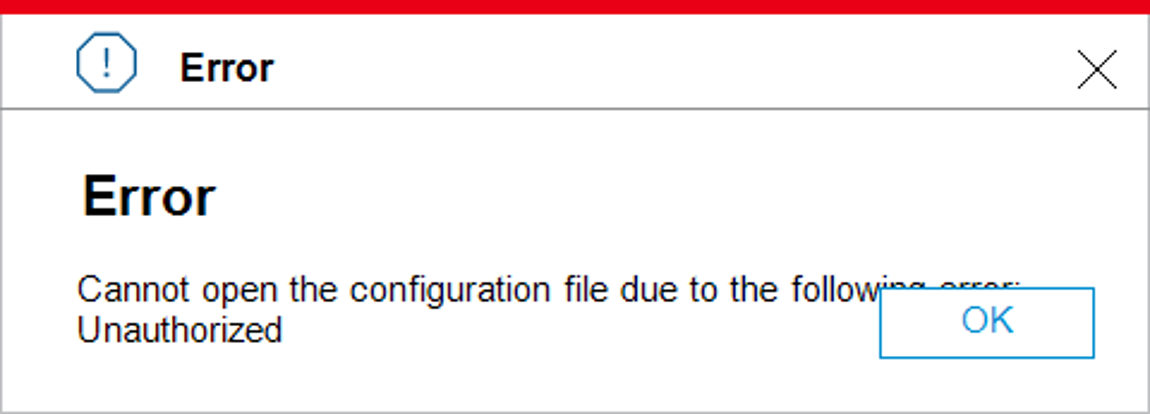
Solution
What you need to do is to follow the steps below:
1 . Login to your Remote Portal account
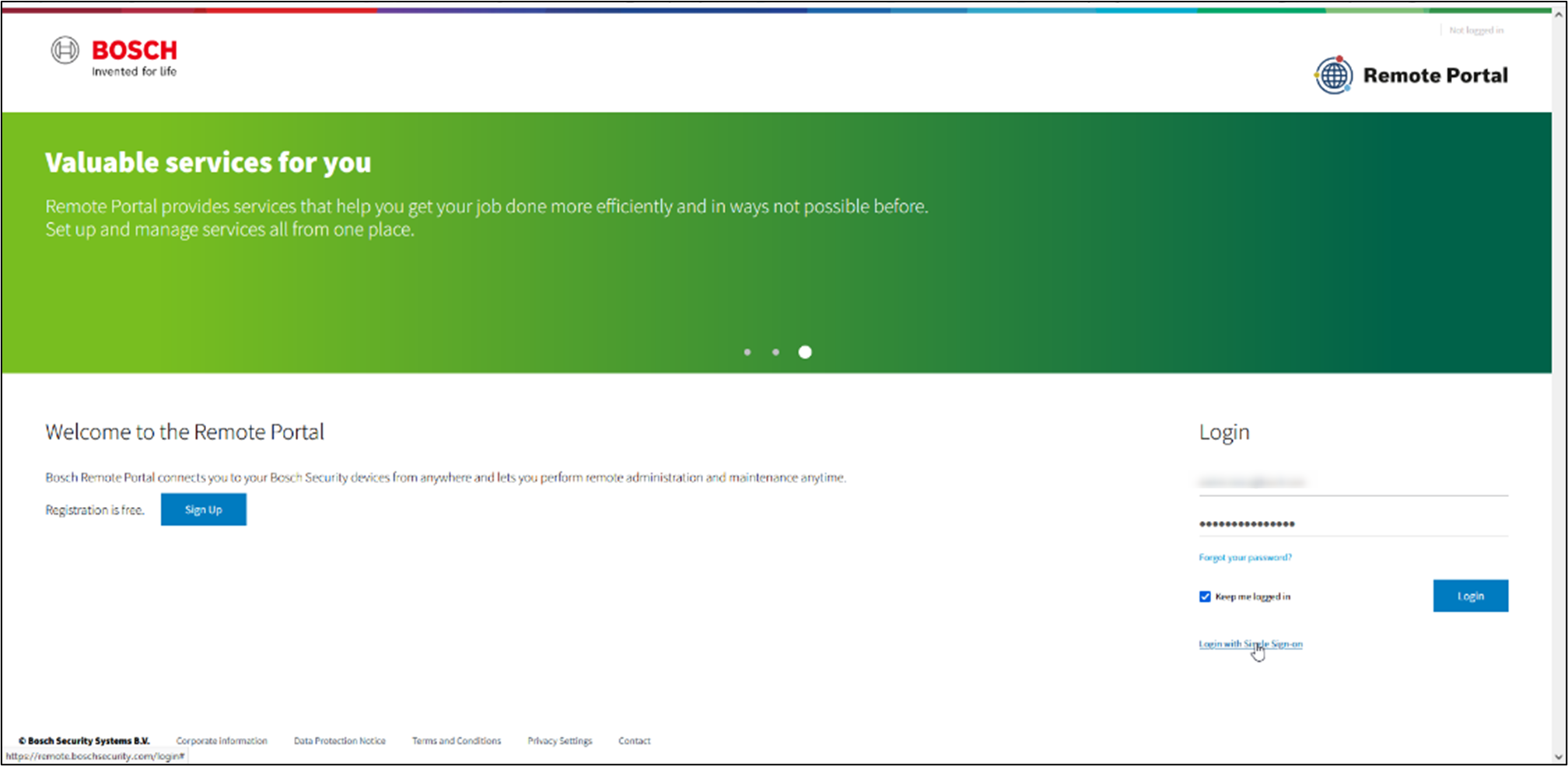
-
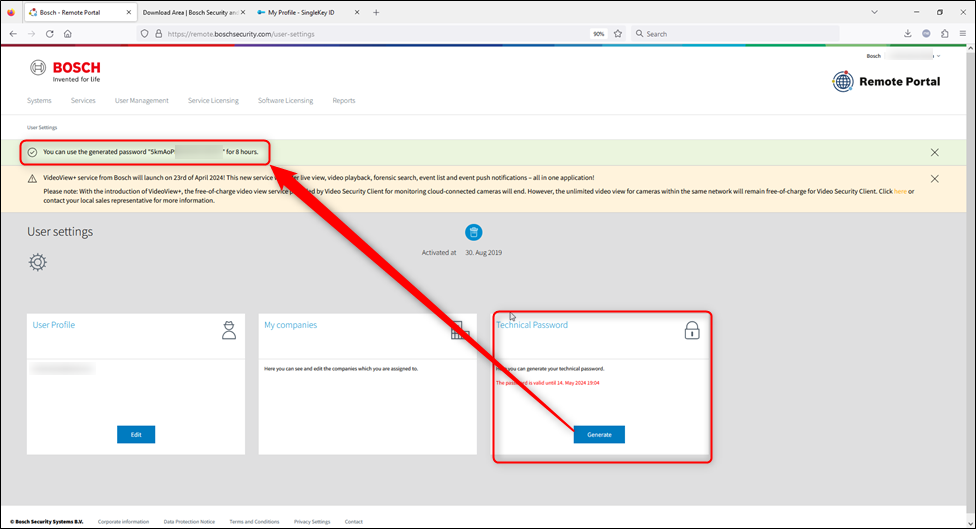
Once logged in to your account, go to User settings
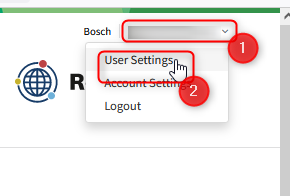
-
Find the Technical Password tab and generate a password,
It will generate a password for you to copy and use it to log in to Remote Portal via Configuration Manager.
NOTE: This is valid in case you wish to do camera IVA licensing online and offline scenario.
Currently, this is a workaround, not a permanent solution, but it serves the purpose.

Keep an eye on the Knowledge Base and see other articles related to VideoView+ topics