
This article also applies when:
Bosch Cameras or Encoders are integrated in old or 3rd party systems.
Some 3rd party Video Management Software do not have the capability to send a User Name and Password when connecting to IP cameras. Since the Bosch Camera has by default enabled this Password Policy option, it might be possible to not use its full capabilities when it is integrated in 3rd party systems.
Article requirements:
-
Bosch IP CPP4/ CPP6/ CPP7/ CPP 7.3 cameras/ encoders with the Minimum FW version 6.42.0021
-
Configuration Manager 5.52 minimum version
Removing password enforcement significantly lowers the security barrier of your system. During the process, you must acknowledge that you are aware of the risk and consequences as well as the potential vulnerabilities.
Step-by-step guide
To disable the password policy, follow these steps:
1. Open Configuration Manager and authenticate on your camera or encoder.
Under My Devices tab/ Network scan tab, select your camera or encoder, right click on it, select Set Session Authentication, then enter the password
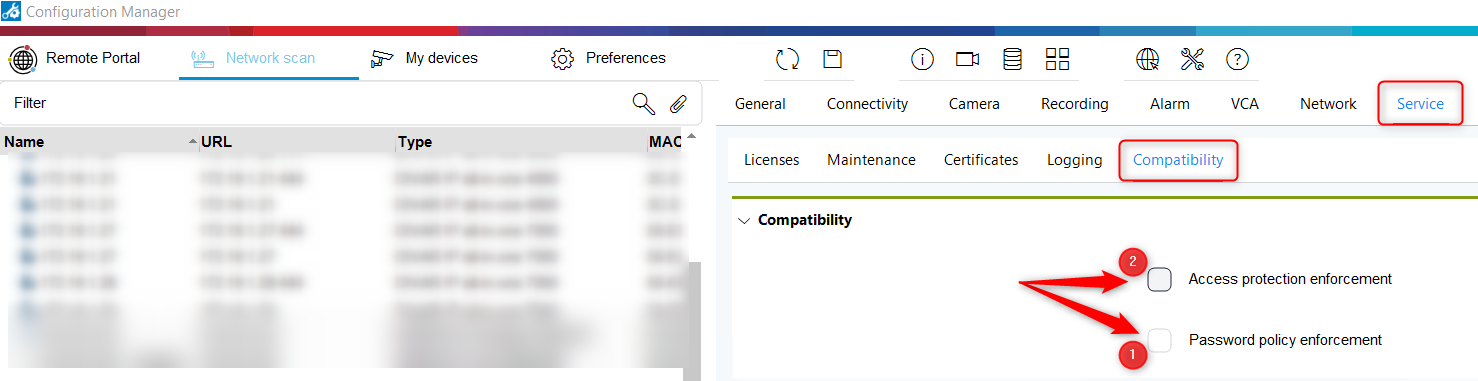
2. Then go to Service → Compatibility and uncheck the boxes: Access protection enforcement and Password policy enforcement.
First uncheck the Password policy enforcement and after that the Access protection enforcement box
-
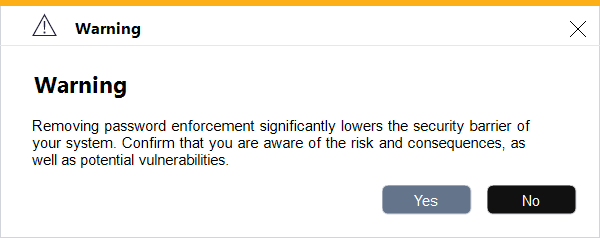
After unchecking Access protection enforcement the following warning message will appear:
-
Select Yes to confirm that you are aware of the risks.
-
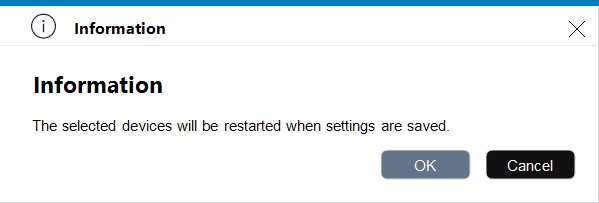
Click the Save button. The following information message will appear:
-
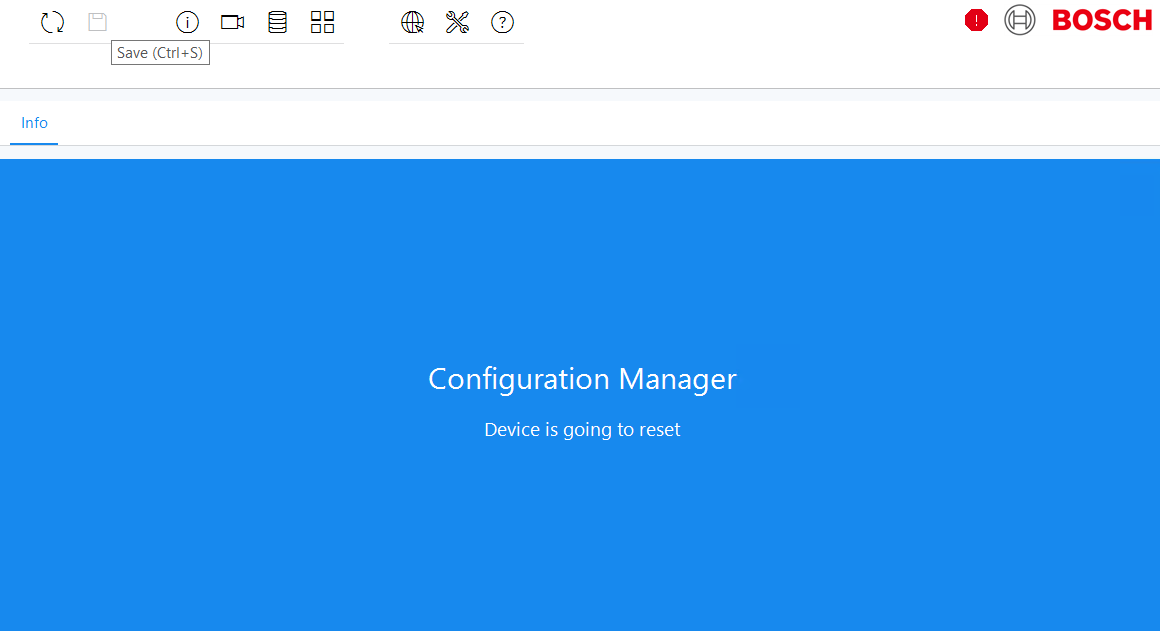
Click OK and the device will start to reset
-
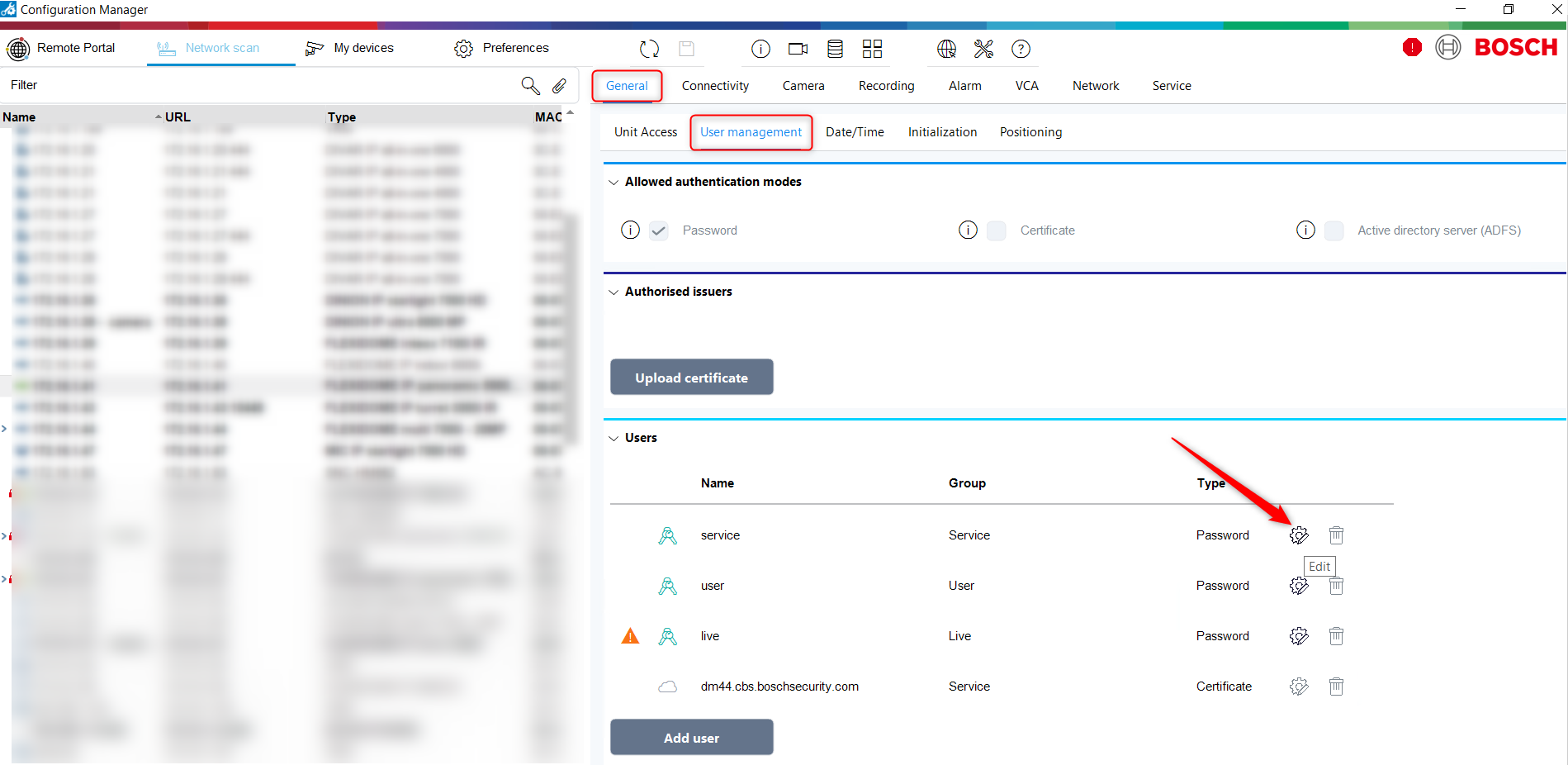
Then navigate to General -> User Management and click to edit the service password.
-
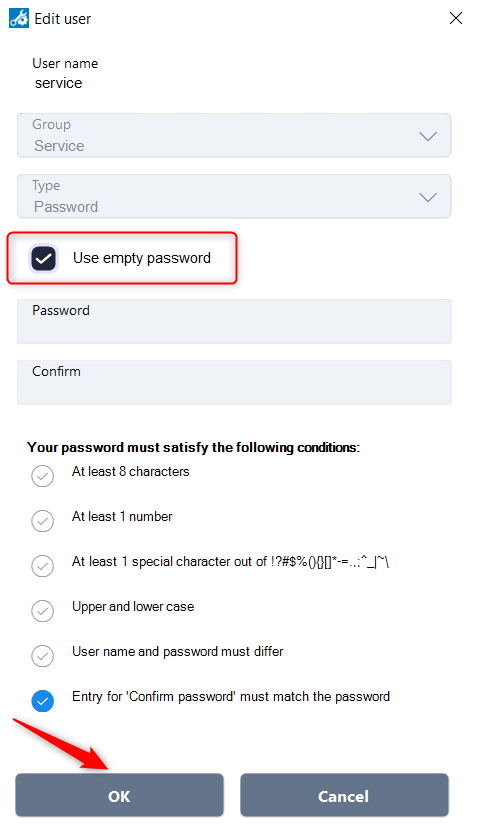
Tick “Use empty password” box and click OK.
Important:
We suggest you to upgrade your system to the latest FW version.
Before upgrading your system, it is strongly recommended that you make a full backup.