
Possible causes and solution(s)
Symptoms
When checking a camera’s recording status in the BVMS Configuration Client under Configuration → Recording, you may notice that Recording 1 Status continuously switches between Error and Running.
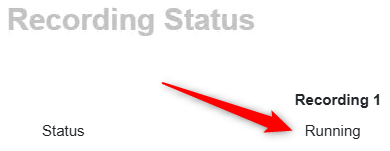
• When the status is Running, the cameras record normally.
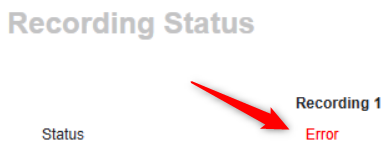
• When the status changes to Error, recording stops.
Restarting the services Bosch Video Recording Management and Bosch iSCSI Watchdog may temporarily restore the status to Running, but after a few minutes it returns to Error.
Causes
This issue can occur if the same camera is added to two different BVMS servers.
Solution
Remove the camera from the incorrect BVMS server, ensuring that each camera is assigned to only one server.