🕒 This procedure takes in average ~ 10 min to complete
Possible causes and solution(s)
Symptoms
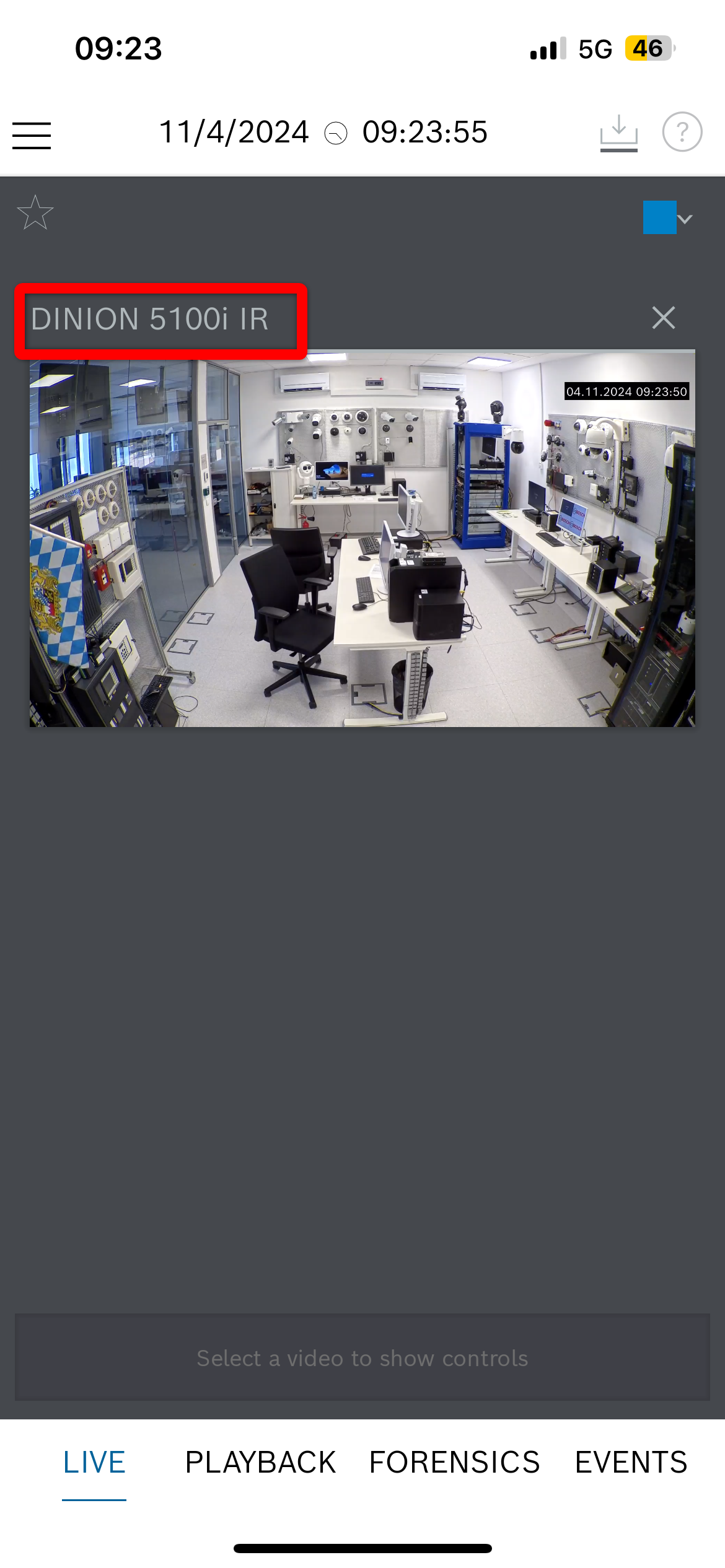
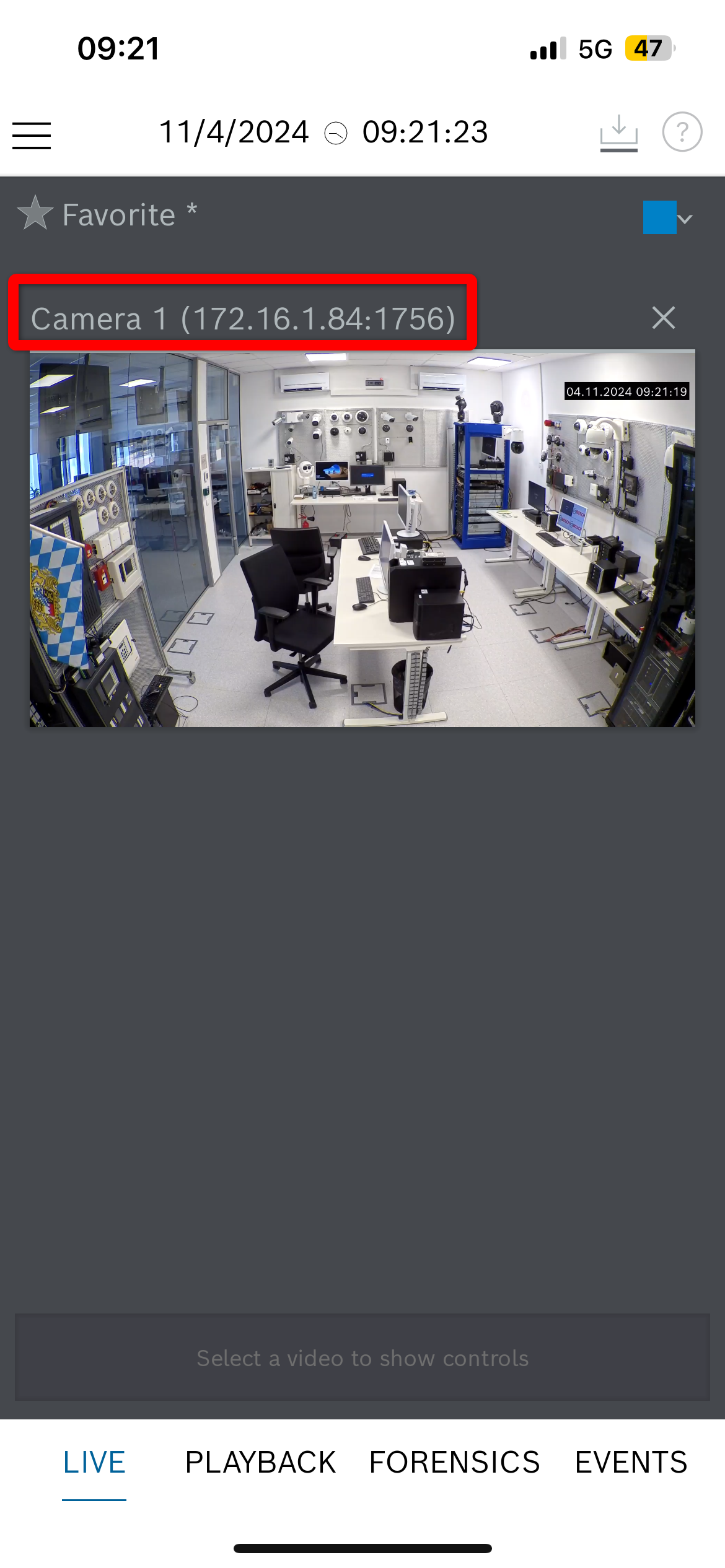
Camera name is displayed 'Camera 1' in Video Security Client (App), not as it is in Alarm Management.
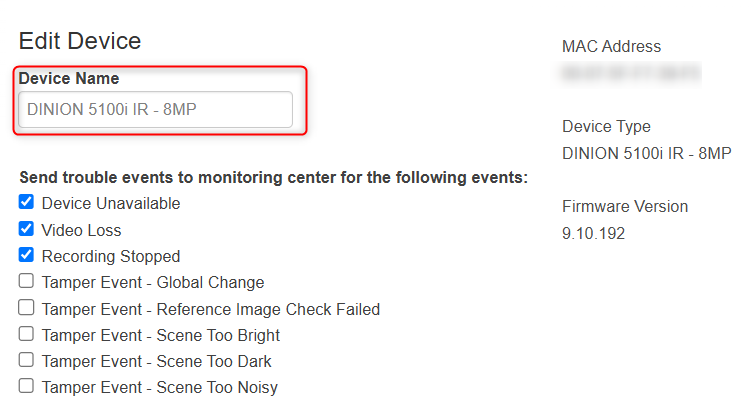
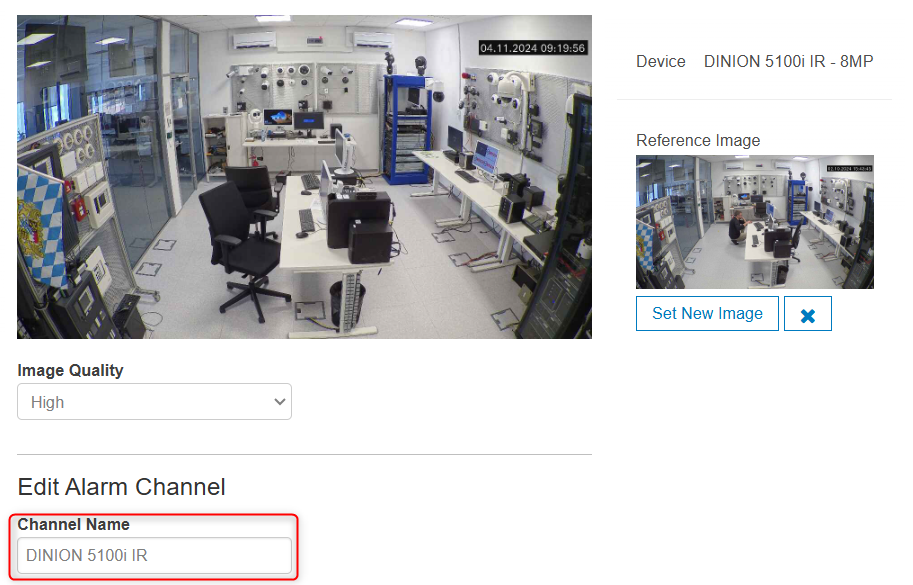
Even that the camera name is changed in Alarm Management in the Device name from the Devices menu or in the Channel name from the Channels menu, the camera name remains displayed as "Camera 1" in the Video Security Client (App).
Solution
The solution is to change the "Video name" from the Web interface of the camera, accessible through:
-
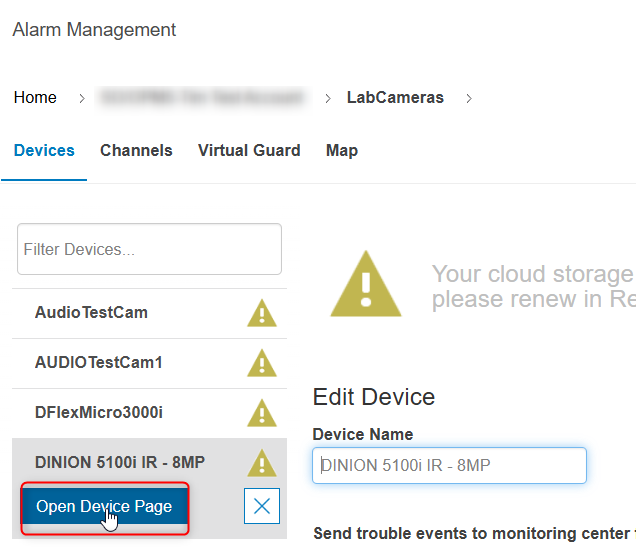
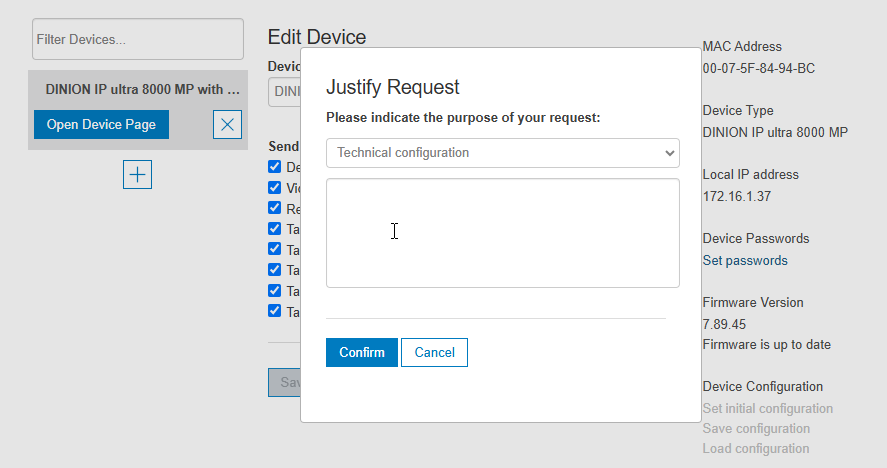
Alarm Management: Devices > Select your camera > click Open Device Page
-
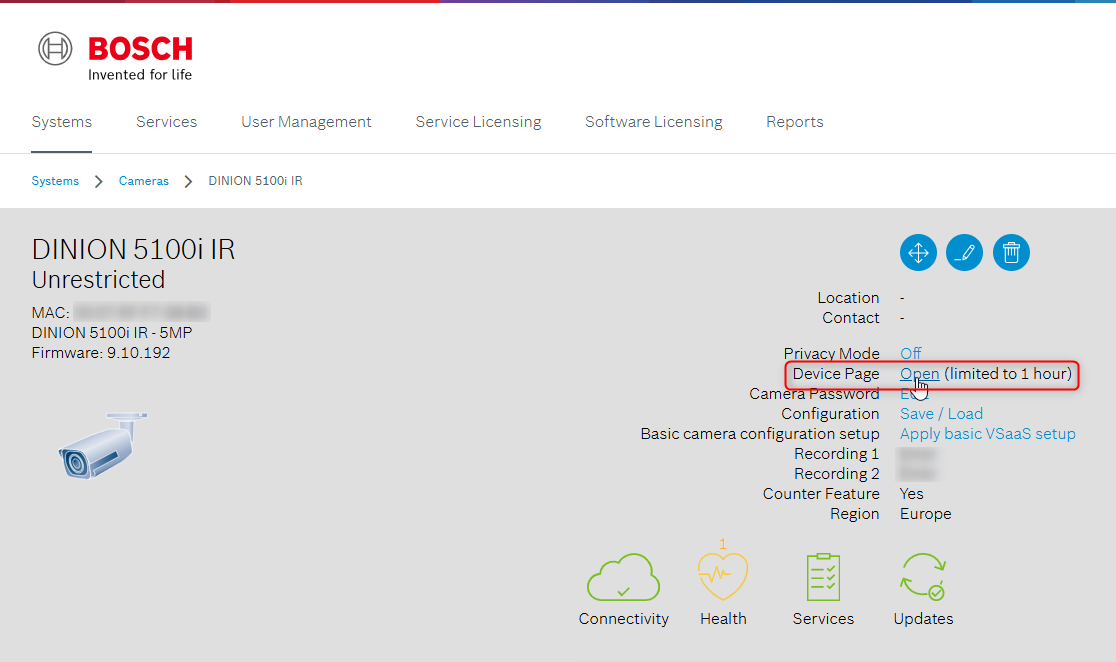
Or Remote Portal: Select your camera > click Open (limited to 1 hour) next to the "Device Page" option
-
Or directly on the web interface of the camera by typing its IP Address from the same network
Once you are on the camera's web interface, go in Configuration > General > Identification > Change the "Video Name" as desired to be displayed in the Video Security Client (App) > click Set
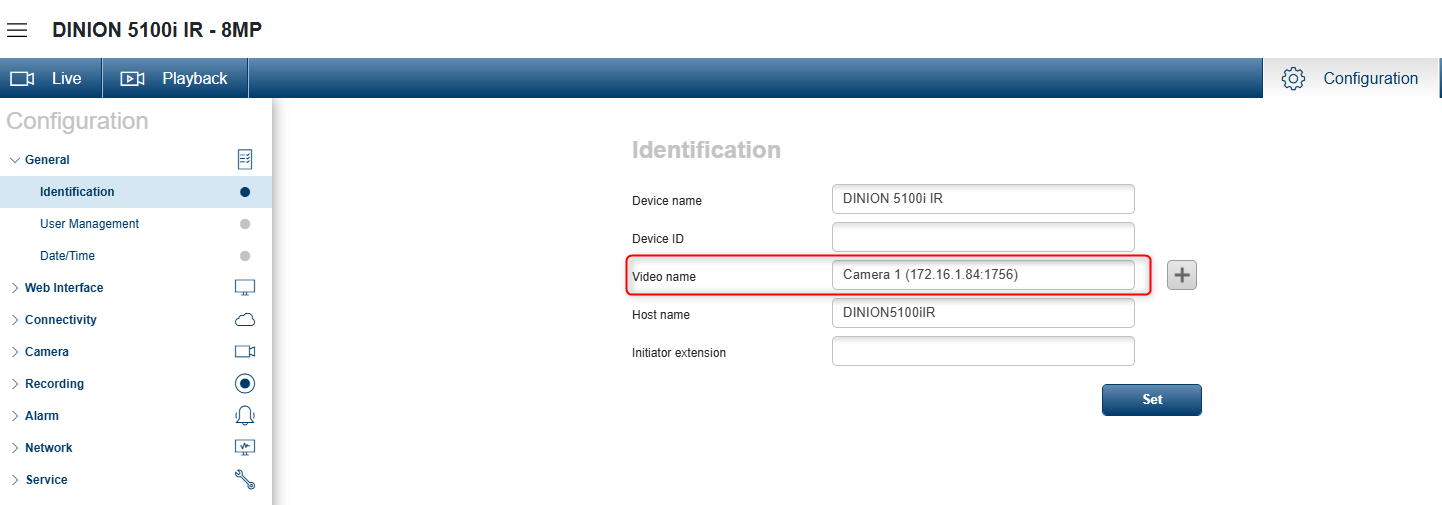
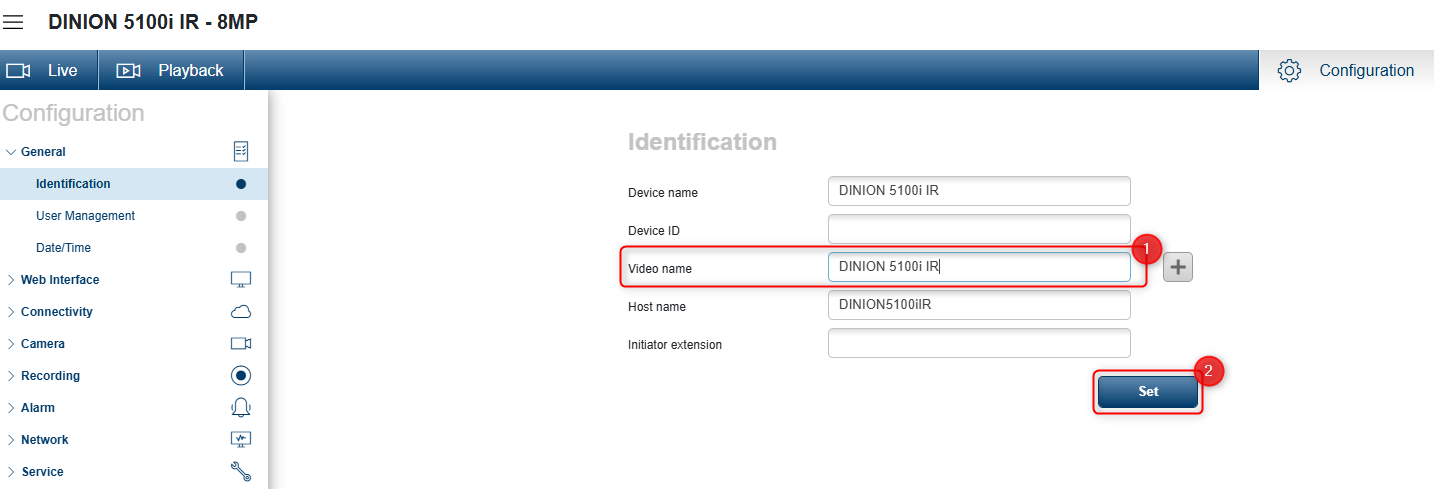
The change will be automatically observed in the Video Security Client (App) after reloading the devices section.