
Question
How can I display more than 4 cameras in BVMS Operator Client - Image Pane?
Answer
If you have more cameras and would like to display additional video streams in the BVMS Operator Client Image Pane, but the slider does not allow you to increase the number of rows and remains limited to 4 cameras, as shown below:
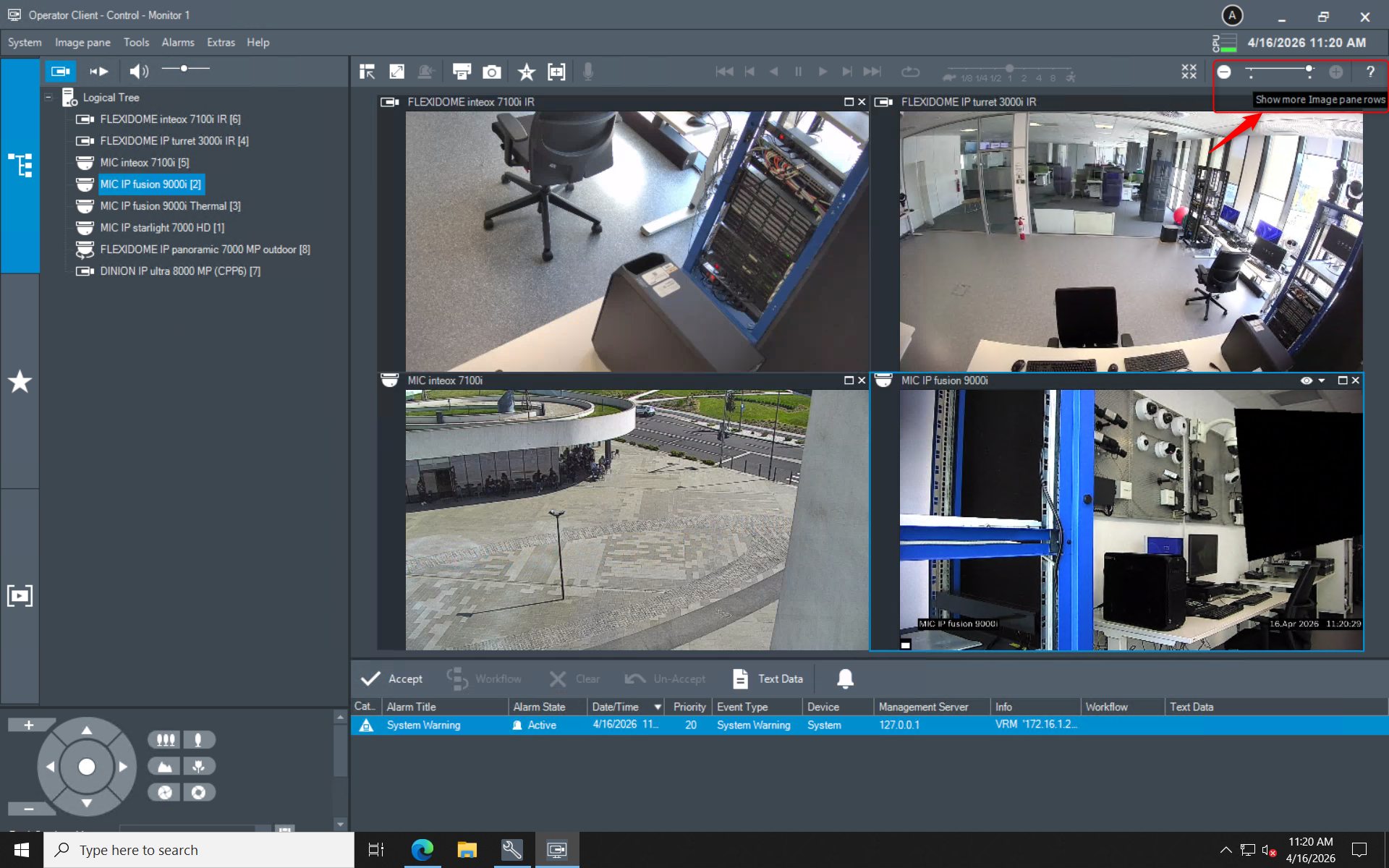
this is caused by the maximum number of image pane rows configured in the BVMS Configuration Client.
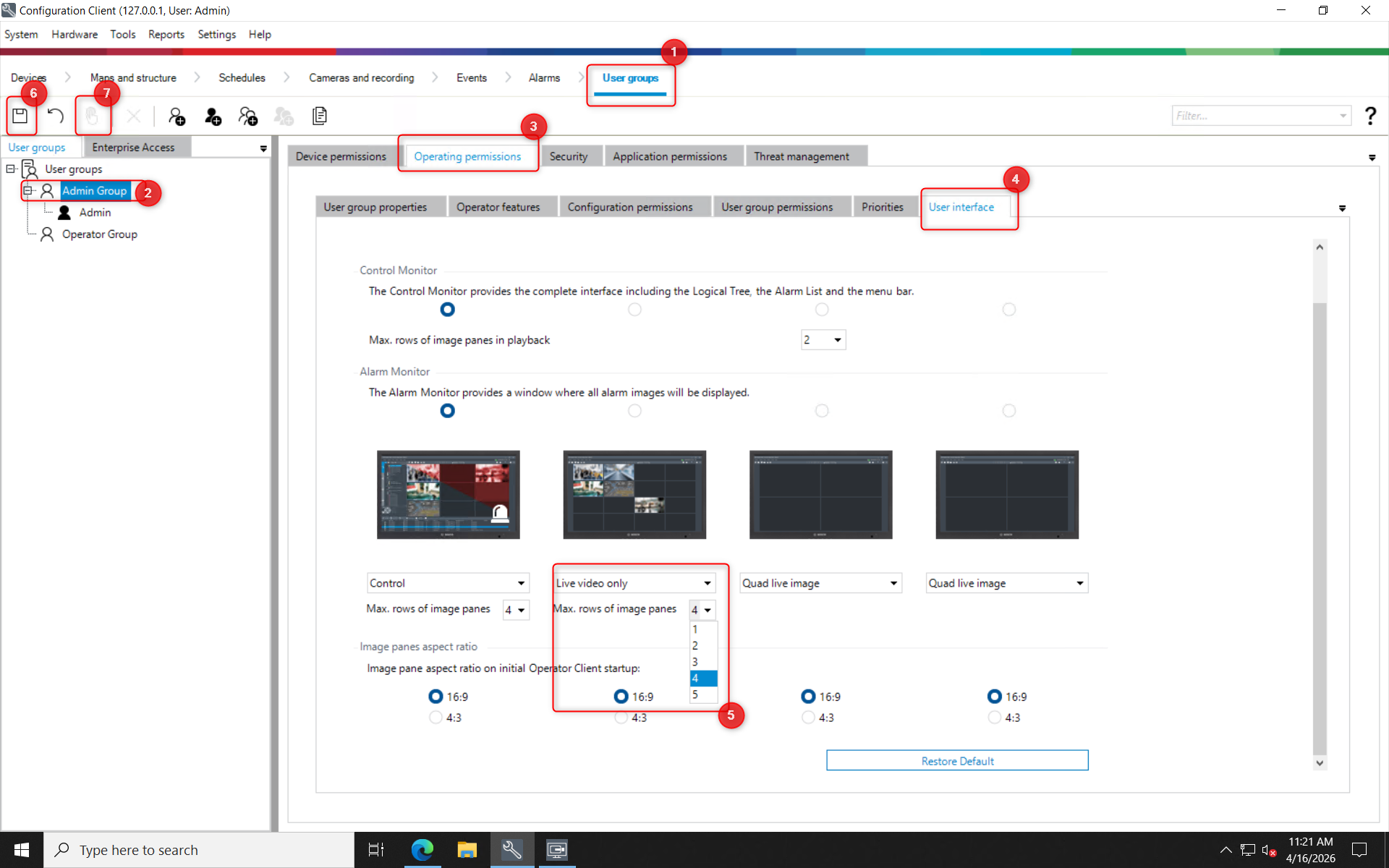
To increase the number of image pane rows:
-
Open BVMS Configuration Client & Select User groups
-
Select the user group for which you want to allow this change
-
Go to Operating permissions
-
Expand User Interface
-
Change the value for Max. rows of image panes as required
-
Click Save
-
Click Activate
In this example, 4 maximum rows of image panes were configured for Live video only:
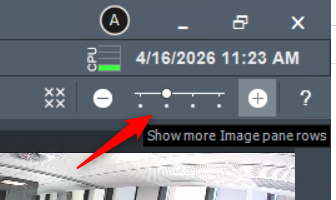
After this change is applied, the slider in the Operator Client will allow you to increase the number of image pane rows:
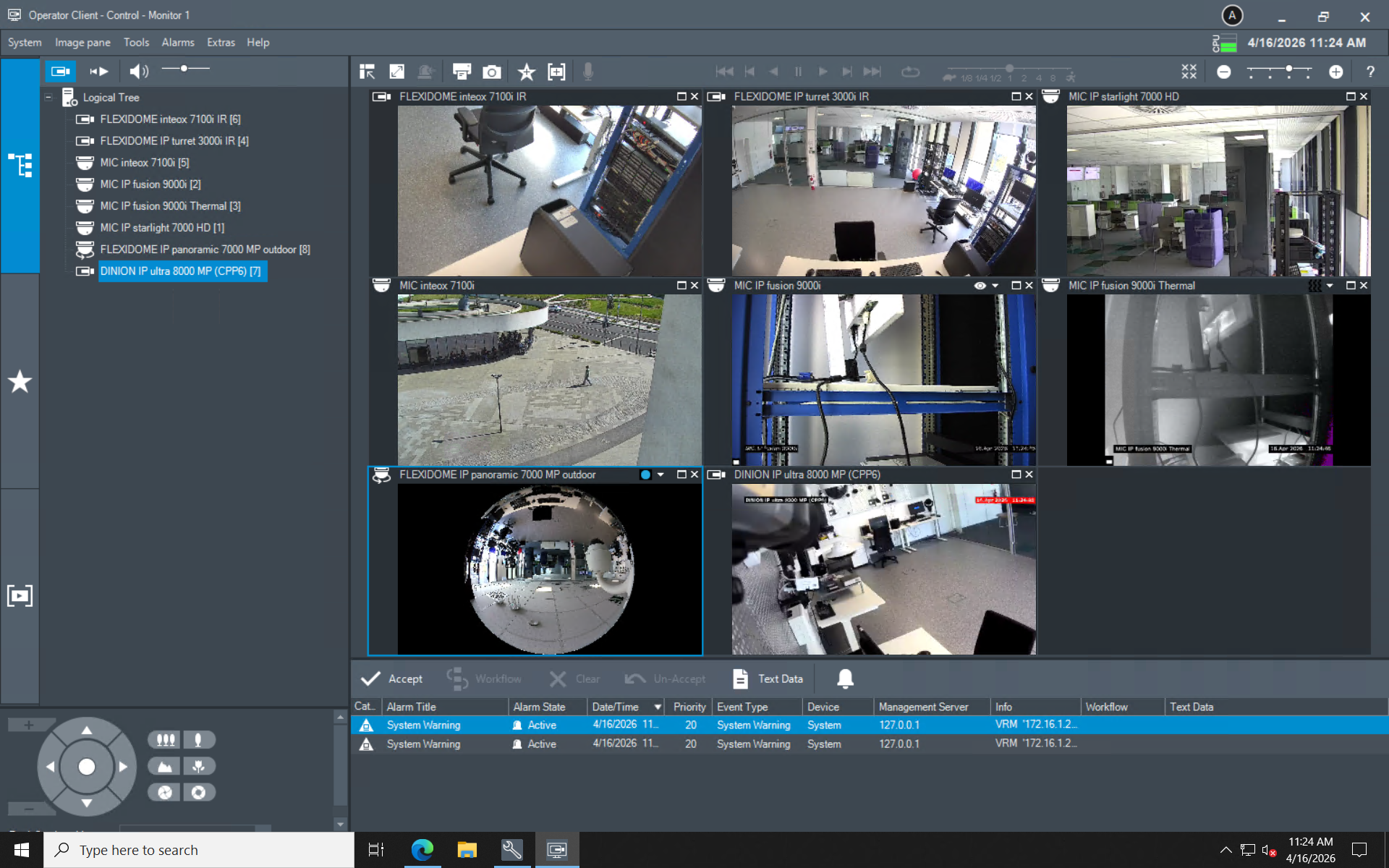
You will then be able to display more cameras in the Image Pane:

For more information about User Interface page, please refer to the BVMS Configuration Manual (page 332 - chapter 26.13 User Interface page)