
Question
Is BVMS v13.1 supported on Windows 11 version 25H2 Operating System?
Answer
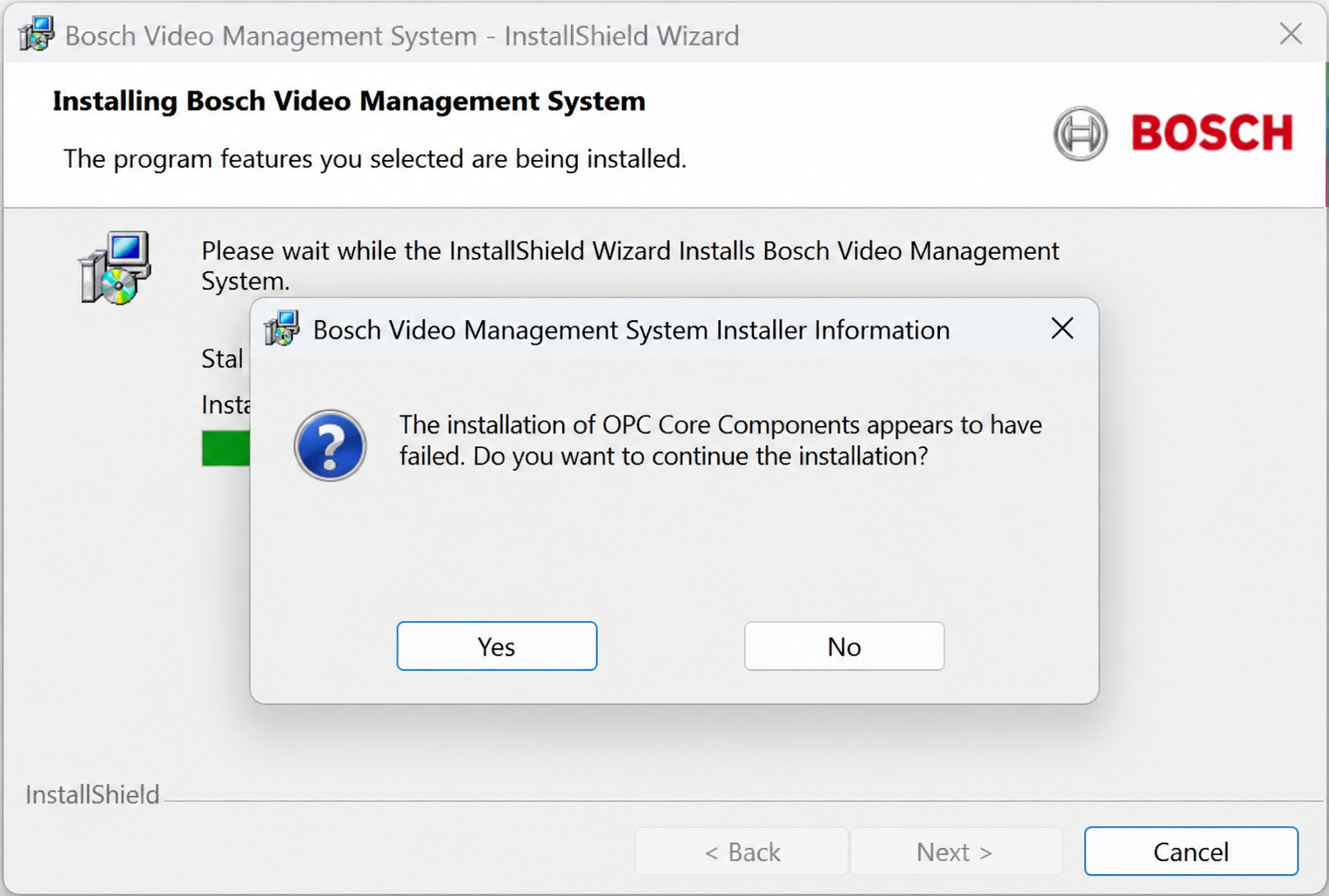
During the installation of BVMS 13.1 on a newer version of Windows 11 (25H2), an error occurs at the OPC Core Components installation stage.
The InstallShield Wizard displays the following message:
“The installation of OPC Core Components appears to have failed. Do you want to continue the installation?”
This issue occurs because, according to the BVMS 13.1 datasheet, the official supported and tested operating systems for BVMS 13.1 are:
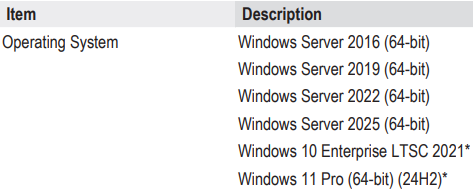
Newer Windows 11 versions, such as 25H2, are not listed as officially supported.