
Question
What RCP command can be used to run the self-test (BIST) for the CPP13 camera to find it's lower tilt limit?
Answer
Starting with firmware version 8.93, the “Start self-test” button is no longer available in the CPP13 camera’s Web GUI → Diagnostics menu.
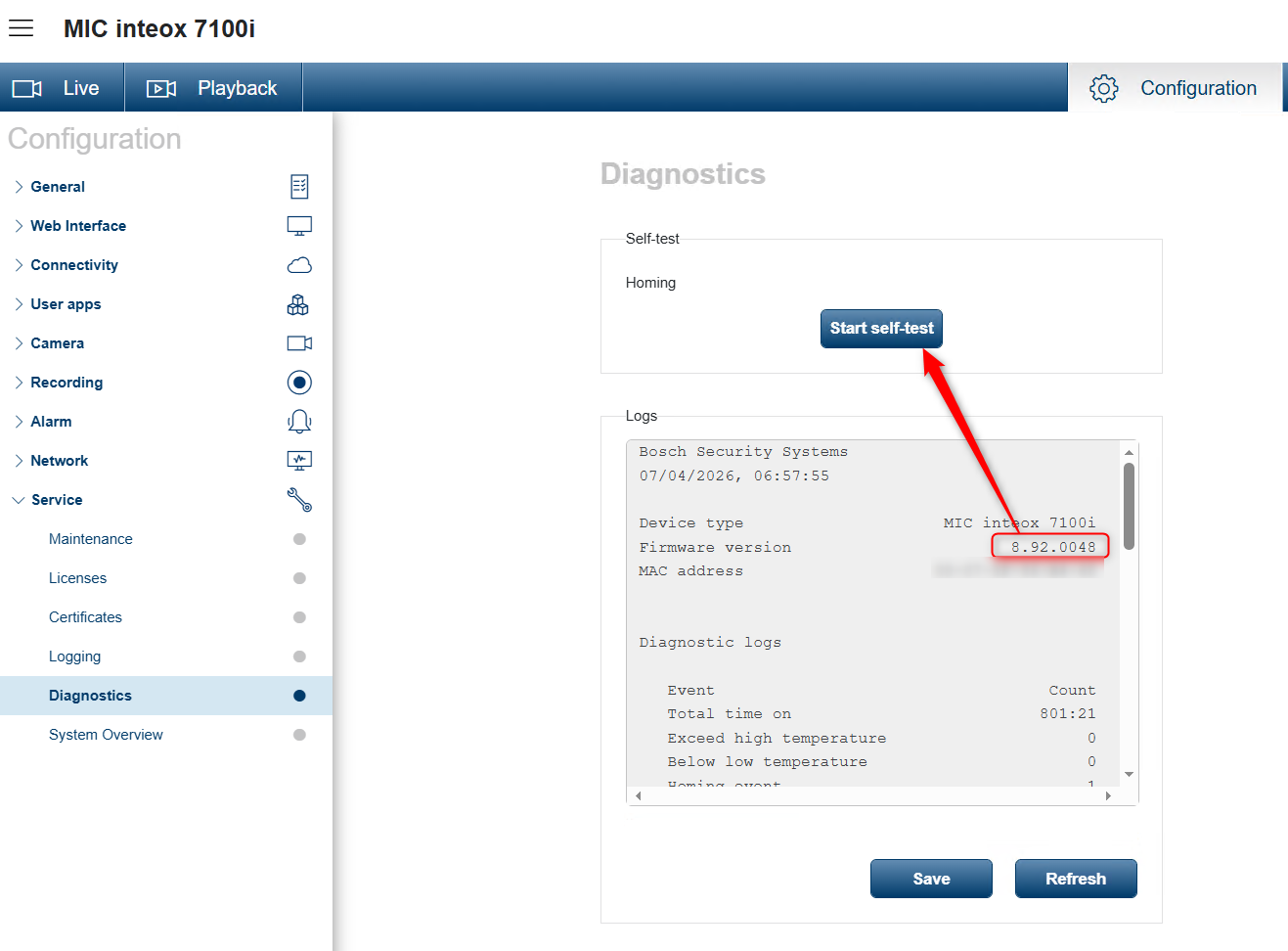
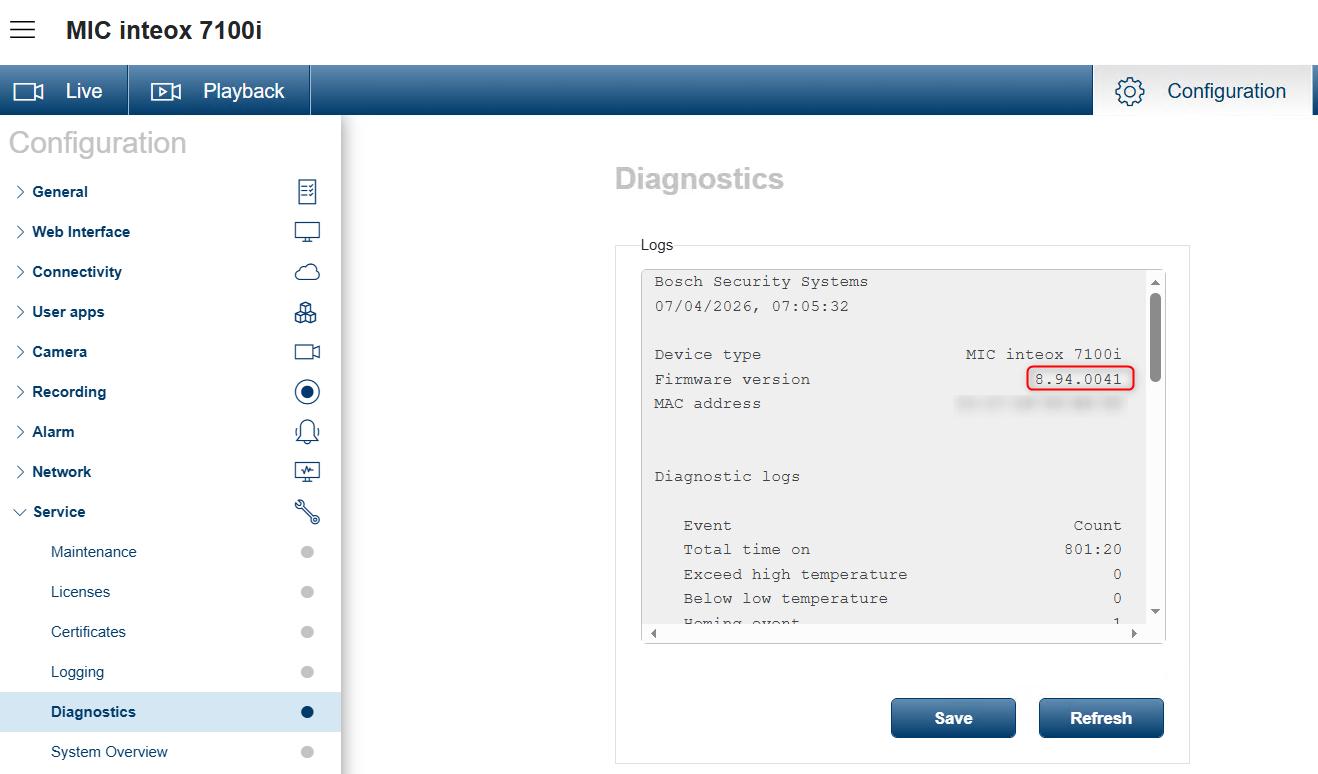
The Built-in Self Test (BIST) displays status Passed or Failed on the most recent homing event, not a counter. For the other items, a counter is maintained.
By clicking the button Start self-test, you’ll see the number of times that the camera:
-
performed a homing event.
-
failed to home properly.
-
restarted.
-
lost video.
Can you still perform a self-test without the button?
Yes, the same functionality is still available by using a direct RCP command.
You can run the self-test by sending the following command: https://camera-ip/rcp.xml?command=0x09a5&type=P_OCTET&direction=WRITE&num=1&payload=0x800006015080
This command triggers the same self-test process that was previously available via the GUI button.