Question
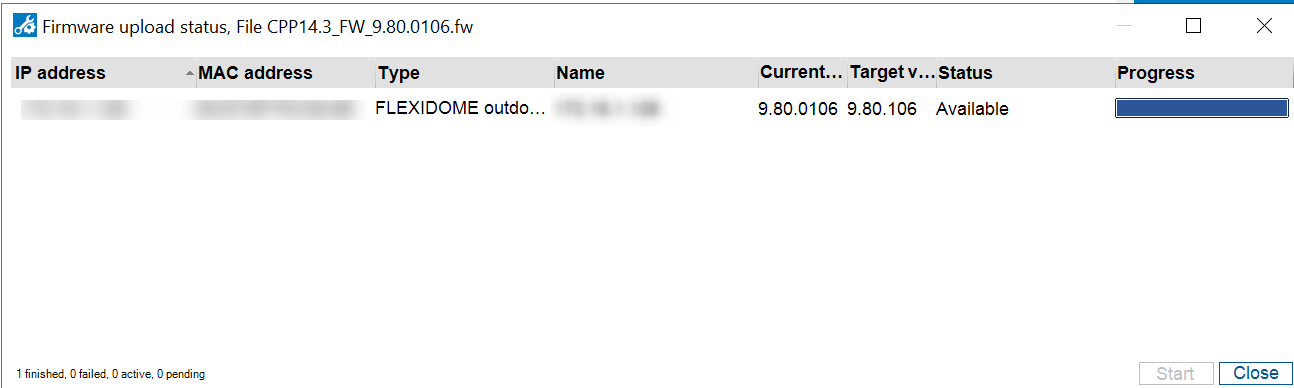
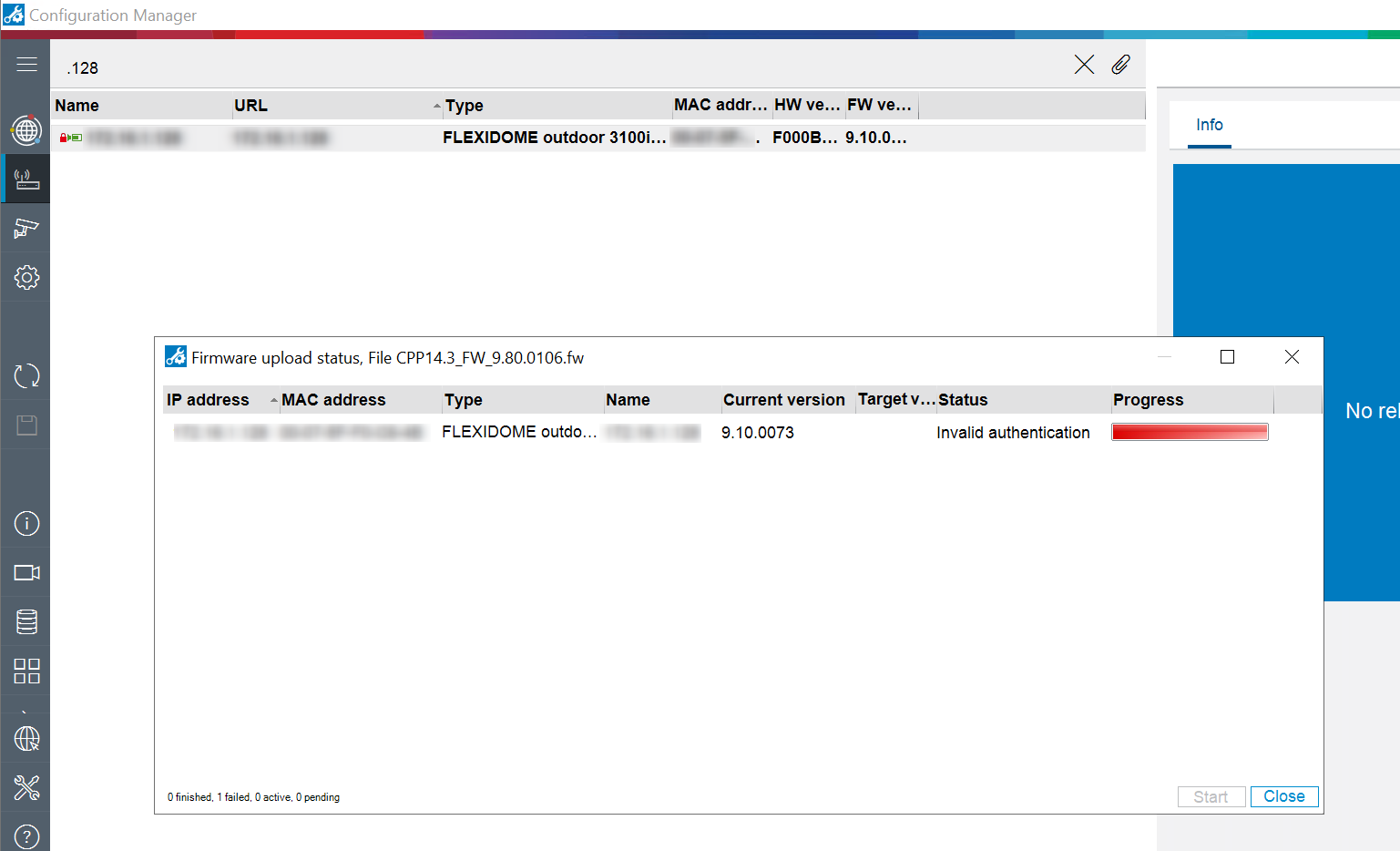
Why does the 'Invalid authentication' message occur during camera's Firmware upgrade?
Answer
This message appears because the camera was not authenticated before uploading the new firmware.
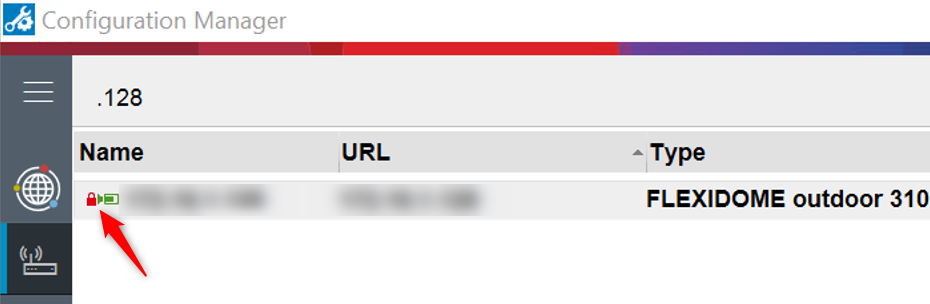
The padlock icon next to your camera’s name also indicates that the device is not authenticated:
To resolve this issue, follow these steps:
-
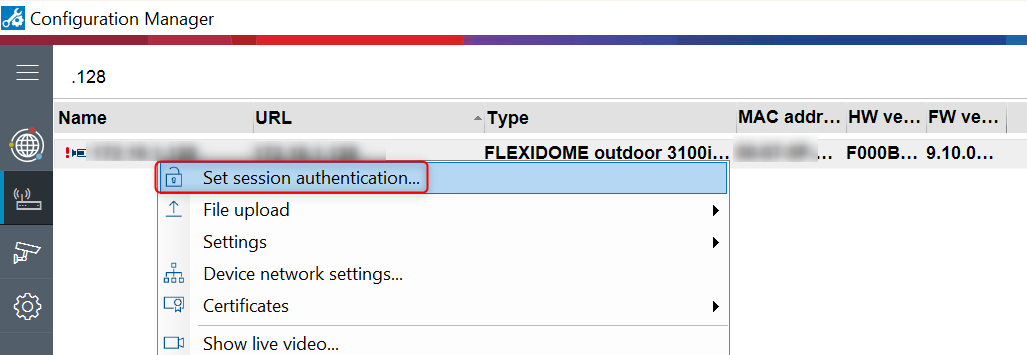
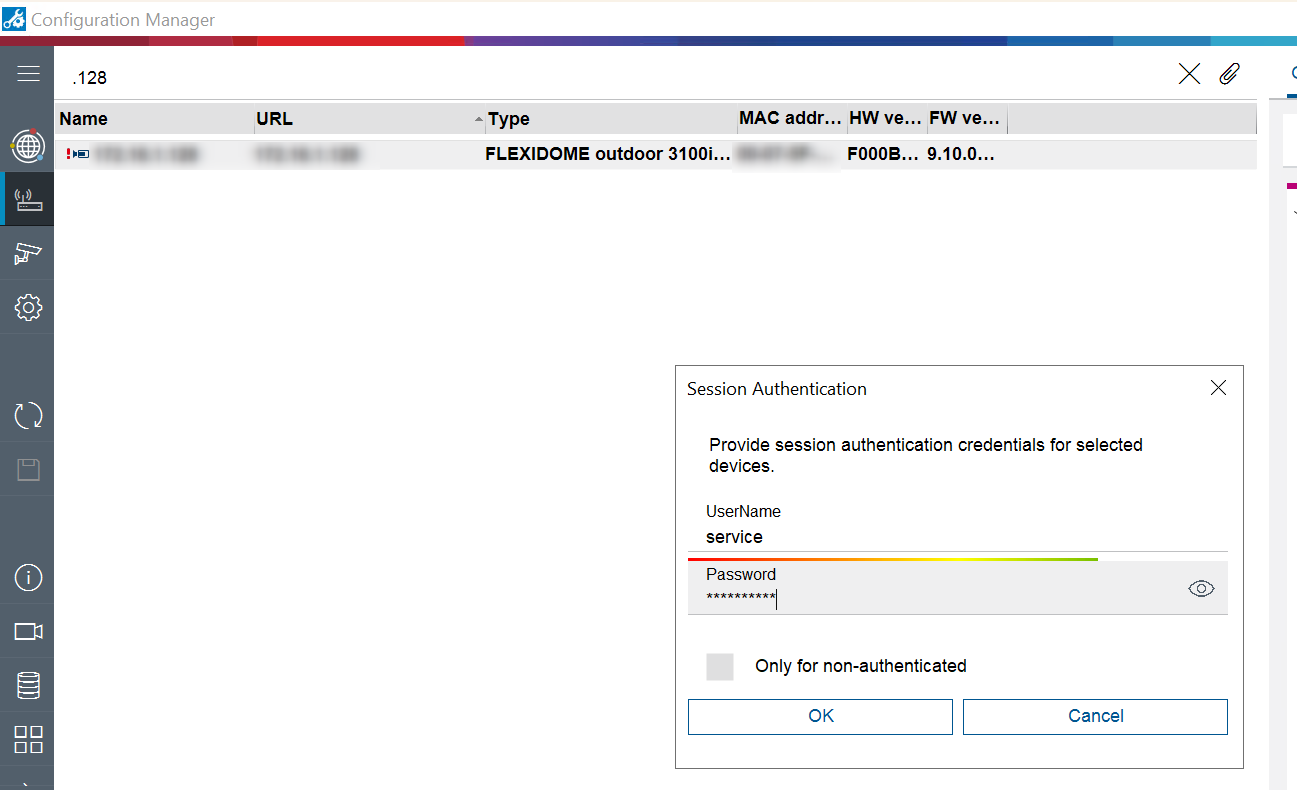
Right-click on your camera and select "Set session authentication…"
-
Enter the camera’s credentials and click OK
-
And retry uploading the Firmware on your camera.
After completing these steps, the firmware upgrade should be performed successfully.